Enterprise-Level Security
Map sensitive address data on a platform built with 256-bit SSL, role-based access controls, password-protected sharing, and audit logs so the data stays inside your team.
Maptive Security That Holds Up
256-bit SSL encryption: Address data moves in transit and rests in storage under 256-bit SSL, so customer fields and personal identifiers stay protected inside Maptive.
Role-based access controls: Set view, edit, and admin roles per user so analysts build maps, leads can share them, and only admins can export or remove data from any map.
Single sign-on (SSO): Connect Maptive to your identity provider so the team logs in with work credentials and access is removed from the IdP the moment a person leaves.
Multi-factor authentication: Turn on MFA across the account so a stolen password cannot get into Maptive, plus password validation and reset rules built into the platform.
Password-protected sharing: Pick Password Protected as the privacy level inside Shared/Display Maps or Embed Map, and anyone opening the link types the password first.
Audit logging and auto logout: Activity logging records account and map actions, and idle sessions sign out automatically so a forgotten browser tab is not a back door.
Map Sensitive Data Confidently
Cut Manual Password Sprawl
Throttle Edit and Export
Keep Maps Off Search
Show Auditors a Trail
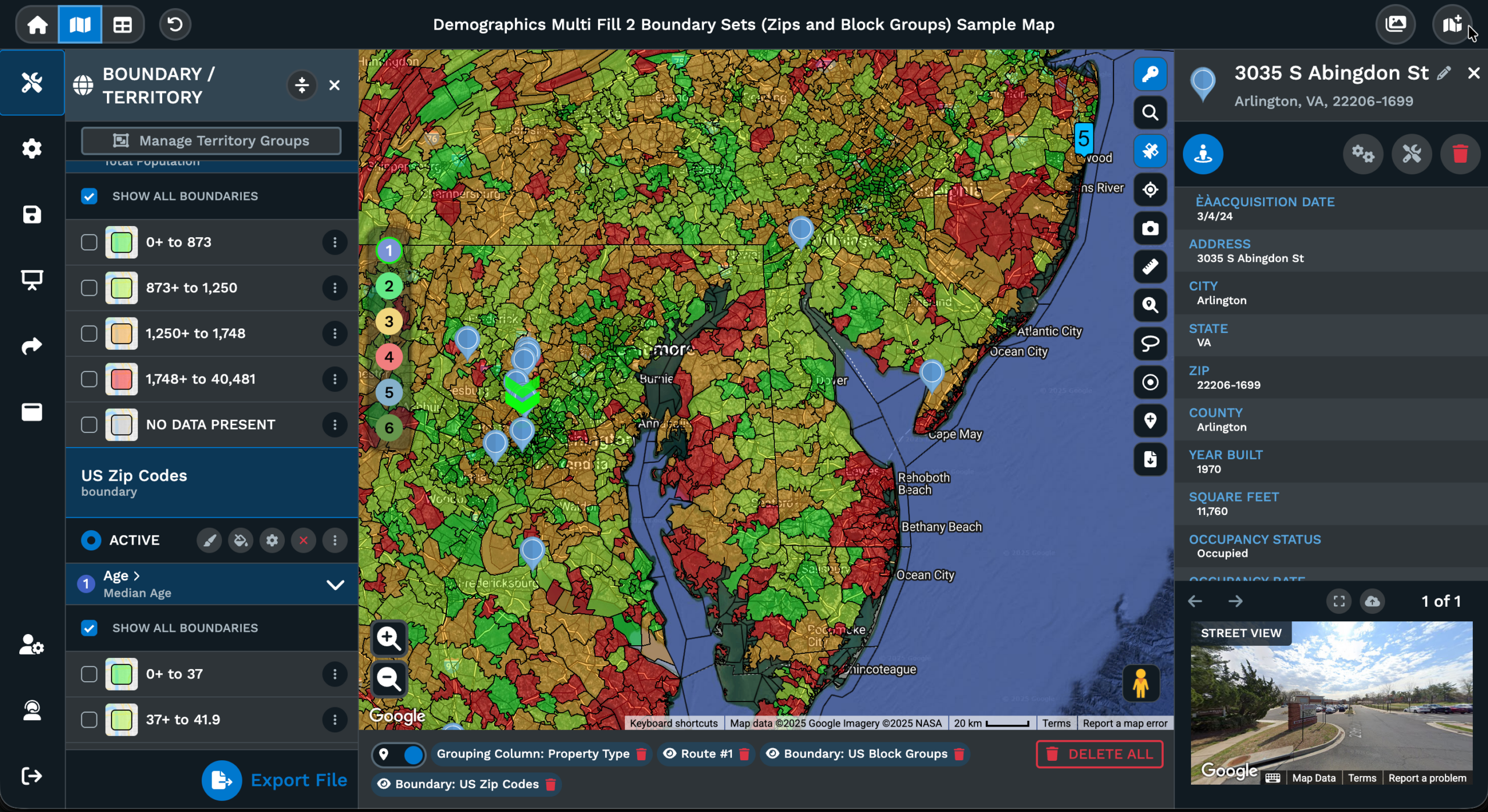
Match Vendor Review Asks
Map Data Security at Maptive
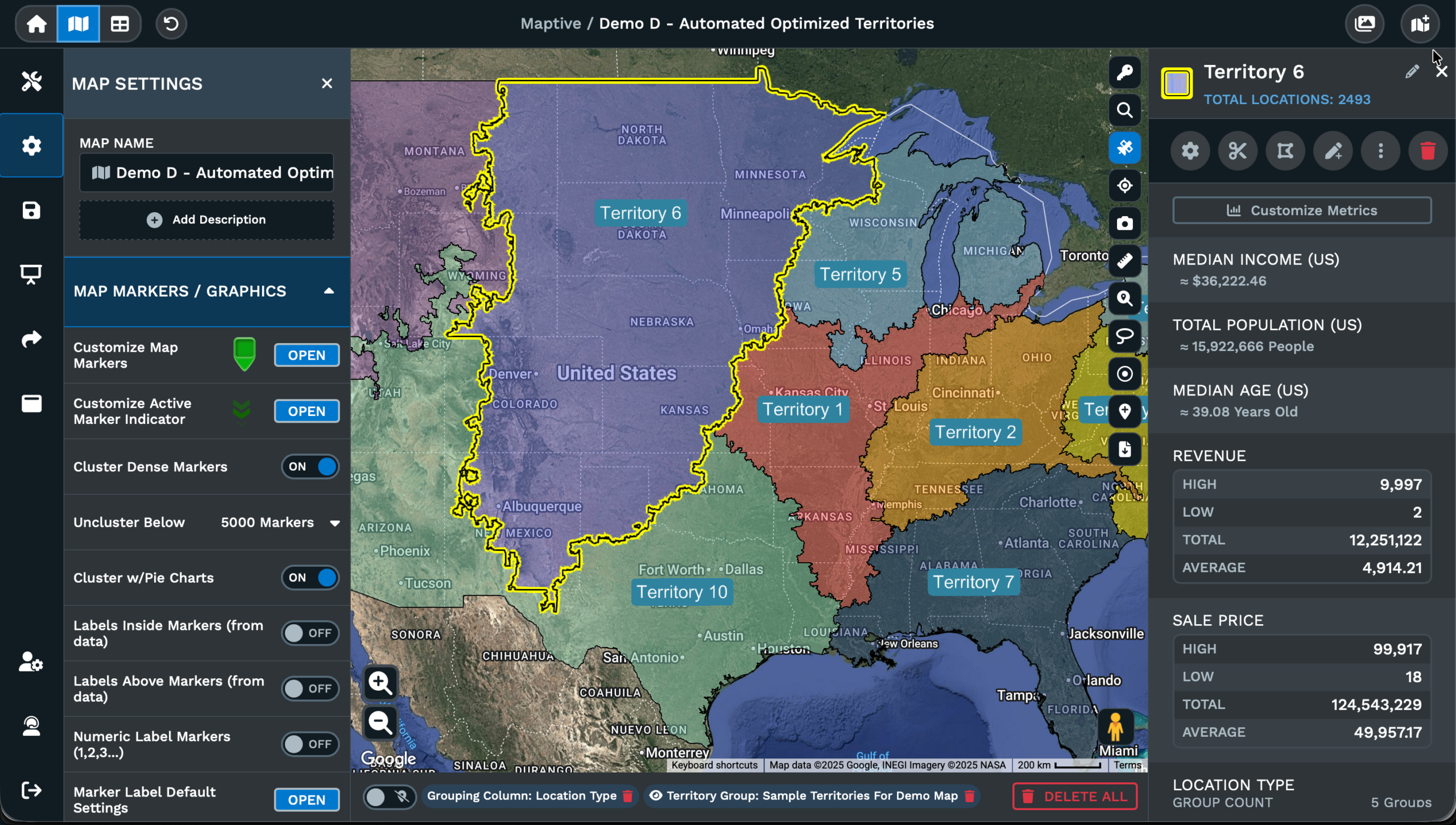
Encryption Across Maptive
Encryption is the baseline question security teams ask before any address data goes into a mapping vendor. Maptive runs all data in transit on 256-bit SSL, the high encryption standard published on its security page, and protects the same data at rest in storage. The cover holds for the rows you upload, the coordinates, the maps you save, and the data you export from the platform.
The platform sits on cloud infrastructure with redundant backups, disaster recovery systems, and Cloudflare endpoint protection in front of the application. A 24/7 server intrusion monitoring program watches the perimeter, and the platform is penetration tested for vulnerabilities on a regular basis. White paper documentation also records 99.9% platform uptime in 2025 with zero major documented outages.
Account-level protection rounds out the picture. Multi-factor authentication, single sign-on integration, password validation rules, password reset rules, and auto logout for idle sessions are all part of the published security posture. Pair the account controls with role-based permissions on each map and the cover runs from the network edge into the cloud storage, and from storage out to every account user.
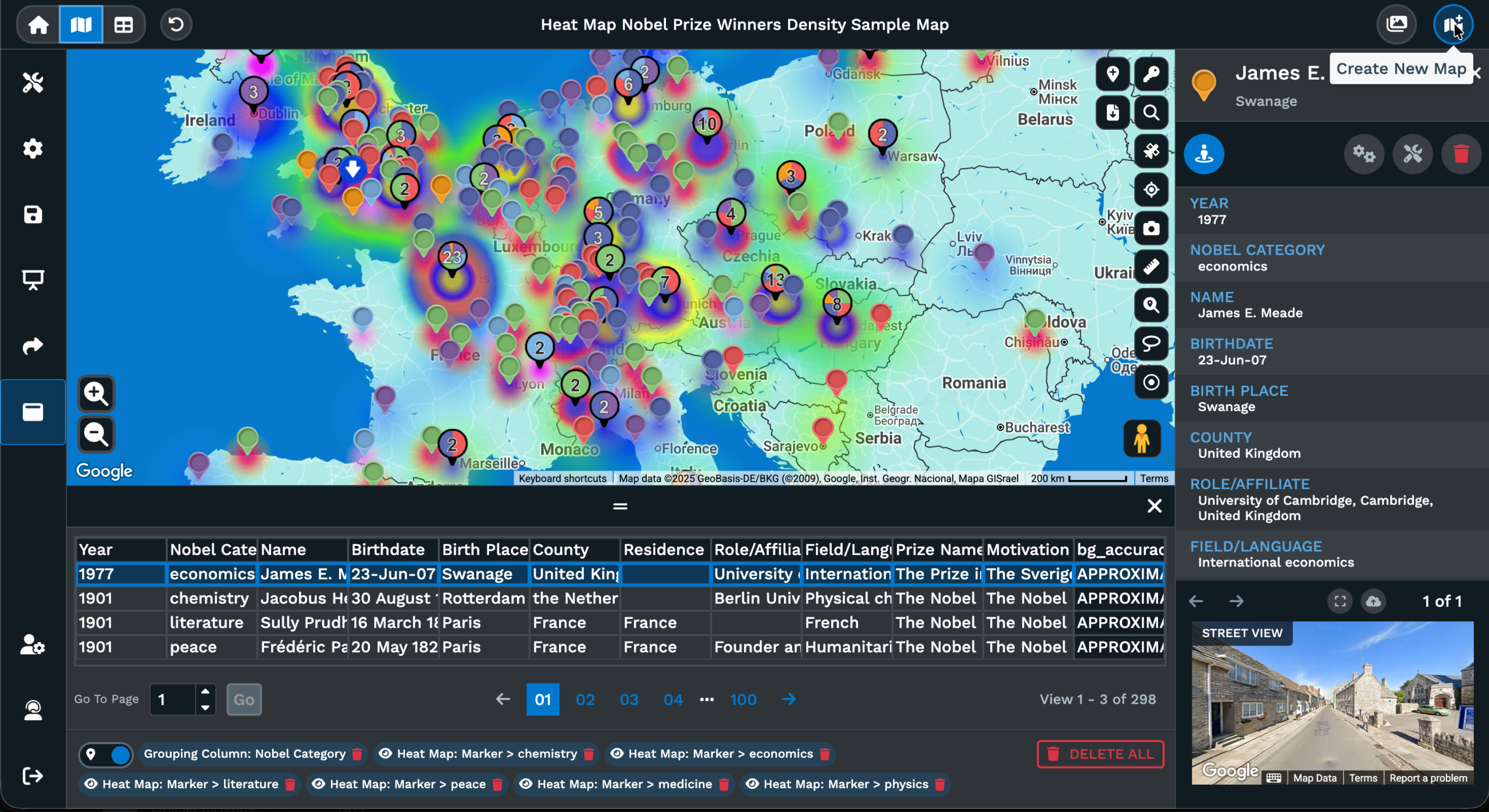
Access Roles in Maptive
Access controls inside Maptive run at the account level and at the map level. Single sign-on connects the account to your identity provider so users log in with the same work credentials used across the rest of the stack. Multi-factor authentication protects every login, password validation and reset rules enforce strong credentials, and idle sessions sign out automatically through auto logout features.
On the map side, role-based access controls assign each user a role. Analysts can build, leads can share, and only admins can export or remove data. The Team Map Share dialog offers editing capabilities or view-only per teammate as a per-map setting, and only a single user can edit a map at a time to prevent contradicting changes. Viewer access restrictions also cover which data columns and tools a shared map shows.
The result is a layered model that fits enterprise teams. Account access gates who can sign in, role-based controls gate what each user can do inside, and per-map sharing controls gate what gets exposed to external viewers through a share link. Audit logging records the activity, so the picture from sign-in through map edit through share link sits on the record for a review.
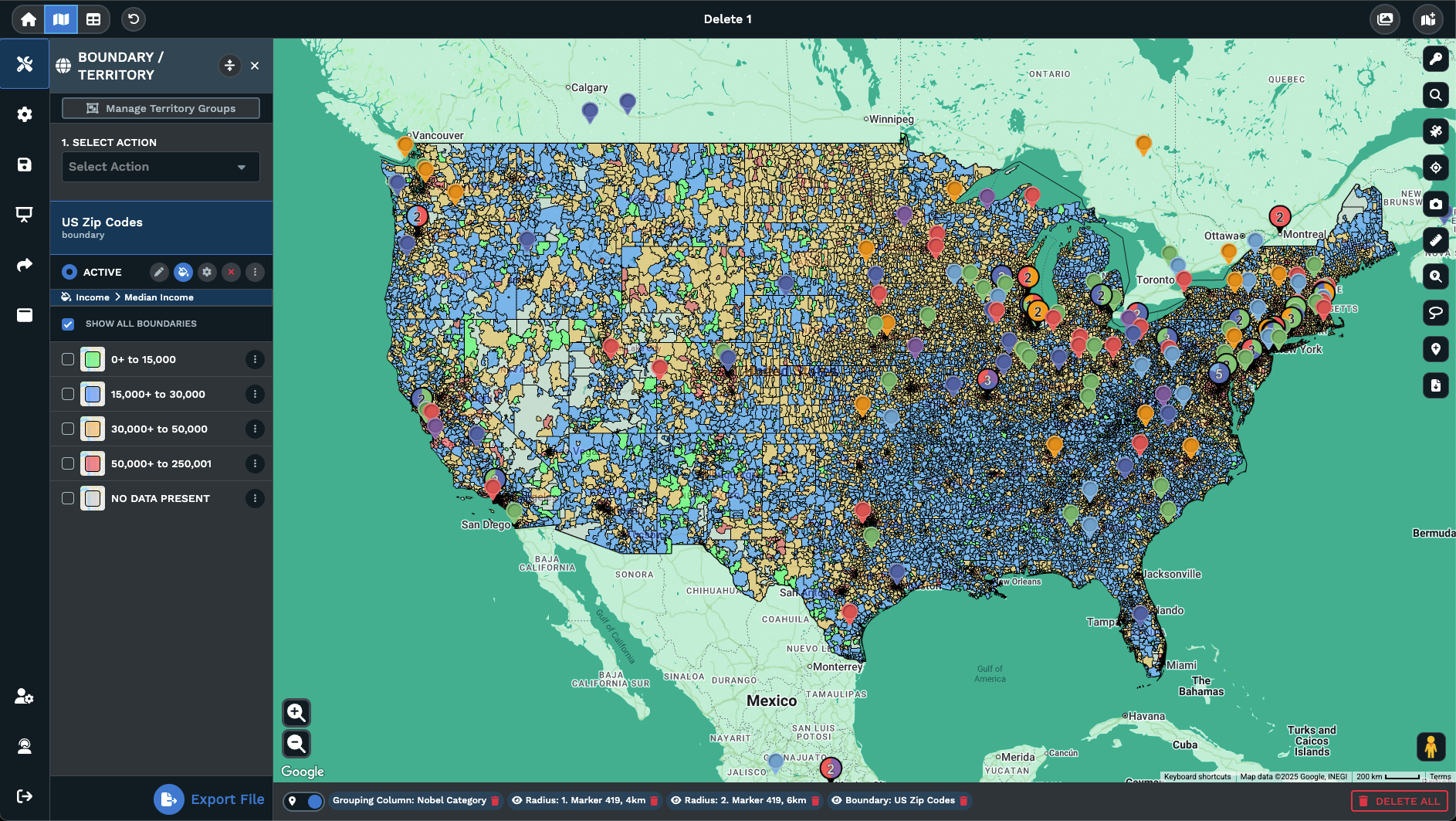
Sharing and Privacy Levels
Sharing a map in Maptive offers 2 privacy levels for public links and embed codes. Password Protected gates the link behind a password viewers have to type before any markers render, and Public posts the map without that gate for cases where the data is meant to be open. The privacy level is picked in Shared/Display Maps from the Settings menu, or through the Share icon on the left rail.
The same dialog also controls what gets shared. Pick the primary default map view or a custom map view with filters, routes, and zoom levels already applied. Create a fresh Map View and rename it before sharing, then pick the sharing method. Email the link from the dialog or copy the link to paste anywhere, and the Embed Map option produces an HTML snippet for a website with adjustable width and height.
For internal sharing, Team Map Share runs through the 3-dot menu on the home screen. Pick a teammate, set editing capabilities or view-only, and repeat per user. Team Map Share needs multiple licenses purchased together, and only a single user can edit a given map at a time to keep changes from colliding. The split between public sharing and team sharing keeps external and internal work on separate tracks.
FAQs About Enterprise-Level Security
Is Maptive secure for mapping customer or employee address data?
Yes. Maptive publishes 256-bit SSL encryption for data in transit and at rest, multi-factor authentication, single sign-on integration, role-based access controls, audit logging, and password validation rules as part of the platform. The infrastructure runs with redundant backups, Cloudflare endpoint protection, 24/7 server intrusion monitoring, and regular penetration testing. The platform is browser-based, so the same security cover holds across every device the team uses without an install. Upload your xlsx, csv, or Google Sheets data and build the maps you need.
Does Maptive support single sign-on (SSO)?
Yes. Single sign-on integration is part of Maptive's security feature set, documented on the security page and the technical white paper. Connect Maptive to your identity provider so users sign in with the same work credentials used across the rest of the stack, and access is removed from the IdP when a person leaves. Multi-factor authentication is also supported on the account for layered protection on every login. SSO and MFA together reduce password sprawl and cut offboarding risk on every exit.
How does Maptive handle password-protected map sharing?
Open the map, click the Settings icon on the left rail, then pick Shared/Display Maps. Inside, pick Embed Map or use the Share icon directly. Select Password Protected as the privacy level, set the password, pick the map view to share, then copy the share link or grab the HTML embed snippet. Anyone opening the link has to type the password before any markers render. Public stays an option for cases where the map is meant to be open to the web.
Can I assign different roles to teammates on a map?
Yes. Open the home screen, click the 3-dot menu next to a map, and pick Team Map Share. The dialog lets you pick a teammate and set editing capabilities or view-only as the role for that user. Repeat per teammate. Team Map Share requires multiple licenses purchased together. Only a single user can edit the map at a time to prevent contradicting changes. Pair the per-map role with account-level role-based access controls covering build, share, export, admin, and delete work.
Where is my data stored and is it encrypted?
Maptive runs on cloud infrastructure with redundant backups and disaster recovery systems documented on the security page. Data in transit and data at rest both move under 256-bit SSL encryption, the high encryption standard the platform publishes. Cloudflare endpoint protection sits in front of the application, a 24/7 server intrusion monitoring program watches the perimeter, and penetration testing covers the platform. The technical white paper also lists regional data storage selection for compliance requirements when location of storage matters for the project.
Does Maptive keep an audit log of activity?
Yes. The technical white paper lists comprehensive audit logging as part of the platform's security architecture, alongside role-based access controls and granular permissions. Account and map activity is captured in the log so the platform has a record of what was done in the account. Pair the log with role-based permissions and password-protected sharing for a layered picture of who has access to what. The log gives an internal review or compliance check a record to point to instead of guesses.
Has Maptive passed any third-party security review?
Yes. The Maptive technical white paper records that the platform has passed the Salesforce AppExchange security review, a third-party assessment used by enterprises before approving a vendor. The published security feature set covers 256-bit SSL, multi-factor authentication, single sign-on, role-based access, audit logging, and regional data storage selection. Organizations including the US Department of Energy, Amazon, General Electric, Coca-Cola, Capital One, and Stanford Hospital are listed as Maptive customers, which signals the platform has moved through enterprise vendor reviews before.
Does Maptive offer regional data storage for compliance?
The Maptive technical white paper lists regional data storage selection as part of the security and integration feature set, made available for compliance requirements that depend on where data sits geographically. Pair the regional storage selection with role-based access controls, audit logging, password-protected sharing, and SSO for an account model that fits enterprise compliance asks. For the specifics of which regions are supported for a given account or project, please contact Maptive sales or support before uploading the data set.
Can I limit who can edit, export, or delete a map?
Yes. Role-based access controls assign each user a role across the account, so analysts can build, leads can share, and only admins can export or delete data on the map. The Team Map Share dialog also lets you grant editing capabilities or view-only on a per-map basis. Only a single user can edit a given map at a time to prevent contradicting changes from colliding. Granular viewer access restrictions cover which data columns and tools a shared map shows to its viewers.
What security features does Maptive publish on its security page?
Maptive's published security page lists redundant backups and disaster recovery systems, 256-bit SSL encryption, 24/7 live server intrusion monitoring, network security architecture built from the ground up, penetration testing, Cloudflare endpoint protection, framework usage, customized access controls with user privilege levels, password-protected maps, password validation and reset rules, and auto logout for idle sessions. The technical white paper adds multi-factor authentication, single sign-on, role-based access controls, audit logging, and regional data storage selection. Pair the lists with the Salesforce AppExchange security review for the full picture.