


Zoho CRM Mapping Software
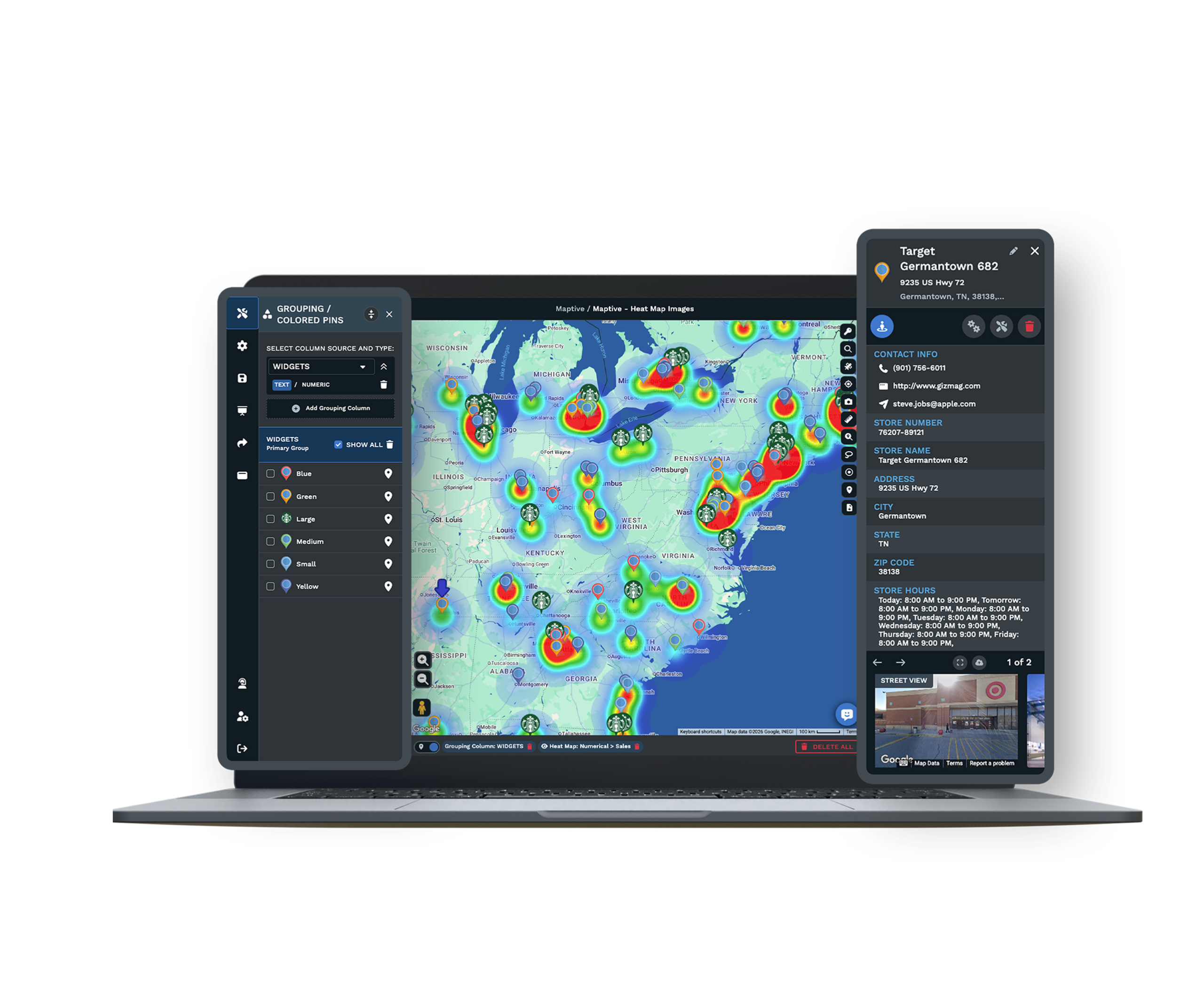
Can you get your Zoho CRM data onto a map? Export Leads, Contacts, or Deals, upload the file, and Maptive plots every record by address. Build territories and plan routes from one view.
No credit card required
- Import leads, contacts, and deals
- Plot records by address
- Color by any Zoho field
- Filter to one segment
- Build territories by ZIP or county
- Add census demographics
- Import leads, contacts, and deals
- Plot records by address
- Color by any Zoho field
- Filter to one segment
- Build territories by ZIP or county
- Add census demographics
Trusted by teams at
















Which Zoho CRM Modules Can You Map?
Not sure which Zoho modules you can use? Leads, Contacts, Accounts, and Deals all export to CSV, and any of them can go on the map. Keep the address fields in the export and Maptive places each row for you, including the messy ones. Custom fields come through too, so you can color and filter by whatever your team tracks.
The Hallelujah Chorus played in my head when I discovered Maptive. Everything we wished for when we started our path.
How to Get a Zoho Module Into Maptive
-
1
Export from Zoho CRM
Export a module such as Leads, Contacts, or Deals to a CSV, keeping the address fields you want on the map.
-
2
Upload to Maptive
Add the file to Maptive, paste from a Google Sheet, or connect the Maptive API for a live feed.
-
3
Maptive maps your records
Geocoding places each record by address and fixes messy rows, so your Zoho data becomes an interactive map fast.
-
4
Group, filter, and route
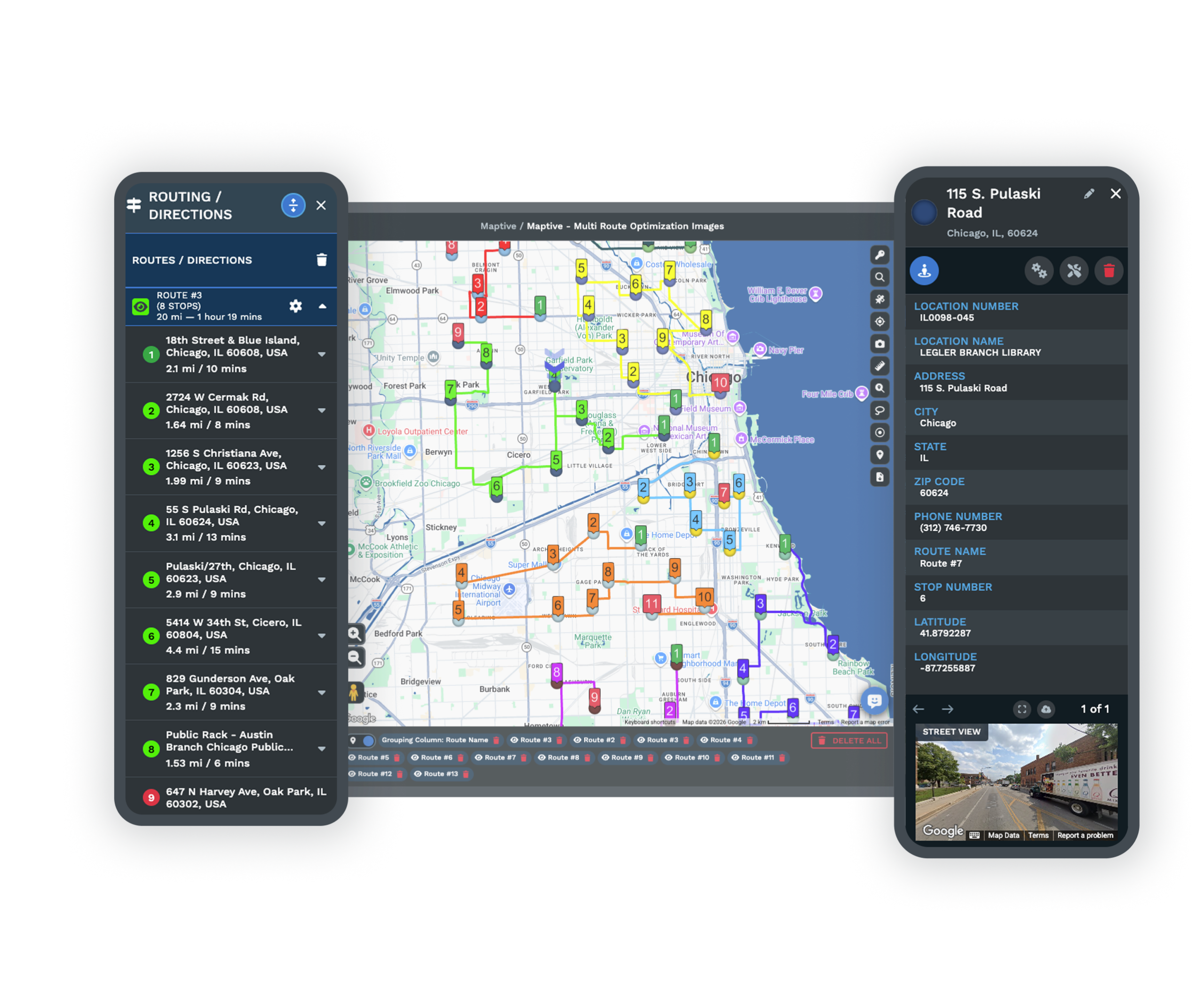
Color records with the Grouping Tool, build territories, or add demographics. This page is part of Maptive CRM mapping software.
Put a Zoho Export on the Map, Free for 10 Days
Start a 10-day free trial with every tool unlocked. Export a Zoho module, upload it, and see your records on a map in the first session. A specialist can walk through your data on a demo.
No credit card required
Zoho CRM Mapping FAQ
Can Maptive map data from Zoho CRM?
Yes. Export a module such as Leads, Contacts, or Deals as a CSV, or connect through the Maptive API, and Maptive plots each record by address for mapping, routing, and territories.
How do I import Zoho data into Maptive?
Export the module you want from Zoho with its address fields, then upload the CSV to Maptive or paste it from a Google Sheet. Your records are geocoded and mapped in the first session.
Can I color the map by a Zoho field?
Yes. Group and color pins by any column in your export, like owner, stage, or a custom field, so segments are easy to tell apart on the map.
Can I build territories from Zoho records?
Yes. Group ZIP codes, counties, or states into territories, or draw your own, then read the records and value inside each area.
Do I need coding to map Zoho data?
No. Upload a spreadsheet or paste a Google Sheet and Maptive maps it through menus. The API is available for a live feed, but an export is the fastest start.
Is my Zoho data secure in Maptive?
Yes. Maptive uses 256-bit SSL encryption, single sign-on, two-factor login, and role-based access, and it has passed the Salesforce AppExchange security review.








