


Mapping Software for Teams
Need one map your whole sales team can work from? Maptive replaces scattered spreadsheets with a shared map, balanced territories, and permissions that control who sees what.
No credit card required
- One shared map for the team
- Viewers need no account
- Per-link viewer permissions
- Balanced territories by data
- Password-protected or public
- Embed on your intranet
- One shared map for the team
- Viewers need no account
- Per-link viewer permissions
- Balanced territories by data
- Password-protected or public
- Embed on your intranet
Trusted by teams at
















What Our Customers Say About Us
See what others have to say about Maptive.
What Your Team Does Inside Maptive
Everyone works from one shared map instead of a stack of spreadsheets, and you decide for each link what a viewer can see and change.
| 01 |
Share One Map by LinkYou can email a map link from inside Maptive or paste it into your own message. Everyone you send it to opens the same map, and viewers need no account of their own to read it. |
| 02 |
Set Granular Viewer PermissionsYou decide what each viewer can do. Turn the grouping, filter, radius, and territory tools on or off, hide the data columns they should not see, and keep editing locked or open. |
| 03 |
Choose Password-Protected or PublicSet a shared map to password-protected for a controlled group, or public for anyone holding the link. A public map is reachable only through the link, not through a web search. |
| 04 |
Embed and Present the Same MapYou can embed a live map on an intranet, website, or blog with one line of HTML, sized to fit the page. A presentation view opens the same map clean for a meeting or a client review. |
| 05 |
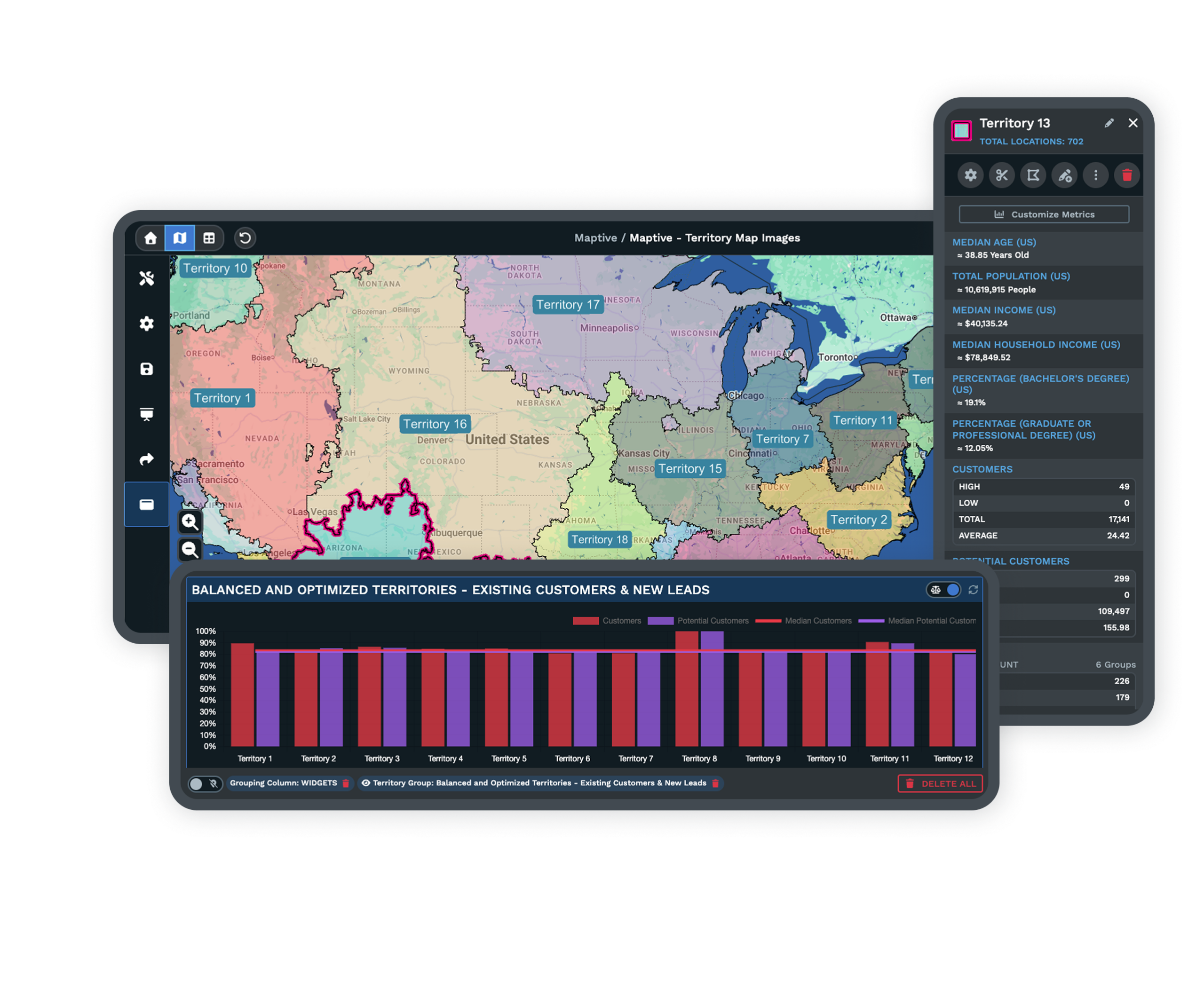
Build Balanced, Shareable TerritoriesYou can build even territories by the data field you choose, such as account density, then share each one. The owner adjusts a boundary and re-shares without rebuilding the file. |
From Separate Files to One Shared Map
Before a shared map, the team's reality is a stack of files, one per rep, plus a manager's master that went stale a week ago. The first Monday meeting on a shared map is calmer, because nobody asks which version they are looking at when everyone opens the same link.
Reps read their goals as places on the map rather than numbers in a cell. The manager who used to reconcile versions sends one link and spends that hour on planning. Sharing happens by emailed link, a copied URL, or an embed on the team intranet, so you can share and embed a map without another tool to learn.
Sharing Without Handing Over Control
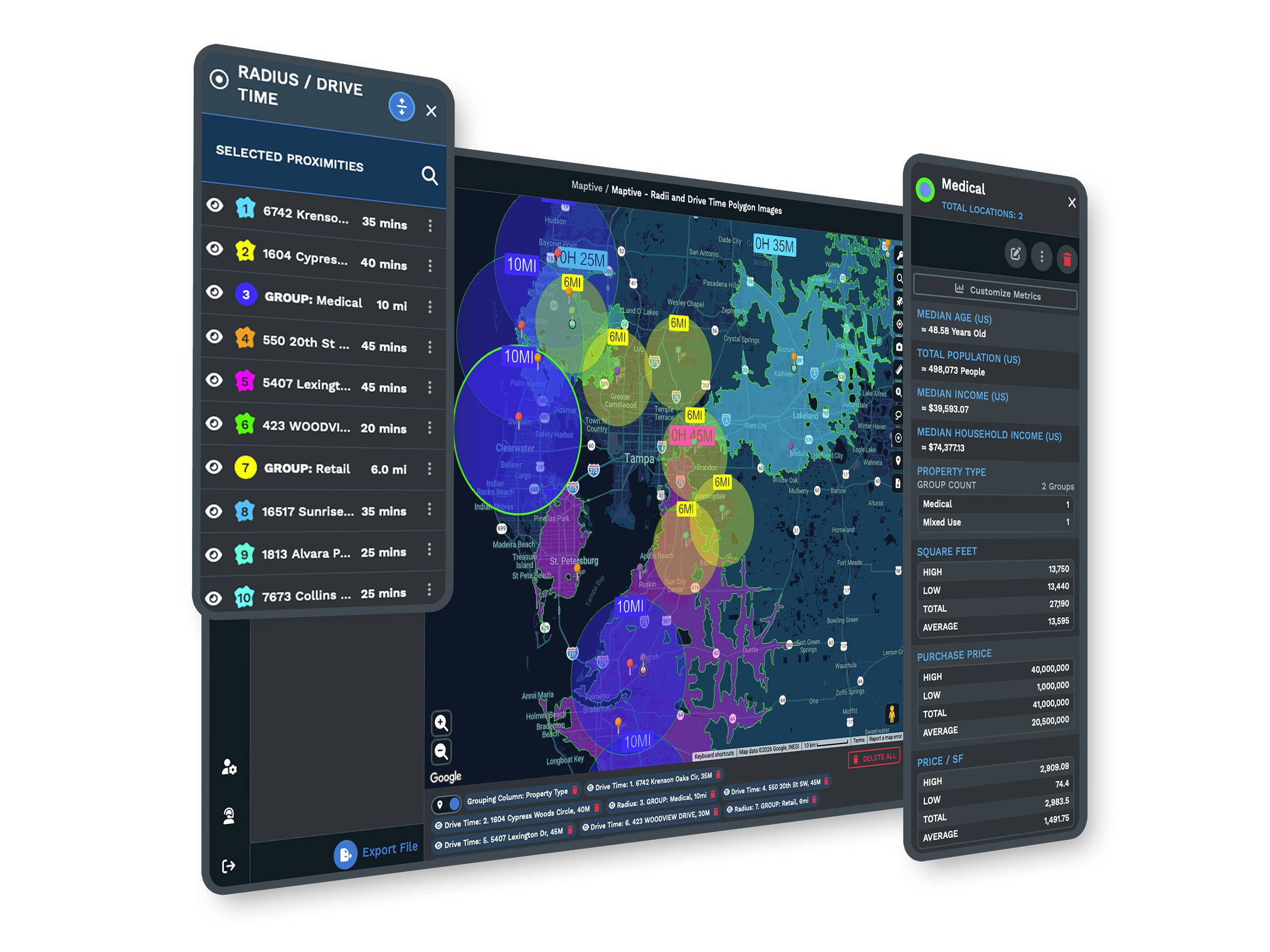
The worry with sharing a map is that someone changes it or sees data they should not. Maptive answers that with control over every share. You send leadership or a client a view-only map, hide the columns that are not theirs, and lock editing so the picture cannot be altered.
A password keeps the map to a set group, while a public link opens for anyone you send it to without exposing the map to search. Viewers open it, filter it, and read a territory without a license of their own, and nothing they touch changes the data underneath. The team shares freely, and the owner keeps control of the data.
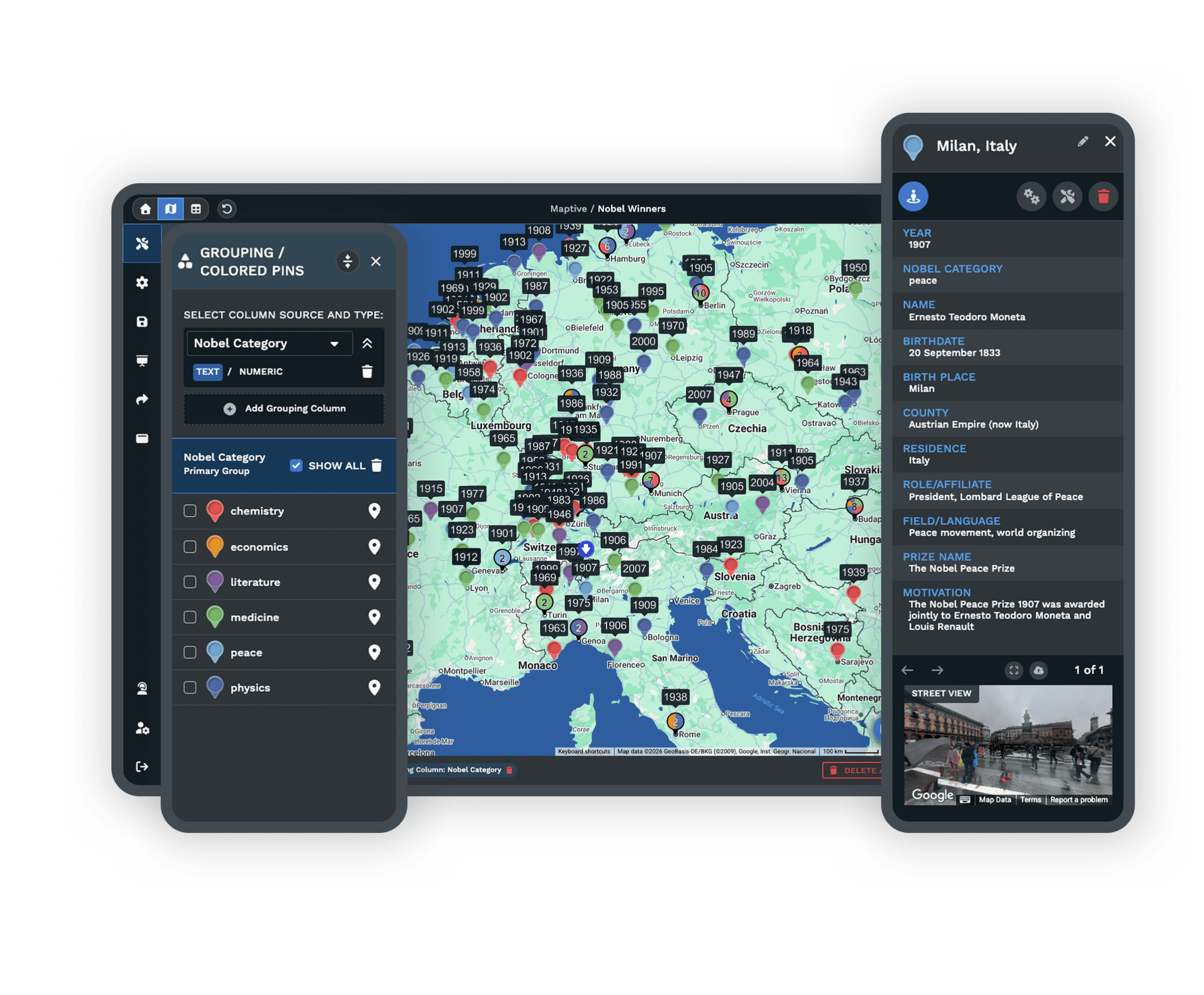
Balanced Territories Everyone Can Open
Even territories start with the data, not a guess. You pick a field such as account density, and the automated territory tool builds evenly weighted zones from it. You preview the result and adjust any boundary by hand before you share it.
Once a territory is set, you send each rep a link scoped to their own area. When the workload shifts, the owner moves a boundary and re-shares the same link, so nobody rebuilds the file and the field always reads the current map.
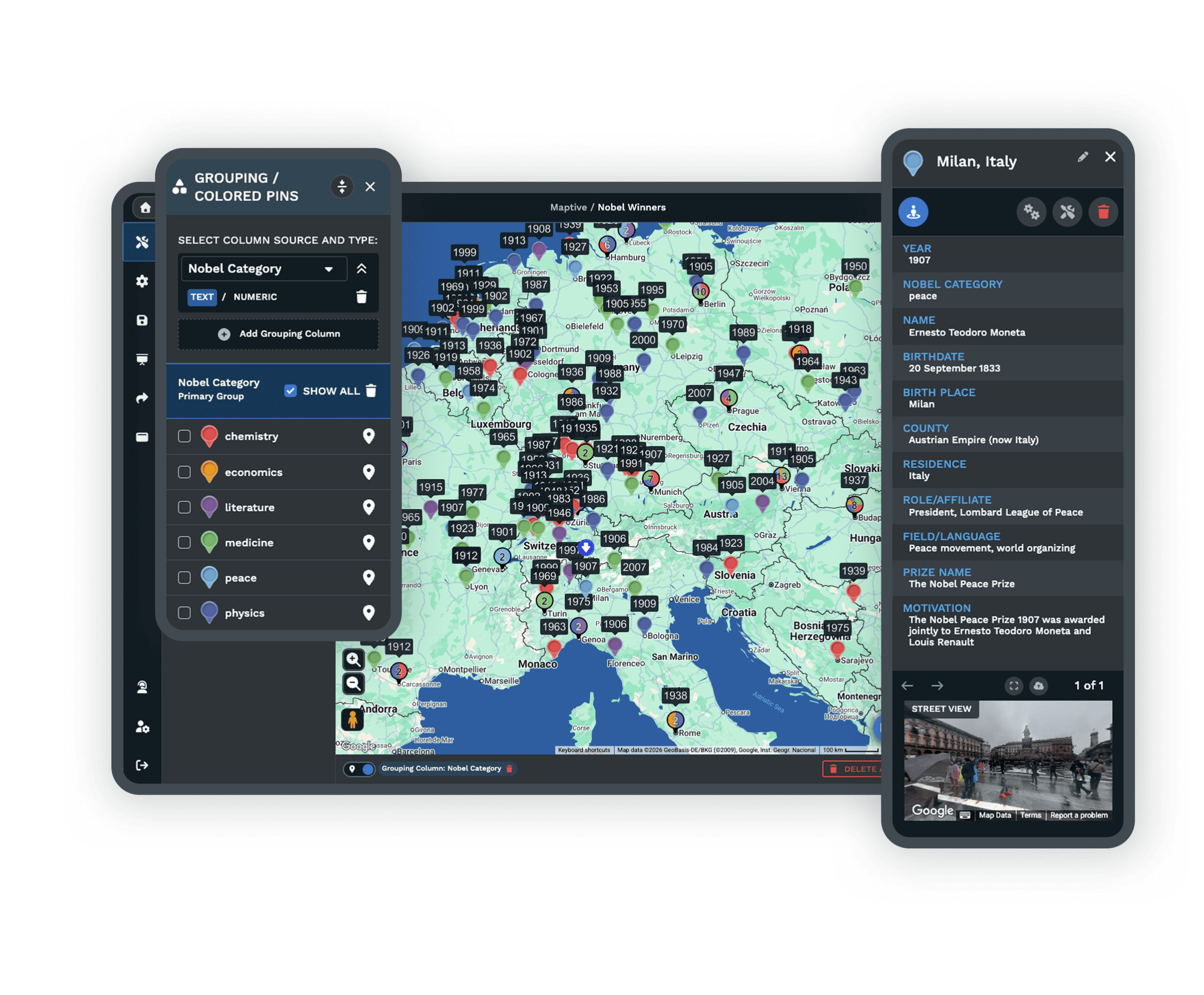
Tools for Shared Map Work
Each one is a complete tool that your team uses inside the same platform.
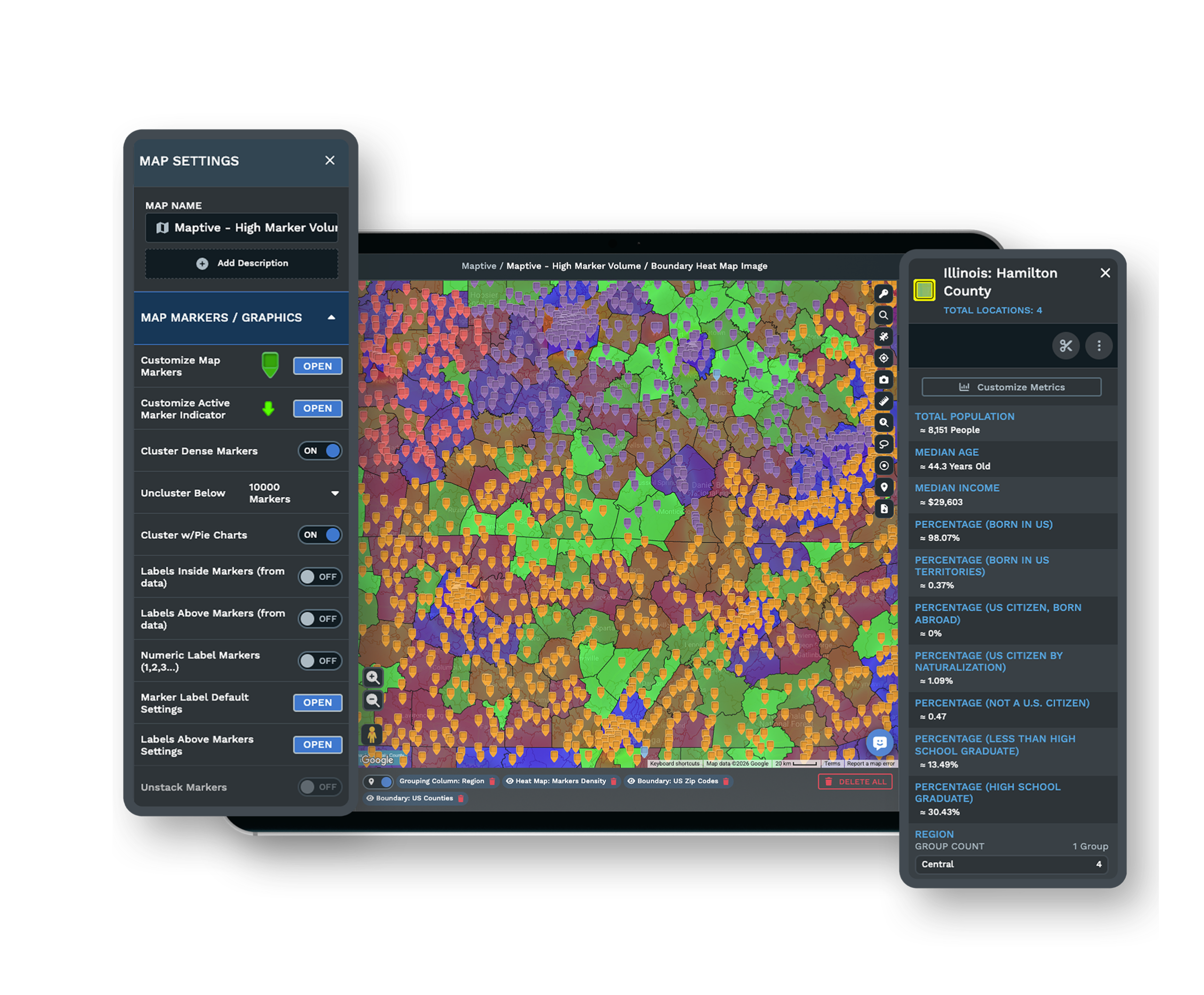
Role-Based Access and SSO
Reps open their own territory, managers hold the full map, and leadership see a view-only slice, with 256-bit SSL and single sign-on behind it.
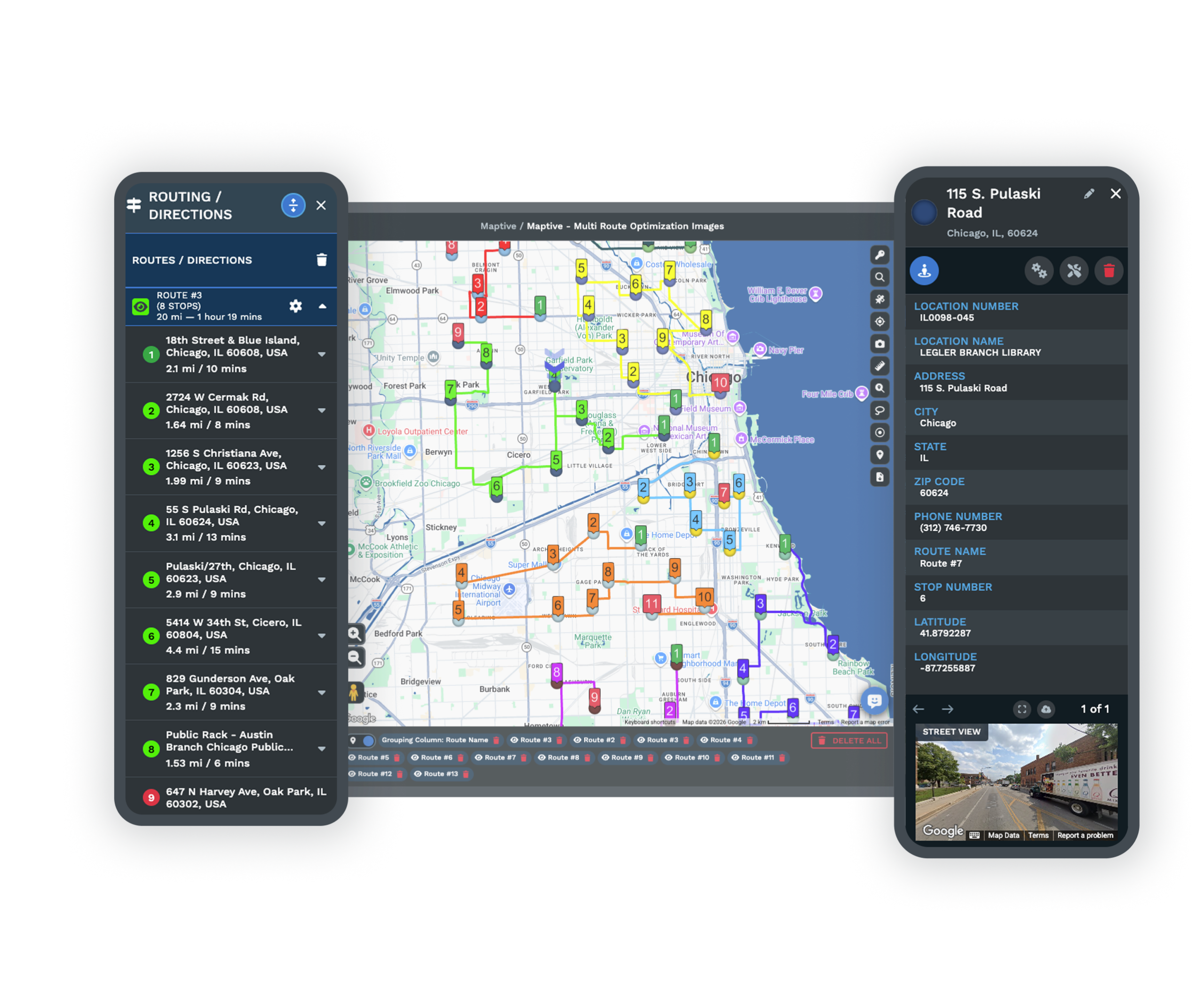
Presentation and Embedded Maps
Open the same map clean for a meeting or client review, or embed it live on a page with one line of HTML.
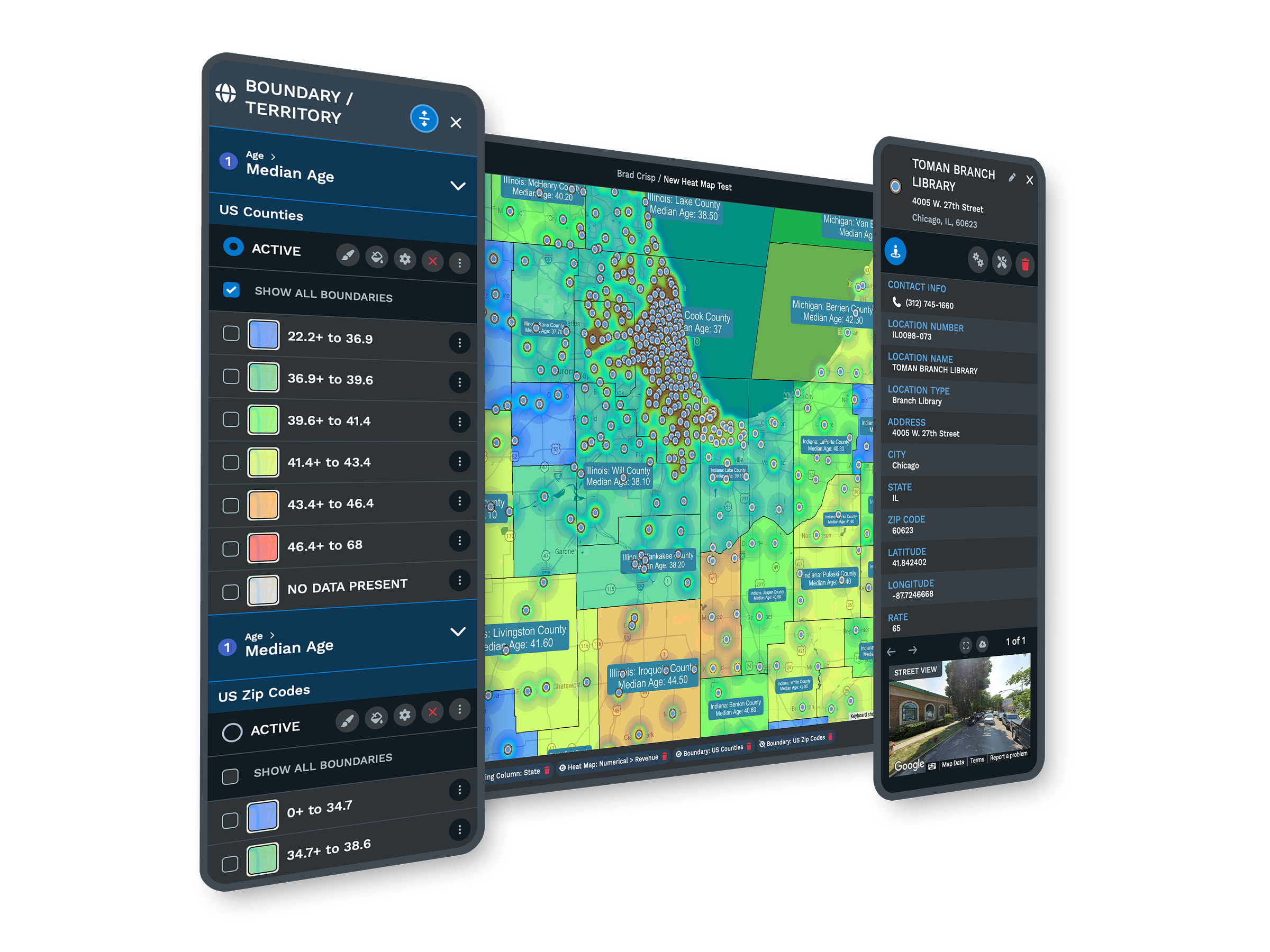
Map Your CRM Data
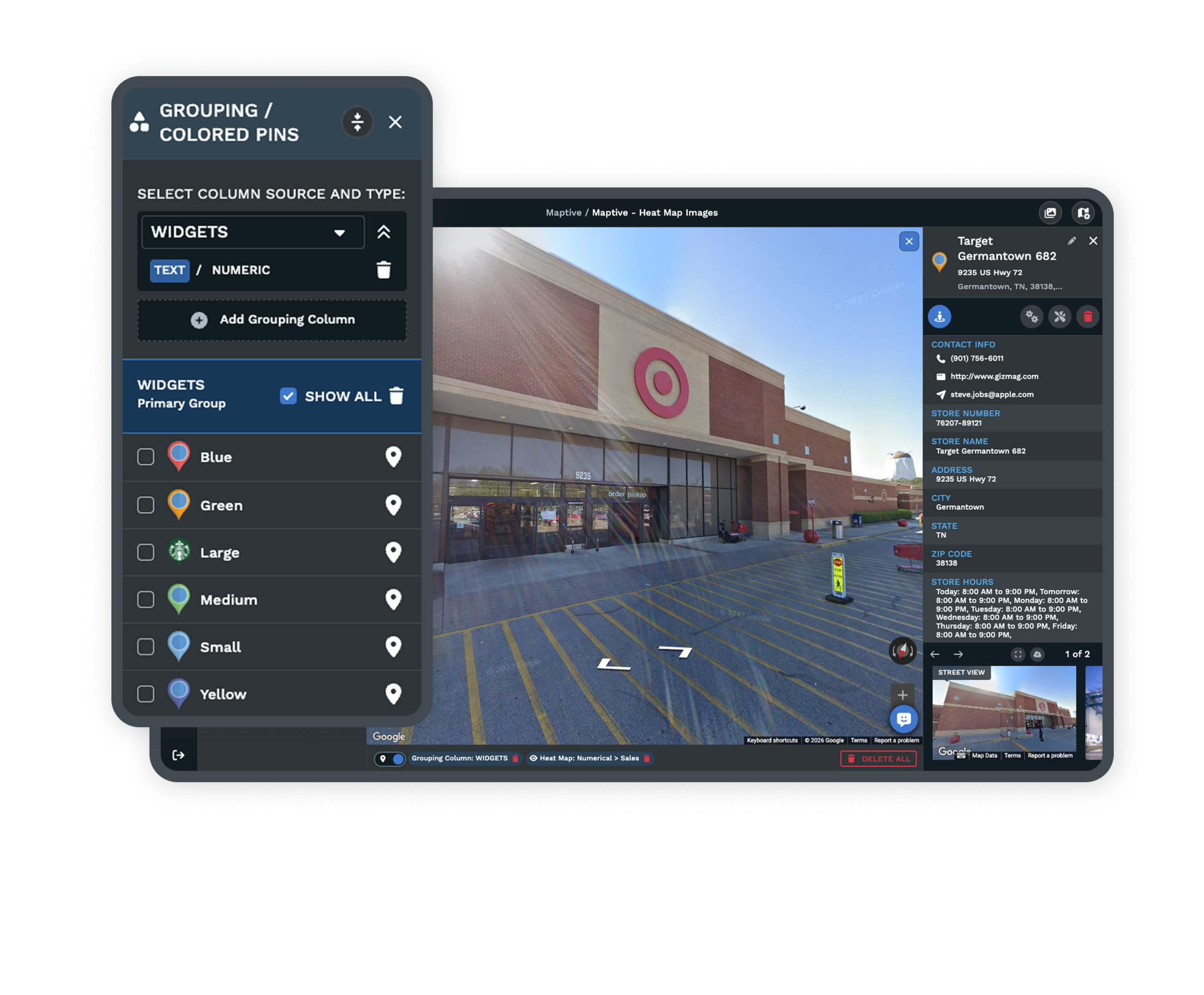
Import a customer or CRM export and plot it on a shared map, so the team works from the accounts you already track.
Built for Sales and Operations Teams
Teams Already on the Platform
Sales and operations teams across industries build and share maps on Maptive, from a handful of reps to large field organizations with many branches. The same platform fits a small team and a national one, and it keeps up as the team grows around it.
Permissions for Every Role
Role-based access and per-link controls let reps open their own territory, managers hold the full map, and leadership see a view-only slice. 256-bit SSL and single sign-on protect the data underneath, so a wide share never loosens your control of it.
Support for Sales Operations
The US and Canada support team helps you import a customer or CRM file, build the first shared map, and set viewer permissions. The teams they help rate the support 9.7 out of 10, and they usually reply in under 15 minutes.
Free trial with the full platform and no credit card
Put Your Team on One Map
The 10-day free trial gives you every feature in the platform, and you do not need a credit card to start. Upload a customer or CRM file, build a shared map, and send the team a link they open without a seat of their own. Everything described on this page is open to you from the first login.
Set Up Shared Maps With Us
If you are rolling a map out to a team, a Maptive specialist will help you build the shared map, set viewer permissions, and embed it where the team already works. Bring your account list, and you leave the call with a map the team can open.
Frequently Asked Questions
What is the best mapping software for a sales team?
For a team, the best fit is web-based business mapping software where everyone works from one shared map instead of separate spreadsheets. Look for shared viewer links, granular permissions, and territory tools a manager can run without GIS or IT staff. Maptive does this in the browser, and its 60+ tools are included on every plan, so the whole team starts from the same data.
How do I share a map with my team?
Open the map, click the share icon, set a privacy mode, and send the link. Maptive lets you email the link from inside the map or copy it into your own message, and you choose which tools and data columns the recipient sees. You can also embed the map on a page with one line of HTML, so the field reaches it without learning a new tool.
How do I give each sales rep their own territory view?
Share a link scoped to what the rep should see. Maptive lets the map owner restrict tools, hide columns, and turn editing on or off per shared map, so a rep opens their own territory while the manager keeps the full view. When the assignment changes, you move the boundary and re-share the same link, and the rep reads the current map without any extra setup.
How do you divide sales territories fairly among reps?
Balance each territory for comparable workload, using account volume, drive time, or another field, rather than splitting the map by gut feel. Maptive's automated territory tool builds evenly weighted zones from the field you choose, and you preview the result and adjust any boundary by hand before sharing it. Balancing on real account data is what spreads the workload evenly across the team.
Can multiple people work from the same map at once?
Yes. Licensed team members work in the account's maps, and everyone else opens a shared link. The owner controls who can view and who can edit, so the team reads one shared map while the data behind it stays under control. Viewers do not change anything underneath when they filter or read a territory, so the picture everyone sees stays consistent.
Can I embed a shared map on our website or intranet?
Yes. Maptive gives you one line of HTML to drop a live map into a website, blog, or intranet page, and you size it to fit. Set the map to public before embedding, and viewers open it in place without leaving the page. The embedded map stays connected to the same data you plan with, so what the team sees in place is always current.
How do I share a map with leadership without giving them edit access?
Send a view-only link. Maptive lets you keep editing turned off, hide the columns leadership does not need, and password-protect the map, so they see the territory picture without being able to change it. Leadership opens the link in the browser with no account of their own, reads the map, and nothing they touch alters the data you keep underneath.
Can I control which tools and data columns a viewer sees?
Yes. On a shared or embedded map you turn individual tools on or off, including grouping, filtering, radius, and territory tools, and you hide any data column you do not want shown on the marker popups. Each viewer gets only what you allow, so a rep, a client, and a leader can each open a version of the same map suited to them.
Do I need GIS or IT staff to set up a team map?
No. Web-based business mapping software is built for managers and operations leads, not analysts. You upload a spreadsheet or a CRM export and build the map in the browser. Maptive needs no GIS software or IT setup and includes 60+ tools on every plan, so you can build a shared map and set viewer permissions without waiting on a technical team.
Do viewers need their own Maptive account or license?
No. People you share a map with open it by link without a login or a license of their own, and they cannot make permanent changes to your map. Your licensed team members are the ones who build and edit the maps. This is how a small set of seats can still put a whole field team and outside viewers on the same shared map.








