


RouteXL Alternative
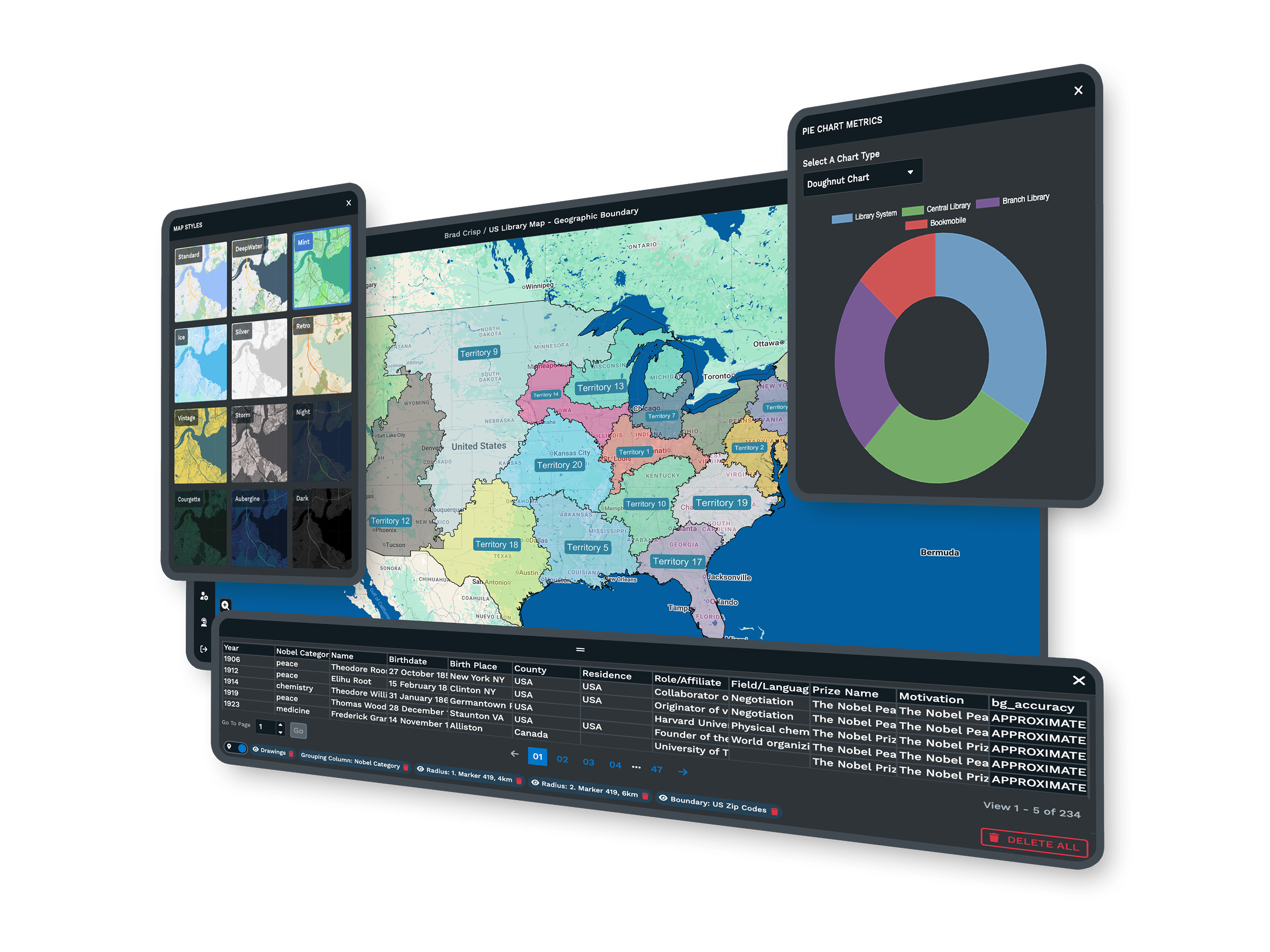
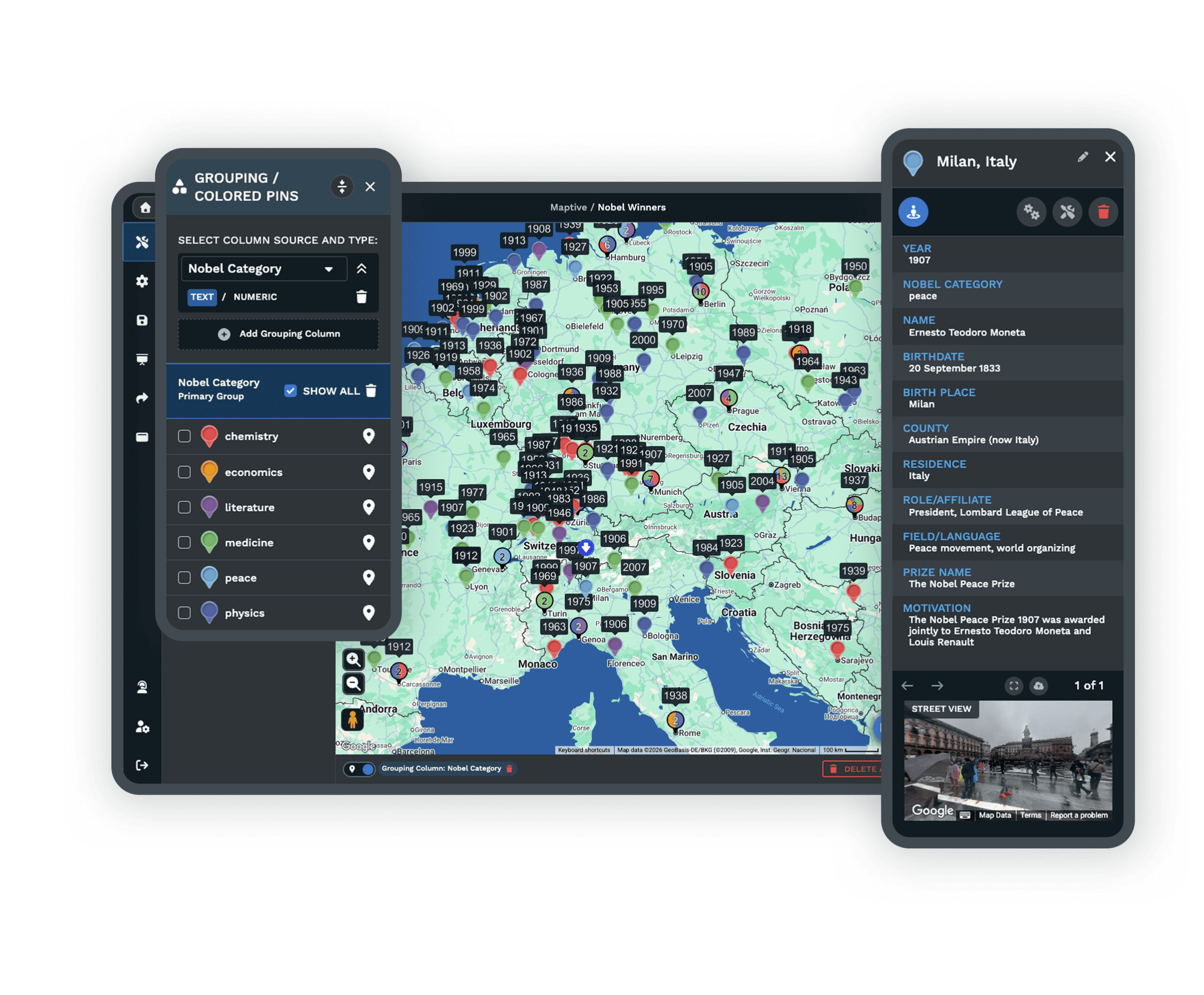
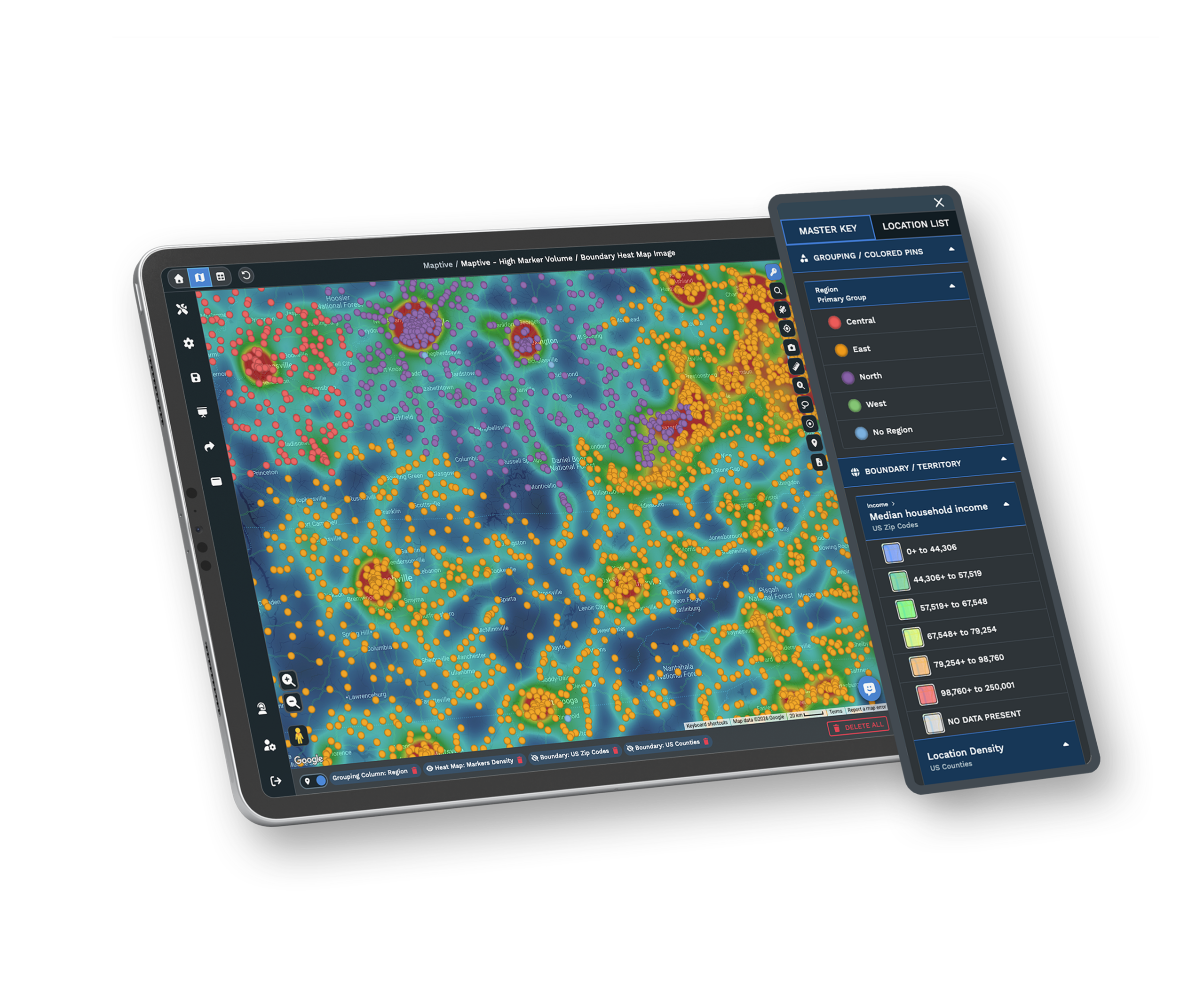
A basic route planner works until your stop count grows, the list freezes, and no one answers when something breaks. Maptive plans hundreds of stops at once and layers in territories, demographics, and heat maps, with real people ready to help when you need them.
No credit card required
- Hundreds of stops in one plan
- A full mapping platform beyond routing
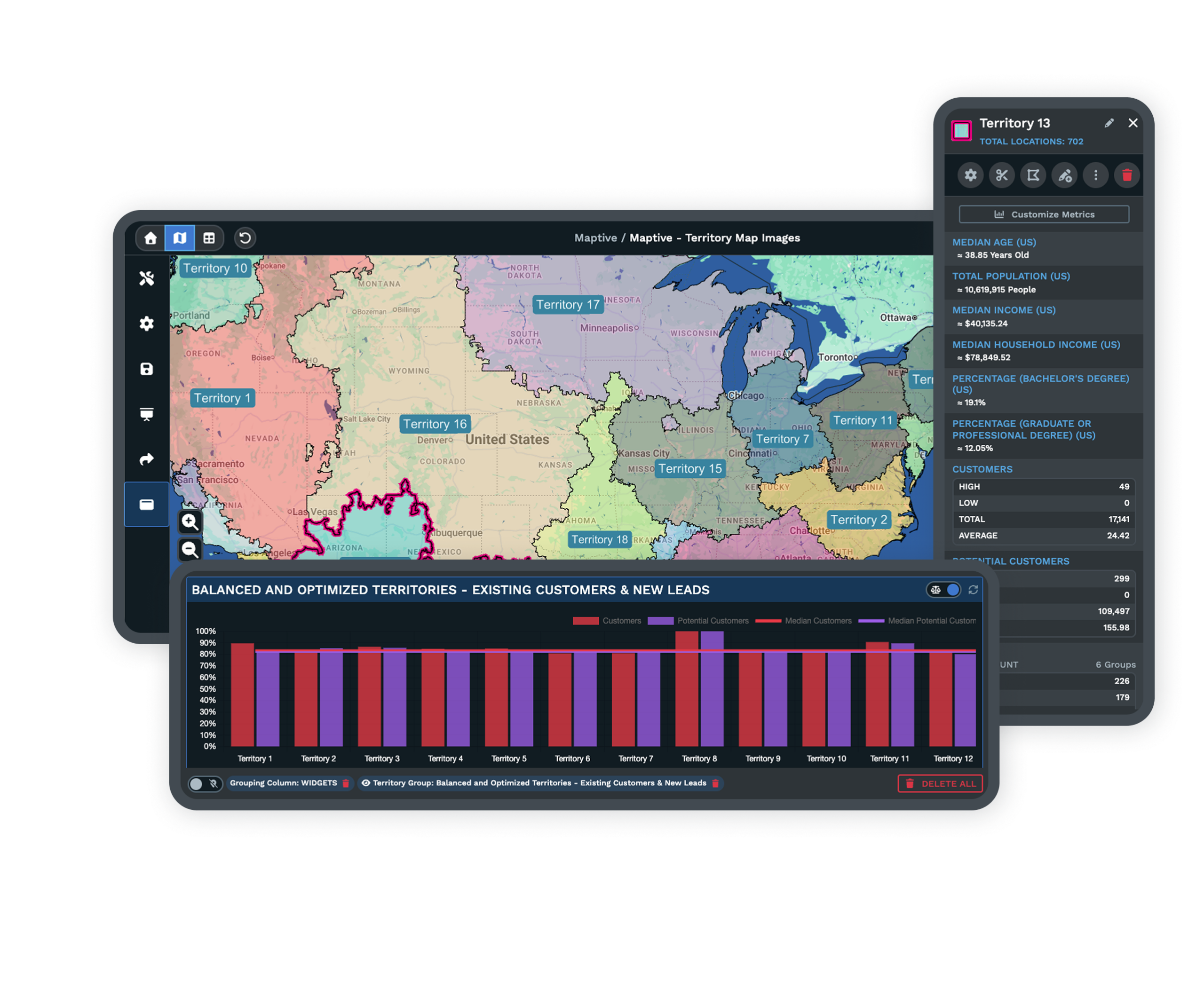
- Territories, demographics, and heat maps
- Real support by chat, phone, and email
Trusted by teams at
















When a Basic Route Planner Holds You Back
A simple planner works for small jobs. Growth is where the stop caps, slowdowns, and silent errors start.
Free and manual route planners handle small jobs fine. Growth is where they break. You can add only so many stops before you hit a cap, the system slows to a crawl, and a long list times out or freezes mid-build. So you split the job in two, finish the rest by hand, and lose the smooth scaling you were promised.
A planner that looks simple gets complicated fast once your needs grow. Addresses fail to load, and the errors do not explain themselves. Sometimes the tool just refuses to build a route with no clear reason. Teams burn hours searching forums, editing files, and chasing mistakes instead of serving the customers who are waiting on them.
Compare Maptive and RouteXL
See the facts, side by side, for teams with real routing volume.
| Feature | Maptive | RouteXL |
|---|---|---|
| Stop Limit | High capacity. Optimizes dozens to hundreds of stops in a single plan. | Low caps that often top out around 20 to 100 stops per route. |
| Performance | Stable and fast on large address sets, with no slowdowns mid-build. | Slowdowns and timeouts once the address list gets big. |
| Error Handling | Clear, actionable messages that tell you what to fix. | Vague, unhelpful errors that leave you guessing. |
| Bulk Data Import | Upload spreadsheets with thousands of rows, with no practical size cap. | Manual splitting and limited import sizes. |
| Route & Map Sharing | Secure, flexible links for teams and drivers, updated in real time. | Sharing is often manual or insecure. |
| Support | Live chat, phone, and email, with expert help on every plan. | Forums and limited or slow replies. |
| Device Flexibility | Web-based and mobile-friendly, ready on any modern browser. | Some workflows stay desktop-only or feel limited on mobile. |
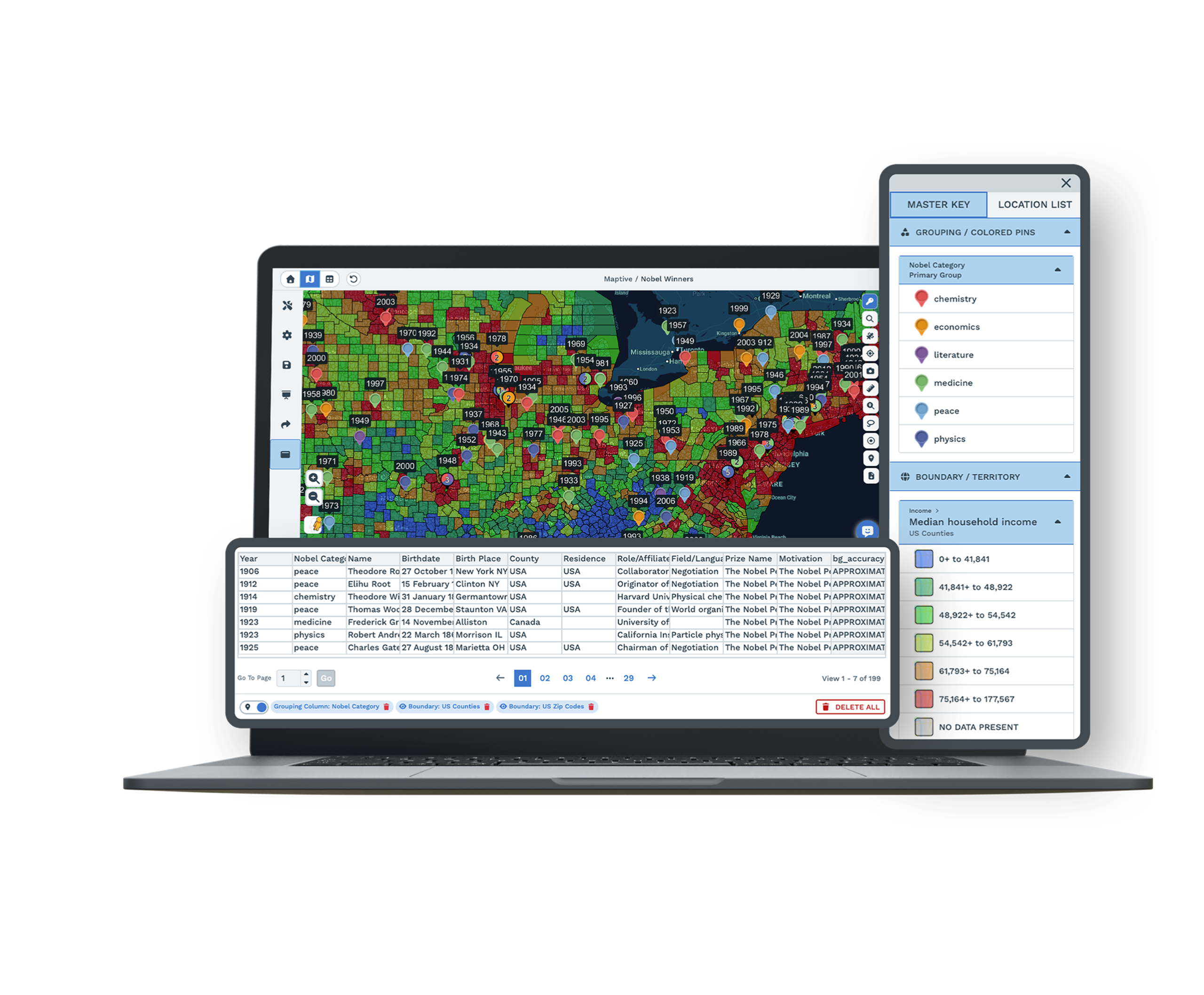
| Analytics & Customization | Advanced route insights, reporting, territories, and demographic overlays. | Basic or none beyond the route itself. |
| Export Options | Multiple formats plus handoff to navigation apps. | Fewer options, sometimes manual export only. |
Stable, Fast Routing for Big Jobs
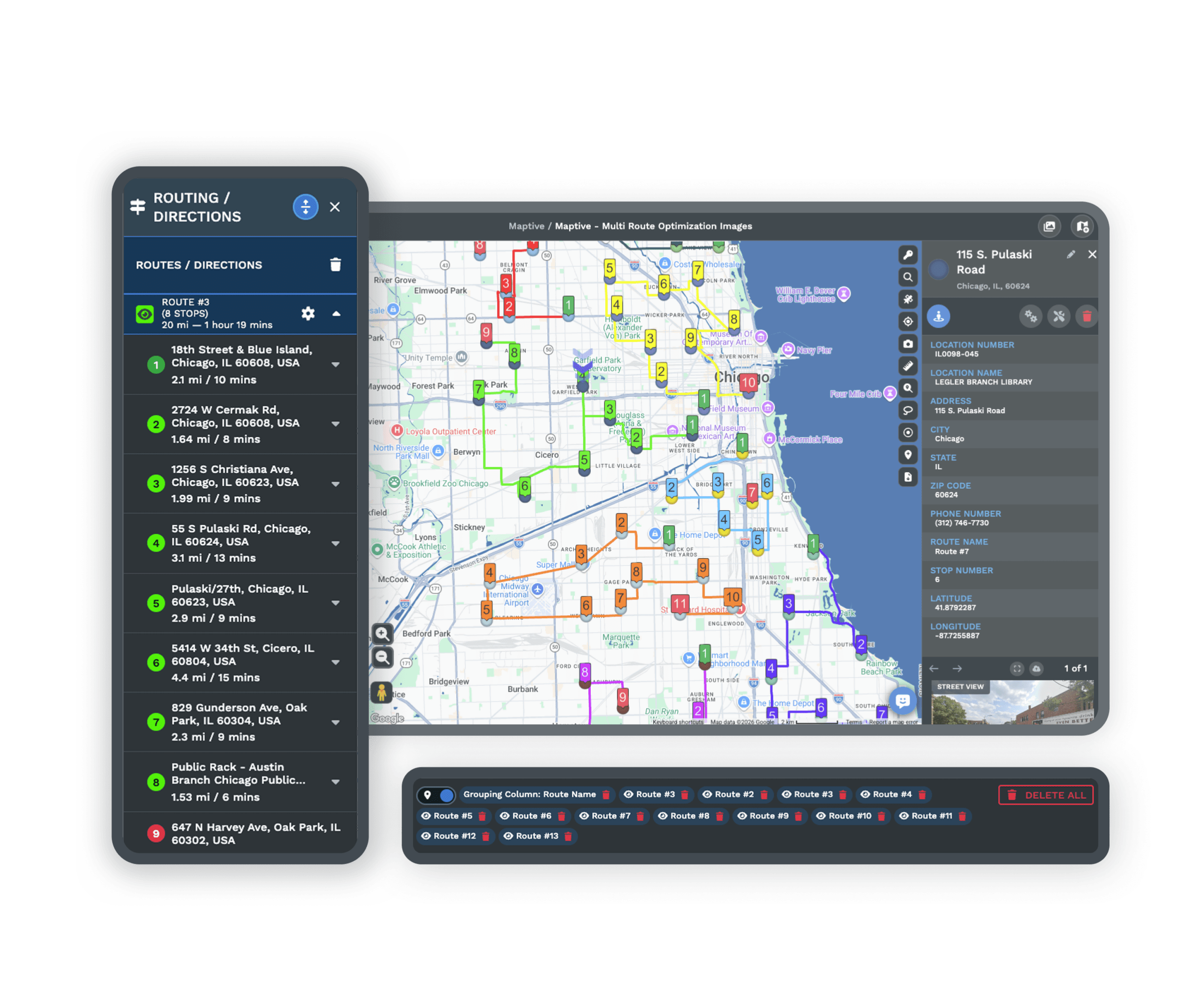
Maptive handles hundreds of stops in one pass. Bulk uploads and large plans never bog the system down, and even multi-vehicle or split-area routes process without lag or timeouts.
Teams get steady performance, fast results, and the freedom to adjust a plan on the fly. Every job, large or complex, finishes quickly and with fewer mistakes.
Address Search That Just Works
Every address you load is found and ready to route. Robust geocoding plots each stop accurately, even the formats that trip up other tools, so you stop double-checking input or repairing missing points.
Manual address fixing drops close to zero, which means fewer missed deliveries and no time lost chasing errors after drivers are already on the road.
Real Support, Fast Answers
Maptive puts real people within reach for every question. Stuck during setup, need help with an import, or staring at an unclear error? Support is a quick chat, call, or email away.
You will not dig through old forum posts or wait days for a reply. Fast answers get your team back on track right away, no matter the size of the question.
Features That Solve Real Routing Problems
Less time fighting your planner, more time delivering for customers.
High Stop Limits
Plan dozens or hundreds of stops in one route. Schedule full days for drivers, field staff, or sales without splitting lists or losing time to admin.
Fast, Accurate Geocoding
Robust geocoding finds every stop, even non-standard formats. Manual fixing drops near zero, so you avoid missed deliveries and wasted time.
Bulk Import and Export
Upload spreadsheets with hundreds or thousands of addresses, no size cap. Export to PDF, CSV, or routing apps for any list size in a click.
Flexible Route Editing
Edit, reorder, or add stops with a simple interface. Updates skip the full re-import, so teams respond to changes the same day with live editing.
Easy, Secure Sharing
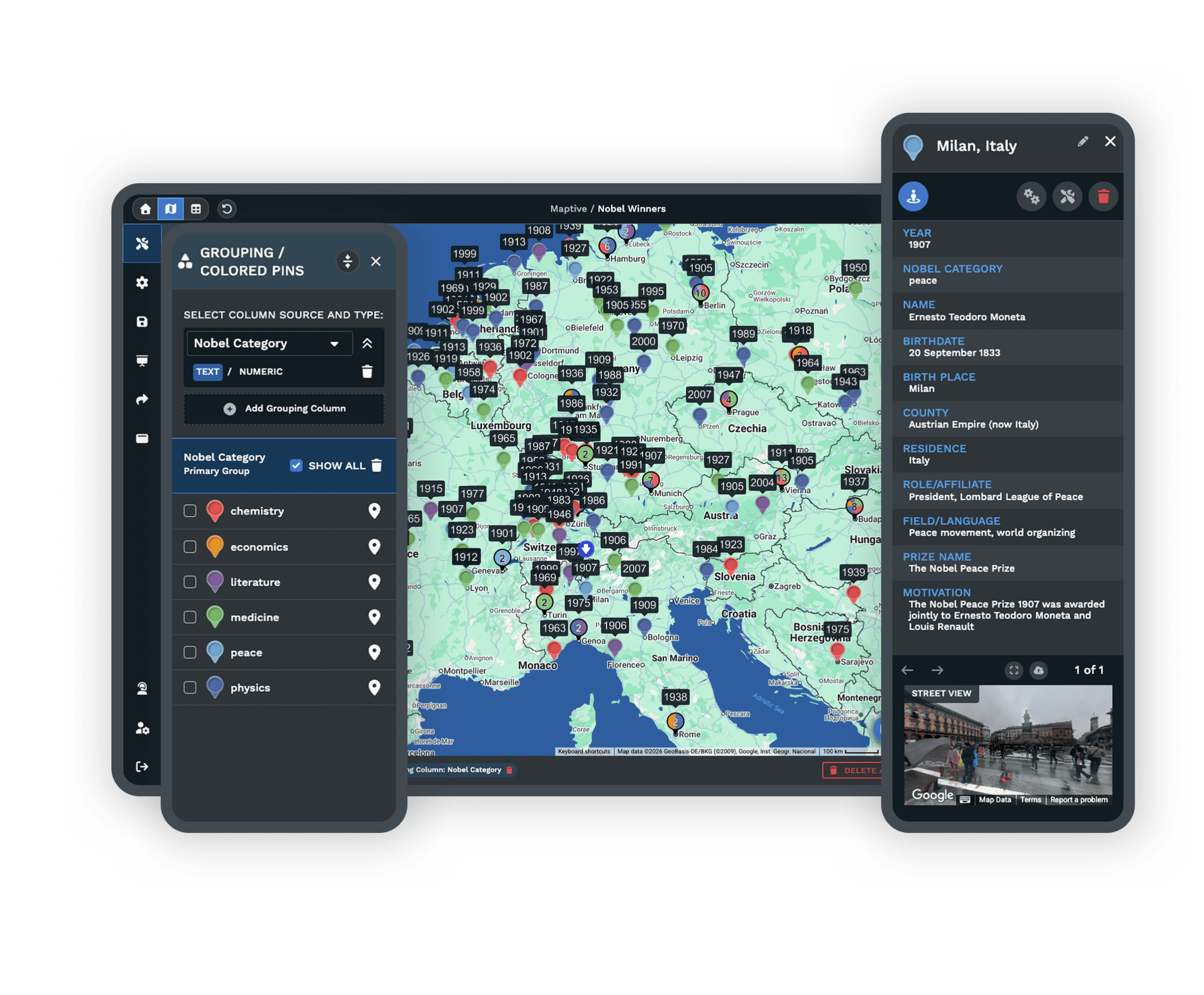
Share maps and routes by link, download, or navigation file. No account sharing or copying by hand, and drivers always get the latest plan.
Room to Grow
Add new zones, drivers, or customers anytime. No artificial caps on routes or territories, so growth never forces a reset or a tool switch.
RouteXL Alternative FAQs
How do I know when my team has outgrown a basic route planner?
How many stops can I plan with Maptive?
Why do some route tools stop working with large address sets?
Is address accuracy a real issue in route planning?
How do I avoid retyping addresses or splitting up jobs?
What support is available if I get stuck?
Are there hidden costs with Maptive?
Can teams collaborate and share maps in Maptive?
Can I use Maptive beyond delivery routing?
What results can my team expect after switching?
Free trial, every tool, no credit card
Plan Your Routes Without the Roadblocks
Start a 10-day free trial with no credit card and every tool unlocked, or book a demo to see Maptive run on your own stop list. Most people build their first route in under five minutes.
Switching From RouteXL?
Step-by-step onboarding and bulk import move your stop lists and routes over quickly, with direct help on formatting and no contracts to lock you in.








