


Keap Mapping Software
Where are your Keap contacts clustered? Put every contact on a map by address, group them by tag, build territories, and plan routes from one view.
No credit card required
- Import contacts from Keap
- Plot contacts by address
- Color by tag or field
- Filter to one group
- Build territories by ZIP
- Plan a route between visits
- Import contacts from Keap
- Plot contacts by address
- Color by tag or field
- Filter to one group
- Build territories by ZIP
- Plan a route between visits
Trusted by teams at
















What Your Keap Tags Look Like on a Map
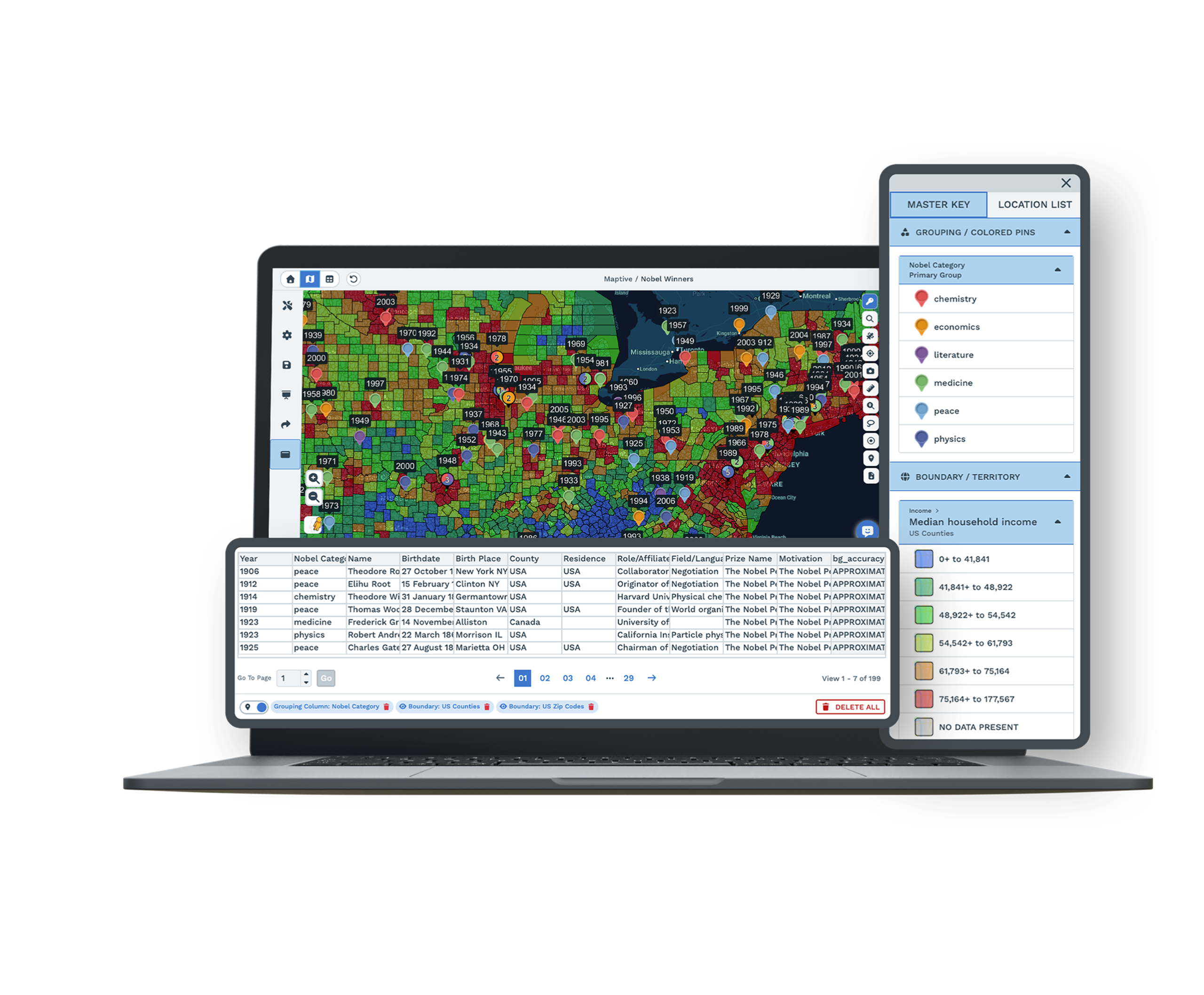
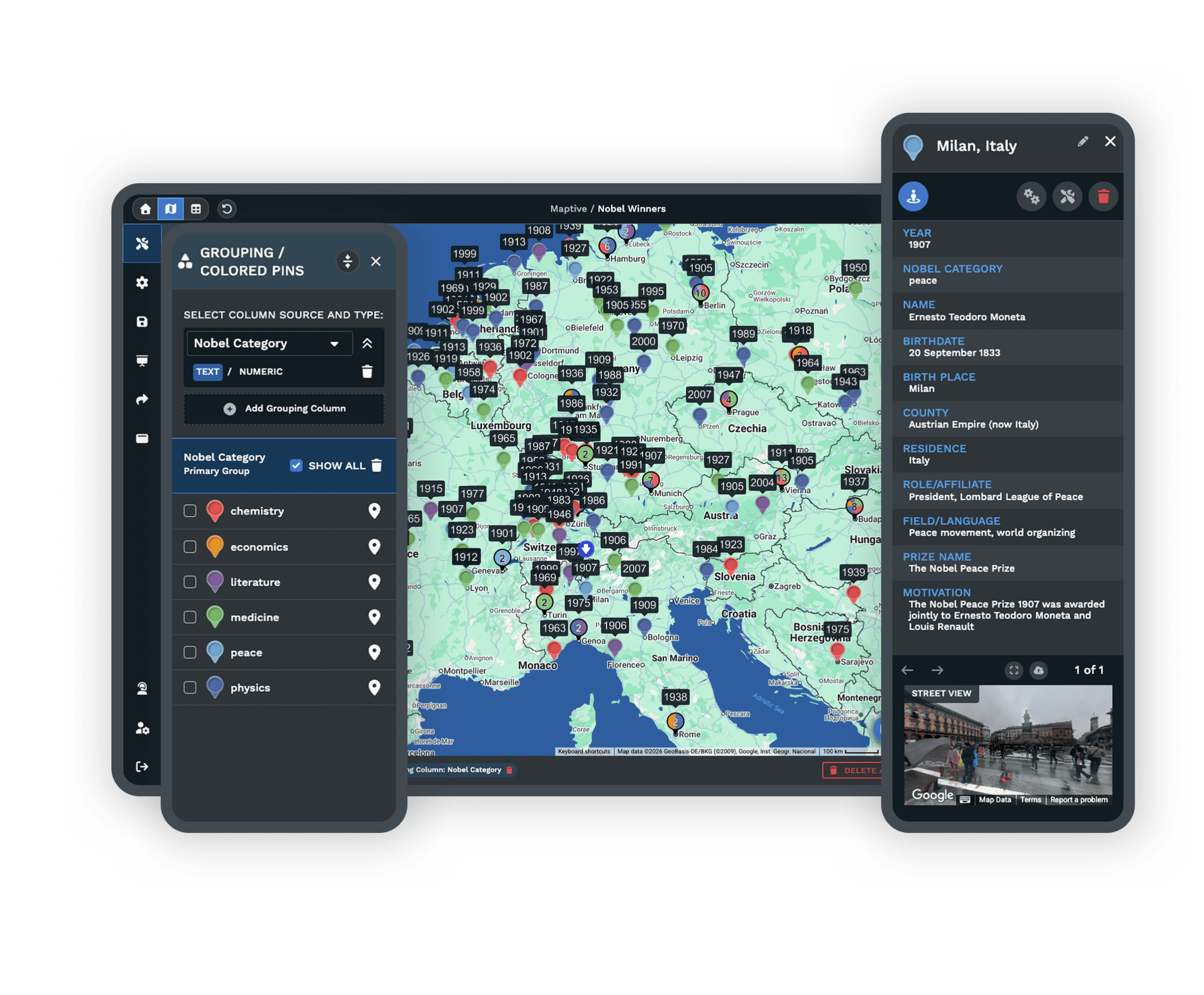
Do you sort your contacts with tags? Each tag becomes its own color, so a campaign segment or customer type shows up as a cluster you can see instead of a filter you have to run. Export your contacts with their address fields and every other column in the file is there to filter by.
True insight into our data is vital to our success, and Maptive gives us exactly that.
Getting Keap Contacts Onto the Map
-
1
Export contacts from Keap
Export your contacts to a CSV, keeping the address fields and any tags or columns you want on the map.
-
2
Upload to Maptive
Add the file to Maptive, paste from a Google Sheet, or connect the Maptive API for a live feed.
-
3
Maptive maps your contacts
Geocoding places each contact by address and fixes messy rows, so your list becomes an interactive map quickly.
-
4
Group, route, and share
Color contacts with the Grouping Tool, build territories, then share the map. This page is part of Maptive CRM mapping software.
Try Keap Mapping Free for 10 Days
Start a 10-day free trial with every tool unlocked. Export your Keap contacts, upload the file, and see them on a map in your first session. A specialist can map a sample with you on a demo.
No credit card required
Answers for Keap Users
Can Maptive map my Keap contacts?
Yes. Export your Keap contacts as a CSV, or connect through the Maptive API, and Maptive plots each contact by address so you can group, filter, route, and build territories.
How do I import Keap data into Maptive?
Export your contacts from Keap with their address fields, then upload the CSV to Maptive or paste it from a Google Sheet. Your contacts are geocoded and mapped in the first session.
Can I color the map by Keap tags?
Yes. Group and color pins by tag or any other column in your export, so each group is easy to tell apart on the map.
Can I build territories from Keap contacts?
Yes. Group ZIP codes, counties, or states into territories, or draw your own, then read the contacts inside each area.
Do I need technical skills to map Keap data?
No. Upload a spreadsheet or paste a Google Sheet and Maptive maps it through menus. Support can set up the first map if you want a hand.
Is my Keap data secure in Maptive?
Yes. Maptive uses 256-bit SSL encryption, single sign-on, two-factor login, and role-based access, and it has passed the Salesforce AppExchange security review.








