


Enterprise Mapping Software
Do you need mapping software that must pass a security review? Maptive provides single sign-on, role-based access, 256-bit encryption, and 200,000 records on one map.
No credit card required
- 200,000 markers on one map
- SSO & multi-factor login
- Role-based access control
- 256-bit encryption at rest
- Regional data residency options
- Passed AppExchange security review
- 200,000 markers on one map
- SSO & multi-factor login
- Role-based access control
- 256-bit encryption at rest
- Regional data residency options
- Passed AppExchange security review
Trusted by teams at
















What Our Customers Say About Us
See what others have to say about Maptive.
The Security and Governance Controls Your Reviewers Check For
These are the rows that show up on most security questionnaires. Maptive comes with each one already in place, so your reviewers can match the form against the product instead of waiting on answers.
| 01 |
Single Sign-On and Multi-Factor LoginYou can connect Maptive to your identity provider so people sign in through it, and access is removed for you when someone leaves. Two-factor authentication adds a second check on every login, and this is part of Maptive's enterprise security controls. |
| 02 |
Role-Based Access ControlYou can give each user a view, edit, or admin role at the account level, so a national account map is not editable by everyone who can open it. Shared links carry the same permissions, which keeps a recipient inside the access you intended. |
| 03 |
Encryption and Data Residency256-bit SSL protects your data in transit and at rest, and regional storage options let you choose where your location data lives. Both are named rows on most security questionnaires, so you can point to them directly when the form asks. |
| 04 |
Audit LoggingActivity logging records who opened and changed a map, and auto-logout and password rules sit alongside it. When internal reviews or auditors ask for the access trail, you have the record ready rather than something to reconstruct later. |
| 05 |
Scale on One MapUp to 200,000 markers render on a single map with WebGL, so your real export loads and moves smoothly instead of a demo subset of a few hundred pins. Your reviewers and operations team can test against the dataset they actually care about. |
What Happens Inside the Security Questionnaire
The business team approves the demo, and then the deal stops moving, because security sends over a questionnaire. It might be a SIG, a CAIQ, or a custom enterprise form, often 100 to 300 rows. It asks about encryption at rest, encryption in transit, where data is stored, how users authenticate, what happens to access when someone leaves, who holds admin, and where the audit trail is kept.
The deal moves only as fast as those rows come back accepted, and a regulated-industry review can run for months across several rounds. The work shortens when the answers are already documented. Maptive encrypts in transit and at rest, supports SSO and two-factor authentication, sets access by role, logs activity, offers regional storage, and has passed the Salesforce AppExchange security review, a third-party assessment your reviewers will recognize.
Scale Without Standing Up a GIS Deployment
An enterprise buyer weighs a sales-territory or asset-distribution job against what a full GIS deployment would cost to stand up. That means the geodatabase design, the data migration, the analysts to hire, a budget that can run past $500,000, and the months before anyone makes a map. For this kind of problem, all of that is more than the job needs.
Maptive is web-based business mapping, so a sales-ops manager opens a browser, uploads a spreadsheet, and has a working map within the first sitting. There is no desktop install to push to anyone's machine and no specialist to hire. Rollout becomes a question of who gets which role and which region sees which map, and the people who maintain the maps get the deeper mapping tools Maptive offers on the same plan everyone else uses.
200,000 Markers on a Single Map
Browser mapping tools used to slow down or freeze once a dataset reached six figures. Maptive renders up to 200,000 markers on one map with WebGL, built on Google Maps Platform, so the view stays responsive while you pan and zoom across the full set.
That means your real export goes onto the map, not a sample of a few hundred pins. Your team can plot every store, account, asset, or delivery point in one view, and when you need to share or export a custom map, the access and permissions you set travel with it.
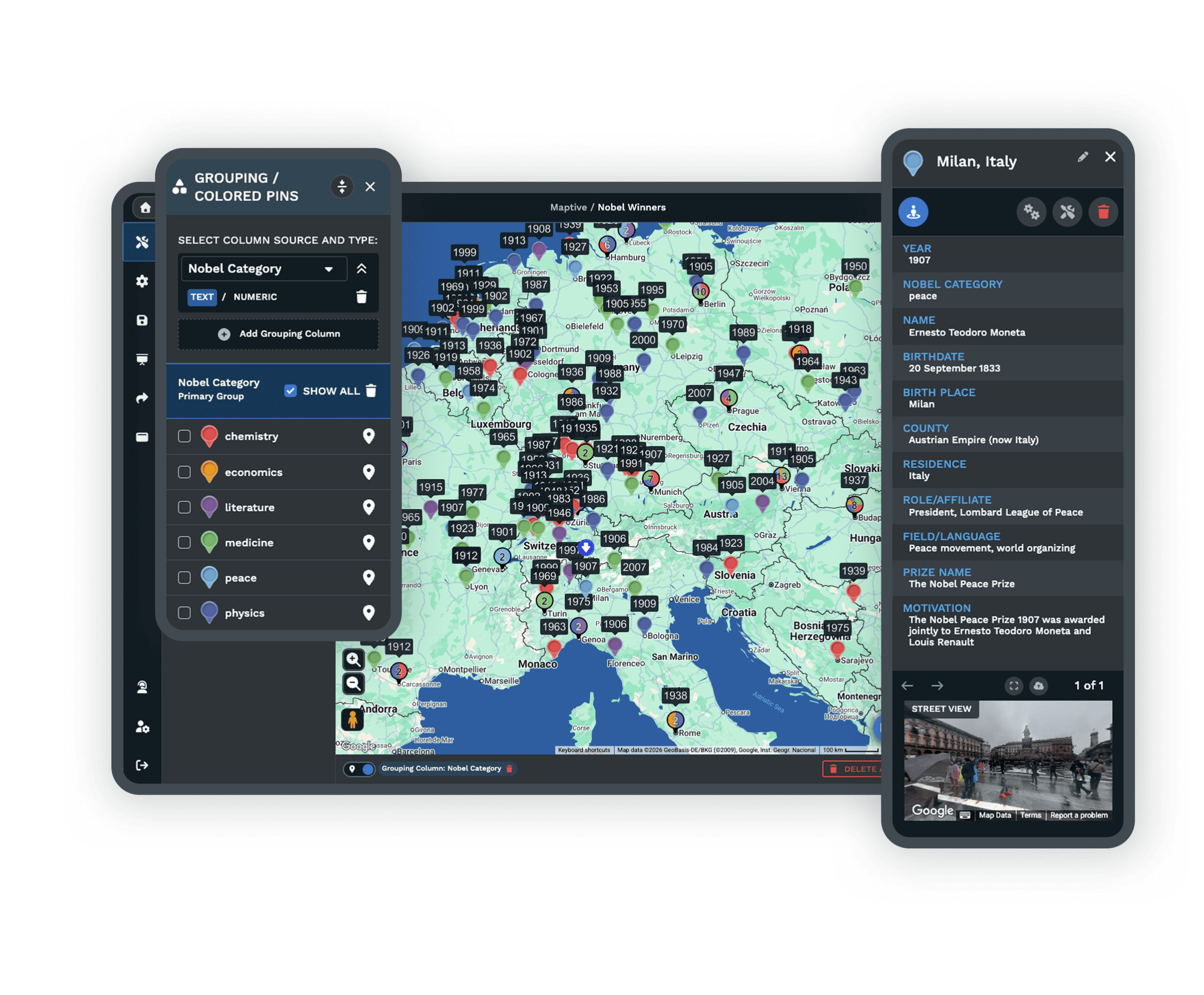
The Tools Your Teams Use Once Maptive Is Approved
Each one is a complete tool inside the same platform, on the same plan, with the access controls you set carried through.
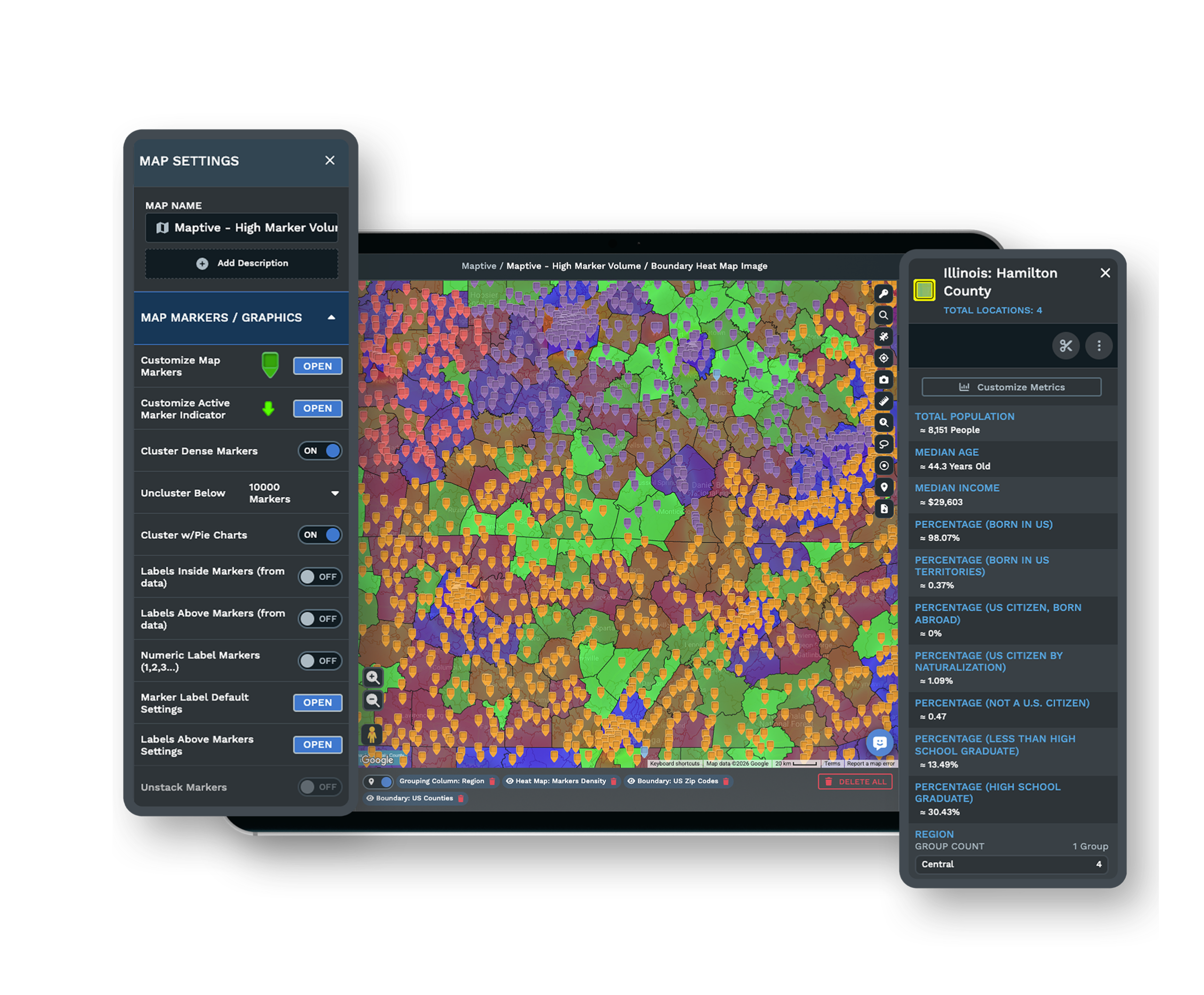
Build and Balance Territories
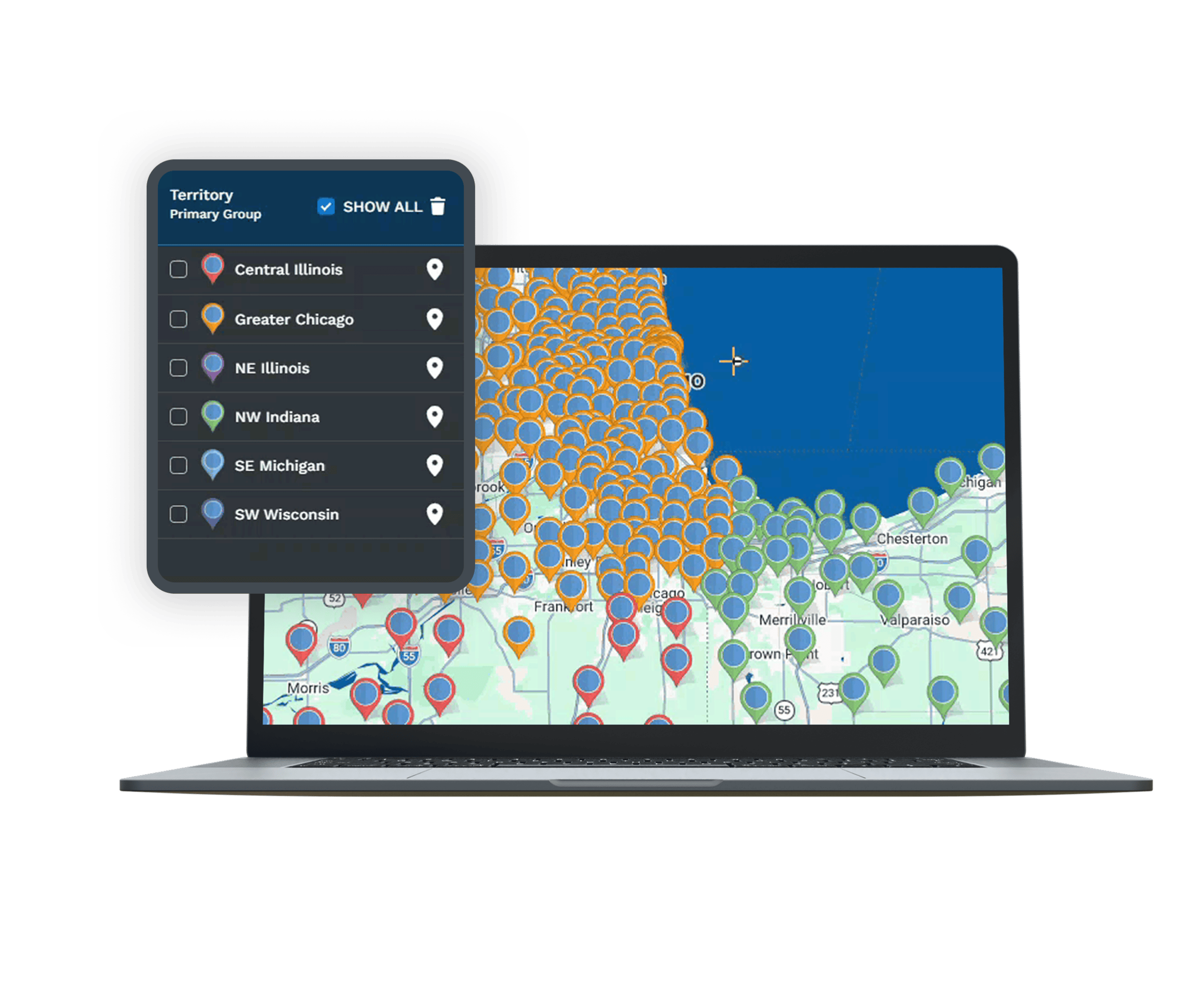
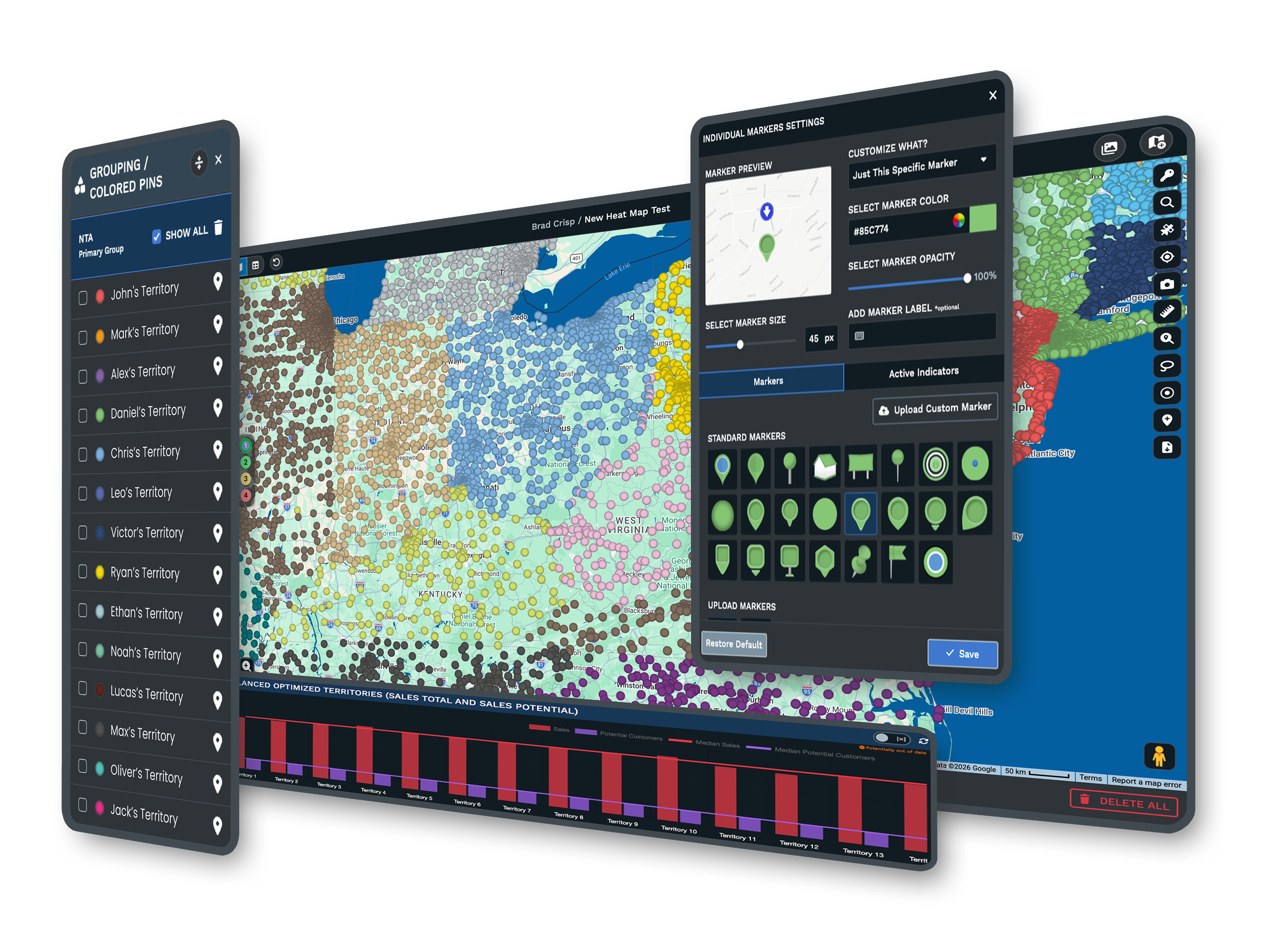
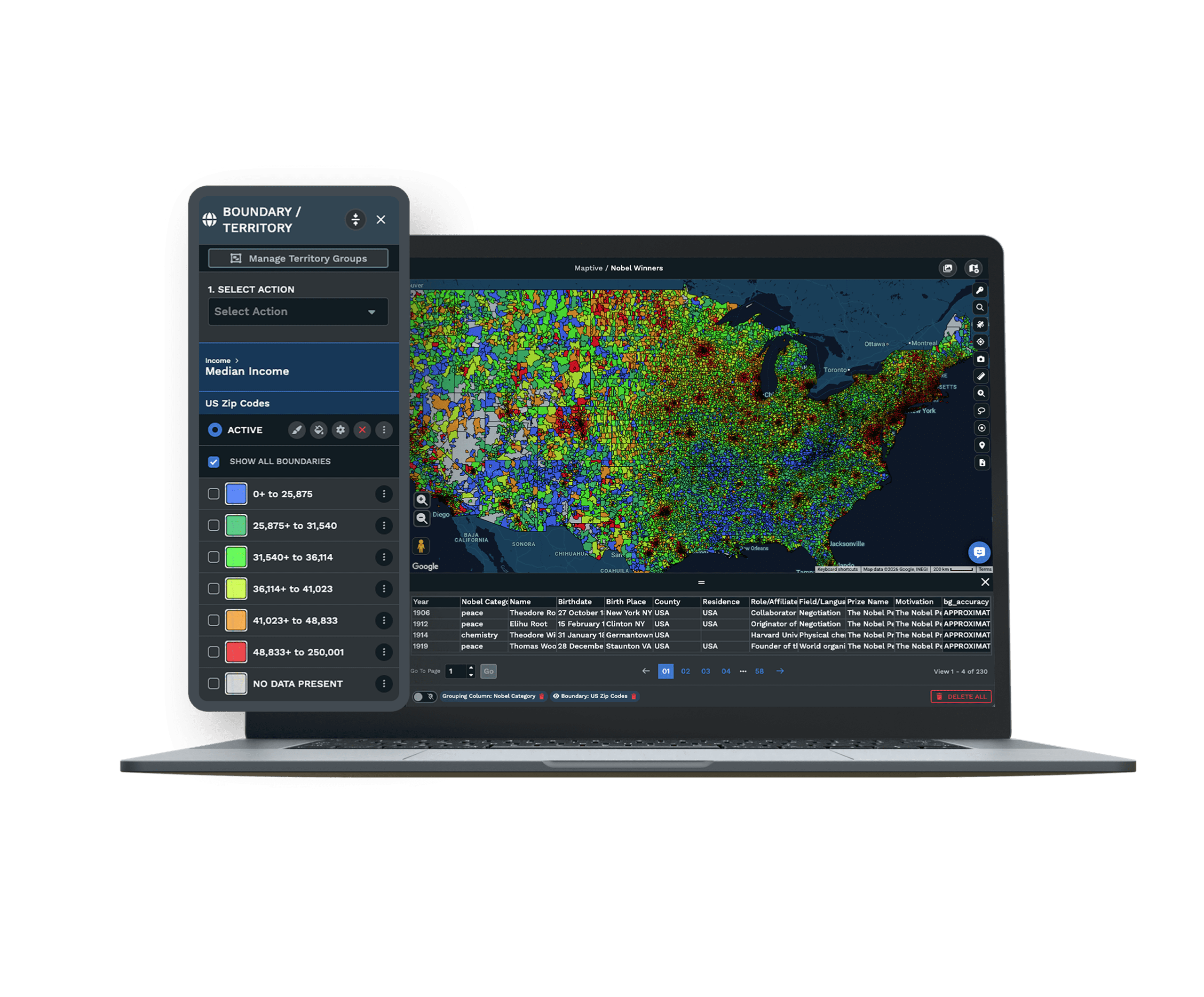
Group ZIP codes, counties, and tracts into sales or service territories, or let Maptive build balanced ones for you across the whole organization.
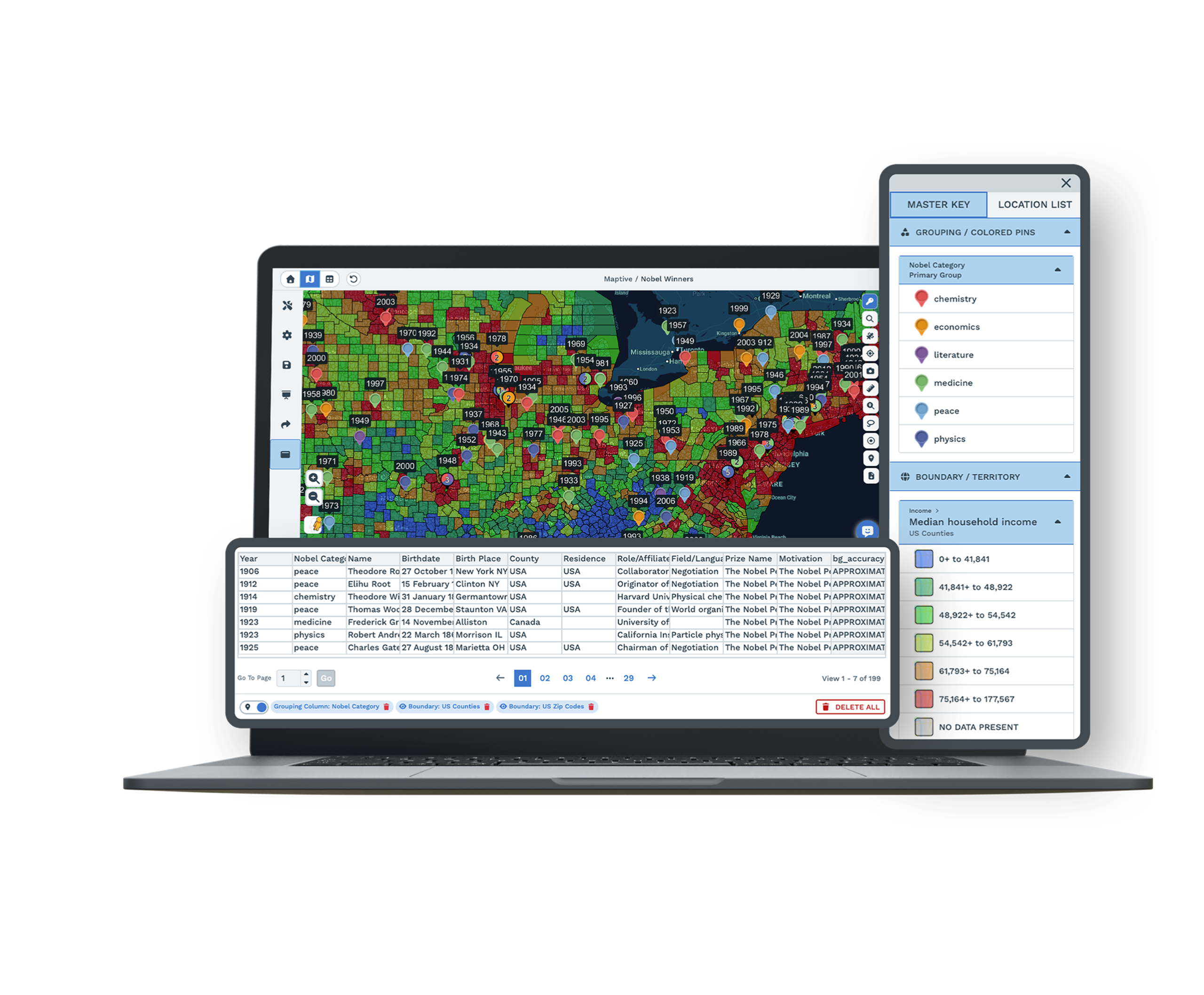
Map Your CRM Accounts
Bring account and customer data onto the map with CRM sync, so your reps can see who sits inside each territory and plan their coverage around it.
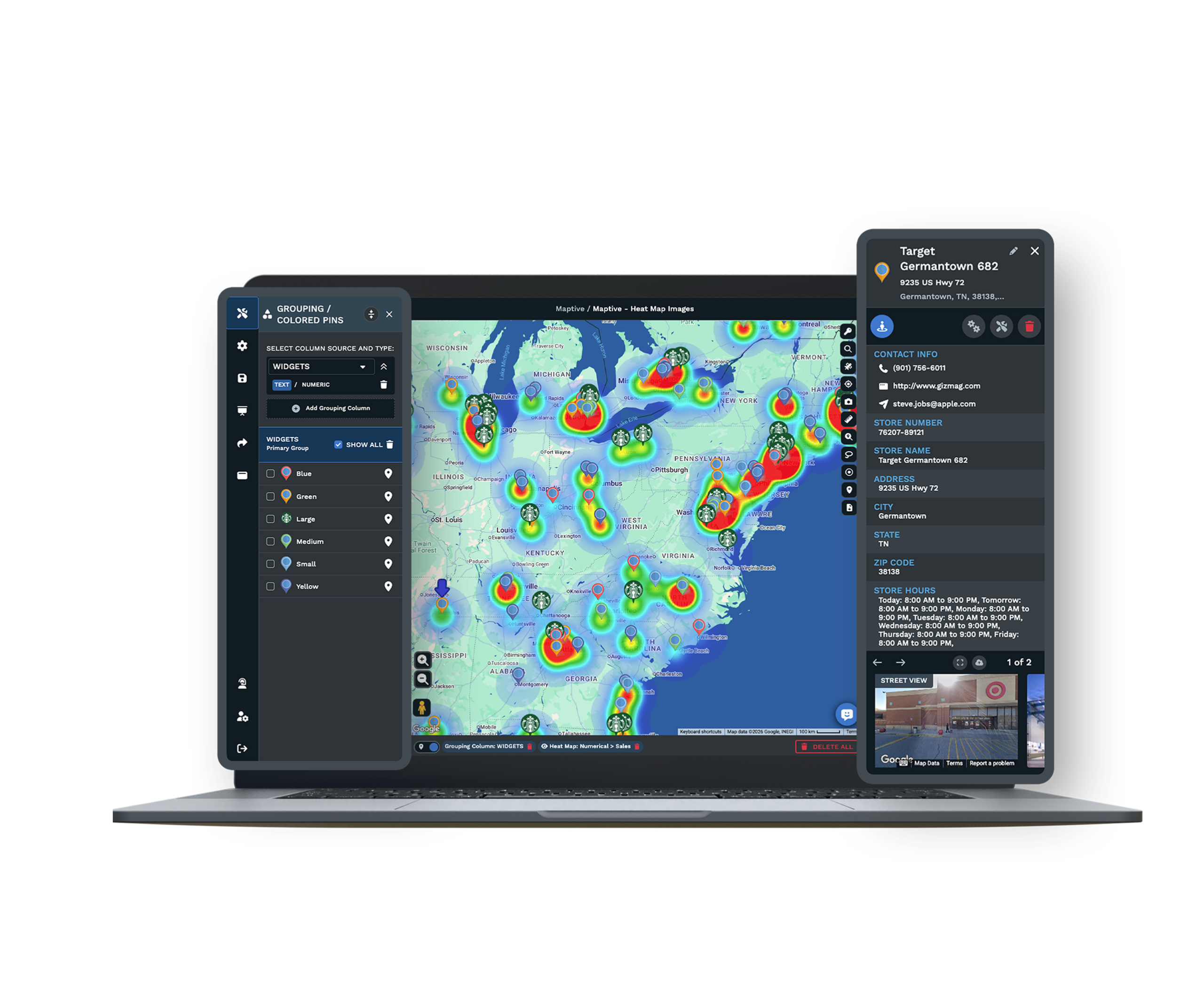
See Where Demand Concentrates
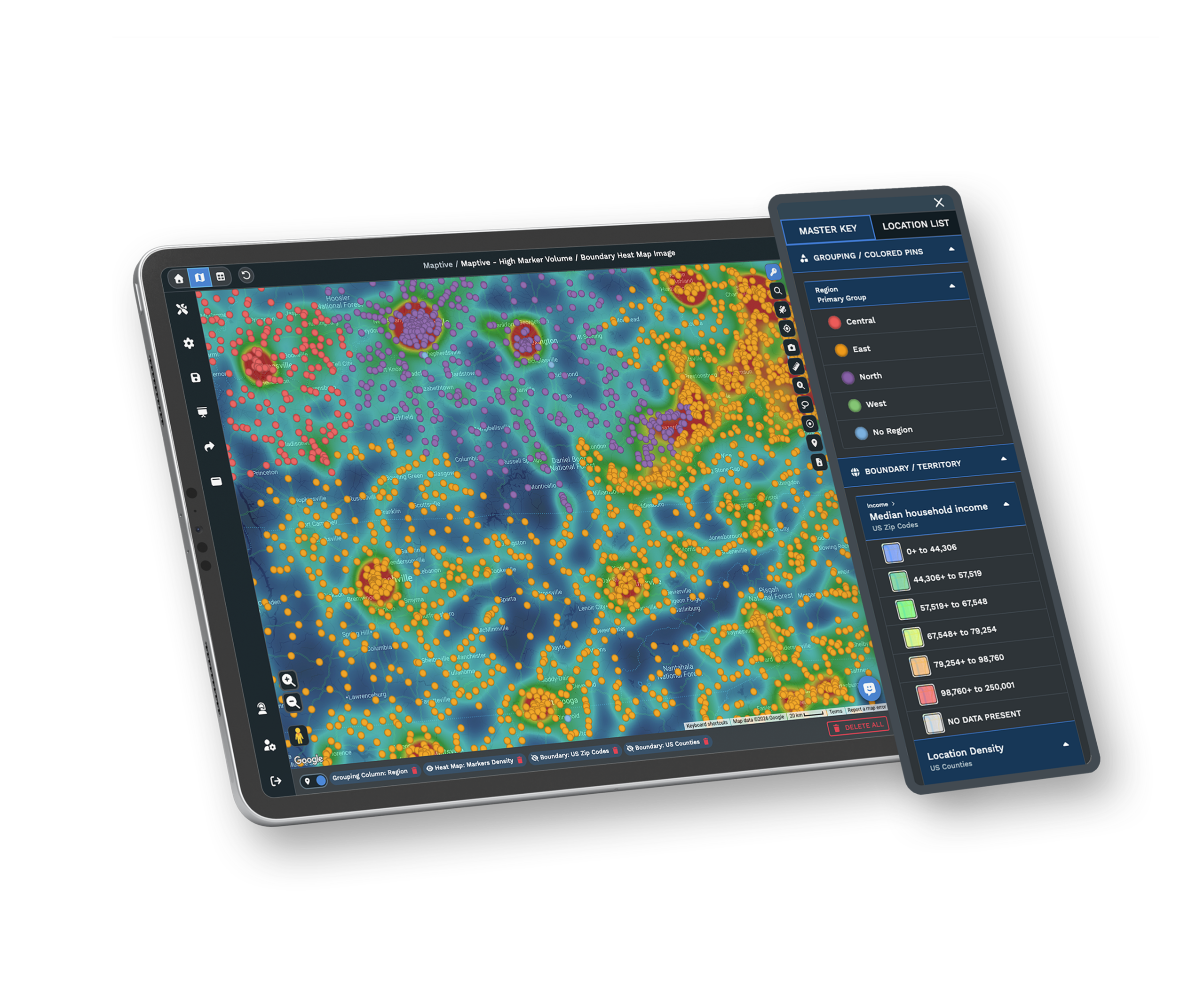
Turn a six-figure dataset into a heat map to find where your accounts, assets, or demand cluster, then plan your regions around what you see.
Enterprises Already Running on the Platform
Recognizable Enterprise Customers
Capital One, UBS, CBRE, and Siemens run location work on Maptive, each after its own security review. When a recognizable customer is already on the vendor-risk file, the conversation procurement has to have gets shorter, because someone with similar requirements has cleared the same path.
A Third-Party Security Review
Maptive passed the Salesforce AppExchange security review, a third-party assessment enterprises use before approving a vendor. Your security packet starts from a reviewed baseline instead of a first look at an unknown tool, and your reviewers will know the assessment by name.
Support and Onboarding at Rollout
The US and Canada support team, rated 9.7 out of 10, answers in under 15 minutes. They help you set up roles, share maps by region, and get non-technical users reading a map without a training course, so rollout does not stall after the contract is signed.
Free trial with the full control set and no credit card
Load Your Data and See It Render
Load your real export on a 10-day trial, with no credit card, before any contract talk. Upload the real file rather than a sample and watch a six-figure dataset render on a single map. The full control set is available from your first login, so security and operations can put Maptive through its paces against the export they care about.
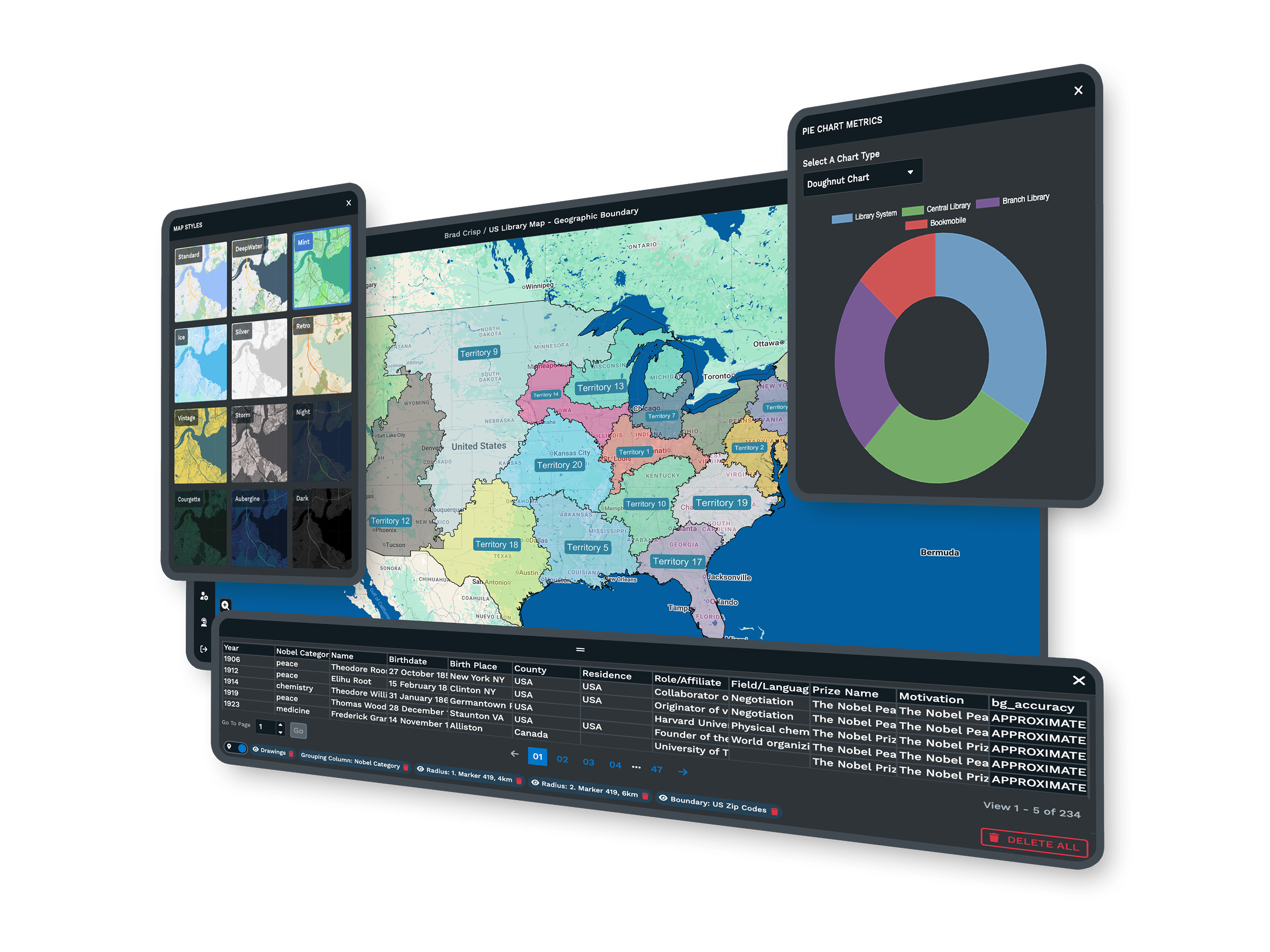
Run a Formal Evaluation With Us
If you buy through a procurement process, a Maptive specialist will load a sample of your data, walk security through the control set, and answer the questionnaire rows your reviewers care about. Bring your requirements on single sign-on, data residency, and access roles, and the session works through them directly.
Frequently Asked Questions
What is enterprise mapping software?
It is web-based business mapping sized for a large organization. You upload a spreadsheet of locations, such as stores, accounts, assets, or delivery points, and it becomes an interactive map, with territories, routes, heat maps, and demographic data layered on top. Unlike enterprise GIS, it needs no desktop install, no geodatabase build, and no GIS specialist. At enterprise scale the real difference is the security and access controls that let IT, security, and procurement approve it across many users.
Is mapping software secure enough for enterprise data?
It can be, when it includes the controls security teams check for. Those are encryption in transit and at rest, single sign-on, multi-factor authentication, role-based access, audit logging, and a stated uptime commitment. Maptive provides all of them, with view, edit, and admin levels, regional data-storage options, and 99.9% uptime. It has also passed the Salesforce AppExchange security review, so your reviewers start from an assessed baseline rather than an unknown one.
Does enterprise mapping software support SSO?
Enterprise-grade tools do, because single sign-on lets your organization authenticate people through its existing identity provider and remove access automatically when someone leaves. Maptive offers single sign-on that connects the account to your identity provider, with multi-factor authentication on top. That keeps login inside the controls IT already runs, and it means you are not managing a separate set of credentials for the mapping platform alone.
Does mapping software offer role-based access control?
It should, so an administrator decides who can view, edit, or administer a map rather than everyone sharing one level of access. Maptive assigns each user a role of view, edit, or admin at the account level, and shared links carry the same permissions with password protection. A national account map stays editable only by the people you choose, while others can still open and read it.
Where is my location data stored, and can I choose the region?
Data residency is a standard security-review question, and a vendor that cannot tell you where data is stored is a risk. Maptive offers regional data-storage options, so your organization selects where data is held, and that stored data stays encrypted. When the questionnaire asks about region of storage, you can answer it plainly and point to where your location data actually lives.
How do I map a large dataset without the browser freezing?
Browser mapping tools used to slow or freeze on six-figure datasets, and the fix is WebGL rendering instead of drawing each marker individually. Maptive renders up to 200,000 markers on a single map with WebGL, built on Google Maps Platform, so the view stays responsive while you pan and zoom. You can put your real export on the map and work with the whole set rather than a small sample.
How does an enterprise vendor security review work for a mapping tool?
Procurement sends a security questionnaire, commonly a SIG, a CAIQ, or a custom form that can run 100 to 300 rows. It covers encryption, access controls, data residency, uptime, and incident response. Reviews often take several rounds, and regulated industries can take months. A vendor that has passed a third-party review and documents its controls shortens the process. Maptive passed the Salesforce AppExchange review, and named enterprise customers each ran their own review before approving it.
Is enterprise mapping software the same as GIS?
No. Enterprise GIS is a heavyweight platform with geodatabase design, data migration, and trained analysts, often cited well into six figures and weeks to months to deploy. Business mapping software is web-based, takes a spreadsheet upload, and is built for people who are not GIS specialists. Maptive is web-based business mapping with 60+ tools on every plan, no desktop install, and no GIS staff required to keep it running.
Does mapping software keep an audit log of user activity?
Enterprise tools pair access control with logging, so internal reviews and auditors can see who did what. Maptive includes audit logging that records activity, along with auto-logout and password-validation rules. When a review asks for the access trail, you have a record to hand over rather than something to piece together afterward, and the same logging supports your own internal checks between audits.
What uptime can I expect from a cloud mapping platform?
Uptime is a named security-questionnaire item, usually a percentage with monitoring behind it. Maptive states 99.9% uptime and held 99.9% platform uptime through 2025 with no major outages. Regional data-storage options sit behind that figure. When the form asks for an availability commitment, you can give a stated number rather than an estimate, and back it with the record from the prior year.








