


HubSpot Mapping Software
Which parts of the country are your best HubSpot deals in? Put your contacts and deals on a map, size them by value, and plan coverage and outreach around what you find.
No credit card required
- Import contacts, companies, and deals
- Plot every record by address
- Read pipeline by location
- Color by lifecycle stage or owner
- Set drive-time coverage areas
- Build and share territories
- Import contacts, companies, and deals
- Plot every record by address
- Read pipeline by location
- Color by lifecycle stage or owner
- Set drive-time coverage areas
- Build and share territories
Trusted by teams at
















See Your HubSpot Pipeline by Region
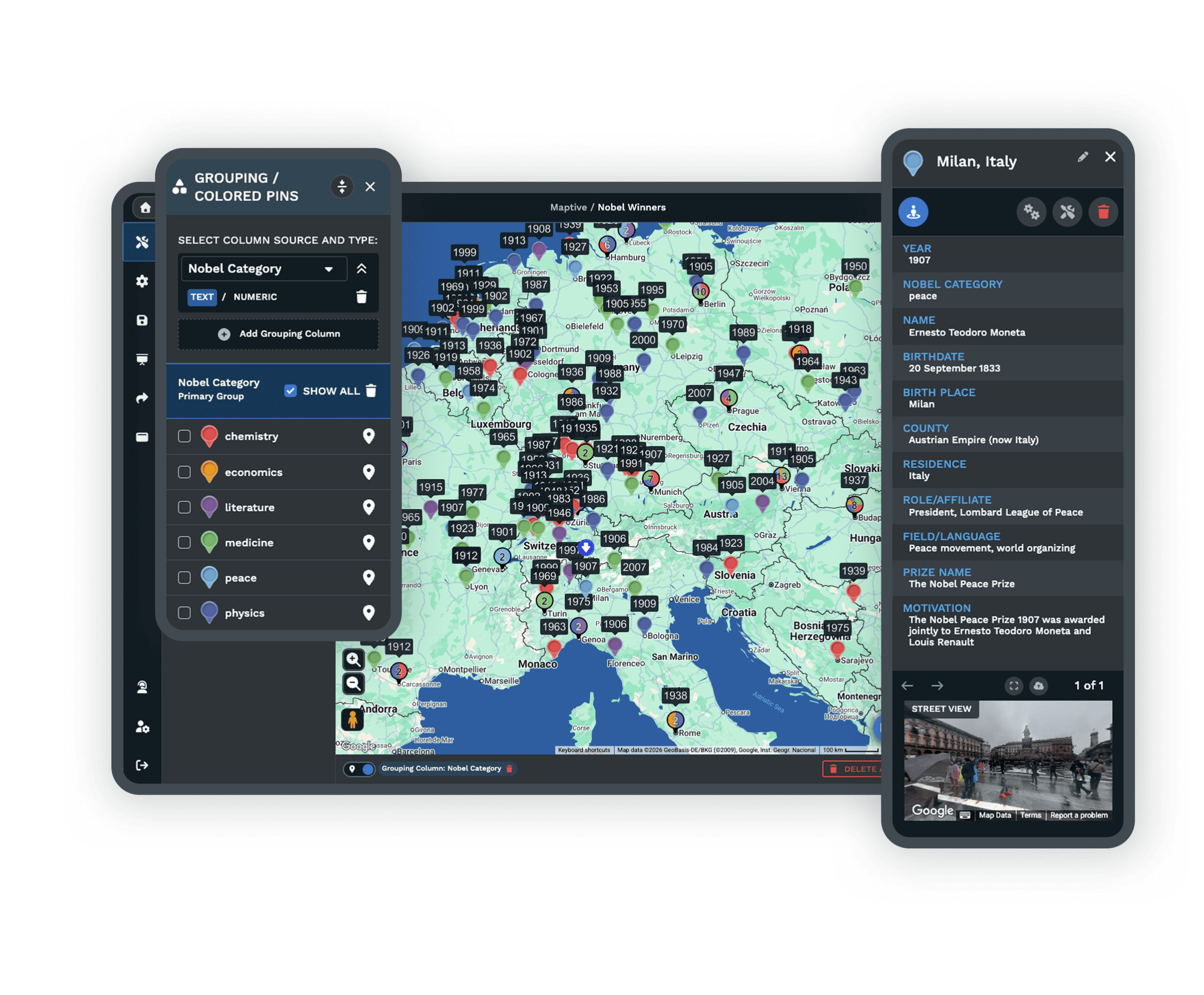
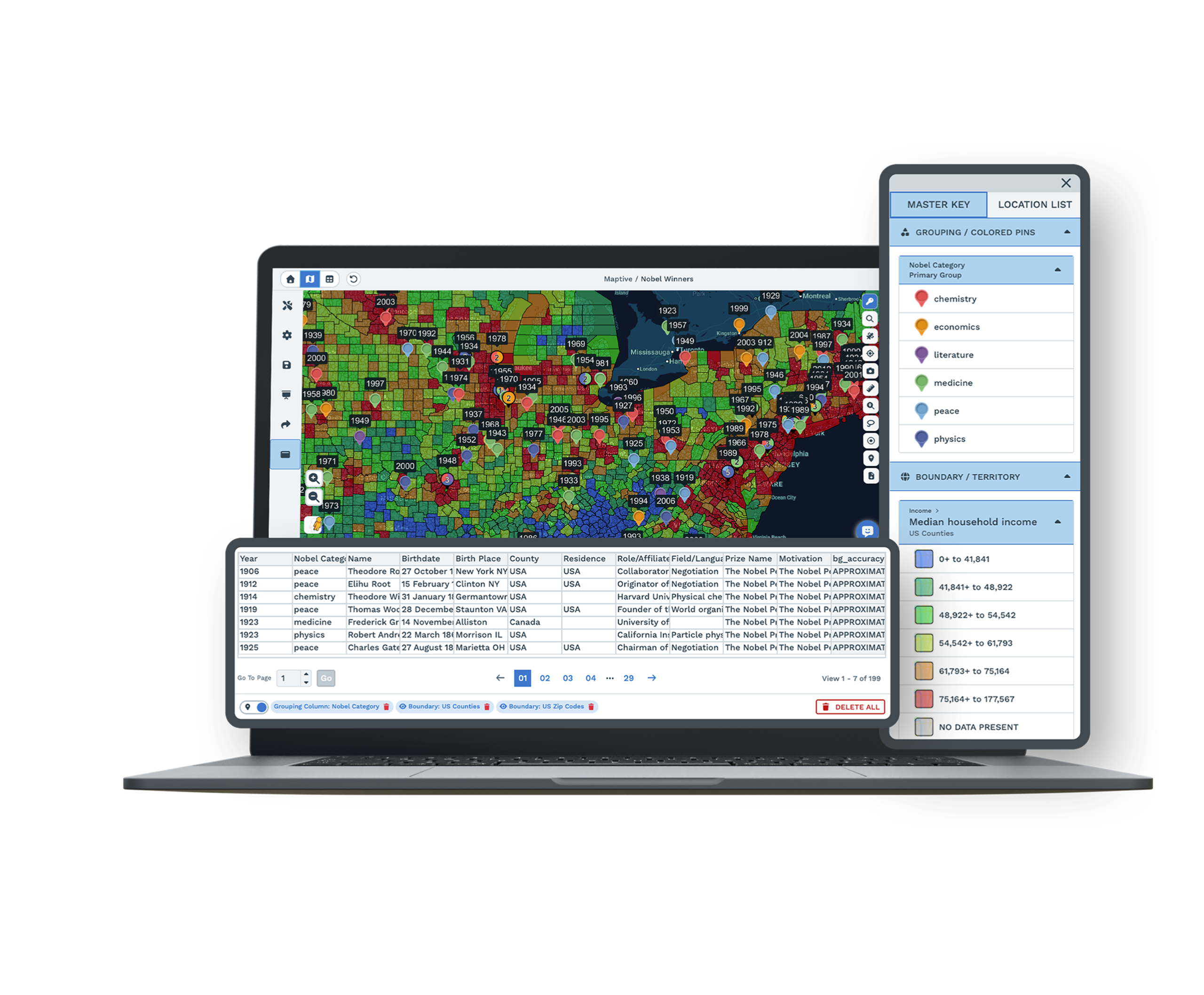
Where is most of your pipeline? Export contacts, companies, or deals from HubSpot and every record with an address shows up on one map. Size the pins by deal value and you can tell the regions with real money in them apart from the ones with a lot of small deals. Lifecycle stage, owner, and any other property come through as columns you can filter by.
Maptive is essential to how we understand the global distribution of our leaders, helping us to reduce unnecessary travel time, costs and our impact on the environment.
From a HubSpot List to a Working Map in Four Steps
-
1
Export a HubSpot list
From Contacts, Companies, or Deals, export the records you want with their address properties as a CSV.
-
2
Upload to Maptive
Drop the file into Maptive, paste from a Google Sheet, or use the Maptive API for a live feed.
-
3
Maptive plots your records
Addresses are geocoded and cleaned, so contacts and deals appear as points you can click and read.
-
4
Segment and plan
Color pins with the Grouping Tool, filter with Filters, or set a drive-time area. This page is part of Maptive CRM mapping software.
Map a HubSpot List Free for 10 Days
Start a 10-day free trial with every tool unlocked. Export a HubSpot list, upload it, and see your contacts and deals on a map the same session. Book a demo and a specialist will map a sample with you.
No credit card required
Questions HubSpot Users Ask
Can I map HubSpot contacts and deals?
Yes. Export contacts, companies, or deals from HubSpot as a CSV, or connect through the Maptive API, and Maptive plots each record by address so you can read your pipeline by location.
How do I get HubSpot data into Maptive?
Export the list you want from HubSpot with its address properties, then upload the CSV to Maptive or paste it from a Google Sheet. Your records are geocoded and mapped in the first session.
Can I see pipeline value by region?
Yes. Weight a heat map by deal value or shade ZIP codes and counties by your own numbers, so the areas with the most pipeline are easy to read next to your contacts.
Can I filter the map by HubSpot properties?
Yes. Filter by any column in your export, like lifecycle stage, owner, or deal amount, so one view shows open deals and the next shows customers in one region.
Do I need technical skills to map HubSpot data?
No. Upload a spreadsheet or paste a Google Sheet and Maptive maps it for you through menus. Support can set up your first map if you want a hand.
Is my HubSpot data secure in Maptive?
Yes. Maptive uses 256-bit SSL encryption, single sign-on, two-factor login, role-based access, and audit logging, and it has passed the Salesforce AppExchange security review.








