


eSpatial Alternative
Maptive gives you powerful, reliable, easy mapping with every feature on every plan and real people ready to help.
No credit card required
- Clear pricing, no surprise fees
- Every feature on every plan
- Easy to use with no training
- Real mapping experts on call
Trusted by teams at
















Frustrations That Hold Mapping Teams Back
Mapping software should make work faster and clearer. For many teams, it does the opposite.
Slow Speeds and Frozen Screens
Many mapping platforms freeze the moment you add a big spreadsheet or try to live sync with another tool. Permissions glitch, CRM links break, and your team waits, restarts, and hunts for fixes. Working around the software becomes part of the job, and projects fall behind.
Tools That Make Simple Tasks Hard
Packed menus, clunky dashboards, and dated design make mapping harder than it should be. People cannot find their saved work or share it, and even a basic edit calls for a tutorial. The result is a team stuck chasing help instead of finishing the map.
The Maptive Advantage
Everything below comes on every plan, in one browser-based platform you can use on day one.
| Capability | What Maptive Delivers |
|---|---|
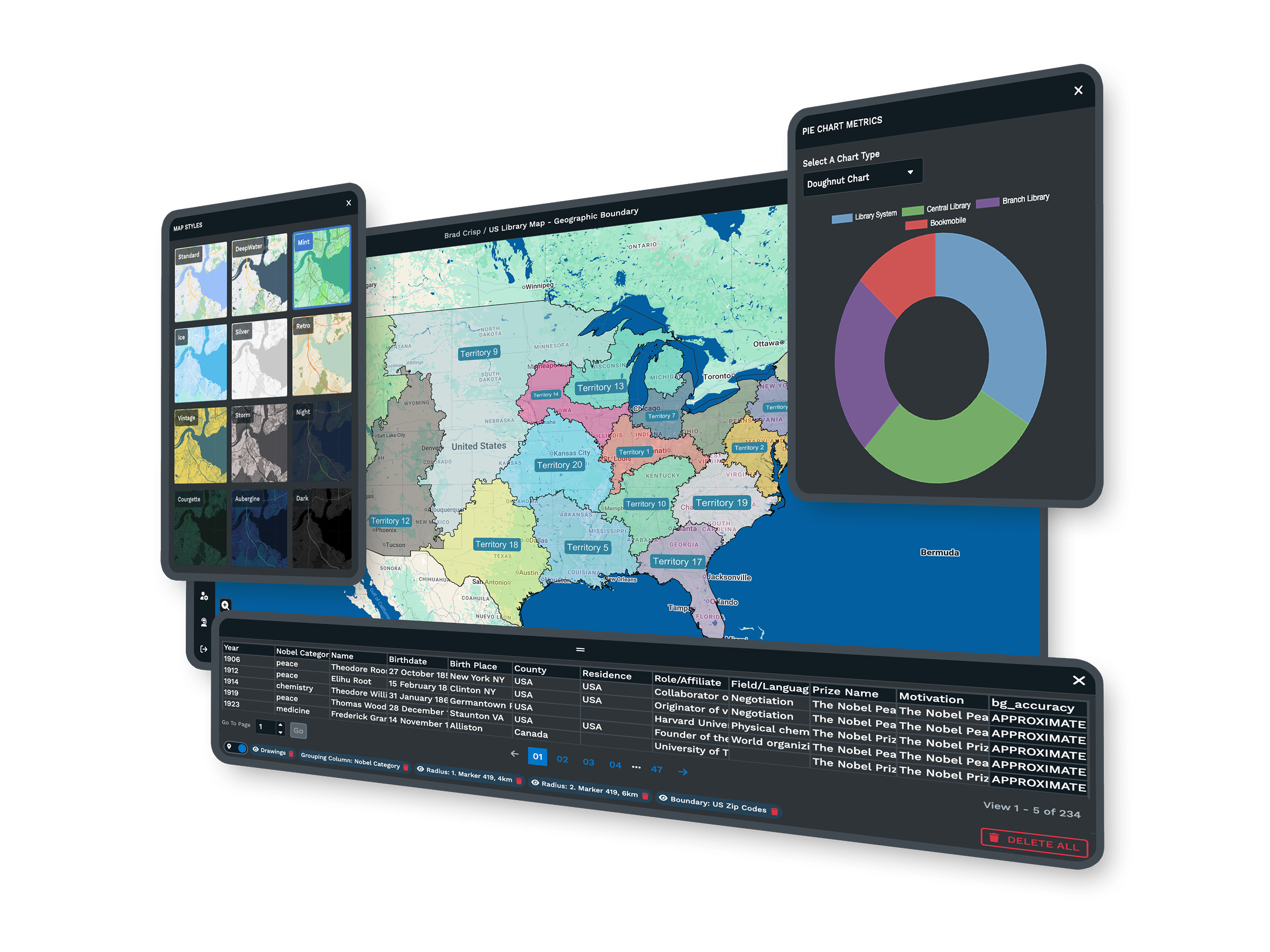
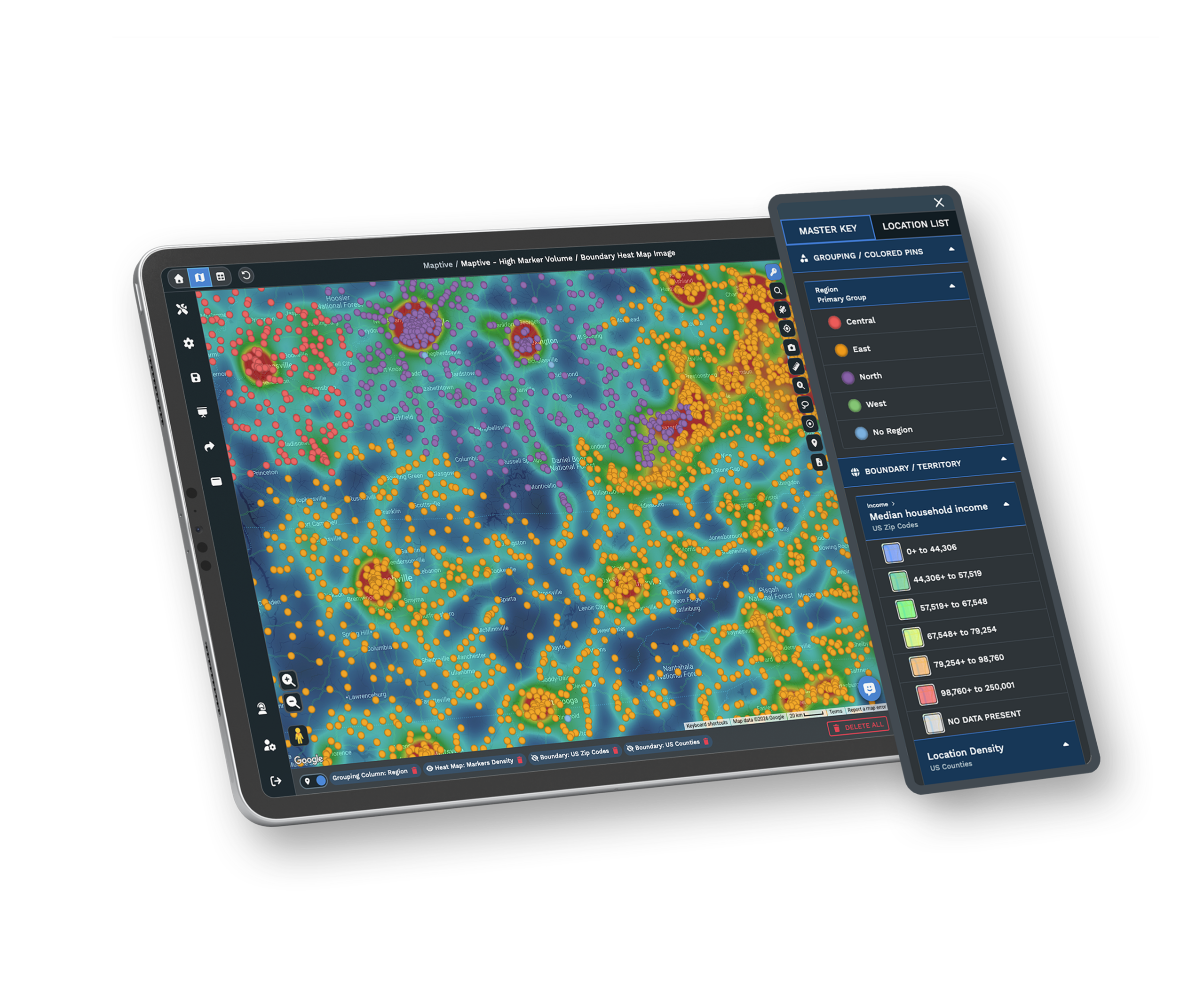
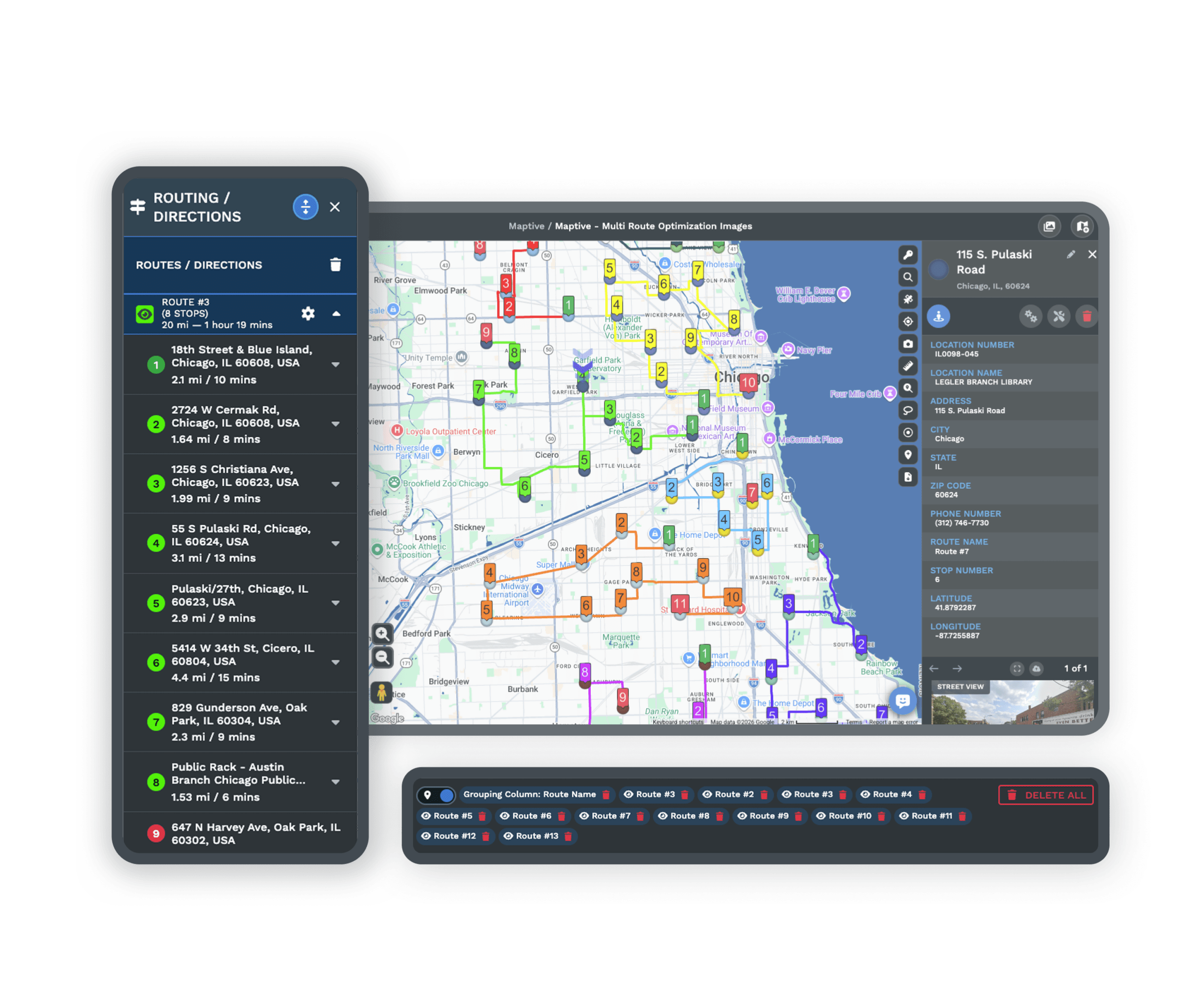
| Big Data Performance | WebGL rendering holds 200,000+ markers at once with no browser slowdown, and supports 100,000 locations per map. Batch geocoding clears 50,000 rows in 30 seconds, and your work saves itself as you go, so a frozen screen never costs you the map. |
| Easy Interface | A clean, visual workspace puts the core tools up front, organized by clear steps. Upload a spreadsheet, style your map, and run a report with drag-and-drop controls. Most teams are up and running after a single walkthrough, with no GIS background or long guides. |
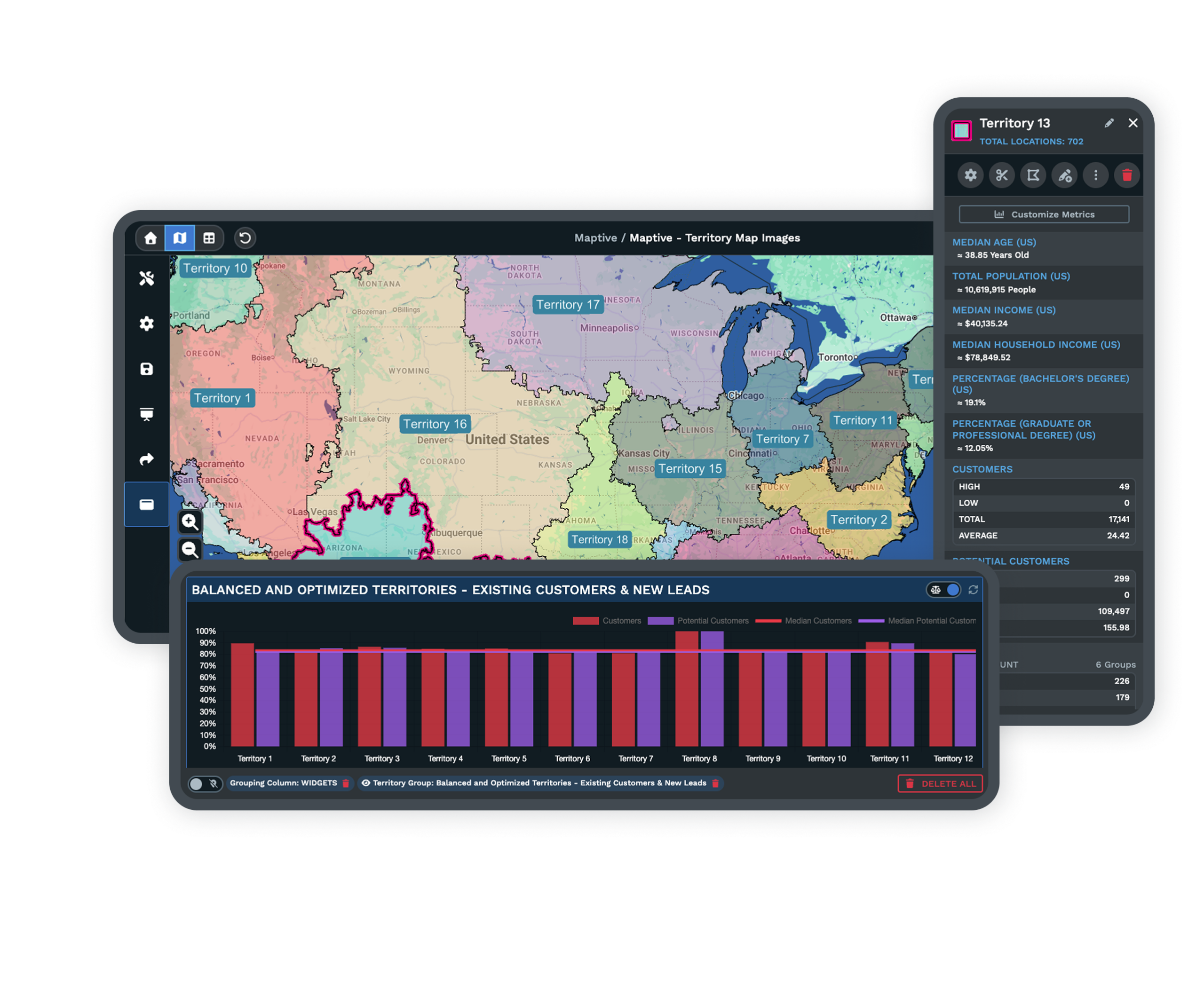
| Clear Pricing | All 60+ mapping and analysis tools on every plan, with no tiered locks. Territory optimization, routing for 73 stops, drive-time polygons up to 8 hours, 50+ census variables, and high-resolution exports are all included. No add-ons, no restricted roles, and no pay-to-export charges. |
| Sharing and Collaboration | One click turns a map into a URL with optional password protection, and you can embed interactive maps on any site. Permissions go down to tools, data columns, and editing. Recipients open the map in any browser with no account and no new license. |
| Data Integration | CRM sync with Salesforce, HubSpot, Zoho, Pipedrive, and Keap, plus a live Google Sheets connection. A REST API handles 1M+ address lookups a month, maps refresh within 90 seconds of a CRM change, and Excel, CSV, and paste imports all work with guided field matching. |
| Support | A 30+ person team in the US and Canada, all trained mapping experts, on live chat, phone, and email for every plan. First reply in under 15 minutes and most requests solved the same day. Data imports and file cleanup are included. G2 rates support 9.7/10. |
| Reliability and Security | 99.9% uptime with zero major outages in 2025 on enterprise cloud infrastructure. 256-bit SSL encryption in transit and at rest, two-factor authentication, single sign-on, role-based access, and full audit logging. Maptive passed the Salesforce AppExchange security review. |
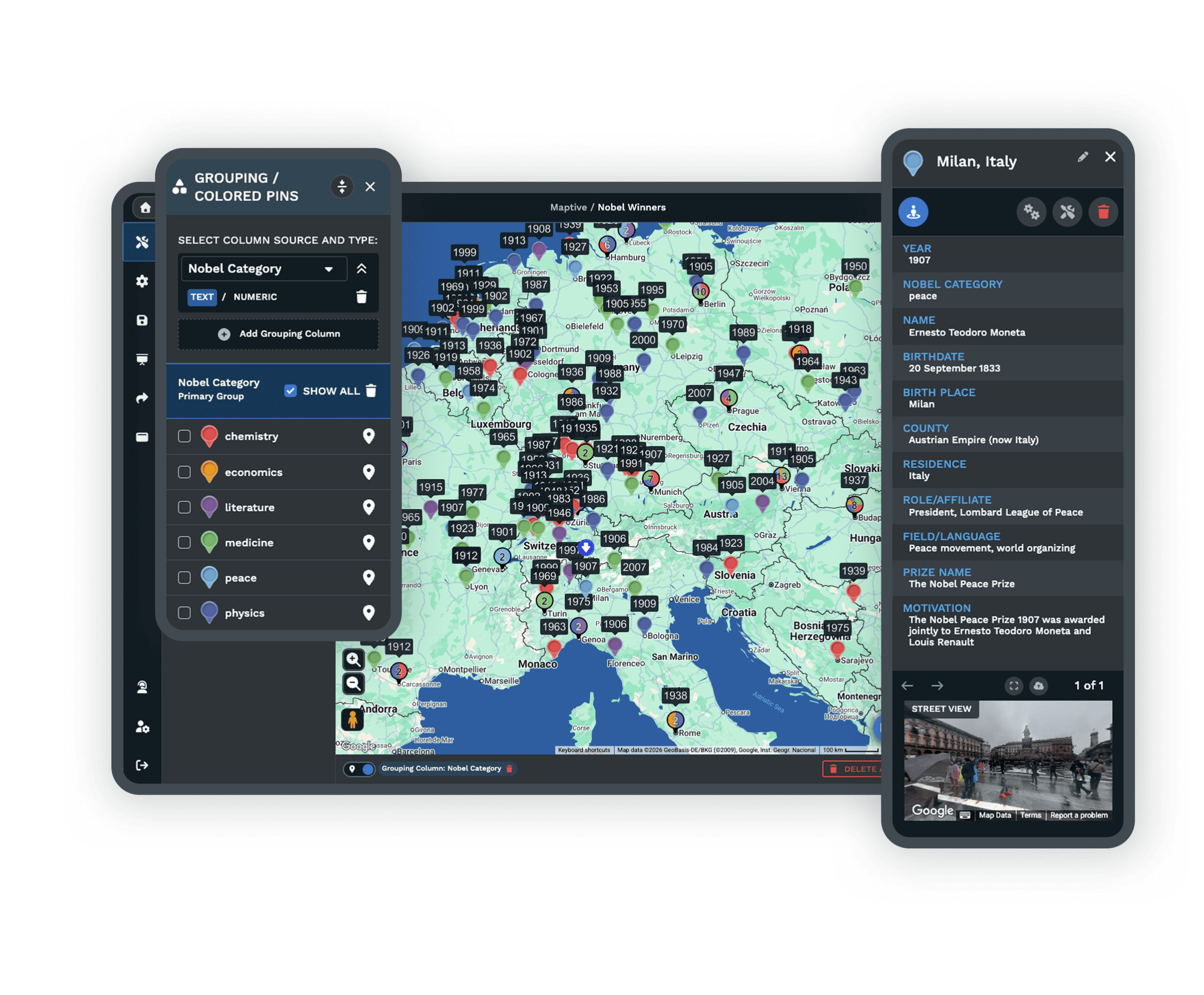
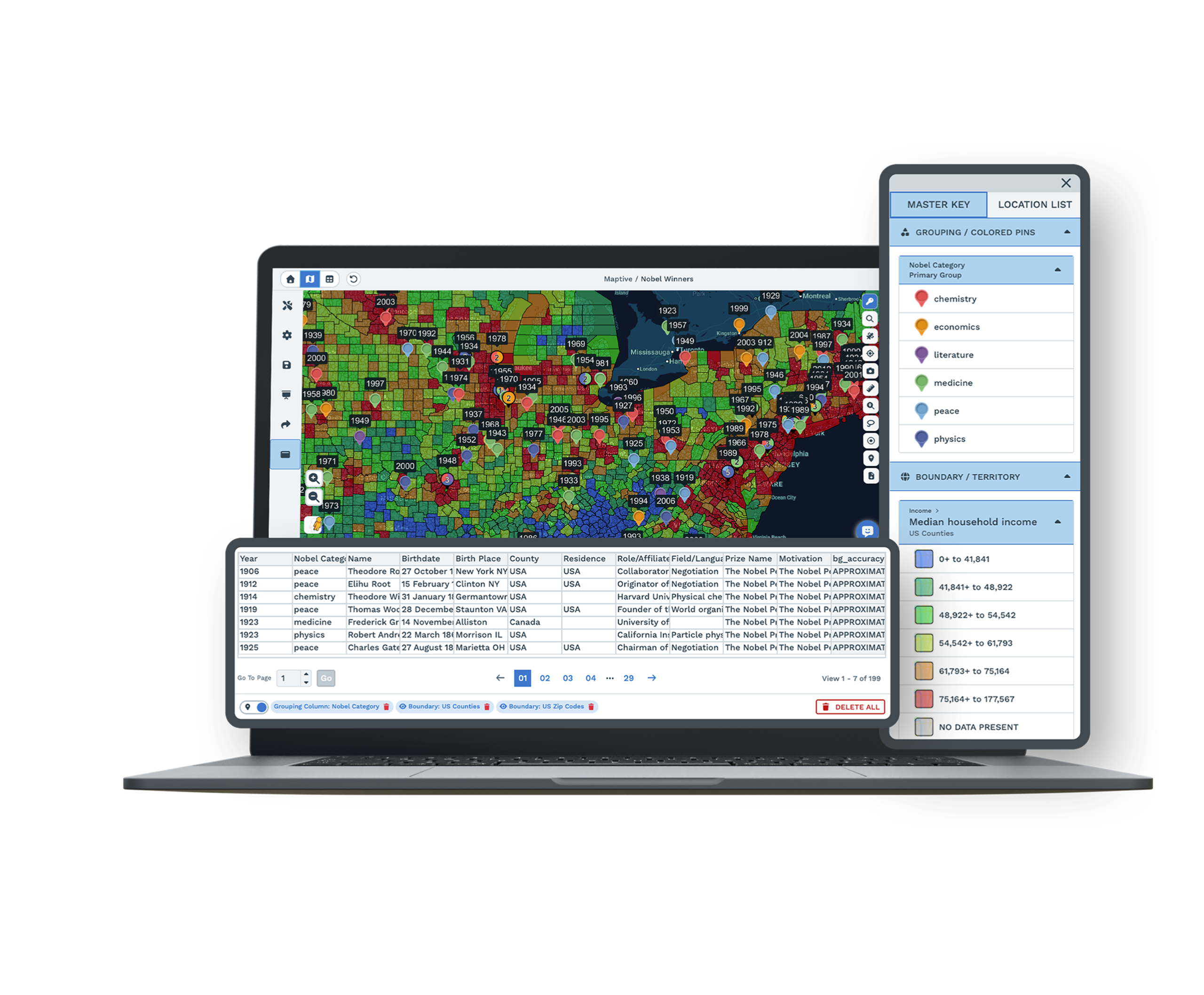
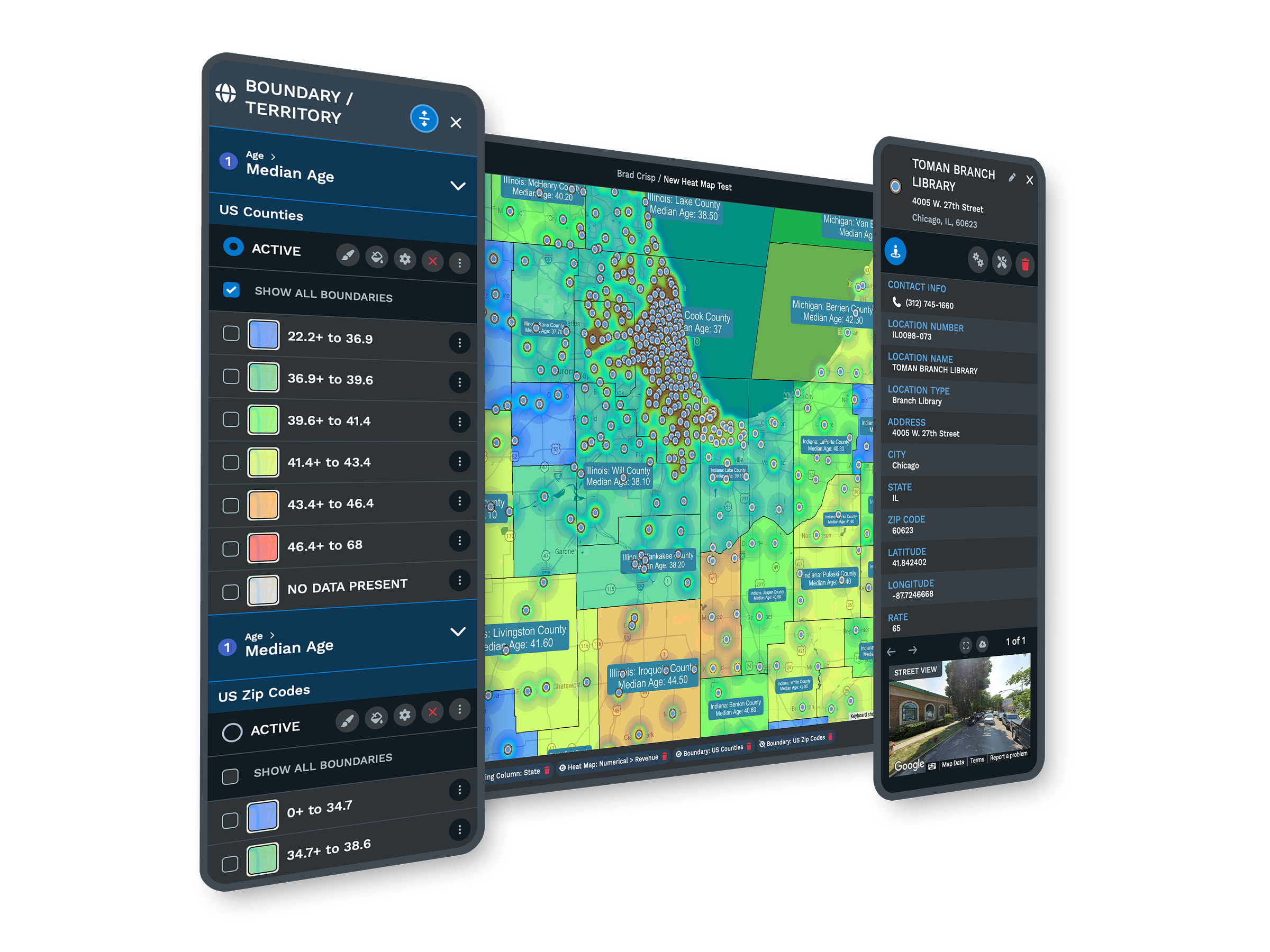
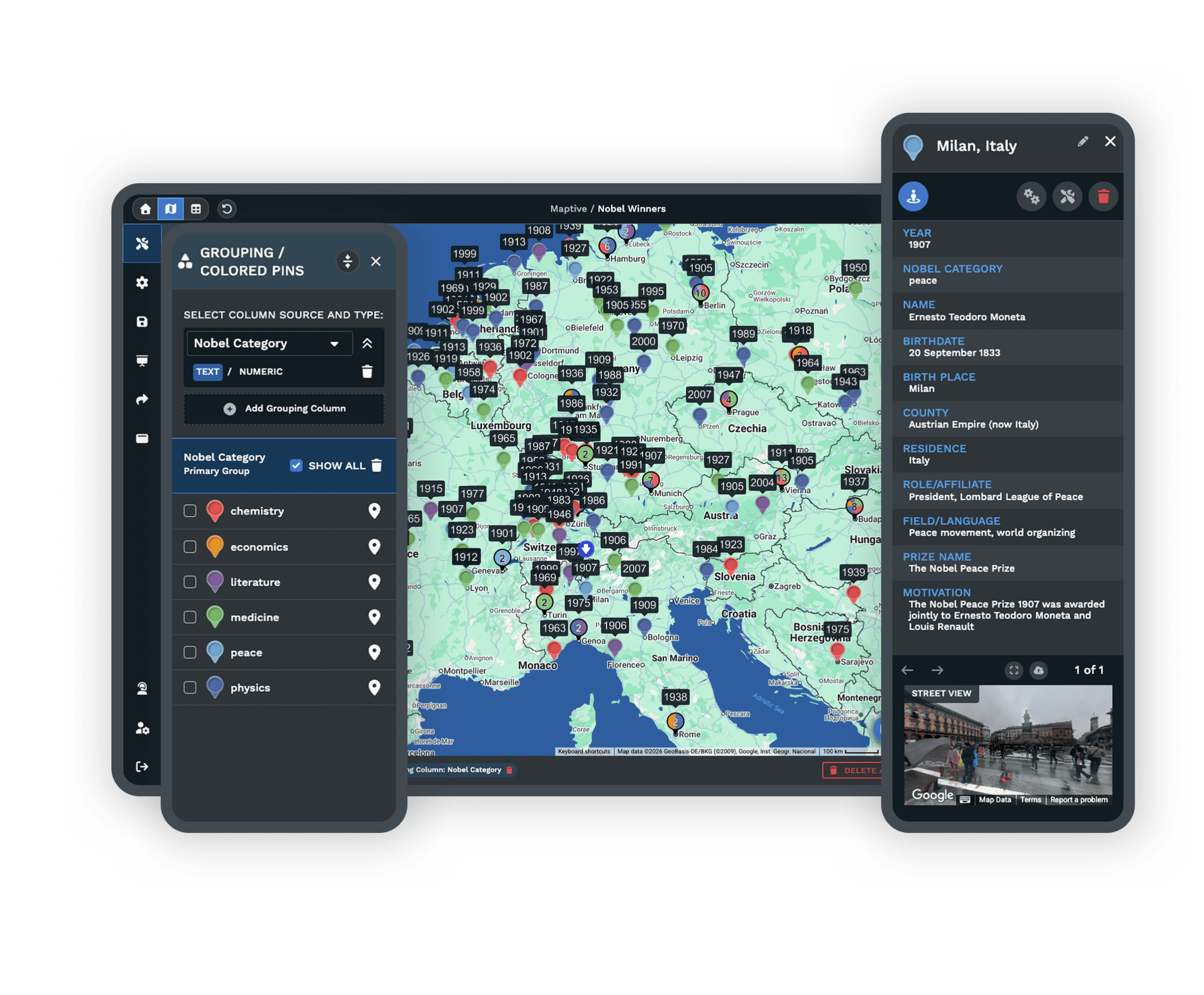
| Visual Customization | Full control over colors, icons, layers, and branded logos with drag-and-drop design. Annotate, highlight, and restyle for any team or client, and change layouts on the fly. Custom markers, base map styles, and flexible overlays let you control every detail of how a map looks. |
Reliable Mapping Without the Stress
Maptive removes the stress that holds back most teams. Maps run smoothly when you upload large data sets or switch between many active projects, and your work saves itself as you go. You always know exactly who can open each project.
Freezing, lost work, and version errors do not creep in, so your results stay accurate and ready to share. The heavy spreadsheets that crash other tools run here without a stutter.
User-Friendly From Day One
Anyone can use Maptive right away. The interface is simple and clear, so even people new to mapping find their way without hand-holding. You add data, run reports, and style maps without getting stuck in complicated menus or worrying about mistakes.
No one has to read through long guides or wait on IT to get started. If you can use a spreadsheet, you can build a working map in your first session.
White Glove Support for Every User
When you need help, you get a fast answer from someone who knows mapping. Maptive support runs through live chat, phone, and detailed written guides, with most replies in under 15 minutes and the majority of requests solved the same day.
Importing data, building a complex map, or learning the ropes, you get direct help until the problem is solved. There are no automated brush-offs and no premium support tier. Every user gets the same expert attention.
Easy Sharing and Flexible Collaboration
Sharing a map or adding a teammate should never mean buying new licenses or untangling permissions. With Maptive you share a link or export a file in one click, and set the access level for each viewer down to tools and data columns.
Remote and local teams see live changes and comment in real time, so working together stays direct and simple. There are no runarounds and no added fees to bring one more person in.
Features That Make Maptive the Best Alternative to eSpatial
Easy-To-Use Interface
The dashboard is organized by clear steps, so you import a spreadsheet, style a map, or build a report without searching. Most teams are running after one walkthrough.
Smooth Big Data Handling
Process spreadsheets with tens of thousands of entries at once, with sorting, queries, and edits finishing in seconds. Sales planning and territory mapping run without stalls.
Flexible Imports and Exports
Bring in data from Excel, Google Sheets, Salesforce, and more. Visual wizards guide field matching, flag errors right away, and let you roll back a change if something looks off.
Custom Map Styling
Full control over colors, icons, layers, and branded logos. Annotate, highlight, and restyle for any client, and change layouts on the fly with drag-and-drop tools.
Real Collaboration
Multiple users work in real time, sharing links or dashboards with set permissions. Feedback, updates, and map changes happen in one place, so teams stay aligned.
Responsive Support
Response times are among the fastest in the industry. Agents help you troubleshoot or set up custom workflows by chat or phone, backed by guides and video tutorials.
Every Feature Included
All core mapping, analytics, sharing, and style tools come with every plan. No add-ons, no restricted roles, and no pay-to-export charges, so your budget stays predictable.
Works on Any Device
Maptive runs in any modern browser on Mac, Windows, iOS, Android, Chromebook, and tablets. Nothing to install, and everyone uses the same version with the same features.
eSpatial Alternative FAQs
How do I know if mapping software will work for my business?
Is it hard to switch from one mapping tool to Maptive?
Are there extra charges I should watch for?
Can Maptive work with my spreadsheets or CRM?
Why does mapping software sometimes show incorrect locations?
What support will I get if I run into problems?
Can Maptive handle thousands of addresses or complex maps?
How does teamwork work in Maptive?
What devices can I use Maptive on?
Does Maptive offer a free trial?
Free trial, every tool, no credit card
Start Mapping Without the Headaches
Try Maptive free, schedule a walkthrough, or reach a mapping specialist right now. Setup is quick, every tool is unlocked, and your team has full support at each step. Most people build their first map in under five minutes.
Switching From eSpatial?
Import most spreadsheets and data files directly, with step-by-step guides and a specialist to help move any custom setup. Most teams keep their existing work and get productive right away.








