


Alternative to CARTO
Maptive gives you powerful location intelligence you can run from your browser on day one, with no code and no specialist on call.
No credit card required
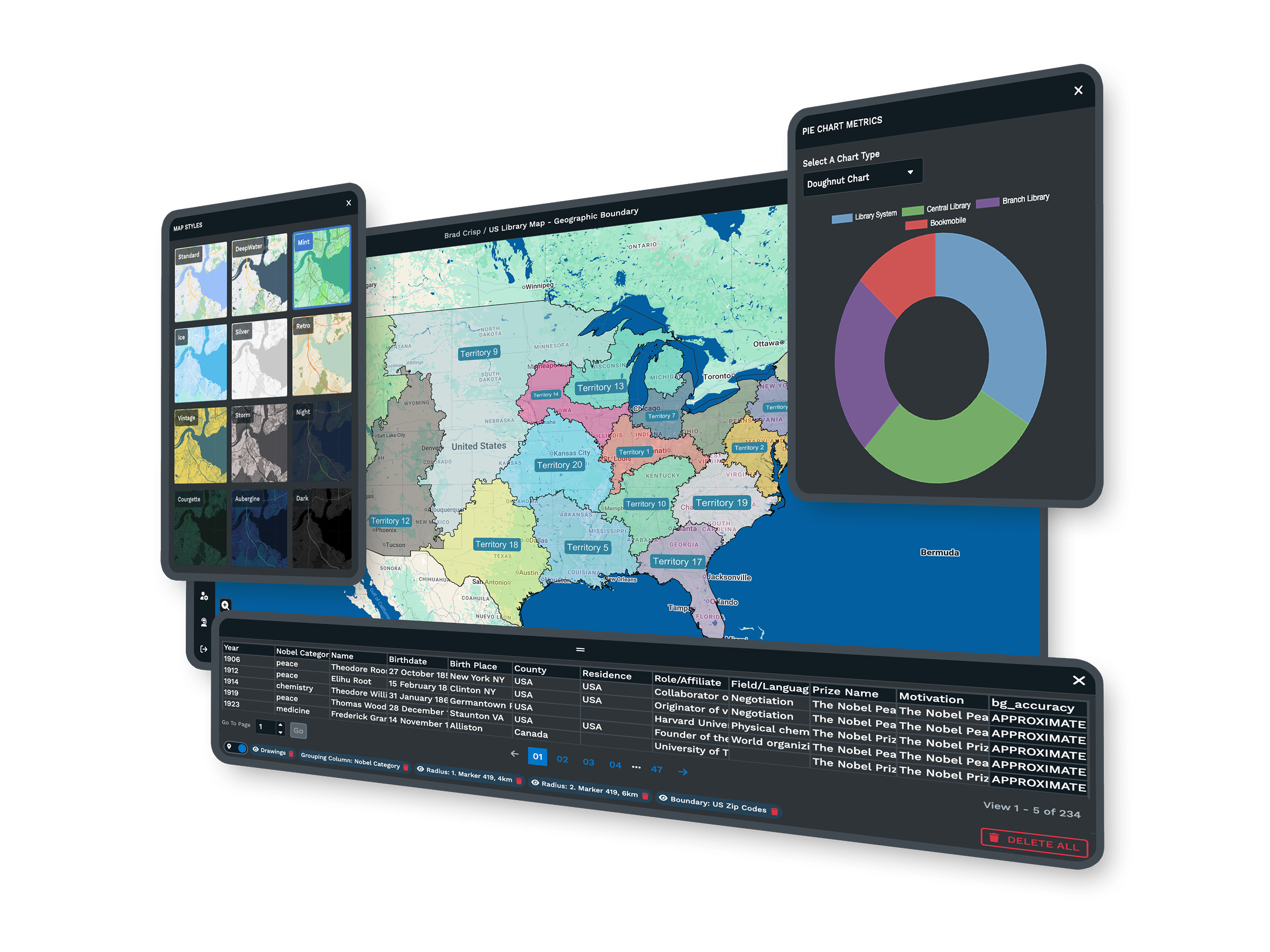
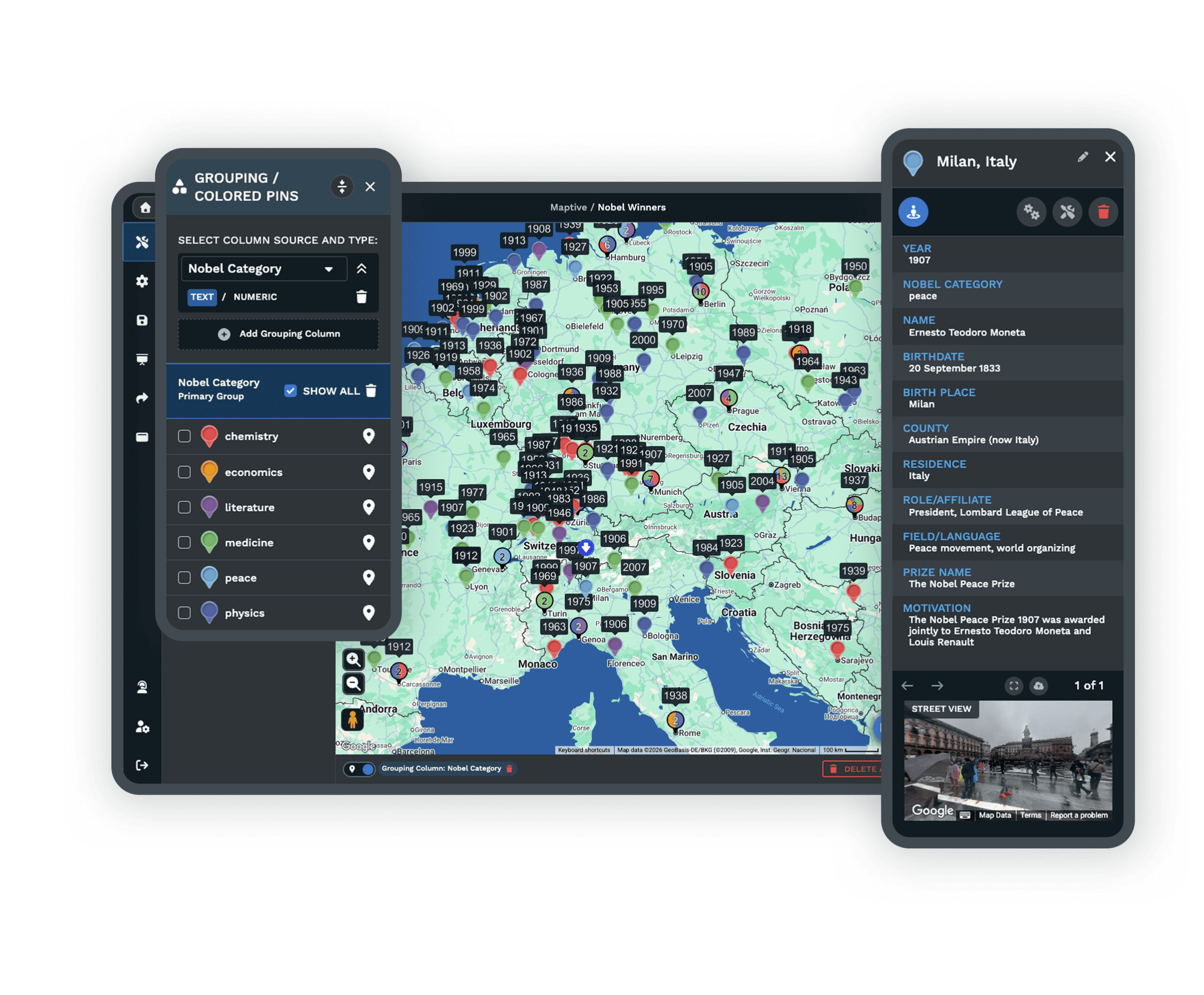
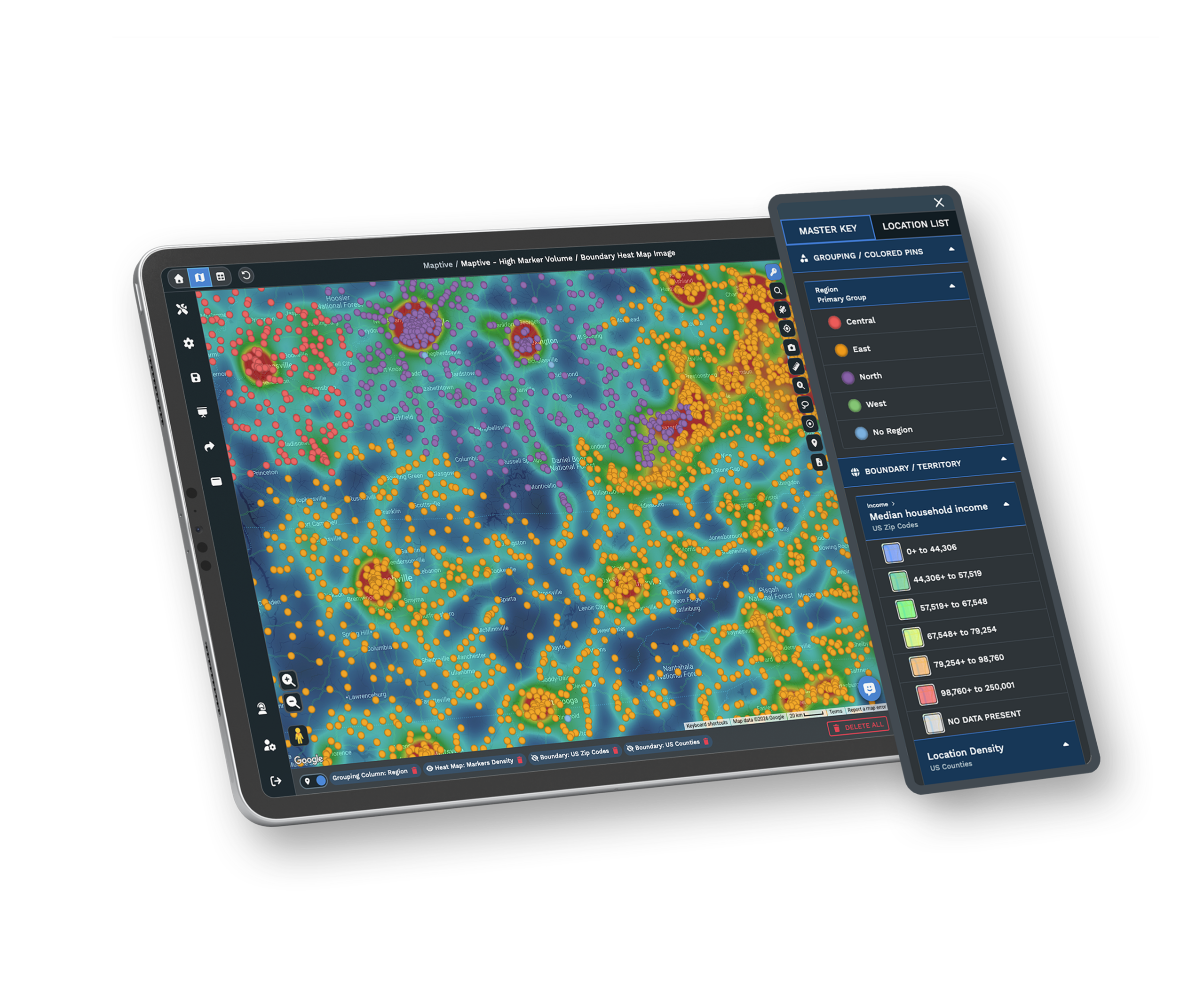
- No SQL or data science skills needed
- Built for business teams
- Live maps in minutes, no engineering
- Simple pricing from $1,250 a year
Trusted by teams at
















Why Teams Look Past CARTO
CARTO has deep analytics, but for most business teams it means slow performance, quotes you cannot plan around, and a setup that needs technical help.
When Speed and Performance Fall Short
Slow loading and lag make mapping hard to rely on once you pass a few thousand points. Maps stall, updates fall behind, and your day slows with them. Breaking a dataset into smaller pieces just to keep things moving costs you time and leaves you working from numbers that are already out of date.
Cost and Usability Roadblocks
Without clear self-serve pricing, planning a new project feels like a guess, and costs climb as you add seats or features. A technical interface adds to the friction, so even seasoned users need more help than they expected. The result is time spent on the software instead of the work in front of you.
Maptive vs CARTO, Side by Side
Where each tool fits, feature by feature.
| Feature | Maptive | CARTO |
|---|---|---|
| Ease of Use | Built for non-specialists. Setup in minutes, with no SQL or code to learn. | A learning curve for new users, and technical tasks can call for SQL or coding. |
| Pricing | Transparent, self-serve plans from $1,250 a year, with no hidden fees. | Custom quotes for most plans, with enterprise-focused pricing, usage tiers, and credits. |
| Data Handling | Import up to 100,000 locations from Excel, Google Sheets, or CSV, with high-speed geocoding. | Handles large data, with some reported slowdowns or limits on very large sets. |
| Performance | Fast rendering on Google Maps, stable even with big datasets. | Users report lag with large or complex data, and rendering speed varies. |
| Territory Tools | Draw and edit custom territories, balance assignments, and overlay census data. | Territory management takes configuration, and demographic overlays are not built in. |
| Route Optimization | Optimizes routes for up to 73 stops, with turn-by-turn directions. | Route tools are available, and multi-stop optimization may need extra setup. |
| Demographic Data | Built-in US and Canada layers for population, age, income, and more. | May need custom layers or a third-party integration for demographic data. |
| Integration | Connects to Google Sheets, Salesforce, and the Google Maps API. | Supports cloud warehouses, APIs, and JavaScript libraries, often with technical setup. |
| Support | White-glove support with live people for setup, data import, and integration. | Support by ticket or email, with documentation that varies and more resources at enterprise tiers. |
| Mobile Access | Responsive web access that works in any mobile browser. | Browser-based, with some mobile limitations reported. |
| Target User | Business teams in sales, marketing, and operations with no GIS background. | Data scientists and developers who build custom spatial analysis. |
| Time to Value | Most teams build, import, and share within their first 15 minutes. | Onboarding and troubleshooting can stretch the time before productive use. |
Big Data Mapping, Made Simple
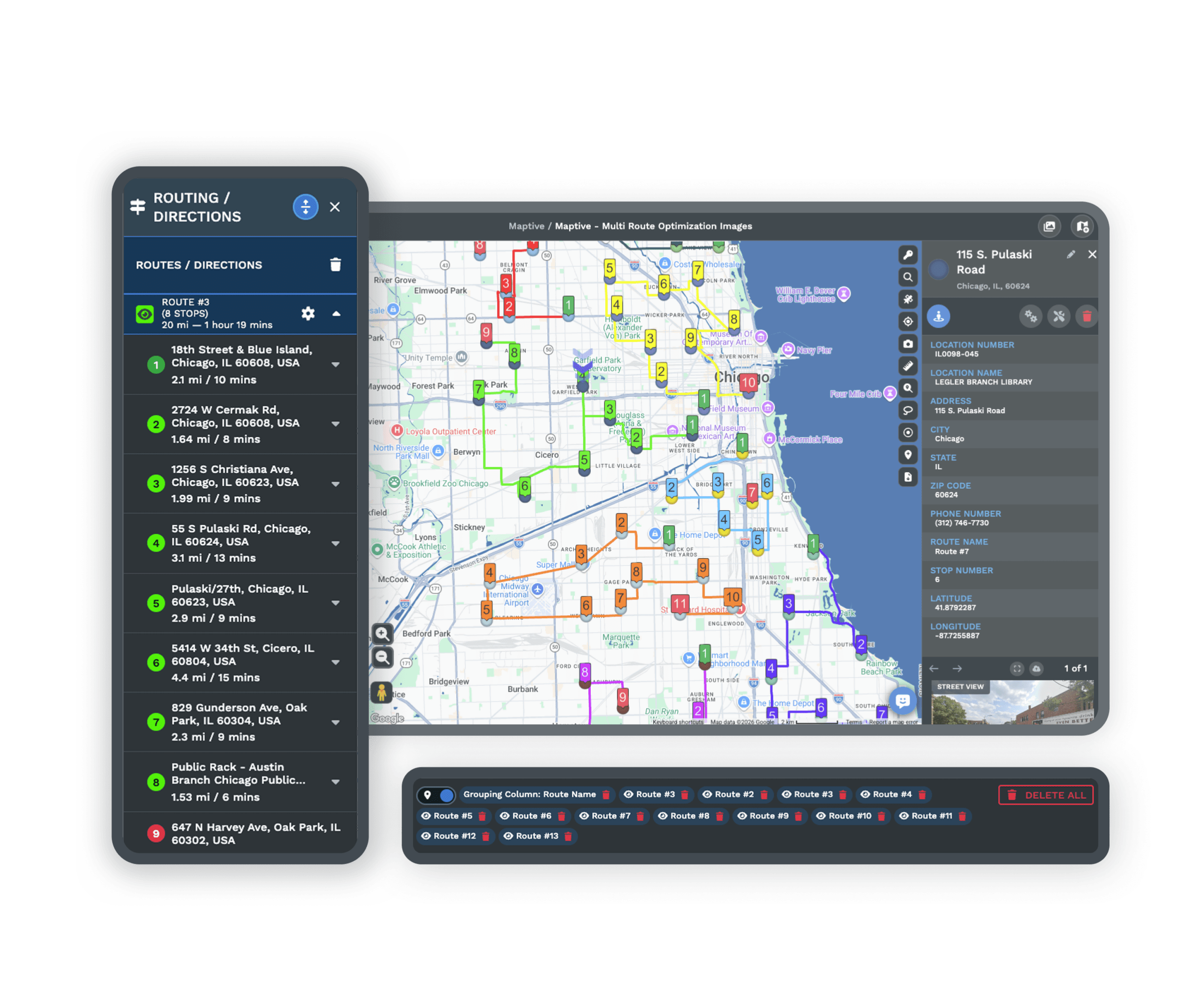
Maptive clears the usual bottleneck around large datasets. Teams with no mapping background upload a full list from Google Sheets or Excel and see it on the map without delay, so you spend your time reading the result instead of waiting on it.
Benchmarks show Maptive processes more than 50,000 rows in under 30 seconds and keeps your browser responsive. As your map or data grows more complex, results stay quick and smooth.
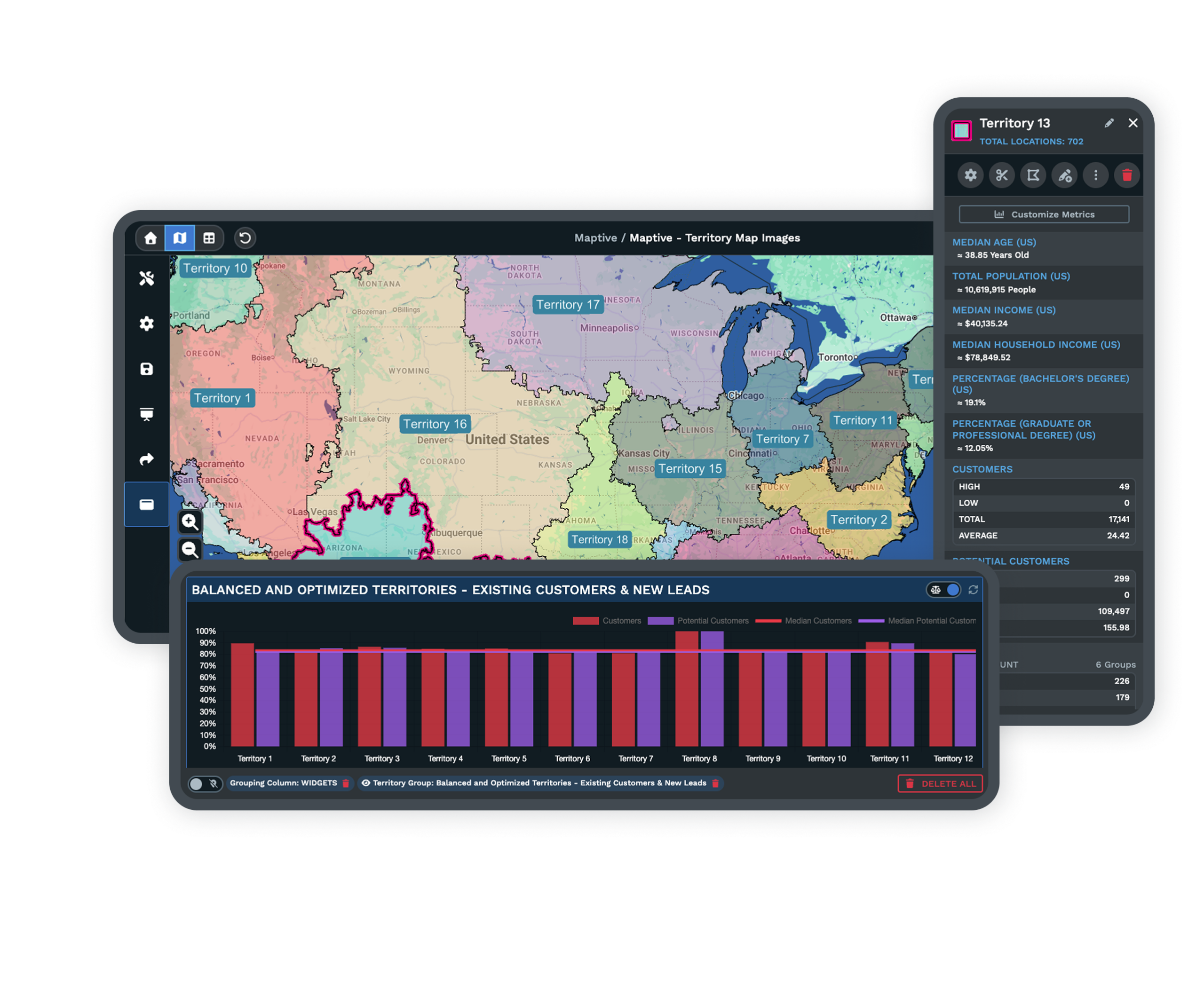
Designed for Real Business Teams
Maptive was built for everyday business use. The interface is simple, so anyone on your team can import data, adjust the map style, and share a new map within minutes. There is no long training and no outside consultant to book.
Your team handles reporting, sales planning, and analysis on its own, so you depend less on technical experts and reach the business answer sooner. If you can use a spreadsheet, you can use Maptive.
Live, Human Support at Every Step
Every Maptive user reaches a real person by live chat, email, or phone with no waiting. The team does more than answer the basics. They help you get set up, work through issues, and find the best way to map your data.
Verified users point to quick replies, personal help, and clear follow-ups, so your team keeps moving with no time lost. G2 rates our support 9.7 out of 10.
Collaboration and Security You Can Rely On
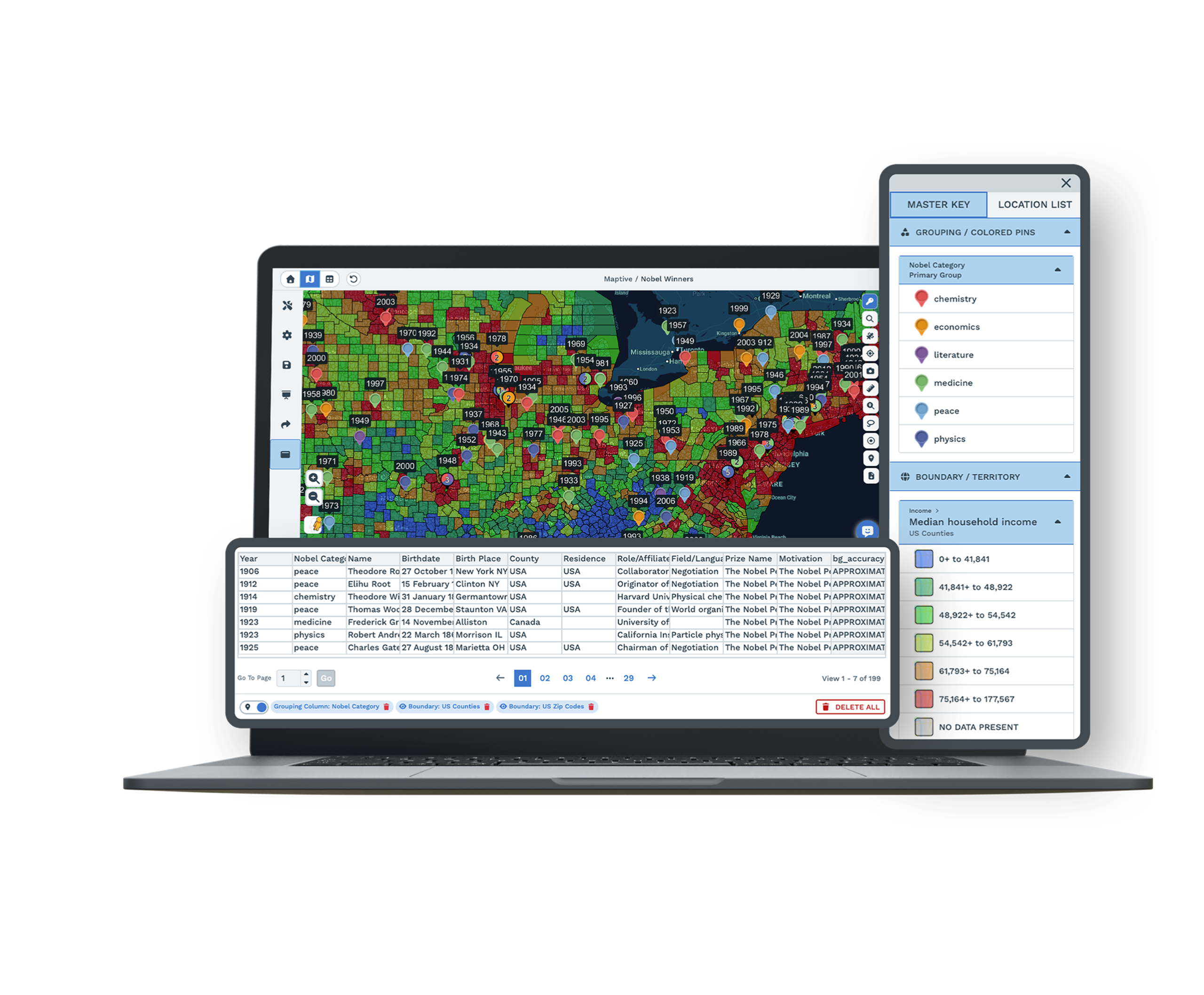
Your maps and data stay secure and within reach of the people who need them. Cloud-based sharing lets your team work together from anywhere, and you control who can view, edit, or export each map down to the data column.
Because Maptive runs on Google Maps, uptime stays consistent and your business data stays safe. A live Google Sheets connection and CRM sync keep every map current. Your data is protected with 256-bit SSL encryption, two-factor authentication, and regular backups.
Maptive's Key Advantages for Business
Simple Map Creation
Upload a spreadsheet or connect Google Sheets and build a live, interactive map within minutes, with no code and no specialist required.
Handles Large Datasets
Map up to 100,000 locations smoothly, with no lag and no crashes, and geocode 50,000 rows in about 30 seconds.
Route Optimization Built In
Find and share the fastest sales or delivery route across up to 73 stops, then export turn-by-turn directions in one click.
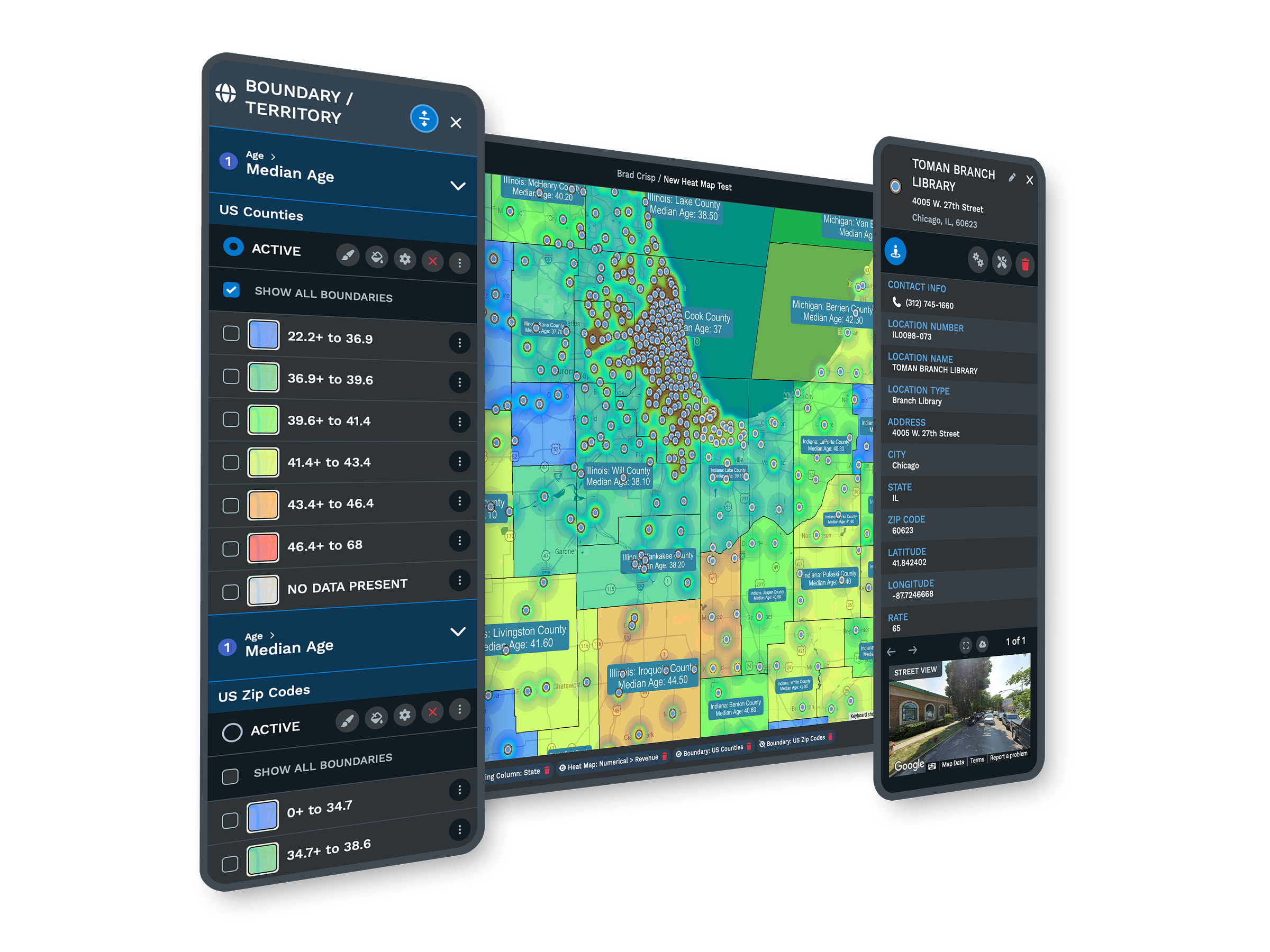
Demographic Overlays
Layer US and Canada census data for population, age, and income to sharpen market targeting and sales planning.
Custom Branding and Styling
Design interactive maps that match your company's look with custom icons, base map styles, shapes, and labels.
Live Support and Training
Get real human help at every step, whatever your skill level, by chat, phone, or email, with most replies in under 15 minutes.
CARTO Alternative FAQs
How is Maptive different from CARTO for business mapping?
Can Maptive handle complex, high-volume data?
Is Maptive easy to use for non-technical users?
How does Maptive pricing work?
Does Maptive provide route optimization out of the box?
Does Maptive integrate with Google Sheets?
How secure is Maptive for sensitive company data?
Is there a free trial available for Maptive?
How long does it take to get up and running?
What makes Maptive a strong CARTO alternative?
Free trial, every tool, no credit card
Ready to Try Maptive?
Start a 10-day free trial with no credit card and every tool unlocked, or book a demo and we will set it up around your data. Most people build their first map in under five minutes.
Switching From CARTO?
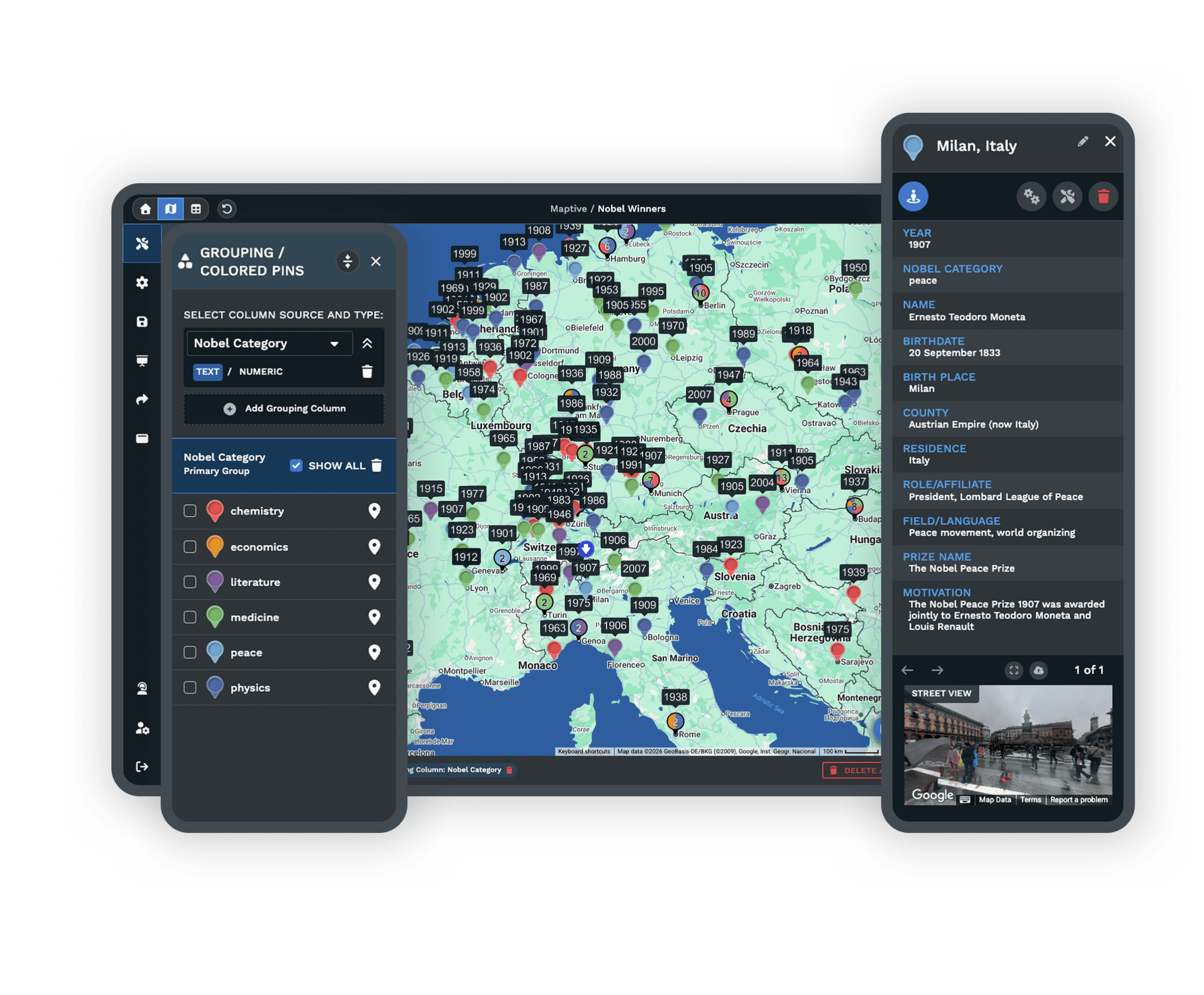
Bring your locations over from Excel, Google Sheets, or CSV, and a mapping specialist walks you through setup at no charge. Most teams are mapping the same day, with no contracts to lock you in.








