


Mapping Software for Businesses
Does your business need to visualize its location data fast? Maptive turns a spreadsheet into an interactive map, with no GIS skills and every tool included.
No credit card required
- Spreadsheet to map in minutes
- All 60+ tools on every plan
- No GIS skills required
- Color-code customers & leads
- Optimize routes up to 73 stops
- 50+ Census variables included
- Spreadsheet to map in minutes
- All 60+ tools on every plan
- No GIS skills required
- Color-code customers & leads
- Optimize routes up to 73 stops
- 50+ Census variables included
Trusted by teams at
















What Our Customers Say About Us
See what others have to say about Maptive.
Tools for Customers, Routes, and Territories
Every routing, territory, heat-map, and demographic tool is unlocked on every plan, so the one feature you need is never locked behind a higher tier.
| 01 |
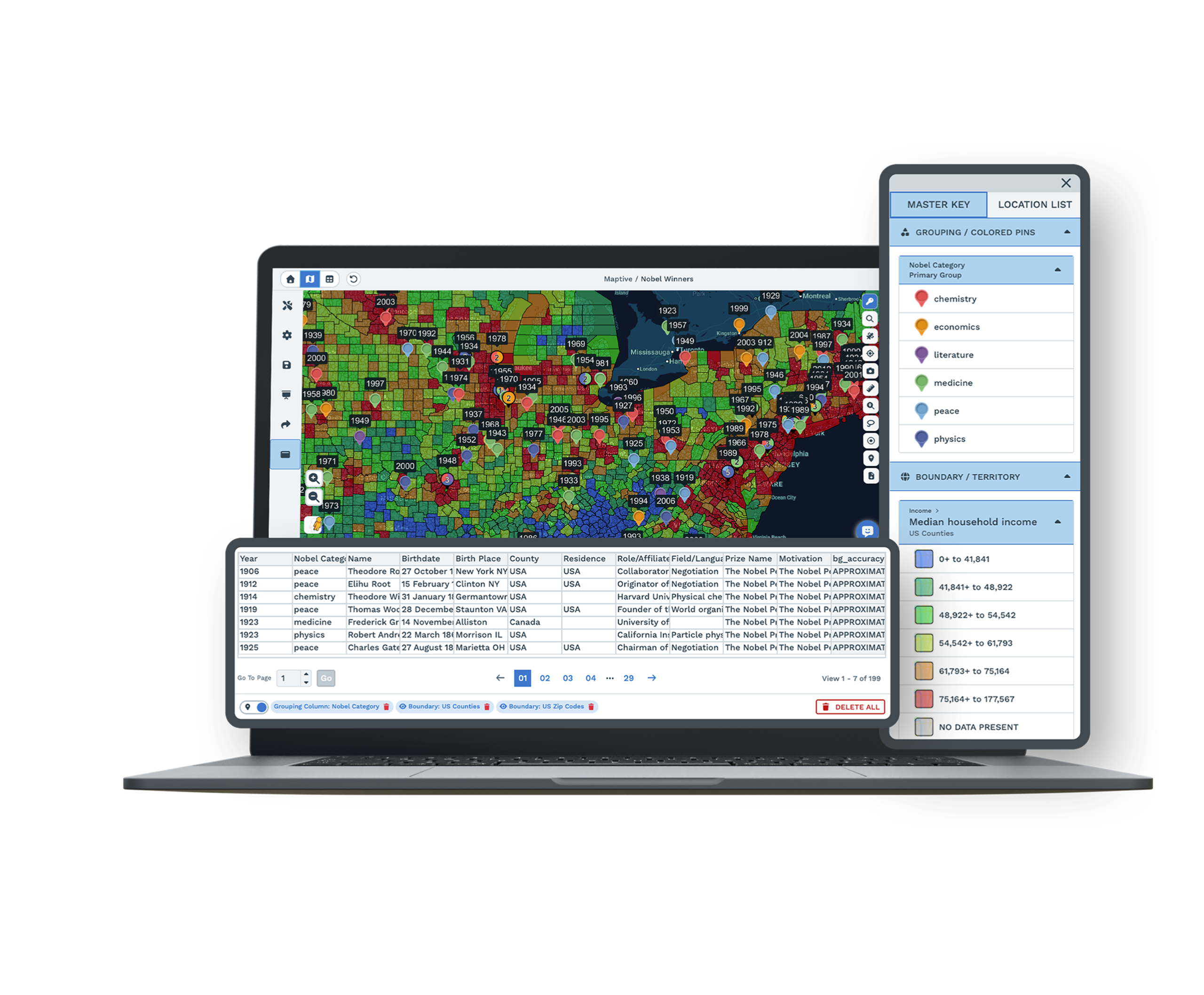
Spreadsheet Upload and GeocodingDrag in an Excel or CSV file, paste from your clipboard, or connect a Google Sheet. Maptive reads your address columns and geocodes each row, and it patches common gaps like missing ZIP codes or abbreviated street names as it goes. |
| 02 |
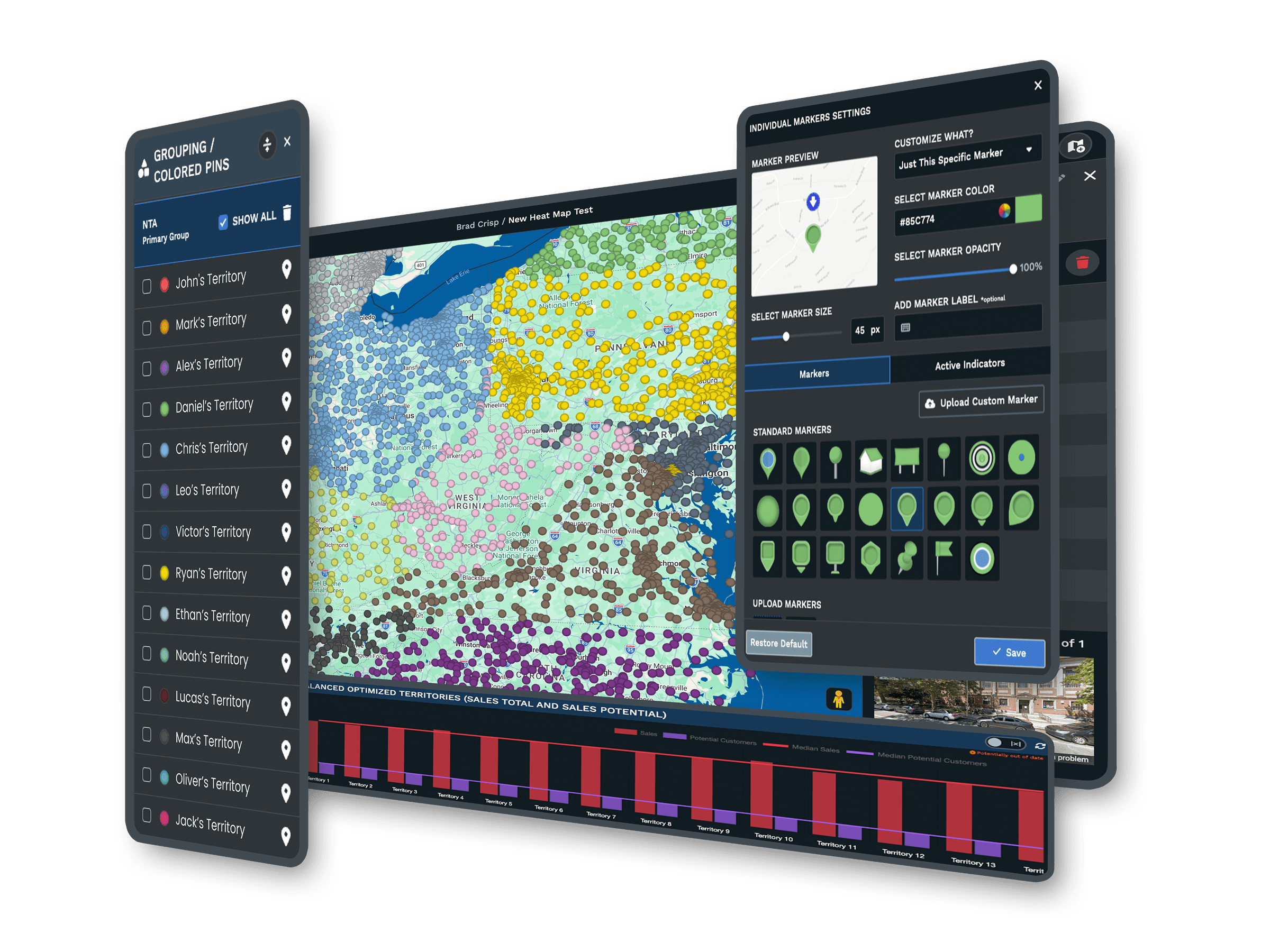
Customer and Lead MapsColor-code customers or prospects by status, value, or type, then filter to the segment you care about. Clusters and empty patches that hide in a spreadsheet show on the map at a glance. |
| 03 |
Multi-Stop Route OptimizationReorder a run of up to 73 stops into an efficient sequence, and your driver gets turn-by-turn navigation on their phone. One person plans and dispatches the route from a browser. |
| 04 |
Hand-Drawn and Automated TerritoriesDraw a region on the map by hand, or split your accounts into balanced areas by ZIP, county, or your own boundaries. The account counts even out as you adjust, with no spreadsheet to rebalance. |
| 05 |
Built-In Demographics50+ US Census variables are available on every plan. Draw a radius or drive-time ring around a candidate site and read who lives inside it before you sign a lease. |
Your First Map in Minutes
For months your business is only rows you scroll but never see. You drag the same file into the browser, and a few seconds later the rows are points across a map you recognize. Geocoding runs at about 10 addresses a second, so a typical customer list is on the map in seconds, not an afternoon.
Many people brace for the upload to fail, because the file is messy, with half the ZIP codes missing and street names abbreviated three different ways. The map fills in anyway, since Maptive corrects what it can during the import. That first view, where a cluster two towns over turns out to be a market you had not named, teaches you more than a year of scrolling.
Growing Past the Spreadsheet
A spreadsheet of a few dozen accounts works until the changes pile up. The exception accounts, the constant edits, the territory split two reps argue over, the leading zero that Excel dropped from a ZIP code years ago. At that point the upkeep costs more than the sheet is worth.
A map handles the same work without the manual cleanup, and because every tool is open on every plan, you grow into multi-stop route optimization, heat mapping, and demographics as you need them rather than buying each one back later. Nothing waits behind a higher tier for the day the account list gets bigger.
Made for Owners and Operators
A one-person shop runs the same point-and-click tools a large account uses. You work from a spreadsheet and a map instead of layers and scripts, so nothing here asks for a specialist you do not have on staff.
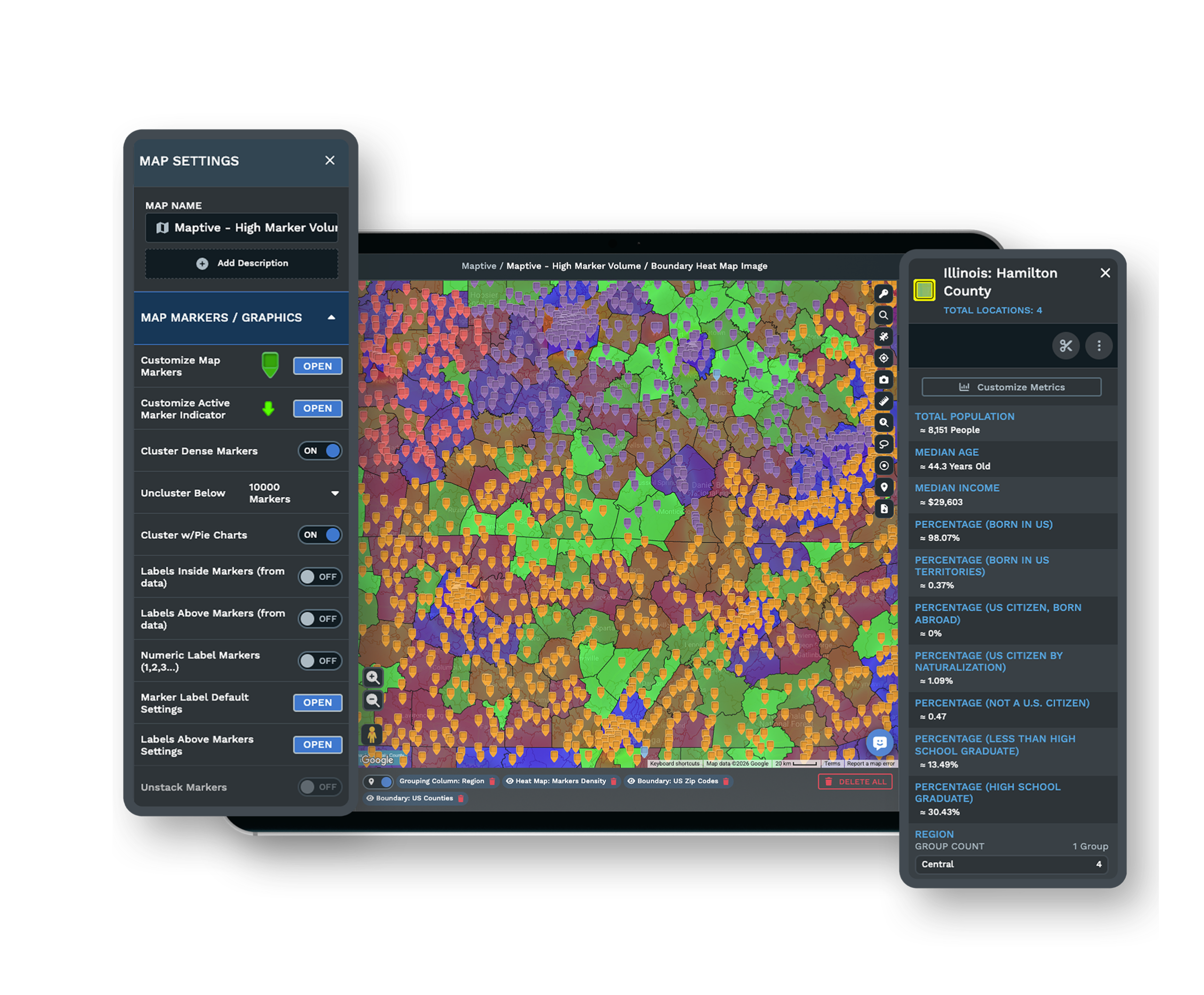
When you want to read the market around a candidate site, you draw a radius or drive-time ring and pull in Census demographic data on the people who live inside it. The same point-and-click approach carries through to building sales territories, so the work stays in reach for a small team.
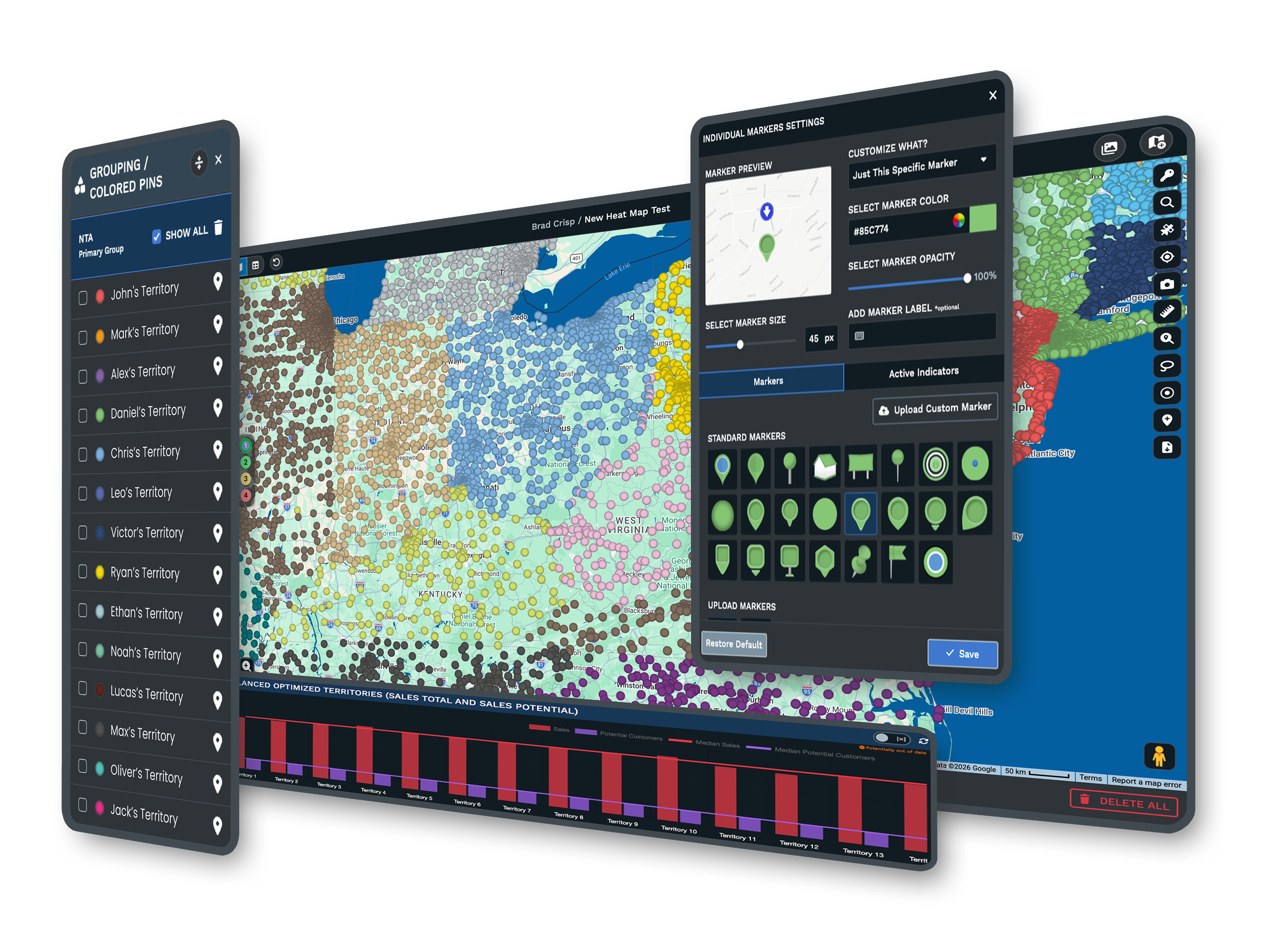
The Tools Behind Every Small-Business Map
Each one is a complete tool that you use inside the same Maptive platform.
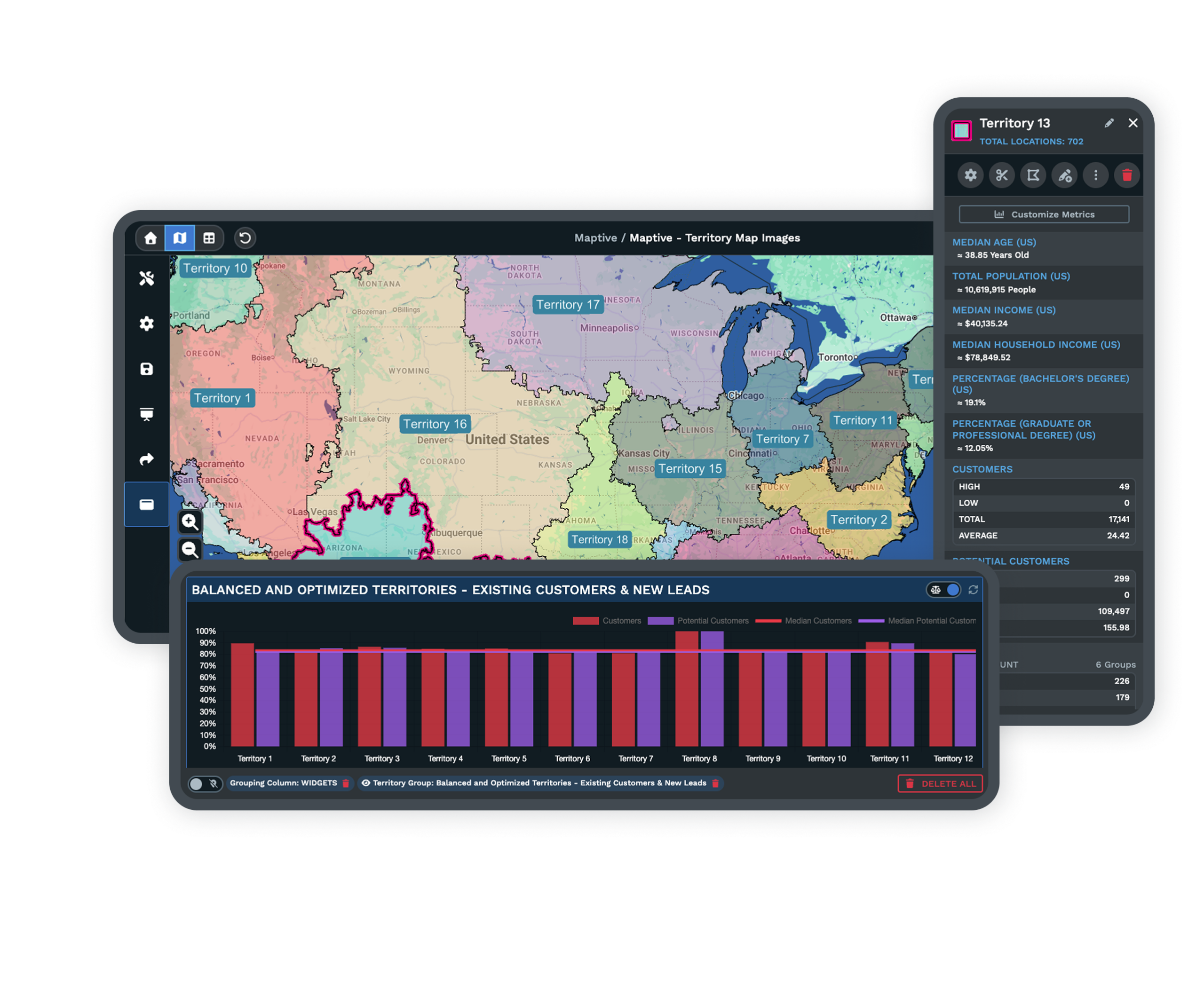
Optimize Multi-Stop Routes
Reorder a run of up to 73 stops into an efficient sequence and send turn-by-turn directions straight to a driver's phone.
Explore route optimization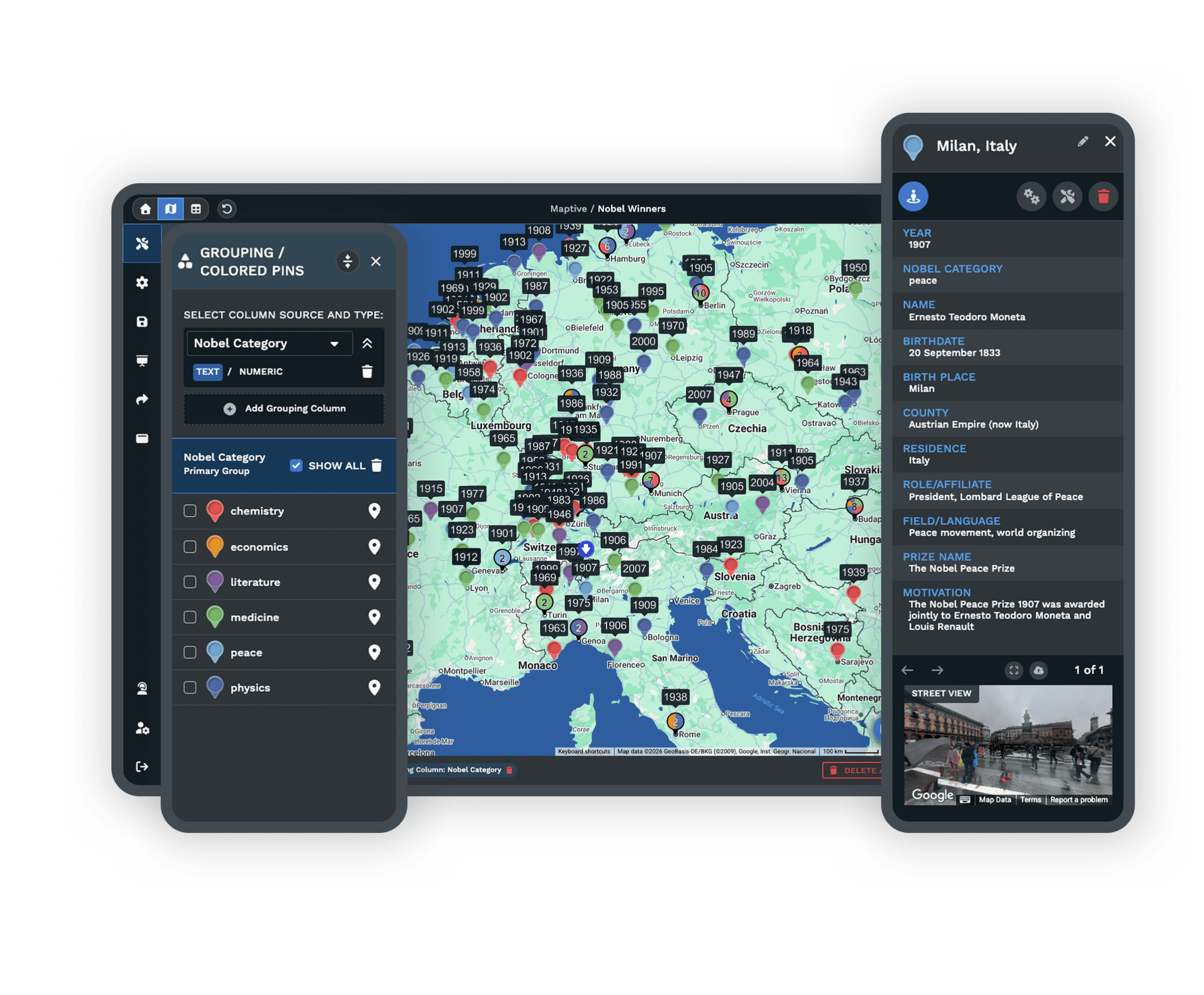
See Where Demand Clusters
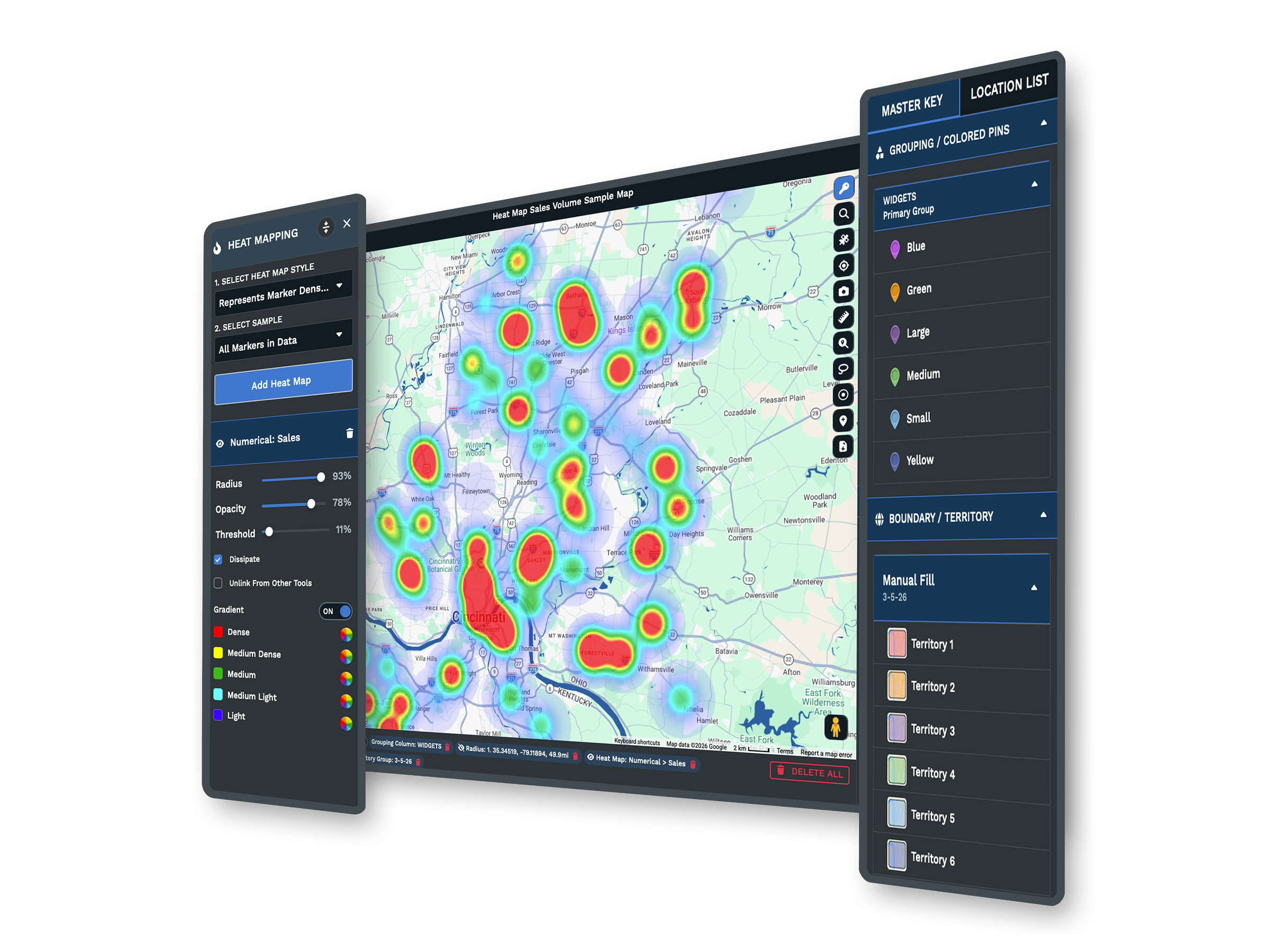
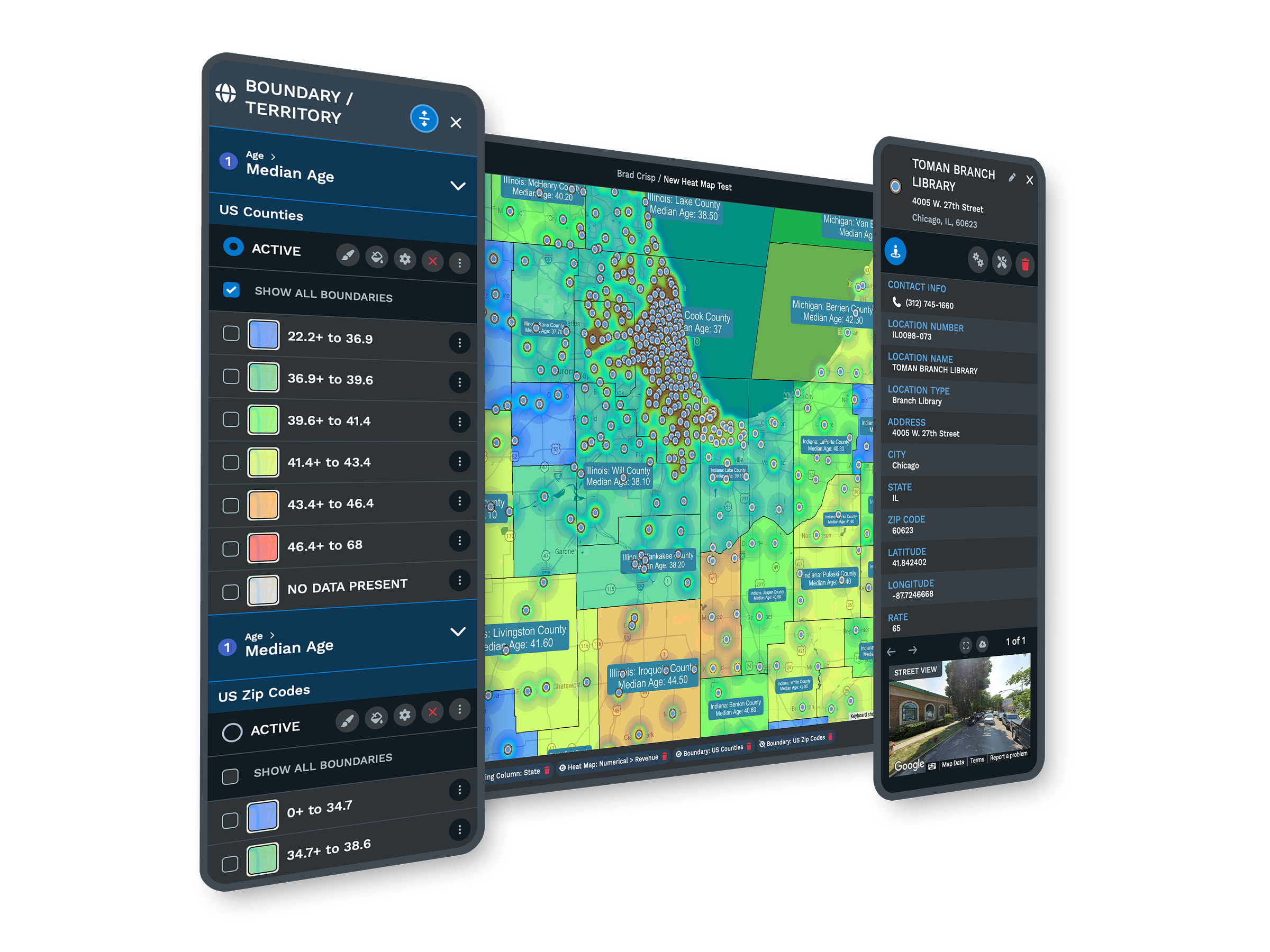
Turn a list of customers into a heat map, so the patches that hide in a spreadsheet show up where the demand actually sits.
Explore heat mapping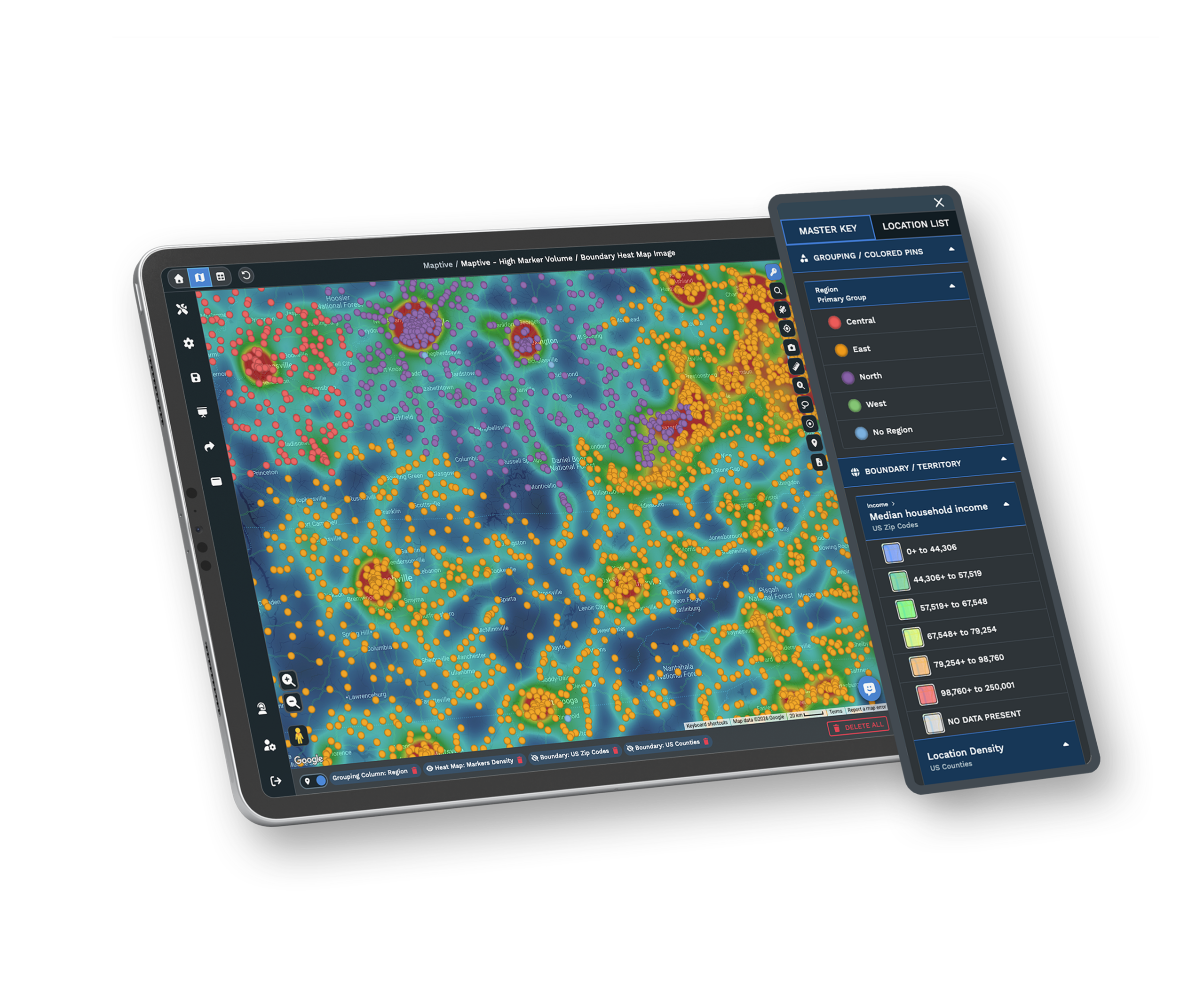
Read the Market Around a Site
Add Census income, density, and age data at ZIP and tract level, then read who lives around a candidate site before you commit.
Explore demographic overlaysSupport and Security for Smaller Teams
Made for Owners and Operators
A one-person shop runs the same point-and-click tools a large account uses. You work from a spreadsheet and a map instead of layers and scripts, so nothing here asks for a specialist you do not have on staff.
Start Free TrialEncryption and Sharing Controls
A shared map opens only to the people you send the link to, and you set what each viewer can see. A link can stay locked behind a password, a public link is never indexed or searchable on the web, and your data is encrypted underneath it all.
Book a DemoSetup Help From Real People
The US and Canada support team, rated 9.7 out of 10, helps you import the first file and clean up the addresses at no extra charge. You reach trained mapping people, not a bot, and they answer in minutes.
Start Free TrialFree trial with the full platform and no credit card
Put Your List on the Map
Put your list on the map free for 10 days, with no card required. Upload the customer or lead list you already keep, draw a radius around your best accounts, and see the business on a map instead of in rows. The whole toolset is live at your first login, so you work the full product on your own data before you decide. Maptive keeps every tool open from the start.
Map Your First File With Us
If a blank map is not where you want to begin, a Maptive specialist will help you import the spreadsheet, fix the addresses, and set up the first map on a short call. Bring the file you keep your customers or stops in, and you leave with a map you can use that day.
Frequently Asked Questions
What is mapping software for a small business?
It is a web-based tool that takes a list you already keep, whether customers, leads, stops, or accounts, and plots it on an interactive map. You see where things are, find patterns, plan routes, and divide territories from one screen. You upload a spreadsheet and Maptive turns the addresses into points for you, so no coding or GIS background is needed to get started.
Can I map my customers from a spreadsheet?
Yes. You drag in an Excel or CSV file, paste from your clipboard, or connect a Google Sheet, and Maptive reads your address columns and places each customer on the map. It also fixes common formatting problems during the upload, like missing ZIP codes or abbreviated street names, so a messy file still comes through. Most small-business lists are ready to read within a minute of the upload.
Do I need GIS skills to use business mapping software?
No. The point of this kind of tool is that you skip GIS training entirely. You work from a spreadsheet and point-and-click tools instead of layers, projections, and scripts, so the learning curve stays gentle for a small team. If you can build a spreadsheet, you can build a map. Maptive also keeps a support team on hand to help with your first one.
How much does business mapping software cost?
It ranges from free, limited tools to paid plans. Maptive offers a short-term pass for one-off projects, an annual plan for a single user, and a team plan for a small group, with custom enterprise pricing on request. The point to check on any plan is that every mapping tool is included with Maptive, none of it gated behind a higher tier, so the price you see covers the full toolset.
Can mapping software plan a delivery or service route with multiple stops?
Yes. Route optimization reorders a list of stops into the most efficient sequence and produces turn-by-turn directions you can send to a phone for the driver. Maptive optimizes routes of up to 73 stops, and it exports navigation rather than tracking a vehicle live. One person can plan the run and dispatch it from a browser, which suits a small team without a logistics desk.
How do I create sales territories without juggling a spreadsheet?
You draw territories by hand on the map, or generate balanced ones automatically by ZIP, county, or your own boundaries. That replaces the manual cycle of pulling addresses, mapping them by hand, and rebalancing the load in a spreadsheet every time something changes. The account counts even out as you adjust a boundary, so you can shift one rep's area without redoing the whole plan by hand.
Can I share a map with a partner or my team without buying them a license?
Yes. You share a live map by link, and the viewer does not need an account to open it. You control how the link works, from open to anyone who has it to locked behind a password, and you set what each viewer can see. A public link is never indexed or searchable on the web, so a map you mean to keep private stays that way.
How fast does it turn a list of addresses into a map?
Geocoding, which converts addresses into map points, runs at roughly 10 addresses a second and processes tens of thousands of rows in well under a minute. A typical small-business customer list is on the map in seconds. Maptive also patches common gaps as it imports, like missing ZIP codes, so a messy file does not slow the upload down or stall partway through.
Can I use Census or demographic data to choose where to open my next location?
Yes. Maptive includes 50+ US Census variables at several geographic levels, from state and county down to ZIP, census tract, and block group, on every plan. You draw a radius or drive-time ring around a candidate site and read the population density, income, and age of who lives inside it before you sign a lease. The data is built in, so nothing is added on.
Is there a free trial, and do I have to enter a credit card?
Maptive offers a 10-day free trial with no credit card required, and every tool is unlocked from your first login. You test the full product on your own data before you decide, so you can upload your real customer list, build a territory, and read demographics around a site during the trial. If you would rather not start from a blank map, a specialist can set up your first one.








