


Salesforce Mapping Software
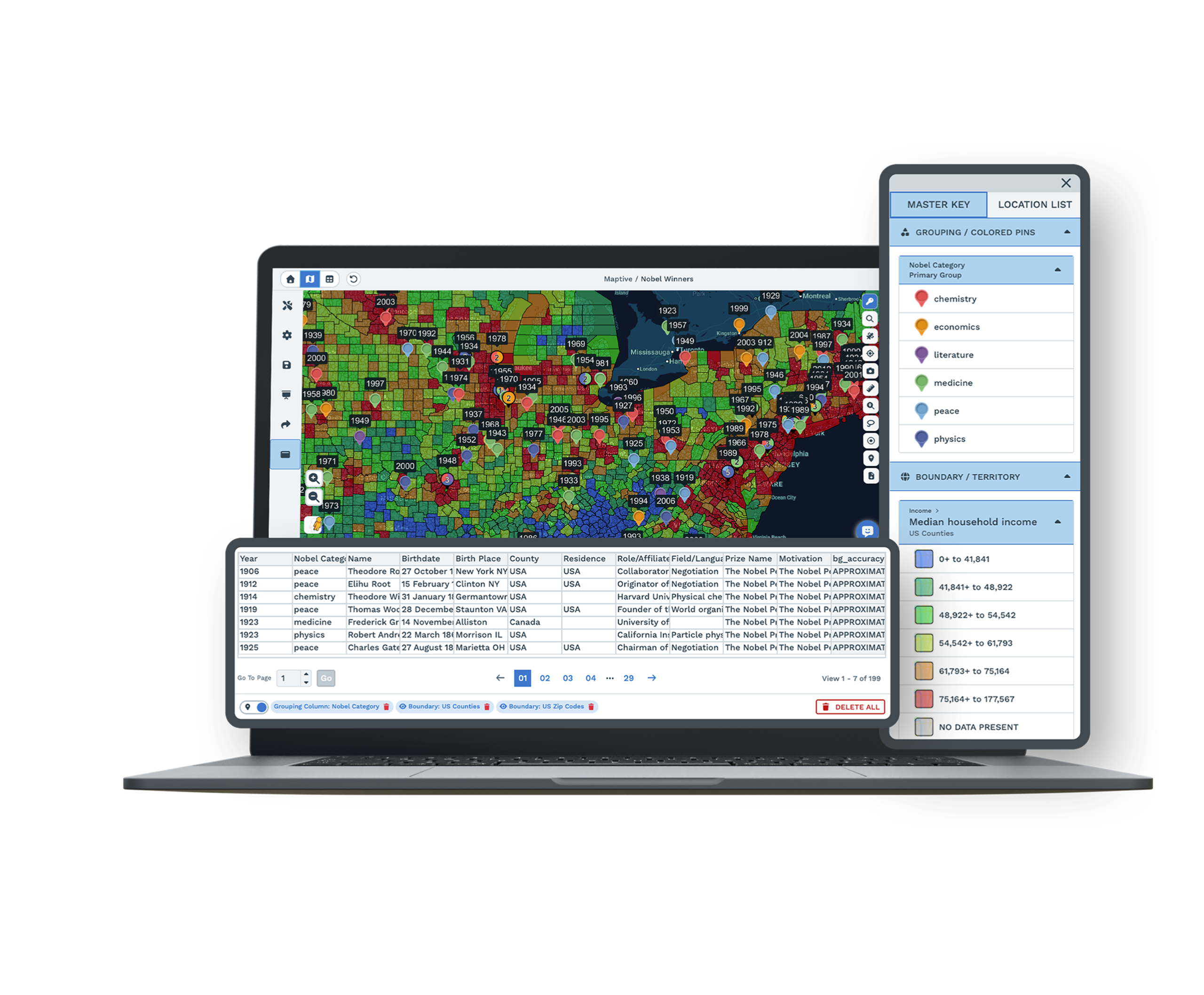
Where are all your Salesforce accounts? Export a report, upload it, and Maptive puts every account with an address on one map. Plan territories and routes from there.
No credit card required
- Import accounts and opportunities
- Plot customers by address
- Color by owner, stage, or revenue
- Build territories by ZIP or county
- Optimize multi-stop routes
- Add demographics around accounts
- Import accounts and opportunities
- Plot customers by address
- Color by owner, stage, or revenue
- Build territories by ZIP or county
- Optimize multi-stop routes
- Add demographics around accounts
Trusted by teams at
















Can You Map Salesforce Accounts Without Salesforce Maps?
Do you need the Salesforce Maps add-on for this? No. Run a report on your accounts, opportunities, or contacts and save it as a CSV. Upload that file to Maptive and every row with an address shows up as a point you can click. Owner, stage, industry, and revenue come along as columns, so you can color and filter by them.
As our data visualization partners, Maptive has become an integral part of our operations, from logistics to project tracking to scheduling.
Exporting a Salesforce Report and Mapping It
-
1
Export from Salesforce
Run a report or data export of your accounts and save it as a CSV. Include the address fields and any columns you want on the map, like owner, stage, or revenue.
-
2
Upload to Maptive
Upload the CSV, paste from a Google Sheet, or connect through the Maptive API for a live feed. Nothing installs.
-
3
Maptive maps your accounts
Geocoding turns addresses into points and fixes messy or missing entries, so your list becomes an interactive map in minutes.
-
4
Group, route, and plan
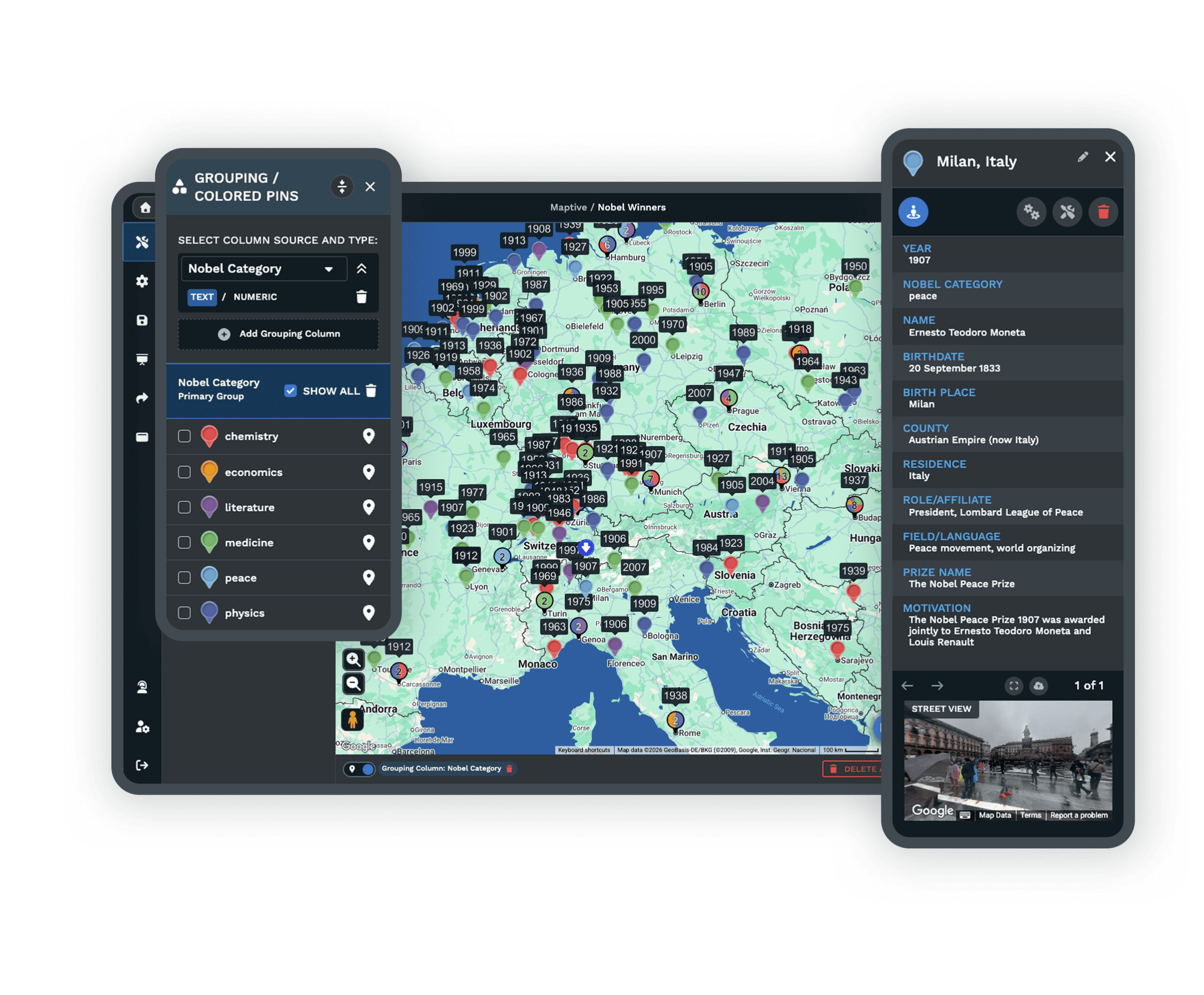
Color accounts with the Grouping Tool, build territories, or plan a route between visits. This page is part of Maptive CRM mapping software.
Try It on Your Own Salesforce Report
Start a 10-day free trial with every tool unlocked. Export your Salesforce accounts, upload the file, and see them on a map in your first session. A Maptive specialist can map a sample with you if you want a hand.
No credit card required
Common Questions About Mapping Salesforce Data
Can I map data from Salesforce in Maptive?
Yes. Export your Salesforce accounts, contacts, or opportunities as a CSV, or connect through the Maptive API, and Maptive plots each record by address. From there you can group, filter, route, and build territories on one map.
How do I export accounts from Salesforce for mapping?
Build a report or run a data export that includes your address fields, then save it as a CSV. Upload that file to Maptive, or paste it from a Google Sheet, and your accounts are geocoded and mapped in the first session.
Can I build sales territories from Salesforce data?
Yes. Once your accounts are on the map, group ZIP codes, counties, or states into territories, or draw your own. You can read the accounts and revenue in each area and balance them by workload or value.
Can I plan routes between Salesforce accounts?
Yes. Pick the accounts to visit and Maptive builds the shortest multi-stop route between them, then sends it to a phone for turn-by-turn directions.
Does mapping Salesforce data need a developer?
No. You upload a spreadsheet or paste a Google Sheet and Maptive maps it through menus, not code. The API is there if you want a live feed, but most teams start from an export.
Is my Salesforce data secure in Maptive?
Yes. Maptive uses 256-bit SSL encryption, single sign-on, two-factor login, and role-based access, and it has passed the Salesforce AppExchange security review. You can set permissions per user.








