


Pipedrive Mapping Software
Which Pipedrive deals are worth a visit? Put your deals and contacts on a map to find out, then plan the week around the accounts that matter.
No credit card required
- Import deals, organizations, and people
- Plot records by address
- See where your deals are
- Color by stage or owner
- Plan multi-stop routes
- Set radius or drive-time areas
- Import deals, organizations, and people
- Plot records by address
- See where your deals are
- Color by stage or owner
- Plan multi-stop routes
- Set radius or drive-time areas
Trusted by teams at
















Where Your Open Deals Are Concentrated
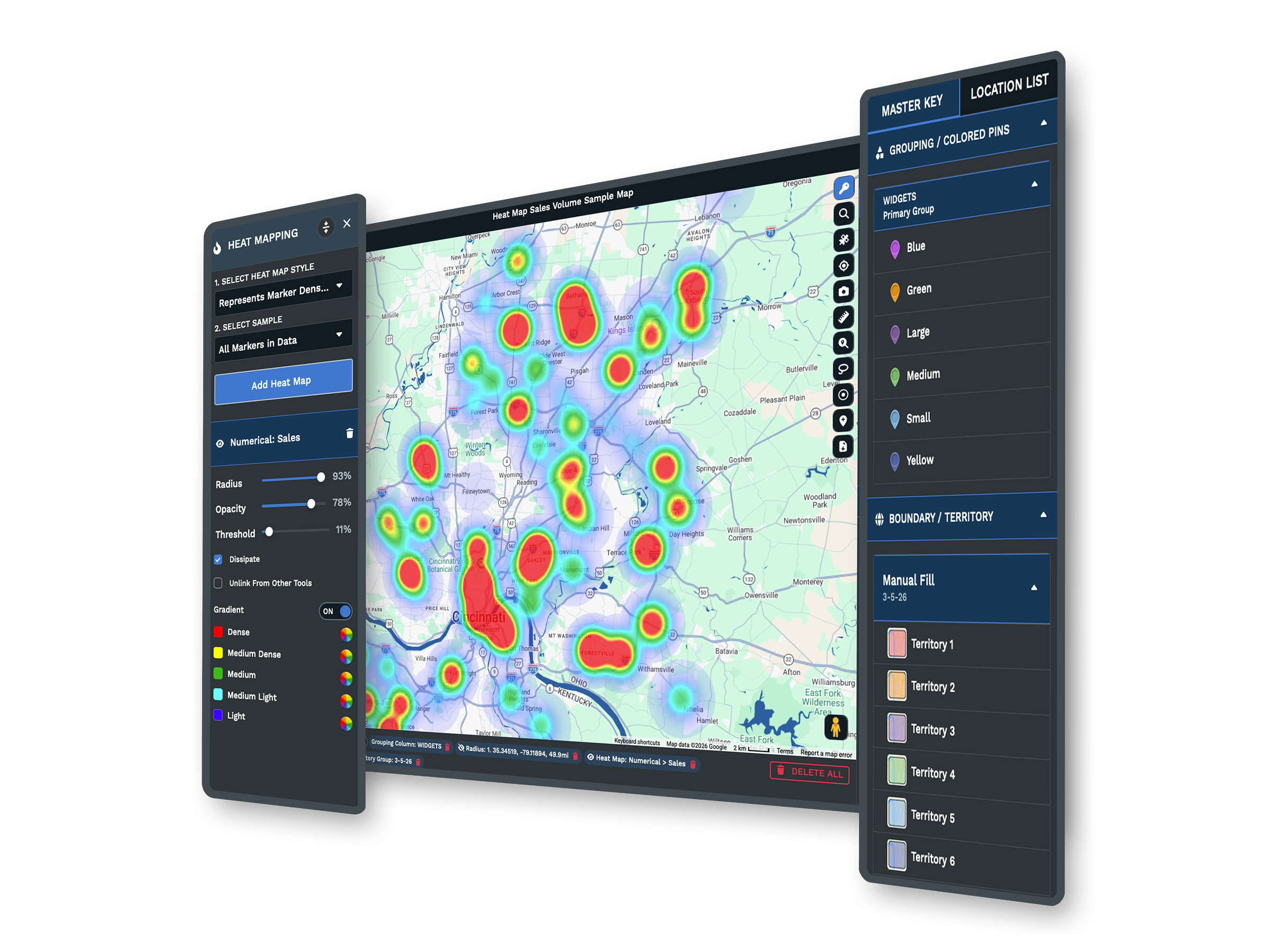
Which areas are worth the drive? Export deals, people, or organizations from the Pipedrive list view and every record with an address goes on one map. Size the heat map by deal value and you can see which clusters are worth a trip and which are only volume. Stage, owner, and expected close date all come through as columns you can filter by.
Maptive helps us drastically with compliance, marketing and itinerary planning.
How to Export Pipedrive Deals and Plot Them
-
1
Export from Pipedrive
From the list view, export your deals, organizations, or people to a CSV with the address fields included.
-
2
Upload to Maptive
Upload the file, paste from a Google Sheet, or connect the Maptive API for a live feed.
-
3
Maptive plots your records
Addresses are geocoded and cleaned, so your Pipedrive data appears as points you can click and sort.
-
4
Filter, route, and cover
Filter with Filters, plan a route, or set a drive-time area. This page is part of Maptive CRM mapping software.
Start With Your Pipedrive Deals, Free for 10 Days
Start a 10-day free trial with every tool unlocked. Export your Pipedrive list, upload it, and see your deals on a map the same session. Book a demo for a walkthrough on your data.
No credit card required
What People Ask Before Mapping a Pipeline
Can I map Pipedrive deals and contacts?
Yes. Export deals, organizations, or people from Pipedrive as a CSV, or connect through the Maptive API, and Maptive plots each record by address so you can read the pipeline by location.
How do I export Pipedrive data for mapping?
From the list view, filter to the records you want and export them to a CSV with the address fields. Upload that file to Maptive or paste it from a Google Sheet to map it.
Can I see where open deals concentrate?
Yes. Weight a heat map by deal value or color pins by stage, so you can see which areas have the most deals and the biggest ones.
Can I plan routes from Pipedrive data?
Yes. Pick the accounts to visit and Maptive builds the shortest multi-stop route, then sends it to a phone for turn-by-turn directions.
Do I need technical skills to map Pipedrive data?
No. Upload a spreadsheet or paste a Google Sheet and Maptive maps it through menus, not code. Support can help set up the first map.
Is my Pipedrive data secure in Maptive?
Yes. Maptive uses 256-bit SSL encryption, single sign-on, two-factor login, and role-based access, and it has passed the Salesforce AppExchange security review.








