


Maptive vs Competitors
If you have spent hours wrestling with clumsy mapping software, you know the frustration of long waits, confusing buttons, and import errors. Maptive answers those pains with a fast, reliable interface that keeps you moving instead of lost in menus.
No credit card required
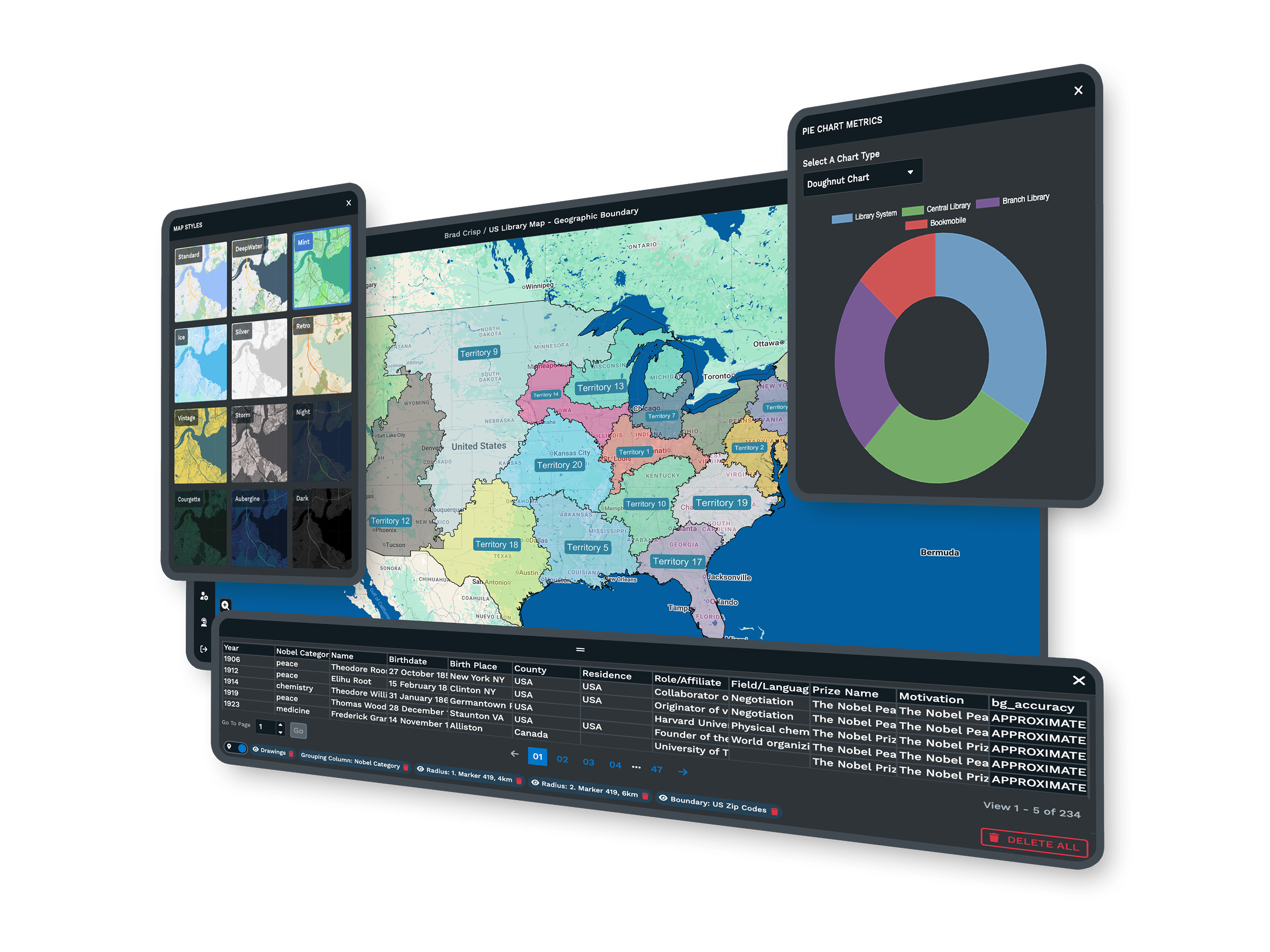
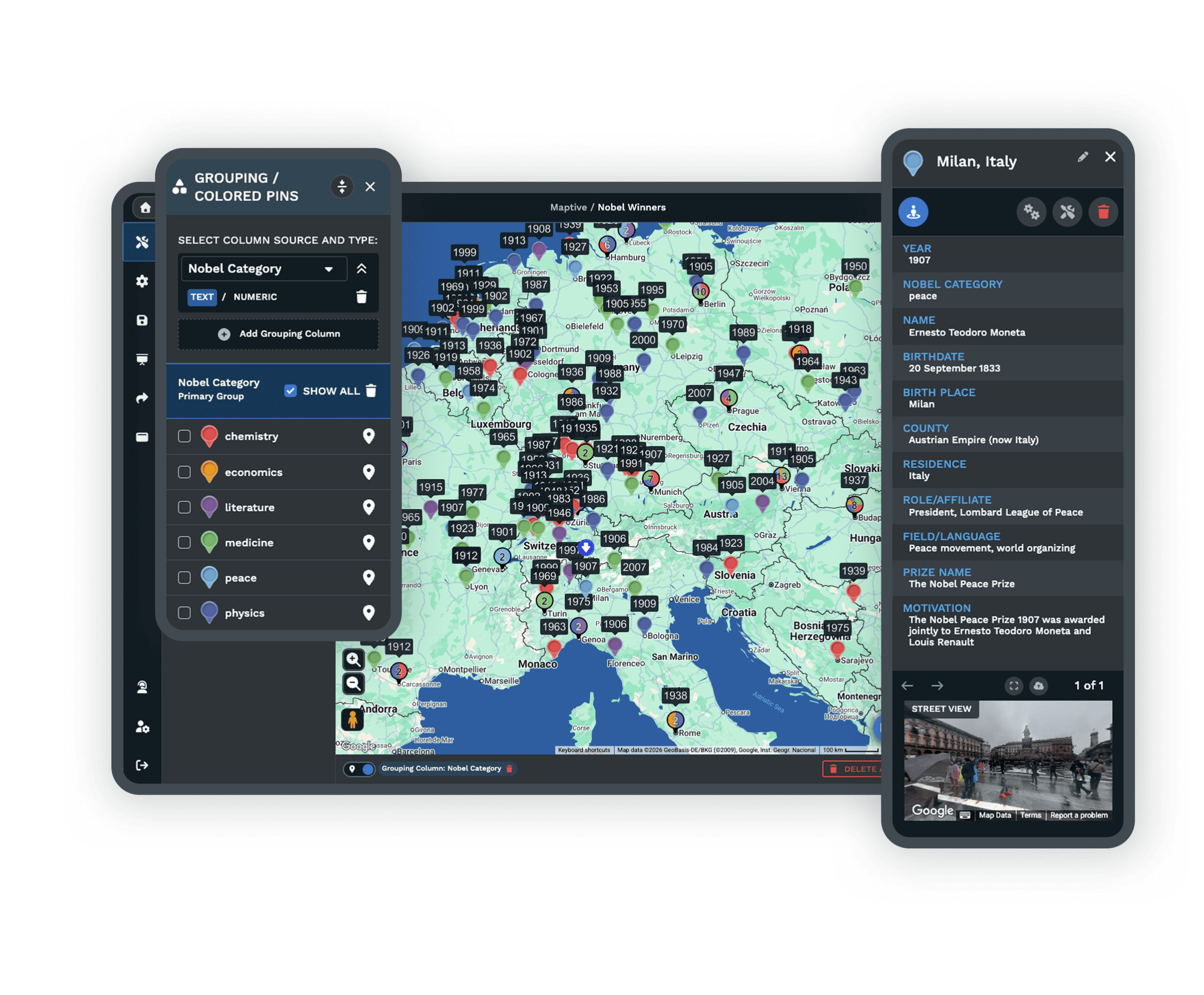
- All 60+ tools on every plan
- No GIS skills needed
- Works in any browser
- Real support rated 9.7/10
Trusted by teams at
















Maptive Next to the Tools You Are Weighing
Looking at another mapping tool? Pick one below to see how Maptive measures up, then start a free trial and judge for yourself.
Maptive vs Maptitude
Maptitude
Maptive removes the install, runs on any device, and is easier to use. Teams map data quickly and share results with no complicated setup or long wait times.
Compare Maptive vs Maptitude →Maptive vs CARTO
CARTO
Expect faster performance, easier setup, and clear pricing. Handle large datasets, get quick support, and map and share your data without the extra steps or delays.
Compare Maptive vs CARTO →Maptive vs QGIS
QGIS
No downloads, no plugins, and no steep learning curve. Start mapping in minutes from your browser, share live updates, and get help when you need it.
Compare Maptive vs QGIS →Maptive vs Mapline
Mapline
Expect smoother uploads, more features, and reliable address plotting. Skip the limits on map size, share flexibly, and analyze with built-in tools at no extra cost.
Compare Maptive vs Mapline →Maptive vs Mango GIS
Mango GIS
Hit the limits of Mango Maps and see what Maptive opens up. Create detailed business maps, handle bigger data, and get real support when you need it.
Compare Maptive vs Mango GIS →Maptive vs ArcGIS
ArcGIS
A simpler, faster alternative that works in your browser and handles large datasets without lag. Clear pricing, every feature included, and mapping in minutes with no training.
Compare Maptive vs ArcGIS →Maptive vs eSpatial
eSpatial
A faster, simpler choice that manages large datasets smoothly and includes every mapping tool in one price. Responsive support, easy sharing, and no surprise fees.
Compare Maptive vs eSpatial →Maptive vs Mapbox
Mapbox
Faster, more reliable mapping with no coding required and transparent pricing. Handle large datasets without freezing, keep your data private, and get live expert support.
Compare Maptive vs Mapbox →Maptive vs Smappen
Smappen
Global coverage, accurate data, and every feature in every plan. Upload large datasets instantly, build routes, manage territories, and get fast support by phone, chat, or email.
Compare Maptive vs Smappen →Maptive vs RouteXL
RouteXL
Removes the limits that slow RouteXL and similar tools. Handle hundreds of stops, import large lists, and share routes without errors. Fast support and clear pricing keep growth simple.
Compare Maptive vs RouteXL →Maptive vs Badger Maps
Badger Maps
A field-rep routing app. Maptive adds territories, demographics, and data visualization across your whole team for less per user.
Compare Maptive vs Badger Maps →Maptive vs DeLorme
DeLorme Street Atlas
Garmin retired this desktop atlas. Maptive is a maintained cloud platform with current Google maps and live data on any device.
Compare Maptive vs DeLorme →Maptive vs MapPoint
Microsoft MapPoint
Microsoft discontinued MapPoint in 2014. Maptive is the modern, browser-based replacement for business mapping.
Compare Maptive vs MapPoint →Maptive vs Streets & Trips
Microsoft Streets & Trips
The retired Microsoft trip planner, replaced by cloud mapping built for sales and operations, not just single trips.
Compare Maptive vs Streets & Trips →The Maptive Advantage
Whichever tool you are comparing, here is what you get with Maptive. Every item below comes on every plan, in one browser-based platform you can use on day one.
| Capability | What Maptive Delivers |
|---|---|
| Ease of Use | Built for business users, not developers. Upload a spreadsheet and see your data on a map within minutes. No training sessions, technical manuals, or GIS background required, so your marketing or sales team can start mapping the same day. |
| Business Focus | Every feature serves a business purpose. Draw sales territories, plan routes, analyze customer demographics, and build presentations. The tools are packaged for sales, marketing, and operations, not for scientific GIS work. |
| Data Size | Map your entire customer database on one map. Import 100,000 locations and they appear quickly, with real-time batch geocoding. Google Maps infrastructure keeps performance steady, so large files load without crashes or memory limits. |
| Custom Branding | Add your company logo and brand colors in a few clicks, and change marker styles to match your brand. Export publication-ready maps for client presentations, reports, and your website using simple menus. |
| Collaboration | Send a link to share your map instantly, embed it on your website, or export it as an image. Set permissions to control who sees and edits what data. Everyone works from the same map in real time, with no file transfers. |
| Support | Real people answer your questions right away by chat, phone, or email, and they know the software. First replies usually arrive in under 15 minutes, and most requests are solved the same day. G2 users rate our support 9.7 out of 10. |
| Integrations | Connect your existing spreadsheets and databases. Excel, CSV, and Google Sheets all import, with a live Sheets connection for real-time updates. Sync with your CRM, and a REST API handles custom connections and automated updates. |
| Platform Access | Access your maps from any device with internet. No software installs, license keys, or Windows requirements, and it works the same on a laptop, tablet, or phone. Updates ship automatically, so your data stays current. |
| Pricing | See exactly what you pay upfront. Start small and scale as your team grows, with plans built for growing businesses and no surprise fees. Test everything with a free trial before you buy, then pay monthly or annually. |
Stop Wasting Time on Complicated Mapping Tools
Most mapping tools make you learn technical steps before you get any results. Trying to import data or find a simple feature can leave you stuck, risking wasted effort and missed deadlines.
Maptive does not put up roadblocks. A practical layout and step-by-step controls let anyone upload data and build a map in minutes. People with no technical background find what they need without digging through endless menus.
Get More From Your Data Without Extra Work
Growing datasets no longer mean more manual work. Upload files from Excel, CSV, or Google Sheets in seconds, no matter how large, and see every location and trend at a glance instead of sorting raw data by hand.
Maptive takes the busywork out of mapping, so your insights are ready the moment you import your data.
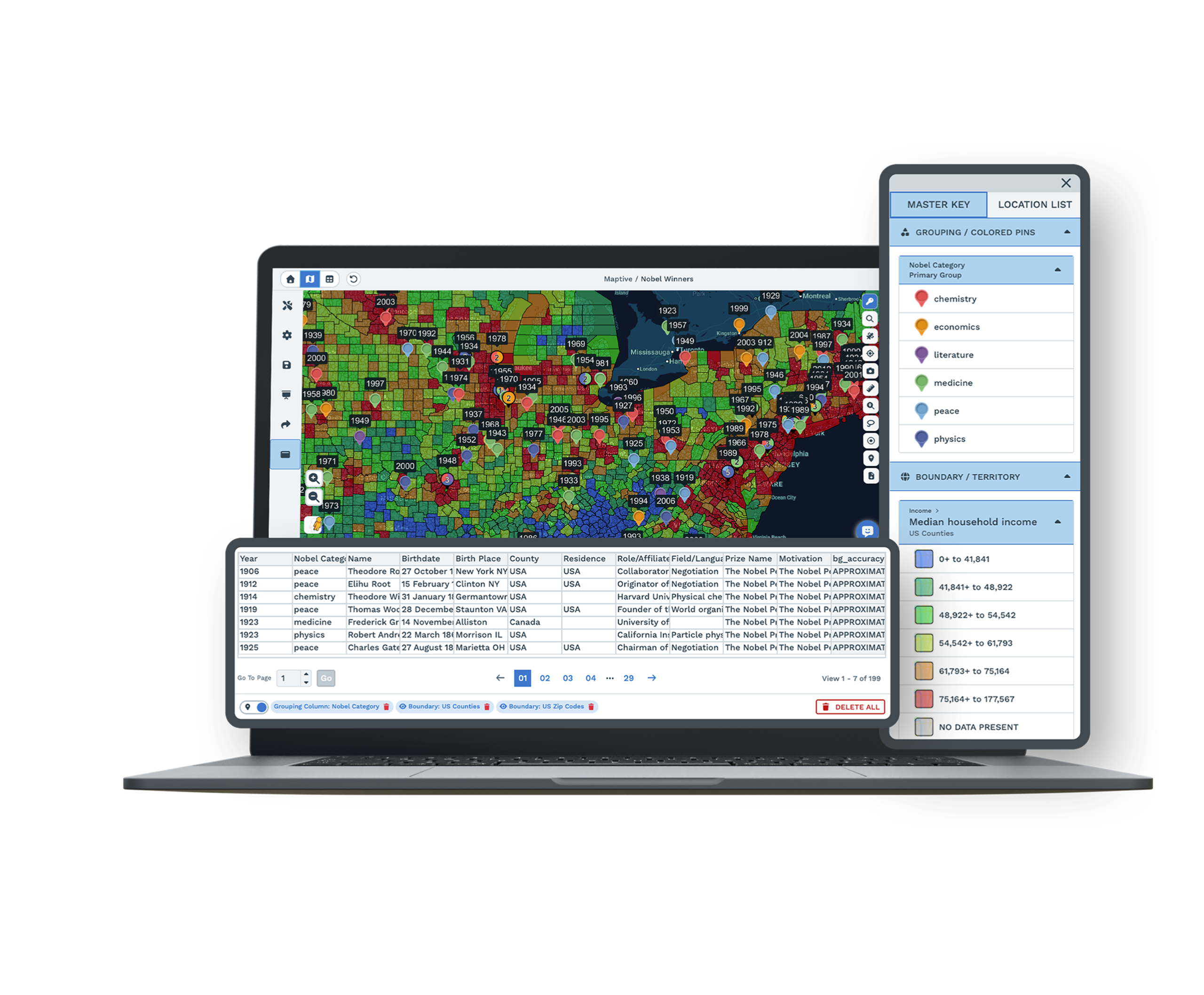
Build Smarter Territories and Sales Plans
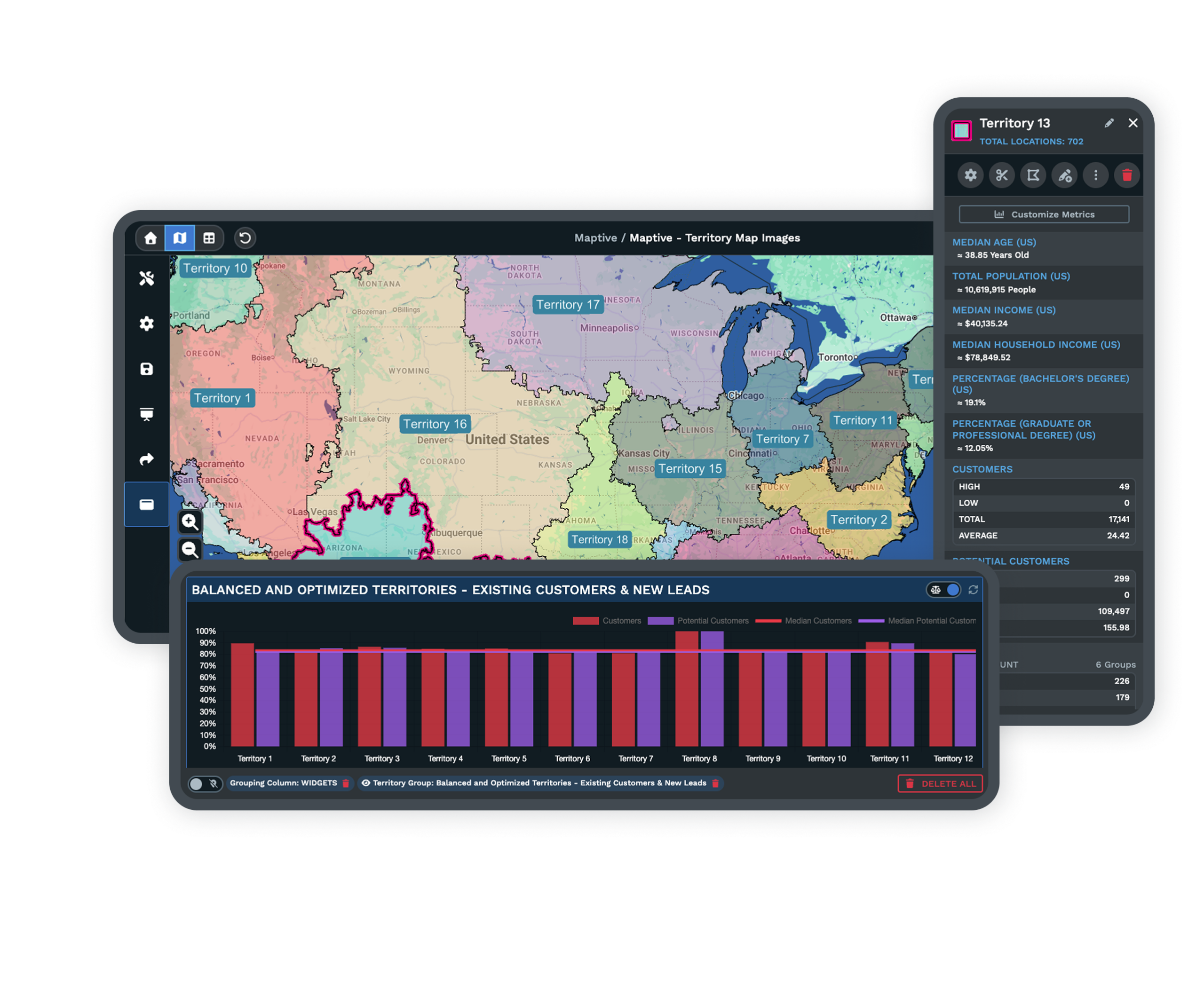
Planning sales regions by hand often leads to overlap, confusion, or unbalanced coverage. With Maptive territory tools, you draw, split, and merge areas on the map, even as customer and sales data change.
Overlay extra information like demographic profiles or past sales, so your plans target the right places every time and you avoid gaps or wasted effort.
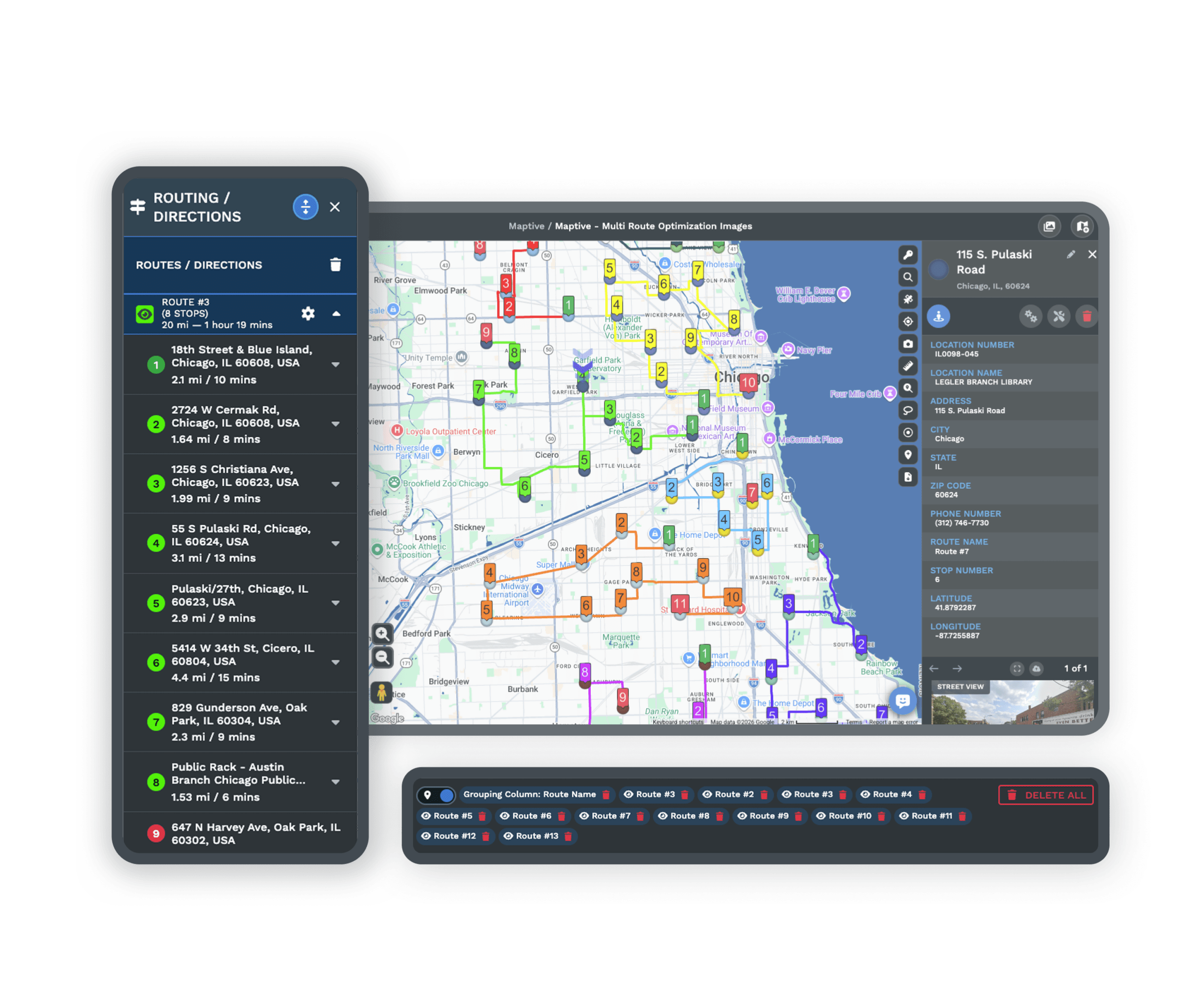
Plan Efficient Routes and Cut Costs
Route planning has a bad reputation for draining time. Manual tools expect you to enter stops one by one, then recalculate every time your list changes. Maptive route tools automatically order up to 73 stops by fastest travel time, factoring in traffic and service windows when you need them.
Save the hours you used to spend on manual updates, and help your teams cut fuel and travel costs across every route.
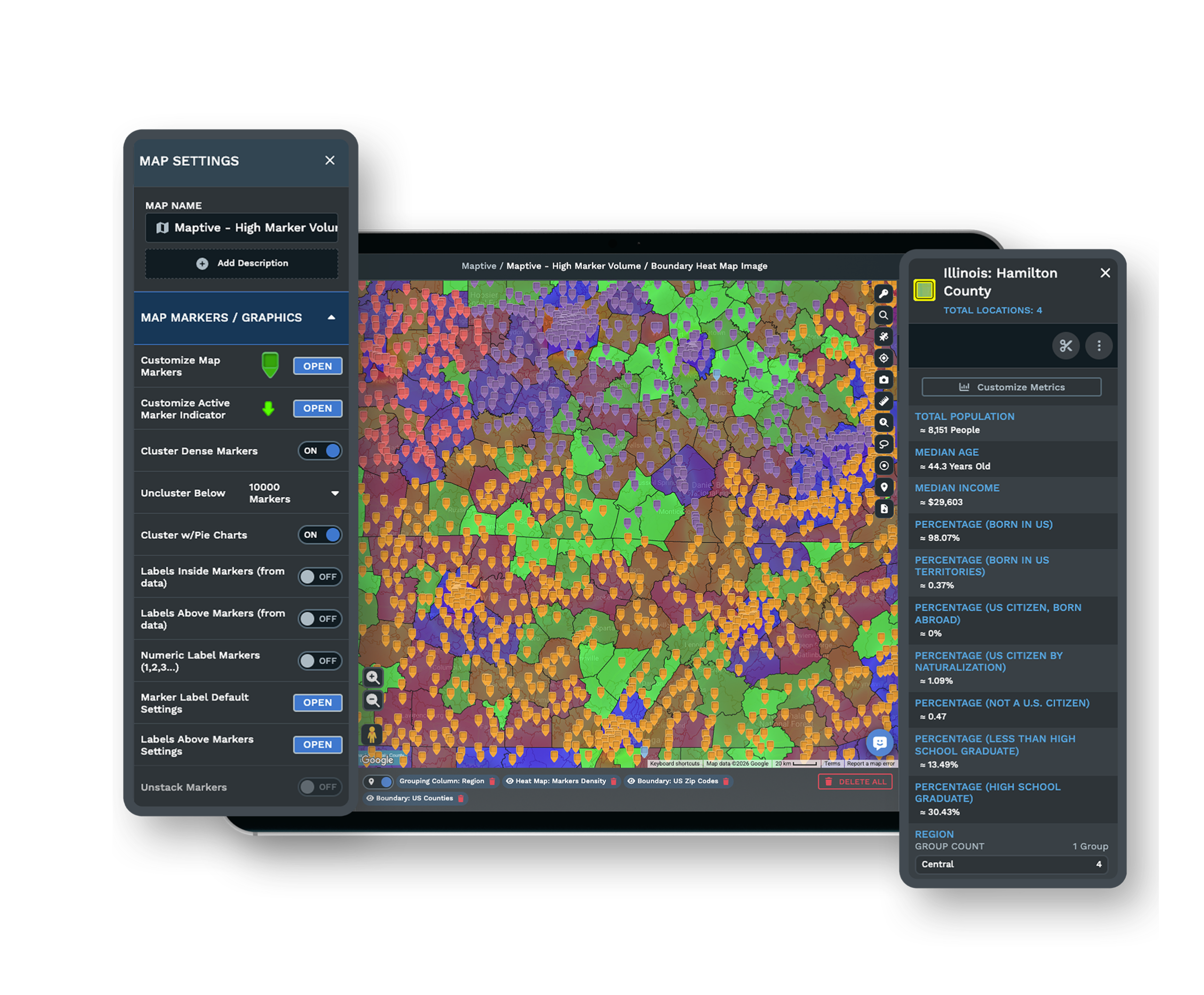
Share Maps and Insights With Zero Friction
Sending static screenshots or waiting for IT to set up sharing slows everyone down. Maptive shares instantly. Send a secure link to teammates, embed maps on web pages, or export high-resolution images for reports.
Everyone views the latest data, and you skip the hassles of locked-down software and outdated files.
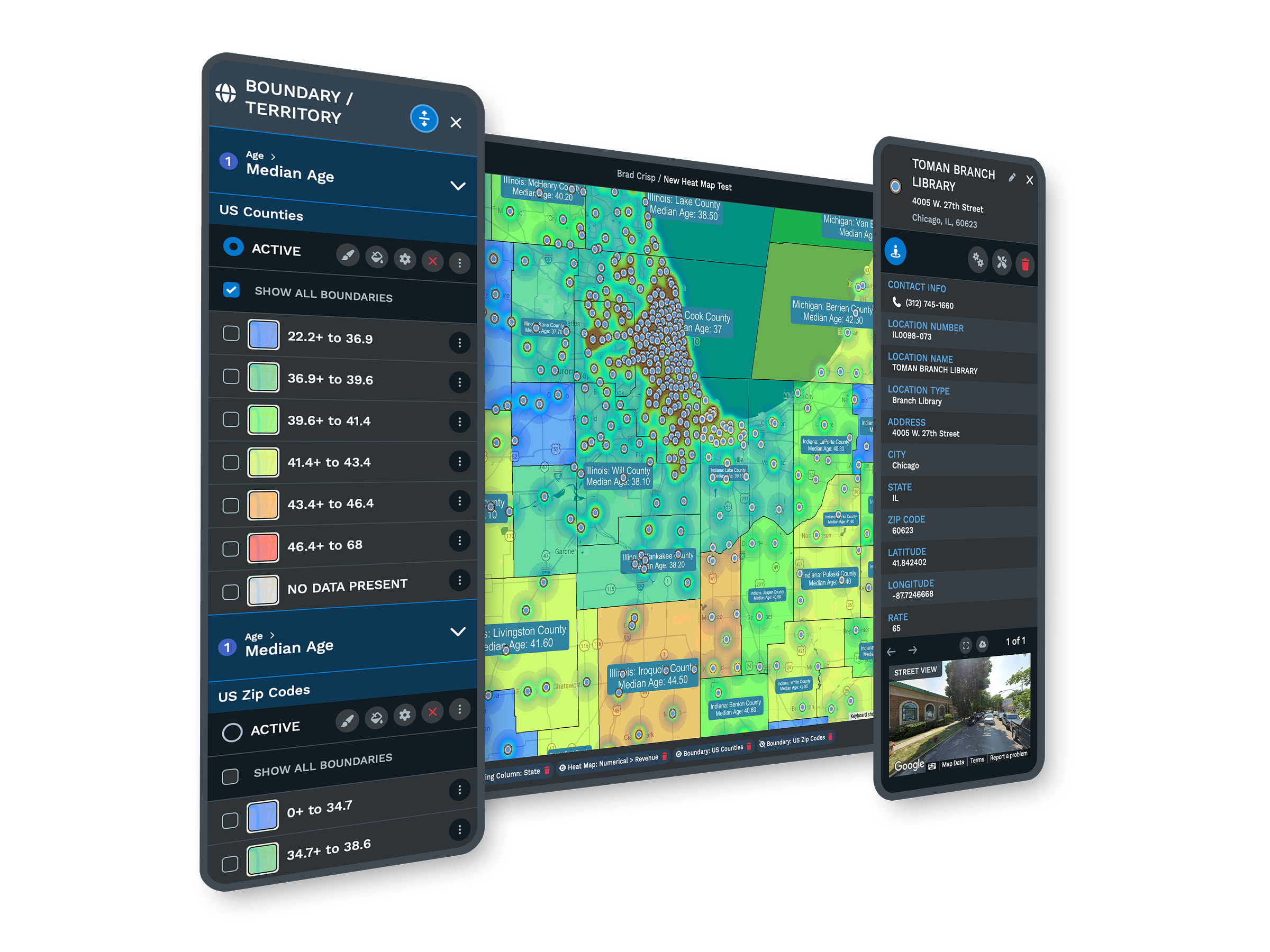
Location Intelligence Made Simple
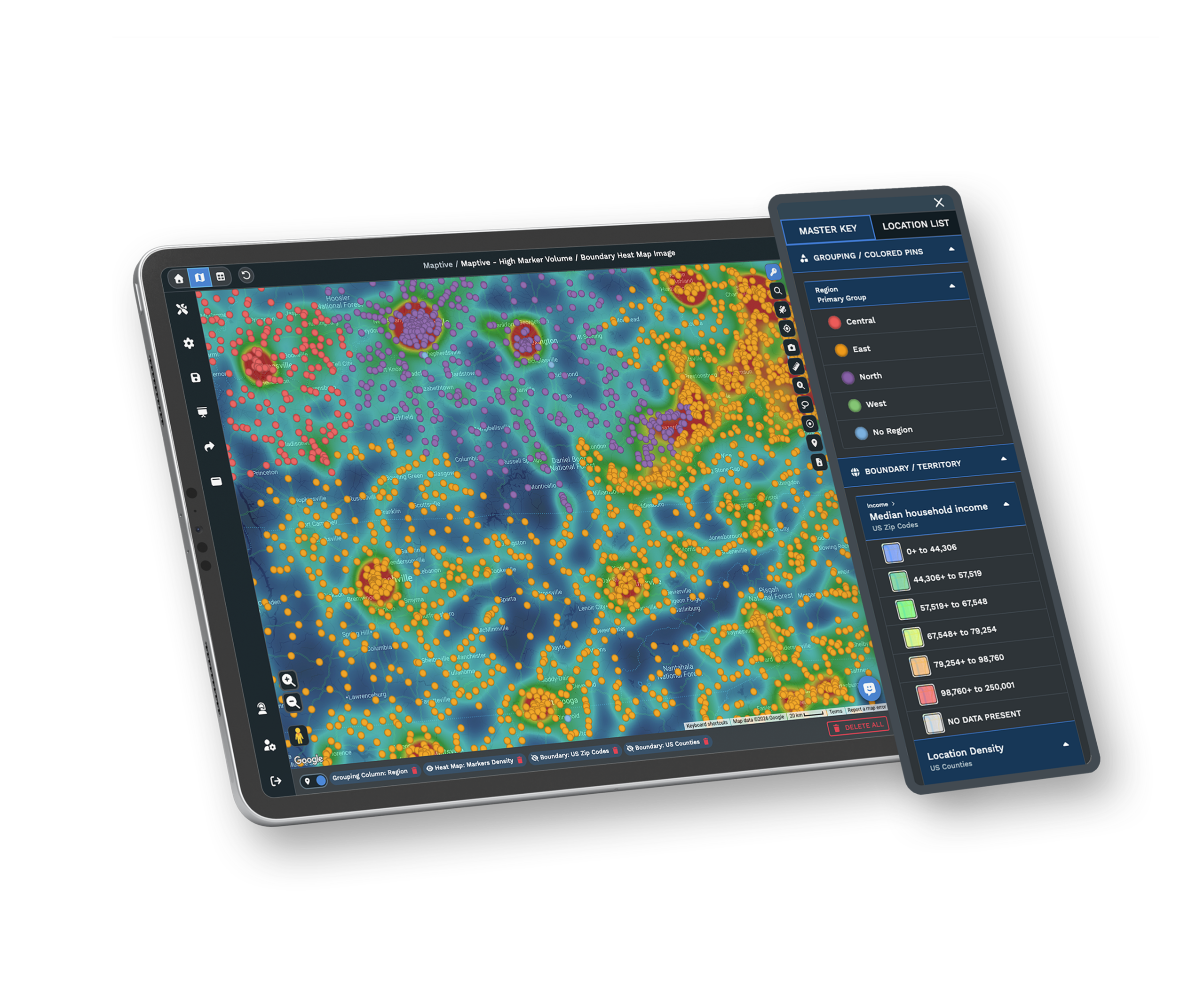
Mapping should help you spot answers, not add confusion. Maptive gives you heat mapping, demographic layers, and radius searches, each built to reveal trends and highlight opportunities fast.
These visual tools are ready for anyone to try, with no special training. Every decision gets clearer, whether you are mapping prospects or reviewing coverage areas.
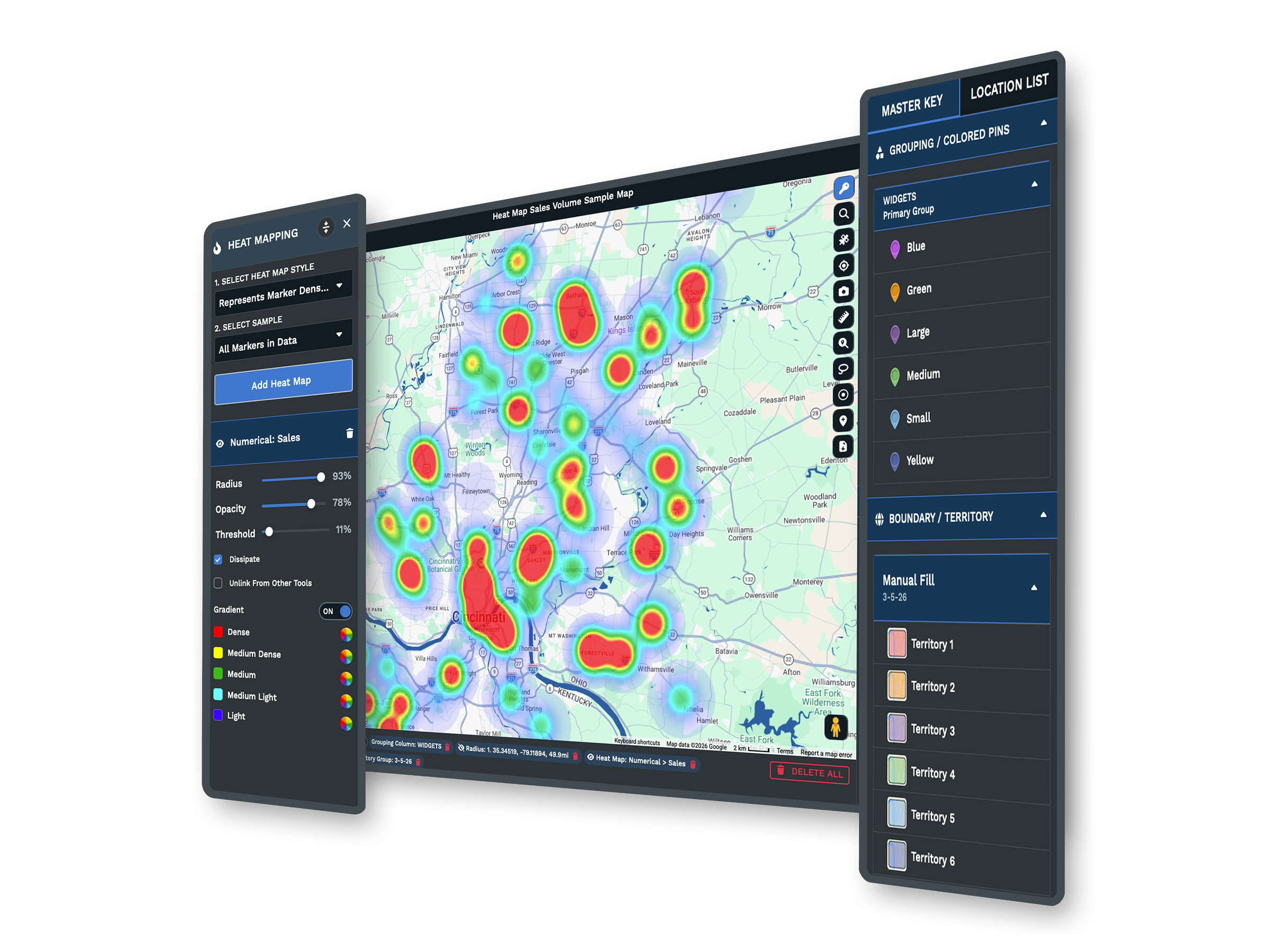
Maptive Features Built for Results
Reviews on Capterra, G2, and Gartner report teams finishing mapping tasks up to 40% faster, with staff who have no technical skills handling territory setup and sales planning as easily as analysts.
Fast Map Creation
Upload your data and build interactive maps in seconds, with no GIS skills required.
Advanced Analytics Tools
Use territory mapping, heat maps, and demographics for smarter planning.
Flexible Data Imports
Handle Excel, CSV, Google Sheets, or API data, up to 100,000 locations.
Customizable Maps
Brand your maps with company colors, custom icons, and labels.
Effortless Sharing
Share with a link, embed, or export high-resolution images for reports.
Proven Reliability
Google Maps technology for fast loading and accurate locations.
Maptive Alternative FAQs
How does Maptive handle large data sets?
Can I use my existing Excel or Google Sheets files?
Is it easy to share maps with other people?
Do I need any technical background to use Maptive?
What can I do if I need to adjust territories or regions?
How does Maptive support new users?
What makes Maptive easier than other mapping tools?
How quickly can I get help from Maptive support?
Why do businesses choose Maptive for mapping?
Free trial, every tool, no credit card
Start Using Maptive, No Friction, No Hidden Steps
Signing up takes only a moment, with no credit card and no waiting. Friendly support is ready right away, and most people see their data mapped and actionable within minutes. Start a 10-day free trial or book a demo and we will set it up around your data.
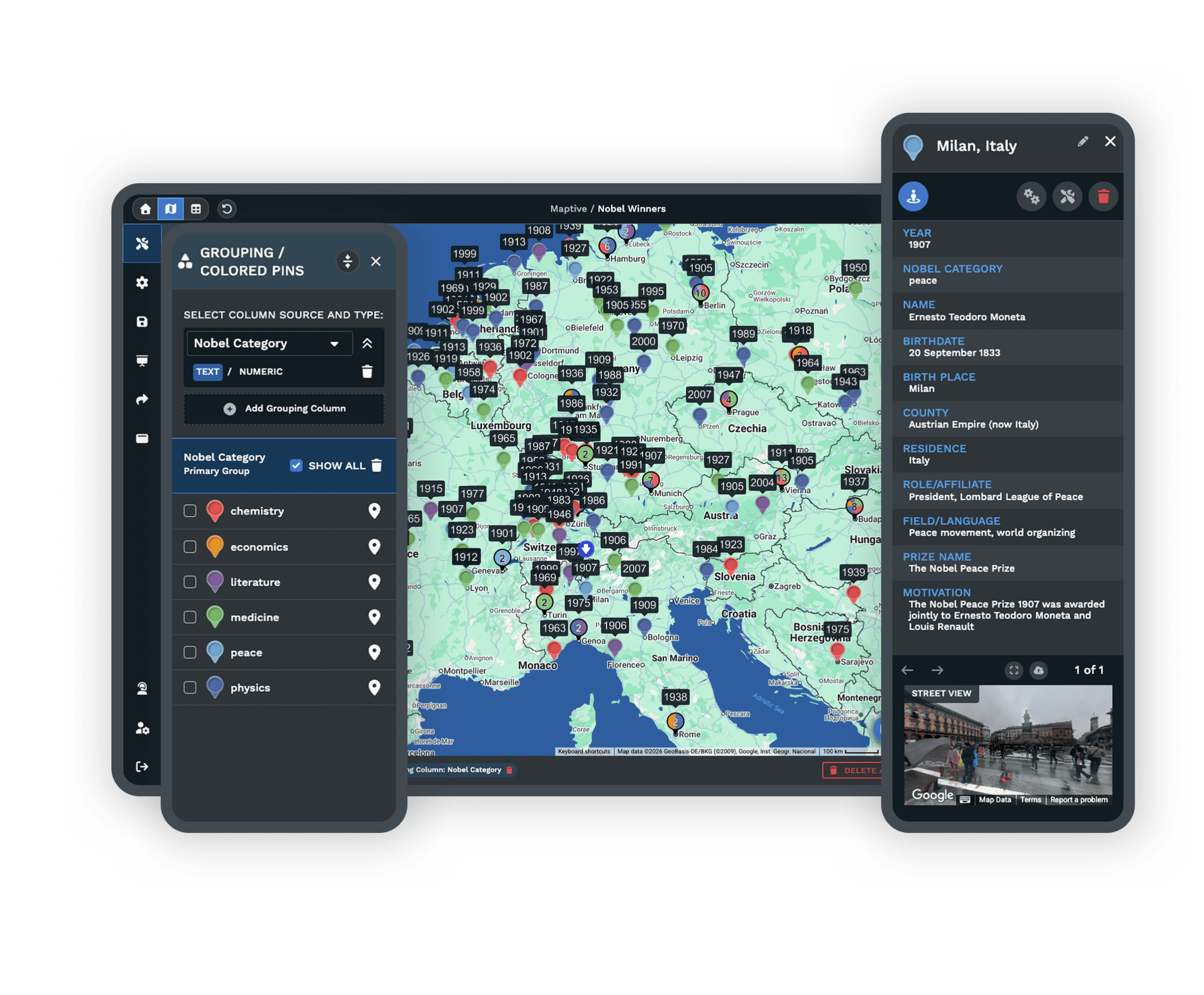
Switching From Another Mapping Tool?
Our team helps you import data, clean up files, and set up custom maps at no extra cost, and a specialist walks you through it. Most people build their first map in under five minutes.








