


DeLorme Street Atlas Alternative
Garmin retired DeLorme Street Atlas in 2015, and the desktop CD you installed has not seen a map update since. Maptive is the cloud replacement, with current Google maps, real route planning, and business mapping tools you reach from any device.
No credit card required
- Cloud platform, actively maintained
- Works on any browser or device
- Current Google maps and live traffic
- Real route planning and support
Trusted by teams at
















Why DeLorme Street Atlas Users Move to Maptive
Garmin discontinued DeLorme Street Atlas in 2015. The maps stopped updating, the install stayed stuck on Windows, and the roads kept changing.
The version on your computer froze in 2015, so the map data is a decade old. Cities have rebuilt roads and highways since then, and customers reported the program missing addresses or sending them to the wrong place even back then. Directions you cannot trust are worse than no directions at all.
DeLorme Street Atlas shipped on a CD-ROM and ran on Windows desktops only, so your maps stayed on one machine. Coverage stopped at the US, Canada, and Mexico, and the route planner was hard to use. When you travel, work in the field, or need a map on your phone, that setup leaves you stuck.
The Maptive Advantage
Everything below comes on every plan, in one browser-based platform you can use on day one. No CD-ROM and no Windows-only install.
| Capability | What Maptive Delivers |
|---|---|
| Platform Access | Runs 100% in the browser on the Google Maps Platform, across Mac, Windows, iOS, Android, Chromebook, and tablets. No CD-ROM and no Windows-only install. Log in from any device with internet and your maps are right there. |
| Map Coverage | Accurate maps for more than 210 countries, well past the US, Canada, and Mexico that DeLorme covered. New countries and maps are added continually, and Maptive only uses the most current data available, so an overseas trip is mapped as easily as a local one. |
| Map Accuracy | Map details update continually through the Google Maps API, so directions reflect current roads, new highways, and the latest traffic patterns. The wrong-address problems that plagued the frozen DeLorme data are gone, because the map is never a decade out of date. |
| Route Planning | Enter a start and destination, add unlimited stops and places of interest, and Maptive optimizes the order for the fastest trip across up to 73 stops. Every route includes turn-by-turn directions you can print or share, and you can keep multiple routes on one map. |
| Processing Power | WebGL rendering holds 200,000+ markers at once with no browser slowdown, and supports up to 100,000 locations per map. Batch geocoding clears 50,000 rows in 30 seconds, far beyond what a personal route planner from 2015 was built to handle. |
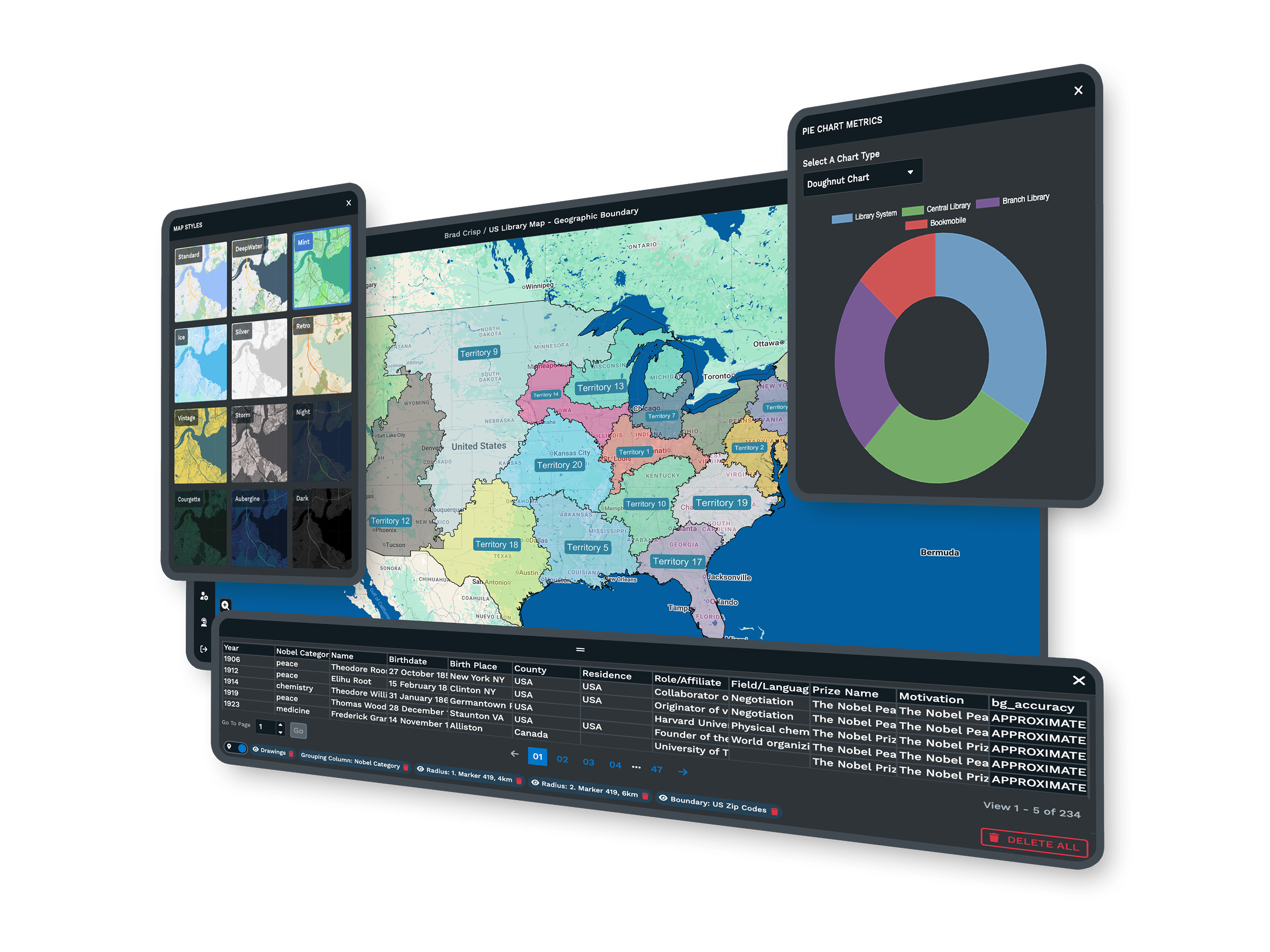
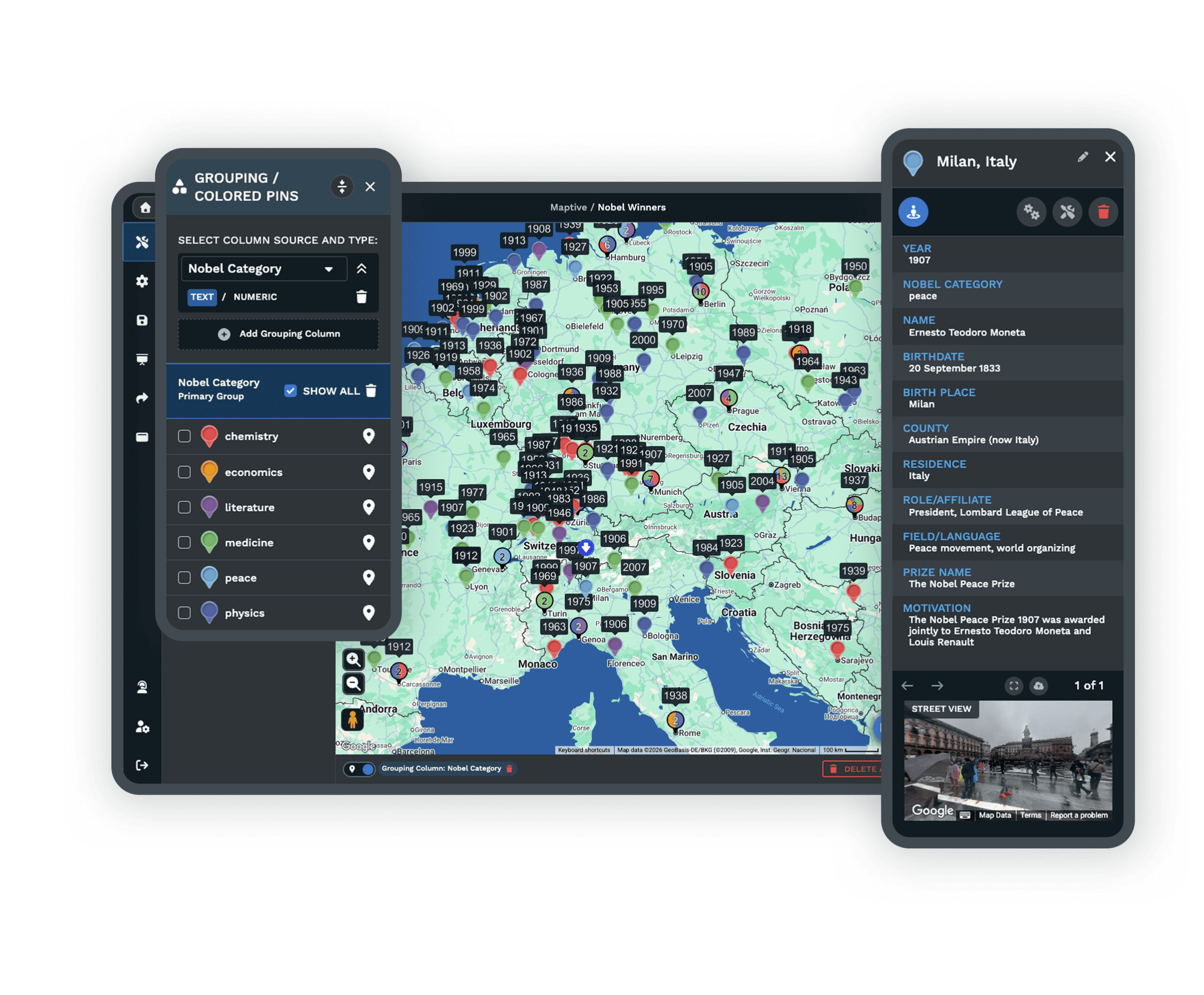
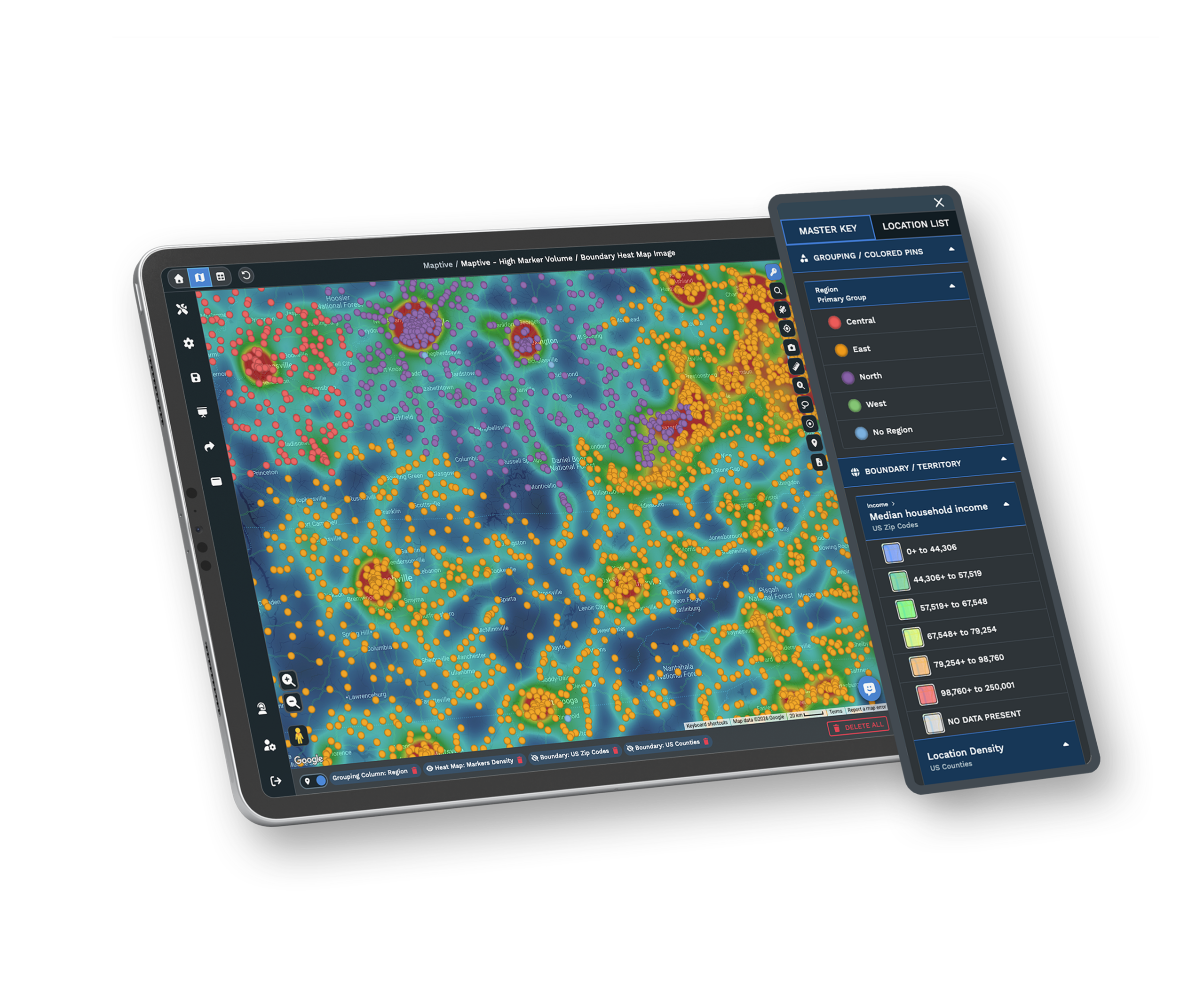
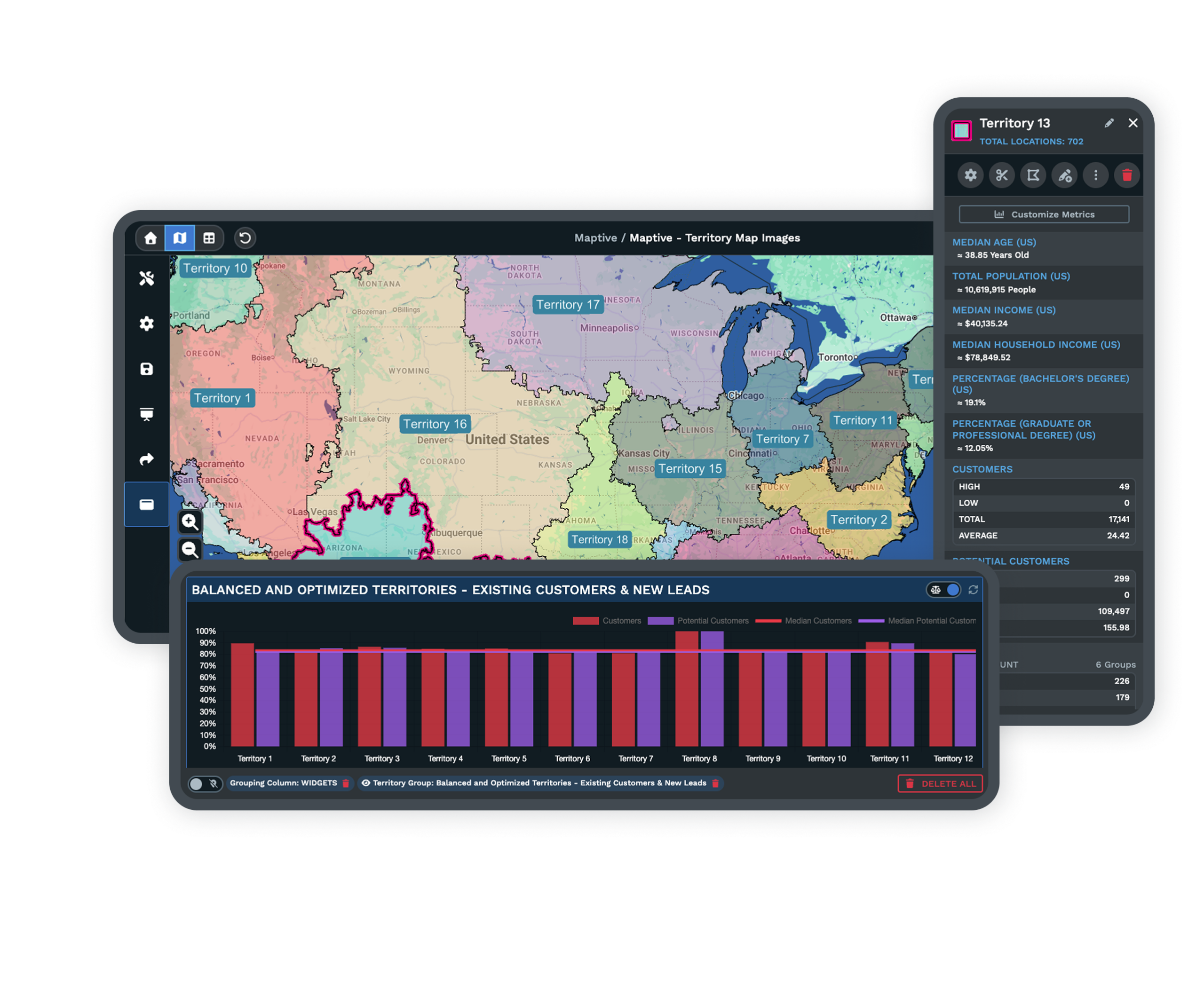
| Feature Access | Maptive is more than a route planner. Plot a spreadsheet as pin maps, draw drive-time radii and polygons, build sales territories from boundaries or custom shapes, and read density with heat maps. All 60+ tools are on every plan, with no tiered locks. |
| Mobile Access | Full functionality in any mobile browser on iOS, Android, and Windows. Check maps and directions anywhere you have internet, reroute around traffic on the road, and pull turn-by-turn directions in the field. No app download and no desktop required. |
| Updates | Updates ship in the background, so you skip reinstalls and version upgrades and always have the latest maps and tools. Your work saves itself as you go, and spreadsheet versioning tracks data changes with full undo and redo. |
| Sharing & Export | One click turns a map into a URL with optional password protection, and you can embed interactive maps on any site. Print poster-size maps, export images for slides, and send turn-by-turn directions to a phone. Recipients open the map in any browser with no account. |
| Support | A 30+ person team in the US and Canada, all trained mapping experts, on live chat, phone, and email for every plan. First reply in under 15 minutes and most requests solved the same day. Data imports and file cleanup are included. G2 rates support 9.7/10. |
Maps That Reach Far Past North America
DeLorme Street Atlas USA came with maps of the United States, Canada, and Mexico, which is fine for a road trip at home and leaves you stuck the moment you travel overseas. Maptive covers more than 210 countries, so the same tool works wherever you go.
New countries and maps are added all the time, and Maptive only uses the most current data available. You get one map that follows you across borders instead of a regional atlas that ends at the edge of the continent.
Route Planning That Is Actually Easy
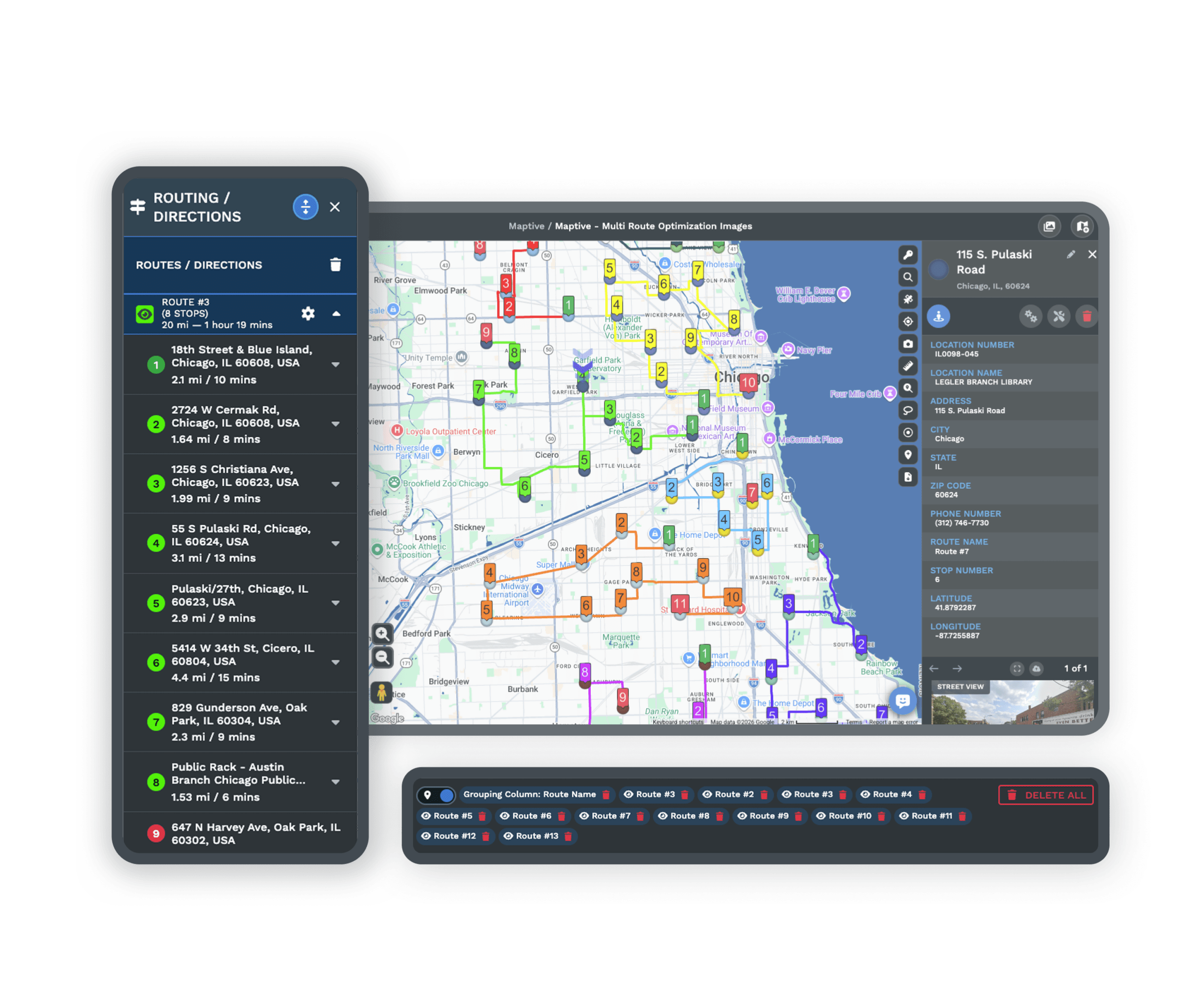
The DeLorme route planner did the job but was hard to use, and the version most people still run is out of date. Maptive makes it simple. Enter your starting point and destination to calculate the route, then add unlimited stops and places of interest and Maptive puts them in the most efficient order.
Every route comes with turn-by-turn directions you can print or share, and you can keep multiple routes on a single map. Create, save, and share your maps in a few minutes, then send the directions straight to a phone for the drive.
Current Maps You Can Trust
One of the biggest complaints about DeLorme Street Atlas was inaccurate information, even back in 2015. People reported the program missing an address or sending them to the wrong location, and cities have kept rebuilding roads and highways every year since. You cannot rely on map data that is a decade old.
Maptive runs on the Google Maps API, so map details update continually with the latest data. Your directions stay correct, and you see current roads and traffic pattern changes as they happen instead of driving on a snapshot from years ago.
More Than a Route Planner
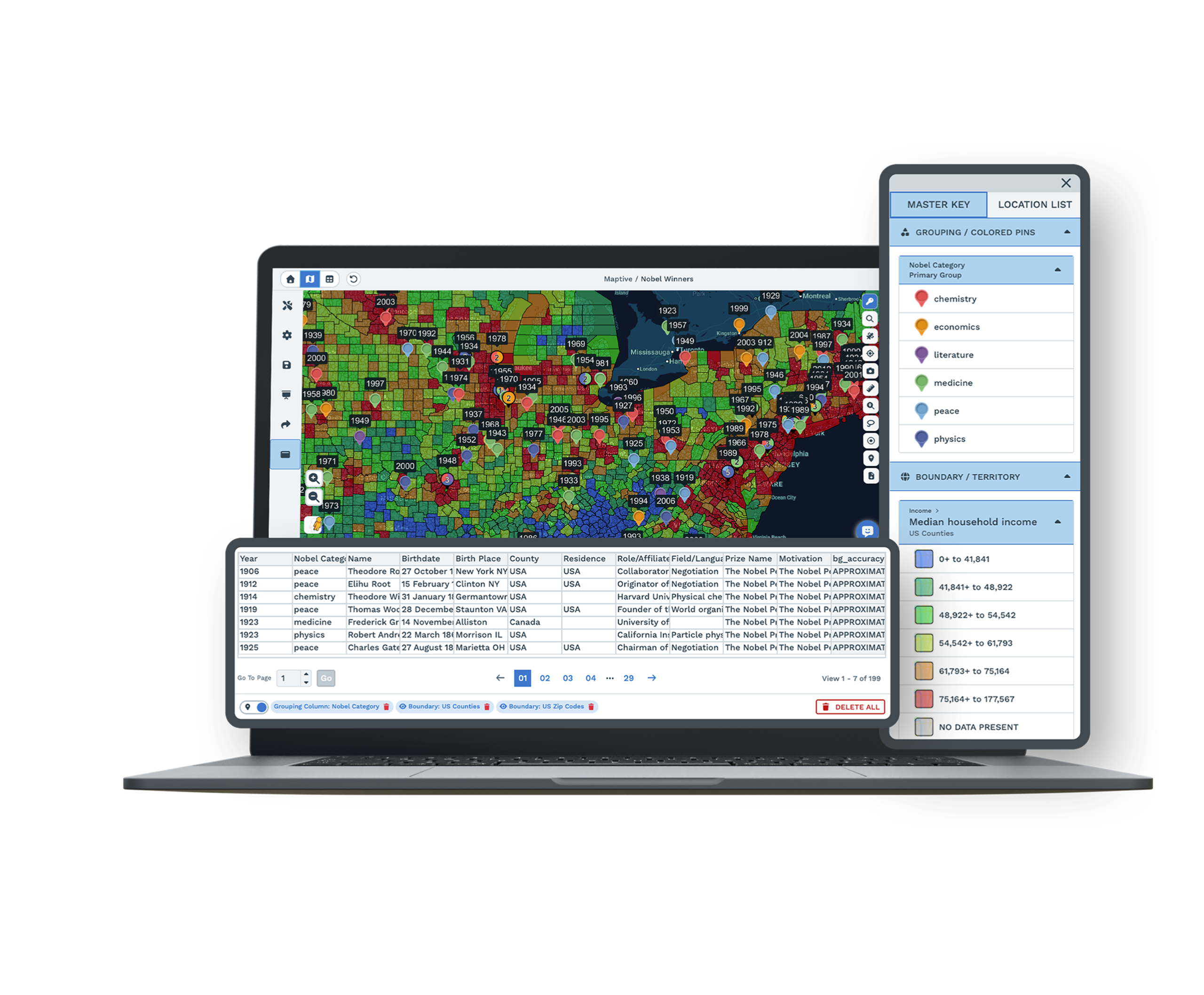
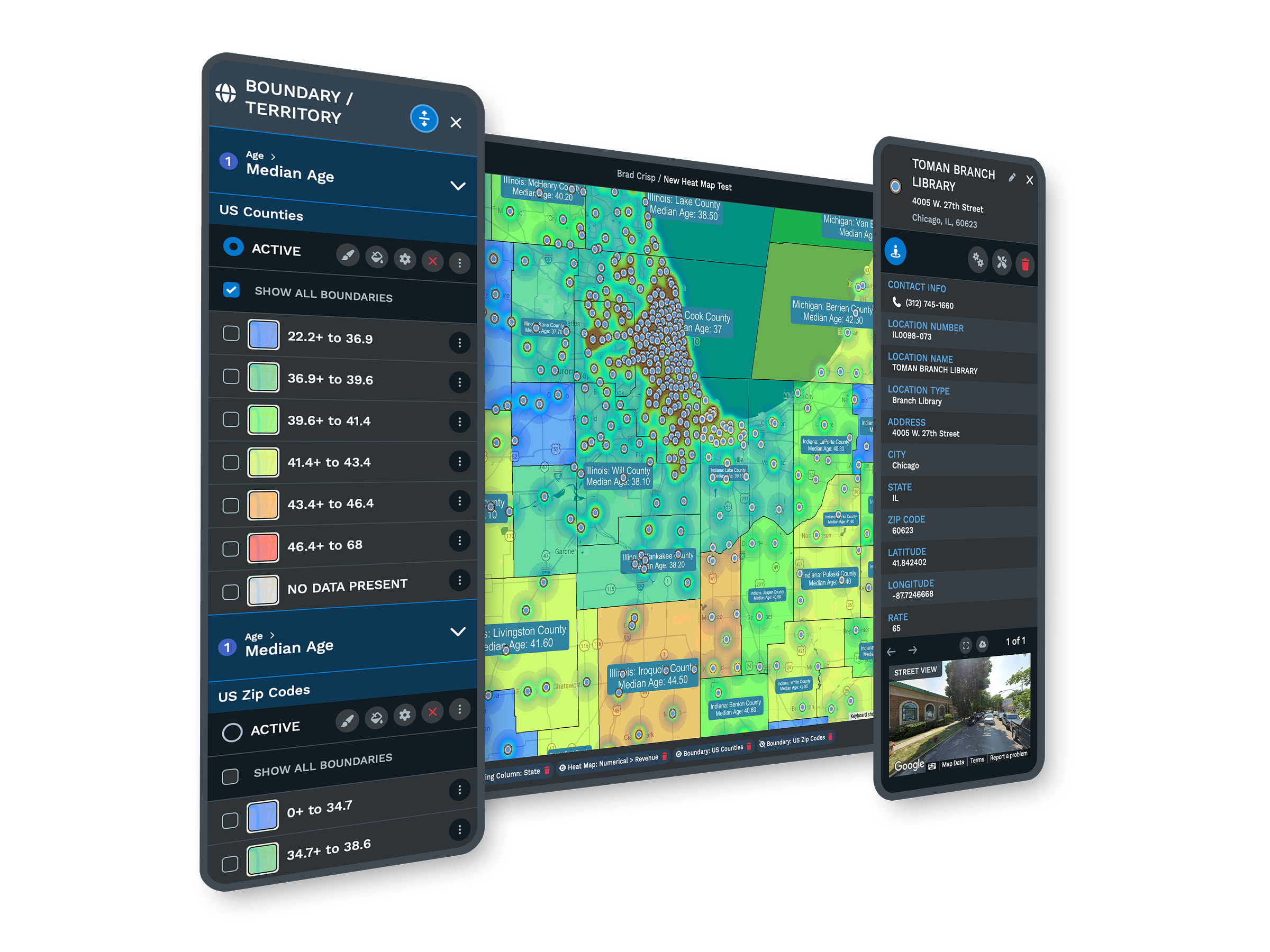
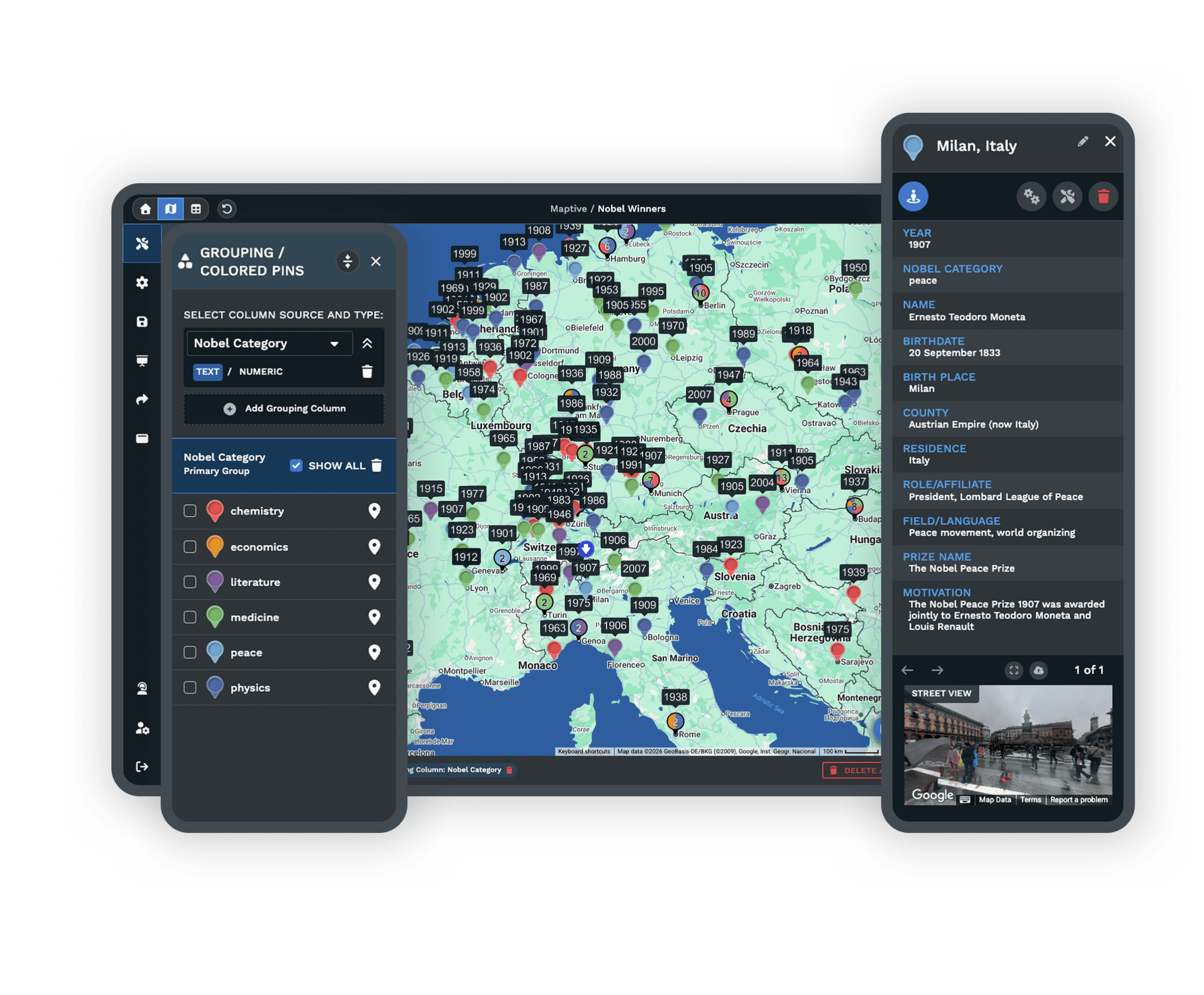
DeLorme Street Atlas stopped at routing. Maptive adds a full set of mapping tools that help travelers and businesses alike. Upload location data from a spreadsheet and plot it instantly as a pin map, then draw drive-time radii and polygons to see what is reachable within a set driving time.
Build territories from established boundaries or draw your own, and turn raw numbers into heat maps that show density across an area, which is useful for studying population, customers, and sales. It is one platform for the map and the analysis behind it.
Here's What You Get With Maptive
Worldwide Map Coverage
Accurate maps for more than 210 countries, with new ones added all the time. Your map works at home and overseas, well past North America.
Always Current Data
Maps update continually through the Google Maps API, so roads, addresses, and traffic patterns stay correct instead of frozen in 2015.
Easy Route Optimization
Add unlimited stops and Maptive orders them for the fastest trip across up to 73 stops, with printable turn-by-turn directions on every route.
Works on Any Device
Cloud-based and browser-based, so it runs on desktops, laptops, iPhones, iPads, Android, Chrome, and Firefox. No CD-ROM and no install.
Pin Maps From a Spreadsheet
Upload location data from a spreadsheet and plot it instantly on an interactive map, then filter and color-code it the way you want.
Drive-Time Radii and Polygons
See which locations are reachable within a set driving time, which is ideal for trip planning, service areas, and site selection.
Territory and Heat Maps
Build territories from boundaries or custom shapes, and turn location data into heat maps that show density across population, customers, and sales.
Expert Support Included
Mapping specialists answer by chat, phone, and email, most questions in under 15 minutes. Data imports and file cleanup come at no extra cost.
DeLorme Street Atlas Alternative FAQs
Why was DeLorme Street Atlas discontinued?
Does Maptive cover countries outside North America?
How current are Maptive's maps and directions?
Can I plan and optimize routes in Maptive?
Does Maptive work on Mac, mobile, and tablets?
What can Maptive do beyond route planning?
Is it easy to switch from DeLorme Street Atlas to Maptive?
How does Maptive handle large location lists?
Can I share and print maps and directions?
Does Maptive offer a free trial?
Free trial, every tool, no credit card
Trade the Old CD for a Live Map
Start a 10-day free trial with no credit card and every tool unlocked, or book a demo and we will set it up around your routes and data. Most people build their first map in under five minutes.
Switching From DeLorme Street Atlas?
There is nothing to install. Upload your locations from a spreadsheet and a specialist helps with imports and file cleanup at no charge, so you are mapping routes the same day.








