


Mango GIS Alternative
When you outgrow entry-level mapping, you deserve software that keeps up with your team and your data. Maptive removes the limits with the reliability, control, and business tools you can count on at every stage of growth.
No credit card required
- Built for business, not basic mapping
- No GIS training needed
- Territories, routing, and demographics included
- Real support on every plan
Trusted by teams at
















Why Teams Outgrow Basic Mapping Software
Entry-level mapping looks fine until your files get bigger, your team grows, or you need real control. Then the limits show.
There comes a point when your needs overtake the basics. A simple tool works at first, then updates stall, performance drags on larger maps, and the features you need turn out to be missing. You move forward by finding a platform that handles complexity, live changes, and team work without the slowdowns.
A simple interface boxes you in when goals change. Teams that try to plan sales zones, build custom reports, or automate repetitive steps feel stuck fast. You hit limits on advanced map styling and analytics, which forces manual workarounds and basic visuals that miss the full story. Your insights and impact stall with them.
Maptive vs Mango GIS: Fast Facts
Where each tool fits, side by side.
| Feature | Maptive | Mango GIS |
|---|---|---|
| Ease of Use | Intuitive interface built for business users. Make professional maps in minutes with no GIS training. | Very simple interface focused on basic mapping. Easy for beginners, but can feel limiting for advanced work. |
| Setup Time | Instant cloud access. Start mapping from any browser with full functionality. | Quick cloud setup. Easy to get started with basic mapping features. |
| Business Focus | Purpose-built for business: sales territories, route optimization, demographic analysis, market research, and logistics. | General-purpose web mapping. Good for simple visualization, but light on specialized business tools. |
| Performance & Reliability | Fast, stable platform on Google Maps infrastructure. Handles up to 100,000 locations smoothly with excellent uptime. | Adequate for small maps. Can slow down with complex maps or large data sets, and performance may vary. |
| Pricing | Transparent business pricing with all features included at each tier. Competitive rates for professional users. | Affordable basic plans. Some features locked to higher-priced tiers. |
| Customer Support | 9.7/10 on G2. Live chat, phone, and email, with white-glove service for every user. | Responsive email support. Phone support on higher tiers, with solid documentation. |
| Platform Compatibility | Works on any device with a browser. PC, Mac, tablets, and mobile all fully supported. | Browser-based platform with a mobile-responsive design across devices. |
| Data Integration | Simple Excel, CSV, and Google Sheets import, with Salesforce and an API for advanced users. | Basic file support for CSV, Excel, KML, and Shapefile. Data sync limited to hourly updates. |
| Advanced Features | Route optimization, territory mapping, heat maps, demographic overlays, radius tools, and advanced analytics. | Basic mapping with simple analysis tools. Limited routing or 3D functionality. |
| Collaboration & Sharing | Share by secure link, embed, and export, with real-time cloud collaboration and team features. | Basic sharing with public or password-protected maps, and simple collaboration. |
| Target User | Business professionals, sales teams, marketers, operations managers, and logistics coordinators. | Small organizations, educators, and users who need basic web mapping. |
| Time to Value | Immediate business results. Build actionable maps with insights within minutes of signing up. | Quick setup for basic maps. Good for simple visualization, limited for business analysis. |
Built for Real Business Demands
You will not fight upload limits or slow rendering here. Maptive supports up to 100,000 locations per map, so it is ready for big data sets and complex projects from the first session.
Fast uploads, reliable updates, and no lag mean you spend less time troubleshooting. Teams that outgrow Mango GIS find they can work with confidence, scale up, and keep going as they take on more data.
Take Control of Your Maps and Data
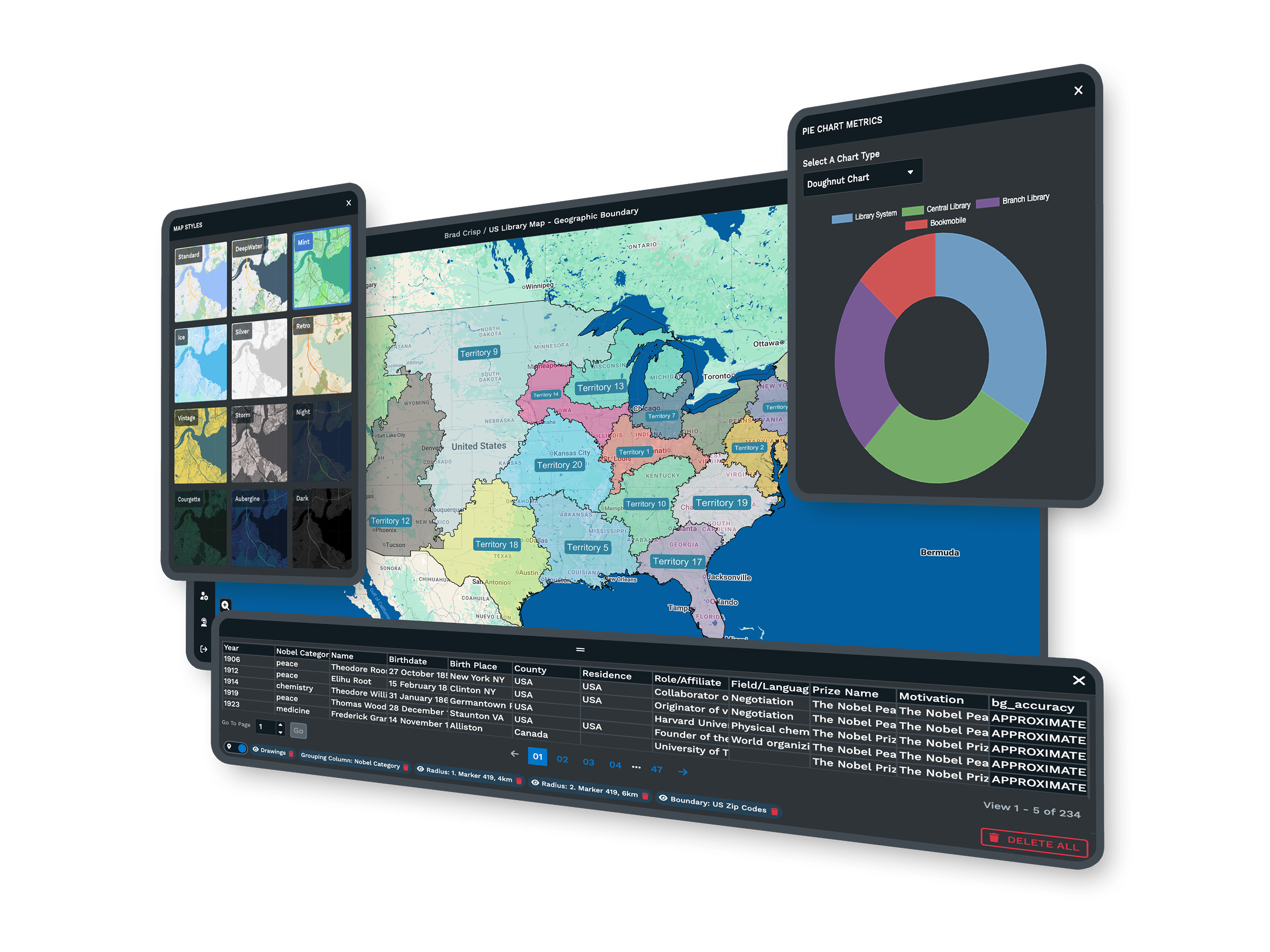
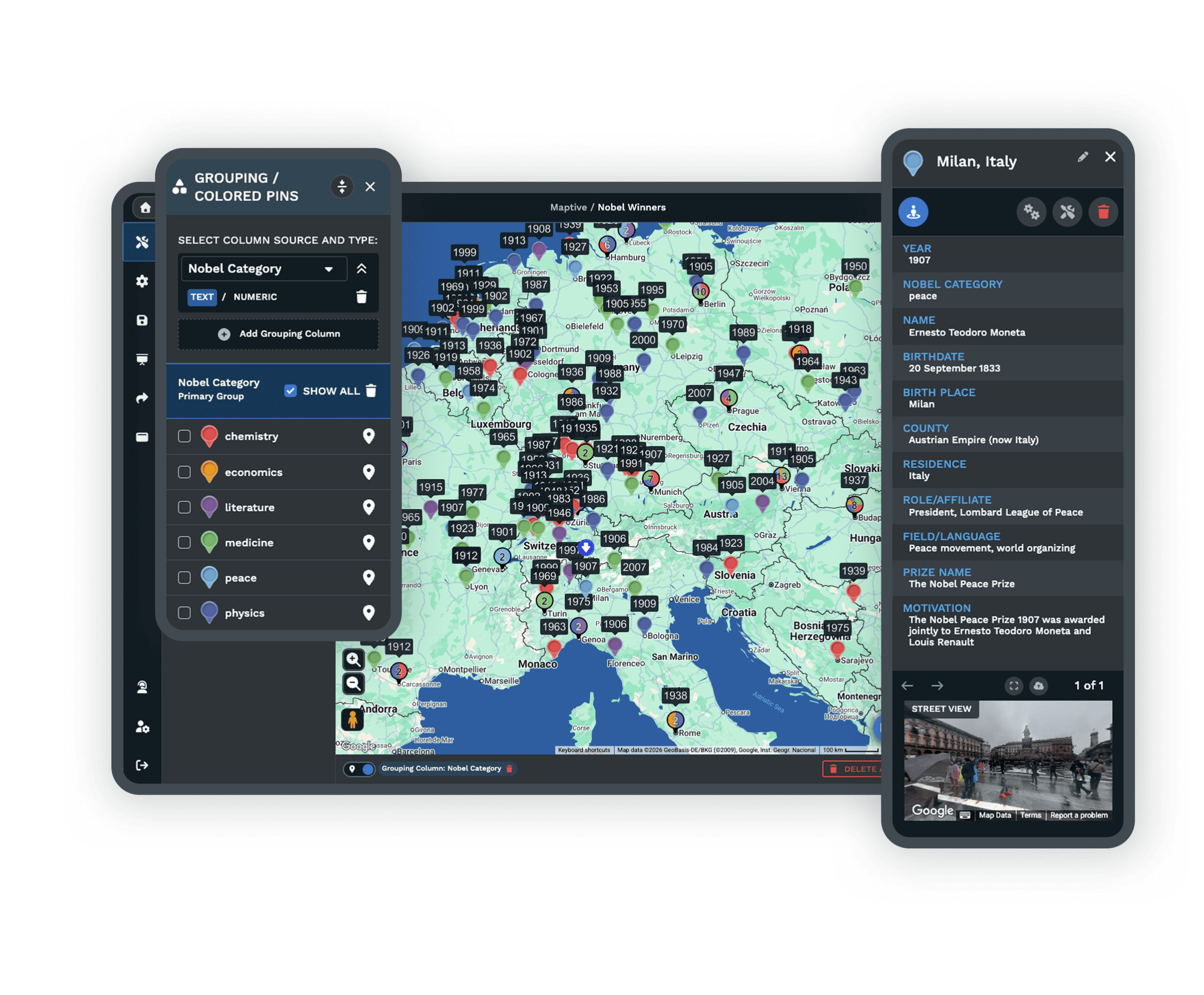
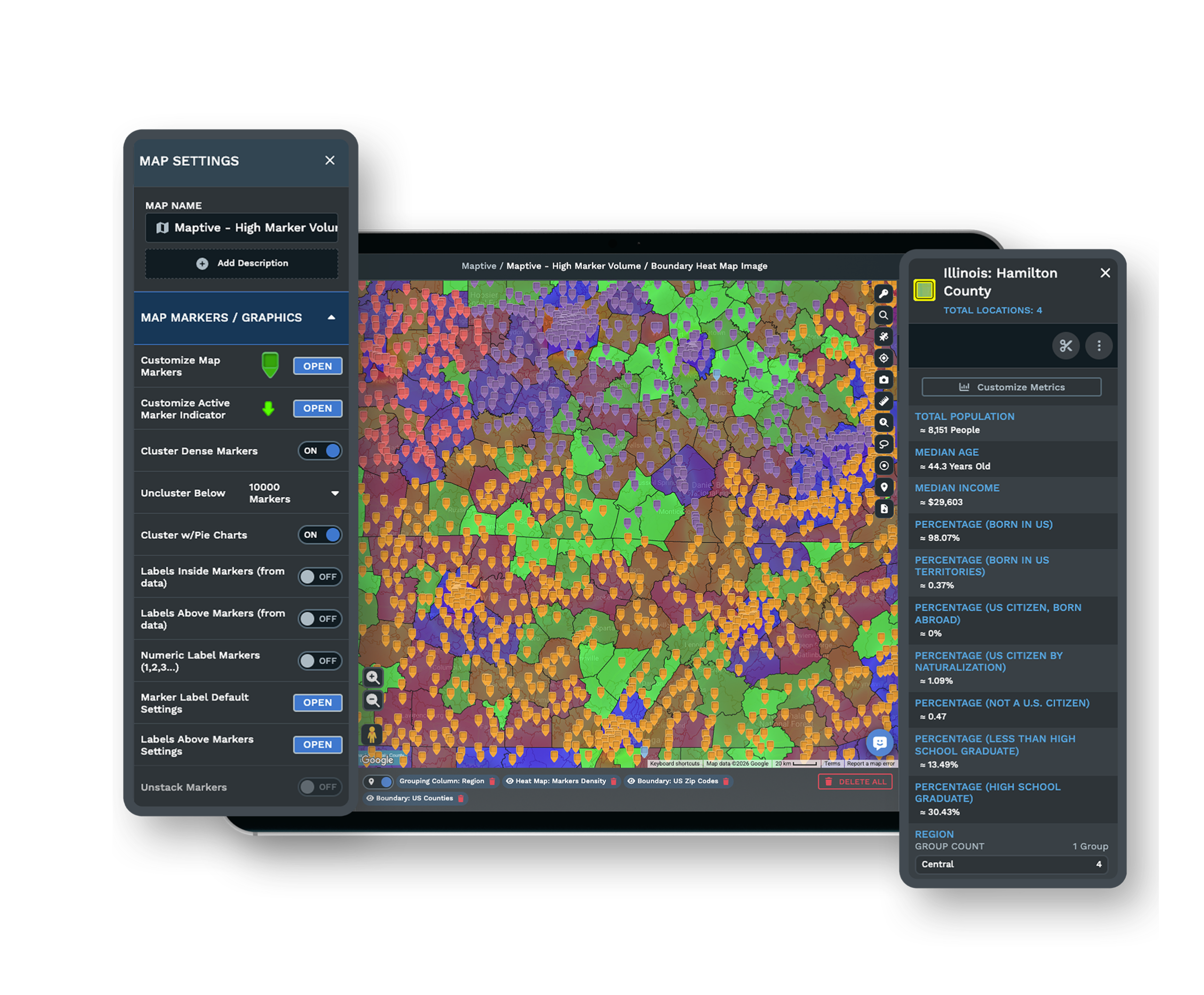
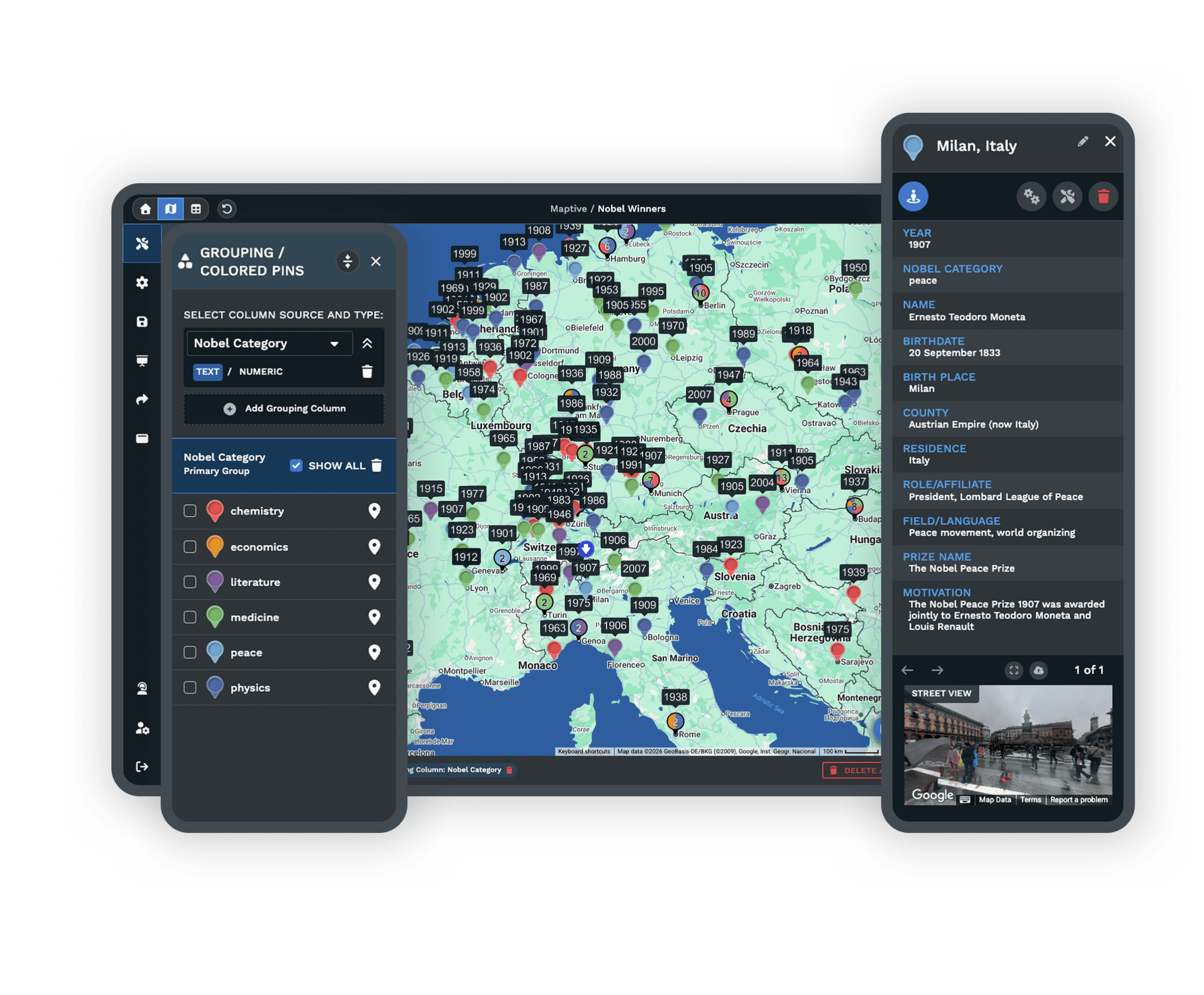
Maptive gives you full map styling, clear branding, and easy control over your data, with no tech specialist required. Drop in your files, arrange your content, and style maps to match your brand.
Tools let you organize markers, regions, and data views without extra steps. Even with no background in mapping, your team can build polished, branded maps and reports.
Support That Is There When You Need It
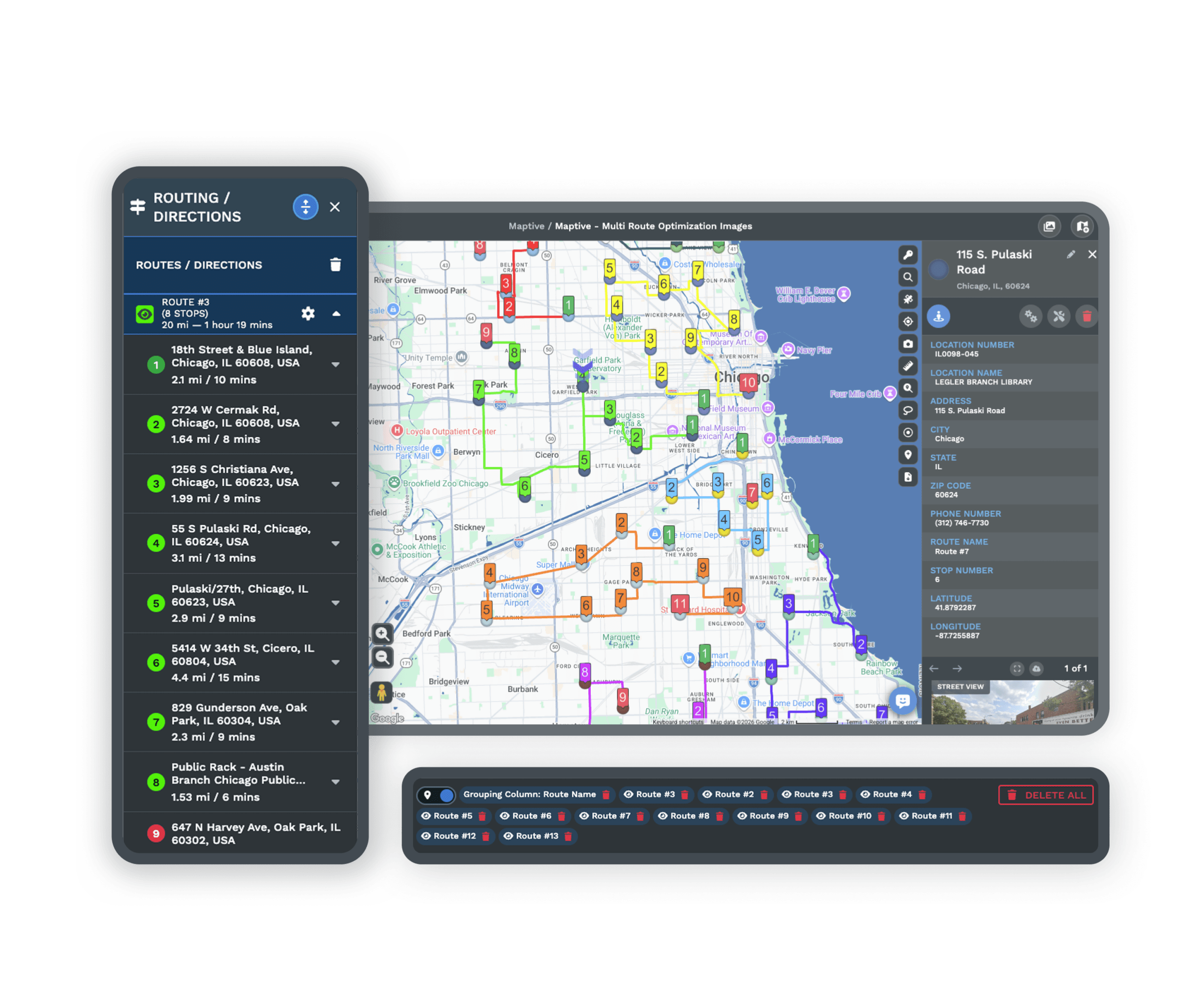
Maptive puts real people behind support. Help is available by chat, email, or phone whatever your company size, and onboarding, troubleshooting, and advice are all included.
Fast answers let you keep working. Many teams switching to Maptive say live support made getting started much simpler and cut the hassle right away.
What You Get With Maptive
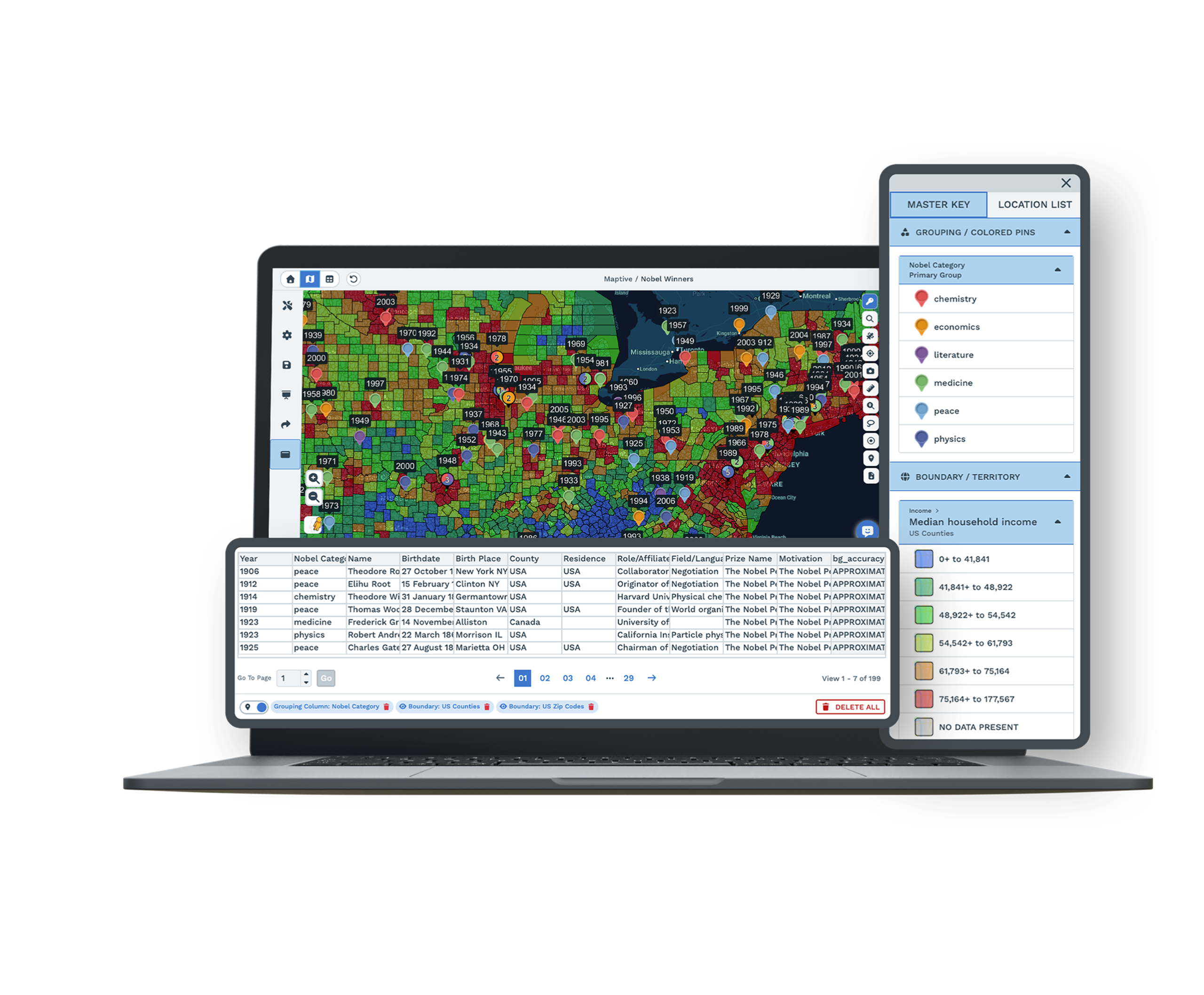
For teams that need maps to do more, the core features add up to deeper insight and better business moves.
Handles Large Data Sets
Map up to 100,000 locations with fast plotting, so big uploads and complex projects move without lag or frozen tabs.
Powerful Analysis
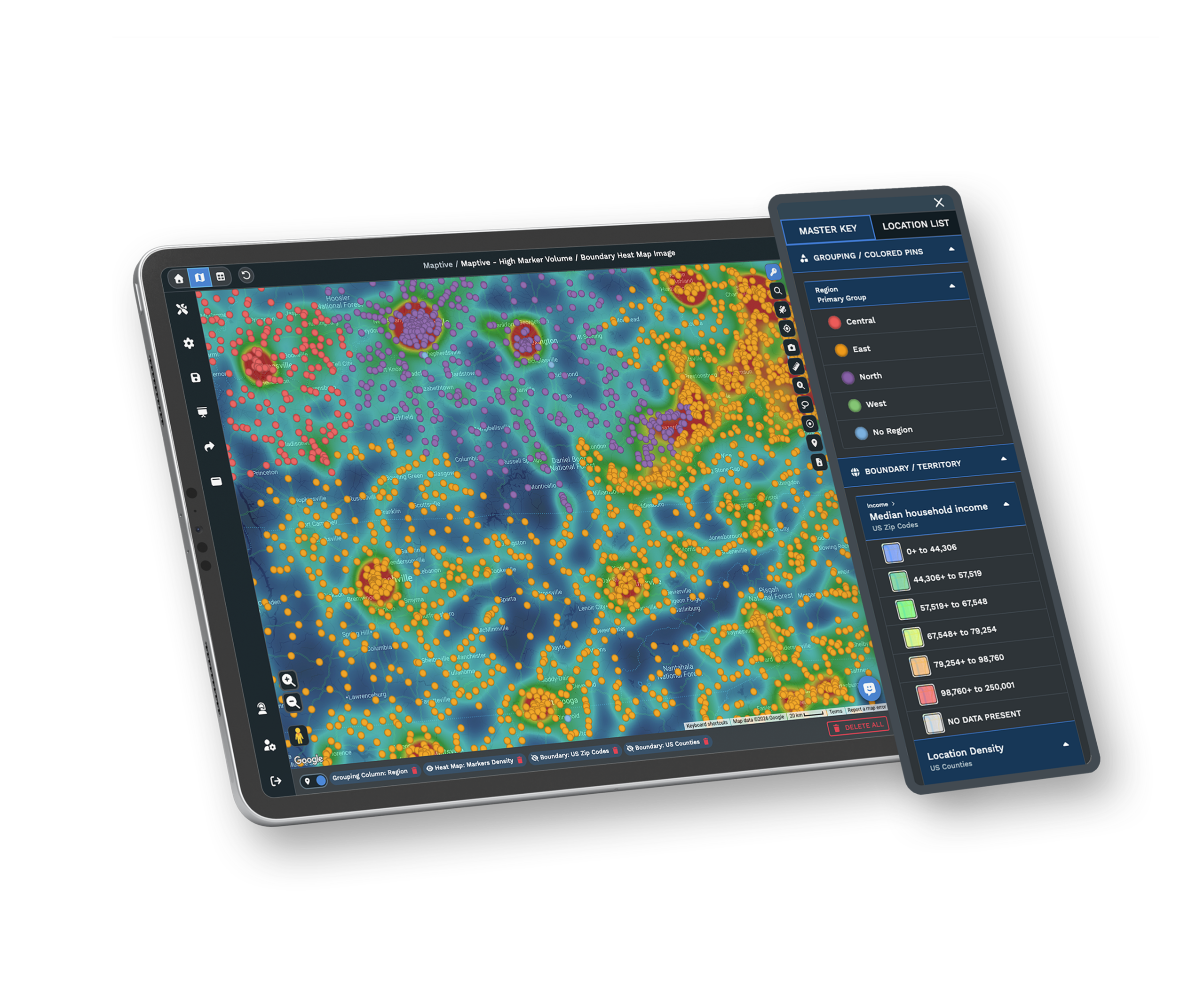
Route optimization, heat maps, and territory tools turn raw locations into clear, decision-ready answers.
Deep Customization
Flexible styling, custom branding, and your own icons let every map match the way your business presents its work.
Demographic Overlays
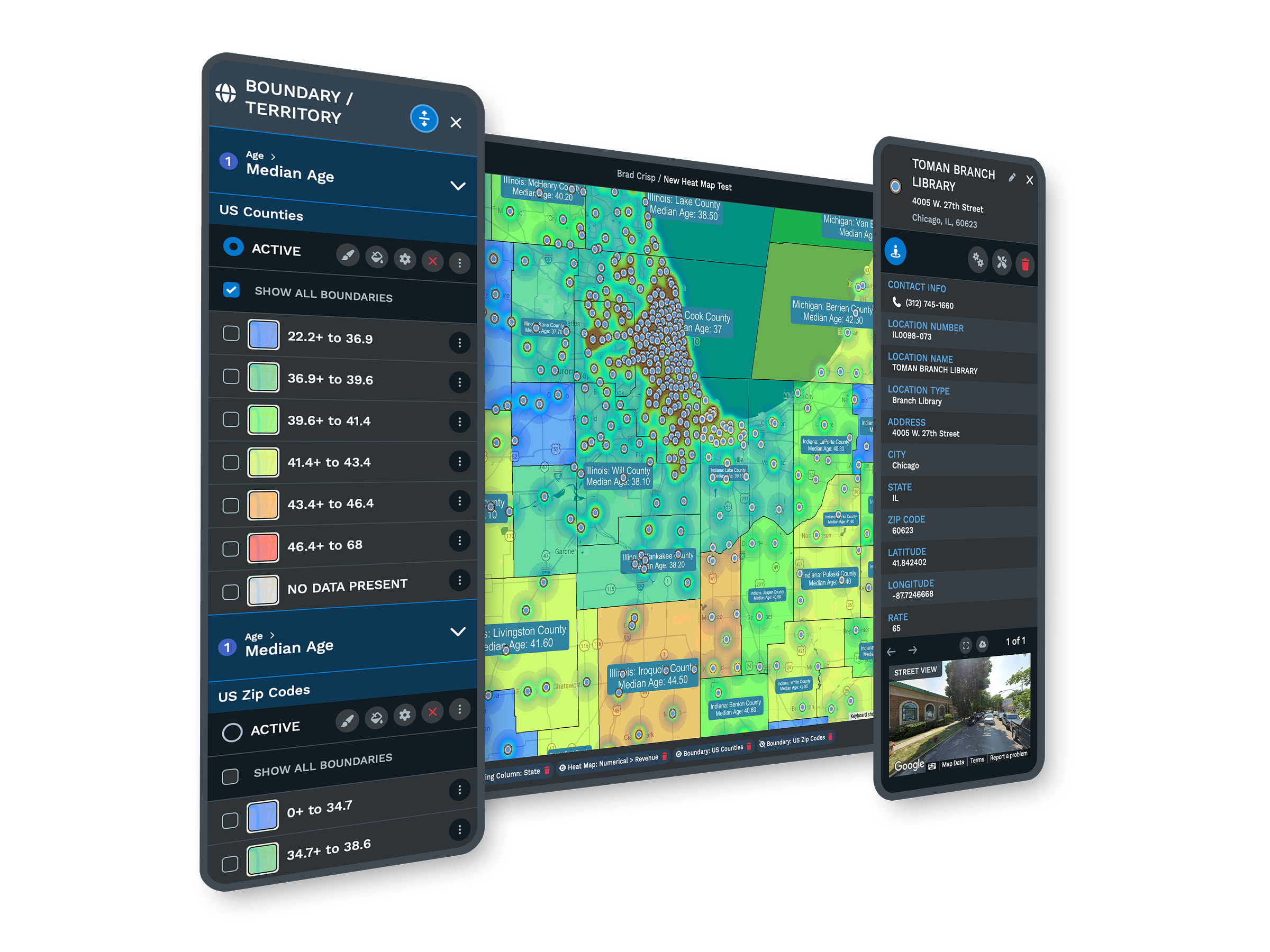
Add built-in census and market data under your locations, so you read population, income, and age at a glance.
Secure Collaboration
Permission controls and cloud hosting keep business and client data safe while your team shares maps in seconds.
White Glove Support
Quick answers by chat, email, or phone, plus onboarding help, come standard on every plan at no extra cost.
Features That Make a Difference Every Day
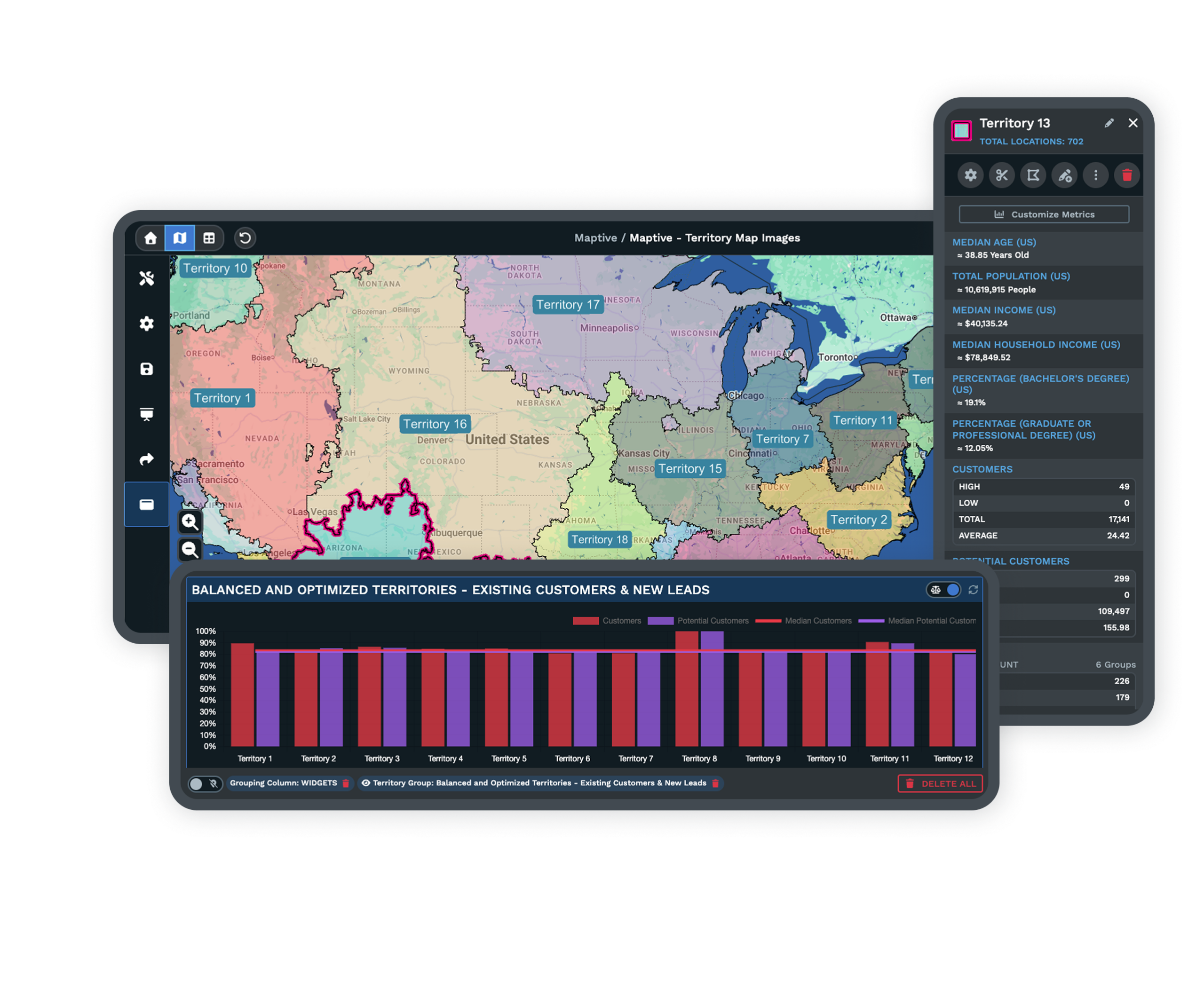
Maptive goes past the basics with tools built for real business. Plan routes to save time for delivery and sales teams. Use territory management to keep assignments and regions clear and balanced.
Heat maps and demographic overlays show the patterns you need to spot quickly. These features help teams find real value in their data through smarter planning, better reporting, and faster answers.
Easy Sharing, Strong Security, and Smooth Integrations
Your team can share maps securely in seconds. Set permissions for who can view or edit, share by link, or embed maps on your site. Built-in connections sync with your CRM through Salesforce, and a live Google Sheets connection keeps your data fresh.
Secure cloud hosting and tight access controls keep business and client data safe. Your IT team can sign off with confidence, and your team keeps the flexibility it needs.
Mango GIS Alternative FAQs
How does Maptive compare to Mango GIS for teams with big data?
What do users like most after switching to Maptive?
Can you import data easily from spreadsheets?
How does Maptive handle real-time or frequent updates?
Is Maptive suitable for non-technical users?
What kind of support can you expect from Maptive?
How easy is it to share maps privately with your team?
Are advanced mapping features like route optimization included?
How secure is Maptive for sensitive business data?
Does Maptive offer integrations with Google Sheets or Salesforce?
Free trial, every tool, no credit card
Ready to Try Maptive?
Start a 10-day free trial with no credit card and every tool unlocked, or book a demo to see Maptive run on your own data. A simple sign-up, a quick import, and responsive support get you going from day one.
Switching From Mango GIS?
Direct data uploads move your maps over quickly, and our team can walk you through imports and help recreate custom setups. Most work shifts over with a basic export and upload.








