
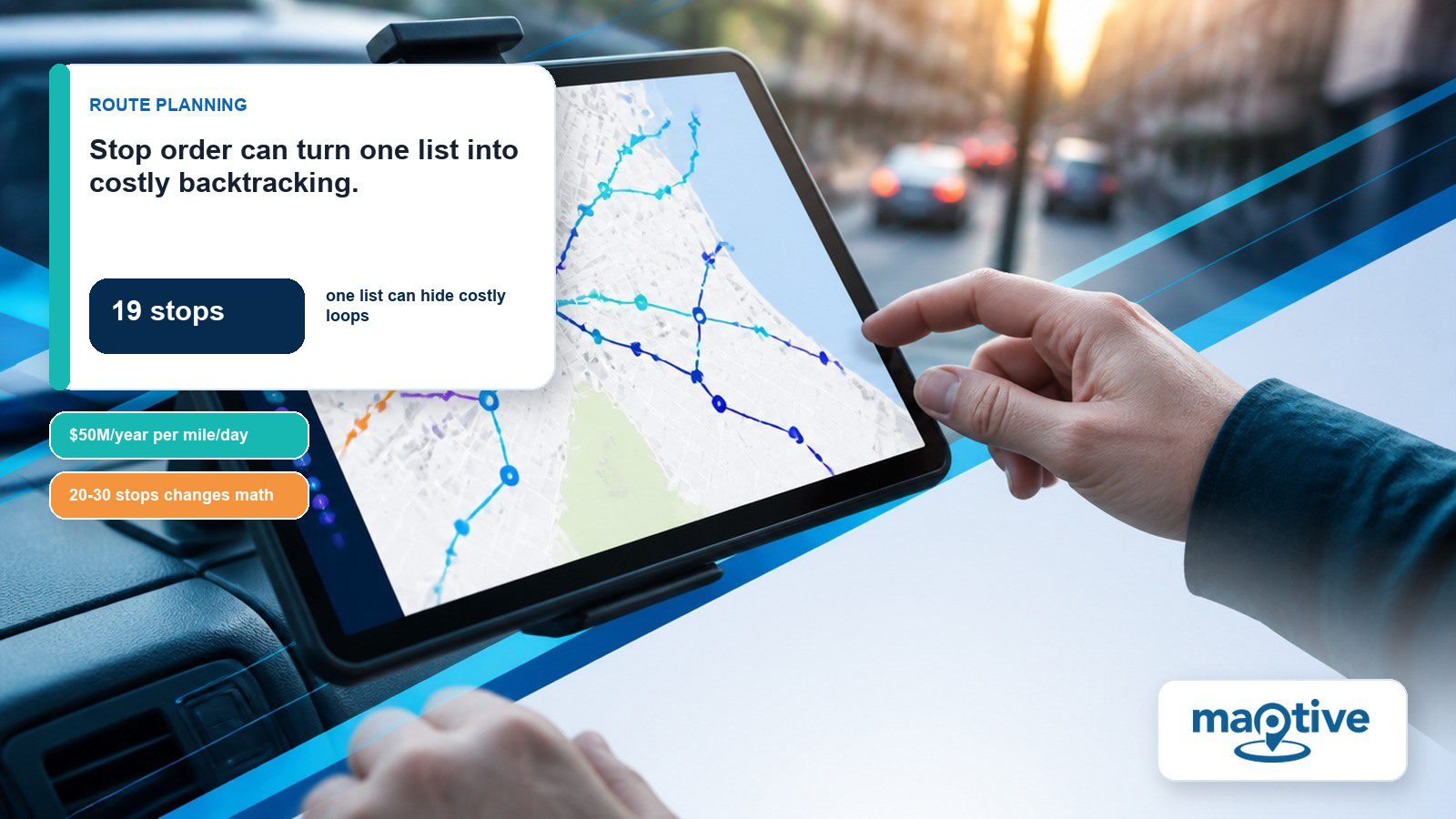
A delivery driver’s stop list shows 19 addresses in entry order. The first three cluster on one side of town. Stop four loops back over ground stop one already covered, and the rest scatter with no path between them.
A route optimizer re-sequences that list by distance and drive time in seconds, aiming at a good order and stopping short of the provable best one. Everything the list leaves out stays with the driver, so what arrives is a draft a person has to check.
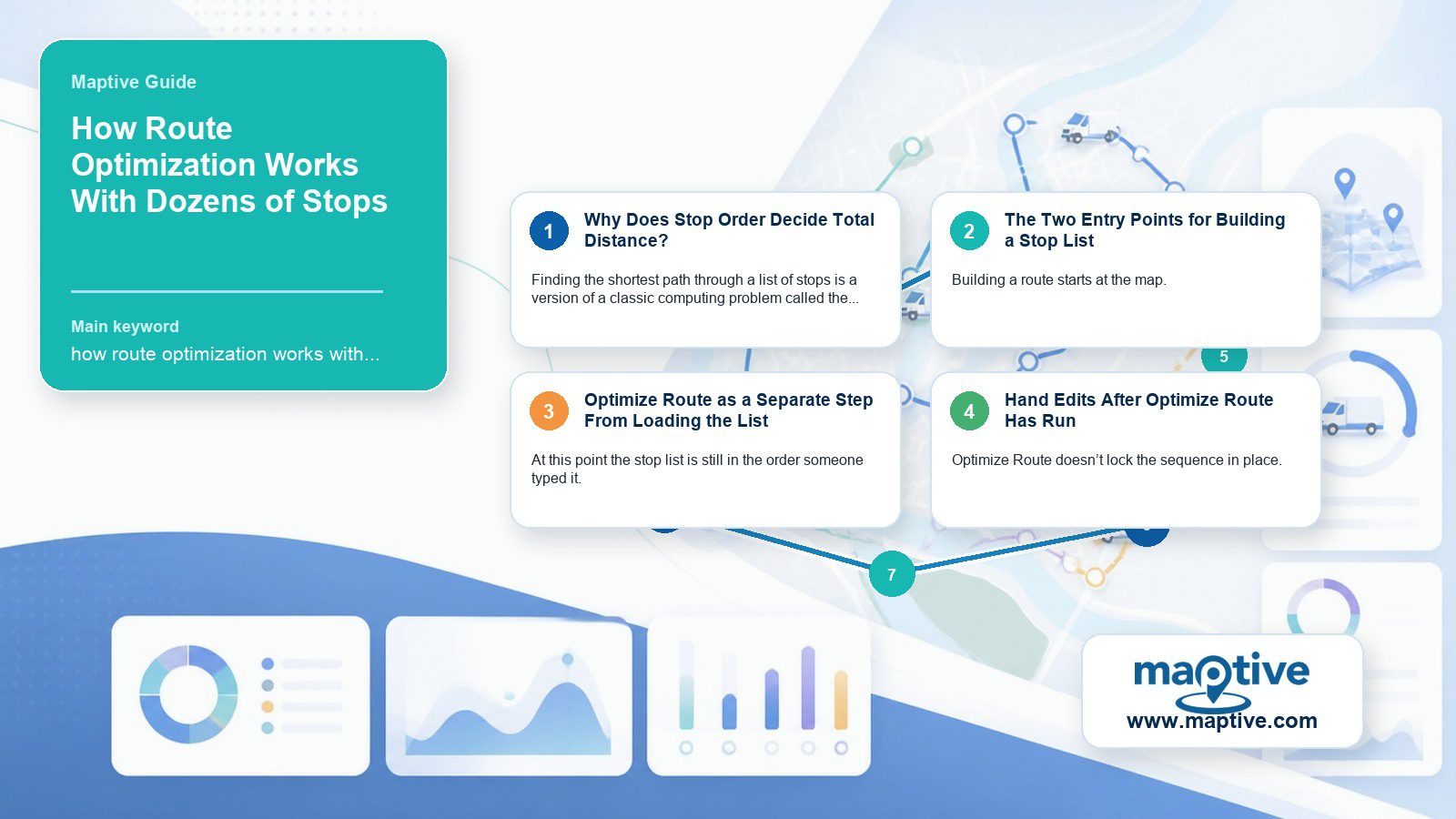
Why Does Stop Order Decide Total Distance?
How Does One Out-of-the-Way Stop Change Every Leg After It?
Finding the shortest path through a list of stops is a version of a classic computing problem called the traveling salesman problem, which asks for the order that visits every stop once using the least total distance. The number of possible orders grows factorially as stops are added.
Total distance follows from the order stops are visited in. Picking a slightly out-of-the-way second stop changes which stop is efficient to visit next. One mediocre early decision compounds across every leg that follows.
UPS has said that cutting a single mile per driver per day is worth $50 million a year across its fleet. At that scale, a company treats stop sequencing as a financial function with a budget of its own.
Heuristics That Replace an Exhaustive Search
Past 20 to 30 stops, finding the mathematically perfect sequence, the exact shortest order among every possibility, becomes too slow to compute in a reasonable time. Route-optimization tools use heuristic methods, algorithms built to find a very good sequence fast, and treat an exhaustive search of every possible order as unnecessary for the task.
On a dozens-of-stops route, the gap between what a heuristic finds and the exact mathematical optimum is usually too small for a driver to notice on the road.
The Two Entry Points for Building a Stop List
When Is Clicking Markers One by One Fast Enough?
Building a route starts at the map. A long list is only practical to assemble if the entry method scales with it. Clicking a marker opens its info panel on the right, and clicking the tools icon on that panel brings up an option to add the location to a route. The first marker added becomes the starting point, listed as location one. Additional stops join through the same click path, marker by marker. Once a route exists, a routing panel opens on the left with an Add Additional Location button, a second entry point for the same job. For a handful of stops, clicking through markers one by one is fast enough.
Dozens of Markers Pulled In by the Lasso Tool
Clicking through dozens of individual markers is where the one-at-a-time method stops making sense. The Lasso tool solves that specific problem. Drawing a closed loop around a cluster of markers pulls every enclosed location directly into the route’s stop list at once.
Covering an entire territory in one sitting, a rep can lasso the whole cluster and load dozens of stops in the time it used to take to add a handful one click at a time.
Optimize Route as a Separate Step From Loading the List
Does Get Directions Change the Order Someone Typed?
At this point the stop list is still in the order someone typed it. Get Directions produces a route in exactly that order. The total distance is usually longer than it needs to be. Optimize Route recalculates the sequence into the most efficient order it can find, a separate step from loading the list.
Even so, Optimize Route keeps one part fixed on purpose. The first and last locations in the list stay exactly where they are, and only the stops between them move. A route that starts and ends at a home base keeps those two anchors while everything inside it is re-ordered.
Both Route Versions Kept on the Map Together
Clicking Get Directions first, then Optimize Route, then choosing Add another directions instance keeps both versions on the map together, each in its own color. A user can then trace exactly which stops moved and by how much.
Hand Edits After Optimize Route Has Run
What Happens When a Stop Is Dragged to a New Position?
Optimize Route doesn’t lock the sequence in place. Every stop in the list, including the start and end point, has a drag handle next to it (the stacked equal-sign icon). Dragging a stop to a new position in the list moves it on the map too. The next optimization then keeps the new first and last locations fixed.
Locked Gates and Loading Docks the Optimizer Misses
Route optimization solves for distance and time. It doesn’t know about a gate that stays locked until 9 AM or a loading dock that closes for lunch.
One feature draws the loudest praise and a recurring complaint from the same users. Route optimization is cited as a top-liked feature in 47 reviews of one large review base of route-planning software, and route planning capabilities in 45 more, while backtracking and slow performance are named a top complaint in 17 reviews and missing appointment-time awareness in 11 more.
One reviewer working in warehousing described some of the optimizer’s output as “pretty much entirely nonsensical” and requiring hand-editing, even while praising the account-organization features around it.
Before pulling out of the lot, a driver gives the finished list a 15-second look for the one stop that sits out of place.
The 73-Location Ceiling on a Single Route
The 73-location ceiling on a single Maptive route is a non-issue for most operators, since very few real routes for one driver in one day approach even half that number. The cap exists because the math behind Optimize Route slows down as stops are added, and 73 is the point where Maptive keeps results fast enough to be worth the wait.
Maptive supports multiple route instances on one map at once, so a territory too large for one route does not have to be rebuilt on a second map. Resetting the tool for a new route leaves the one already built in place. Additional routes can be added alongside the first, each keeping its own color and name.
Windshield Time Better Sequencing Takes Back
Outside sales reps average 21 hours a week behind the wheel, and 18% report driving more than 40. Travel between accounts takes 45% of a rep’s total working time. Field-sales operations literature calls this windshield time. Better sequencing takes back the share of that time spent on distance a rep never needed to cover.
Top-performing outside reps average 14 account visits a day, while the bottom tenth of performers manage fewer than two across a comparable day.
Field service technicians face a comparable problem. Losing more than 40% of a workday to travel and idle time combined is common, and a dispatcher who assigns jobs by time slot without checking geography scatters one technician’s stops across a wide area. That can add 40 or more miles to one day’s driving. The physical result is retracing the same streets three hours apart in the truck.
UPS’s ORION system, which sequences delivery stops for its drivers, has saved the company an estimated 100 million miles driven and 10 million gallons of fuel a year since it rolled out in 2012, worth $300 to $400 million annually at full deployment. For U.S. motor carriers in 2024, fuel was $0.48 of the $2.26 average operating cost per mile, 21% of the total.
Vendor case studies, none of them audited outside the vendor, put the fuel and mileage savings from route optimization between 10% and 30%, with a handful of pilot programs claiming as much as 20% to 30%.
Frequently Asked Questions
How many stops is too many for a single route?
Route-planning tools cap a single route between 25 and 120 or more stops depending on the product, and Maptive’s routing tool supports up to 73 locations in one route. No single number works across every product.
What’s the difference between route optimization and route planning?
Route planning, sometimes called getting directions, generates a path through stops in the order they were entered. Optimization is a second pass over the list, reordering the stops to cut total distance or time. The two terms often get used interchangeably in casual conversation, even though a route-planning tool treats them as two distinct steps.
How do I plan a route that starts and ends at different locations?
Locations can be dragged into the starting or ending position in the route list, and Optimize Route keeps those two fixed endpoints in place while optimizing every stop between them, so a route never has to loop back to where it began.
Does adding more stops always mean a longer route?
Not proportionally. A well-sequenced route with more stops can be shorter in total distance than a poorly sequenced route with fewer stops, because the cost driver is the order stops are visited in. Raw stop count alone does not decide total distance.
What happens if a delivery misses its scheduled time window?
The stop has to be attempted again, and the sequencing is usually why it was missed in the first place. A route optimizer solves for distance and drive time, so a stop with a hard cutoff can end up anywhere in the order it produces. One in 20 last-mile deliveries fails on the first attempt, at an average cost of $17.78 to repeat.
Why do some optimized routes still look wrong?
Automated optimization solves for distance and time. A one-way street closed for repaving, or a client’s dog that makes a particular driveway a bad idea, is outside what an address list can describe. Drivers who use route optimizers regularly build the quick check into their routine without thinking about it.
What algorithm does route optimization use?
Most tools rely on heuristic approaches built to find a very efficient sequence fast, with no single named, universal algorithm behind the category. Which specific heuristic a given product uses is rarely published, and a driver sees only the sequence it returns.
Does route optimization keep my starting and ending location fixed?
Yes, by default. Optimize Route keeps the first and last locations in the list fixed and reorders only what falls between them. That default exists because most routes start from a fixed point such as home or an office, though either endpoint can be dragged to a new stop in the list if the plan changes.
Can one map have more than one optimized route on it?
Starting a second route on the map does not delete the first, and each route keeps its own color and name for quick identification.
How do I add multiple stops to a route quickly instead of one at a time?
The Lasso tool draws a closed loop around a cluster of markers and pulls every enclosed location into the route’s stop list in one motion, the fastest way to load a route that has grown past a handful of stops since clicking Add to Route on each marker individually does not scale to dozens.
Can you manually adjust a route after it’s optimized?
Yes. Every stop, including the start and end point, has a drag handle next to it in the route list, and dragging any stop to a new position updates both the list and the map. There is no limit on how many times a route can be adjusted this way before heading out.
How much money does route optimization save?
Figures vary by fleet and industry, but a commonly cited range is 10% to 30% in mileage and fuel cost reductions industry-wide. UPS’s ORION system, sequencing routes across a very large fleet, has saved an estimated 100 million miles and 10 million gallons of fuel a year since 2012, a fleet-wide figure well beyond what any one driver sees on a single route.