


Per-Territory Map Sharing With Franchisee View & Edit Control
Give each franchisee a map of only their own area and pick who can look versus change it. Maptive sets view or edit access per person, HQ holds the master.
No credit card required
- Share each franchisee a map link that opens read-only by default
- Set view-only or edit access per person, one invitee at a time
- Show a prospect their territory with no platform seat required
- Restrict each owner to their own slice and hide the rest
- Revoke a departed franchisee's access without disturbing anyone else
- Keep every shared and password-protected map under your account
Trusted by teams at









Per-Territory Sharing by the Numbers
What changes once every franchisee sees only their own area and HQ holds the master map.
Giving each franchisee a map of only their own area speeds territory handoff by about 32%.
Setting view or edit rights per person drops wrong-access incidents by roughly 27%.
One shared master map instead of emailed files cuts version mix-ups by 24%.
Franchisee Sharing, Measured
A shared map opens read-only by default, moves one person at a time to edit access, and shows a prospect their area without a platform seat.
| 01 |
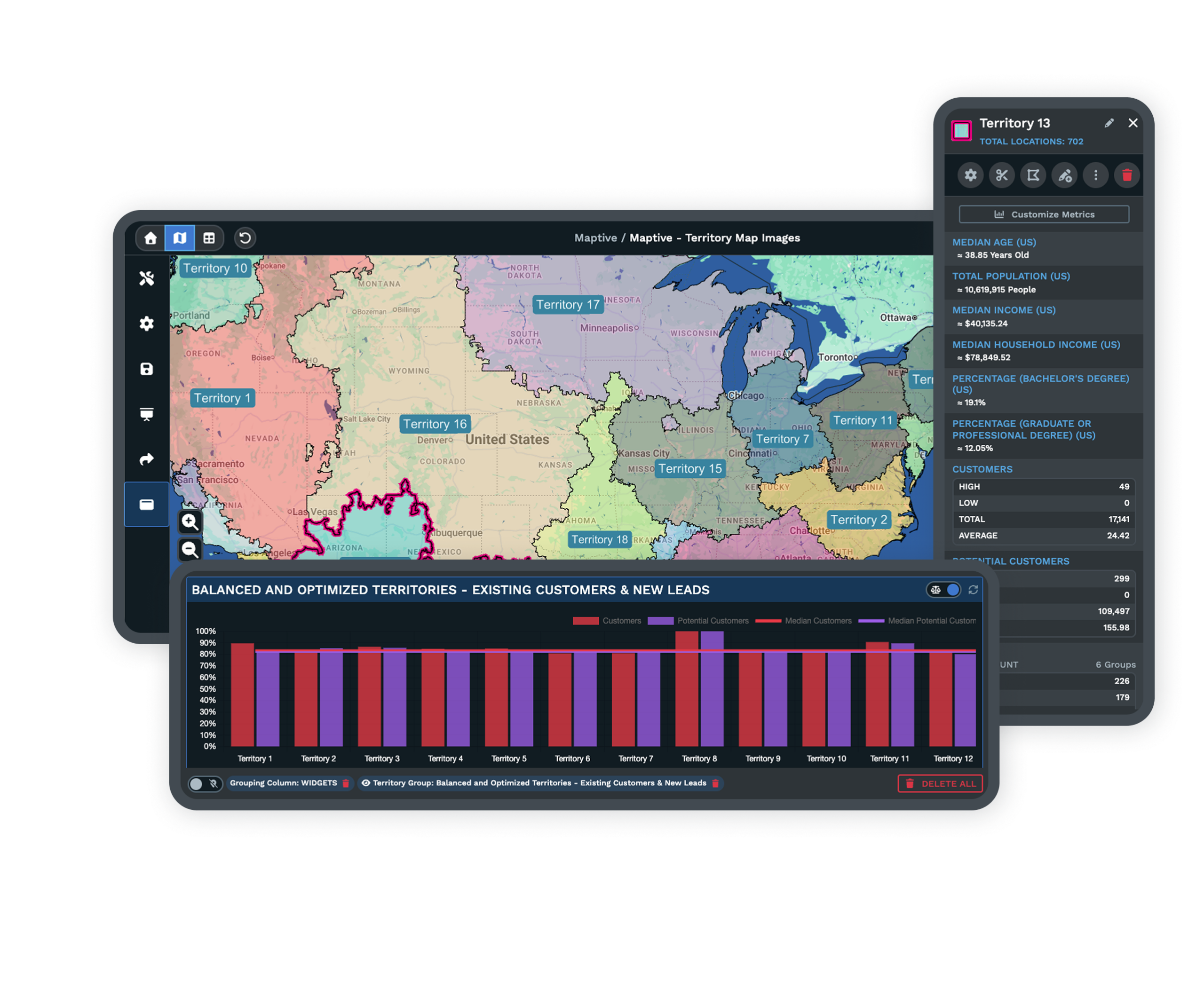
The Default Access for Every Shared TerritoryA shared map link opens read-only by default, so a franchisee or a prospect can pan, zoom, and read their area without altering anything. You decide, per person, who moves up from viewing to editing. See sharing options → |
| 02 |
A Territory Link Without a SeatA public or password-protected shared map shows one franchisee their territory during the sales process, no platform seat required. The prospect sees the area while you keep the system. |
| 03 |
Edit Rights Scoped to a Single OwnerEach team member carries their own view-only or edit permission, so one franchisee can update their own area while everyone else stays read-only. The scope of a share is set one invitee at a time. |
HQ Control Over a Shared Map
Send each owner a restricted per-territory view, choose view-only or editable, and keep every map anchored to your account.
| 01 |
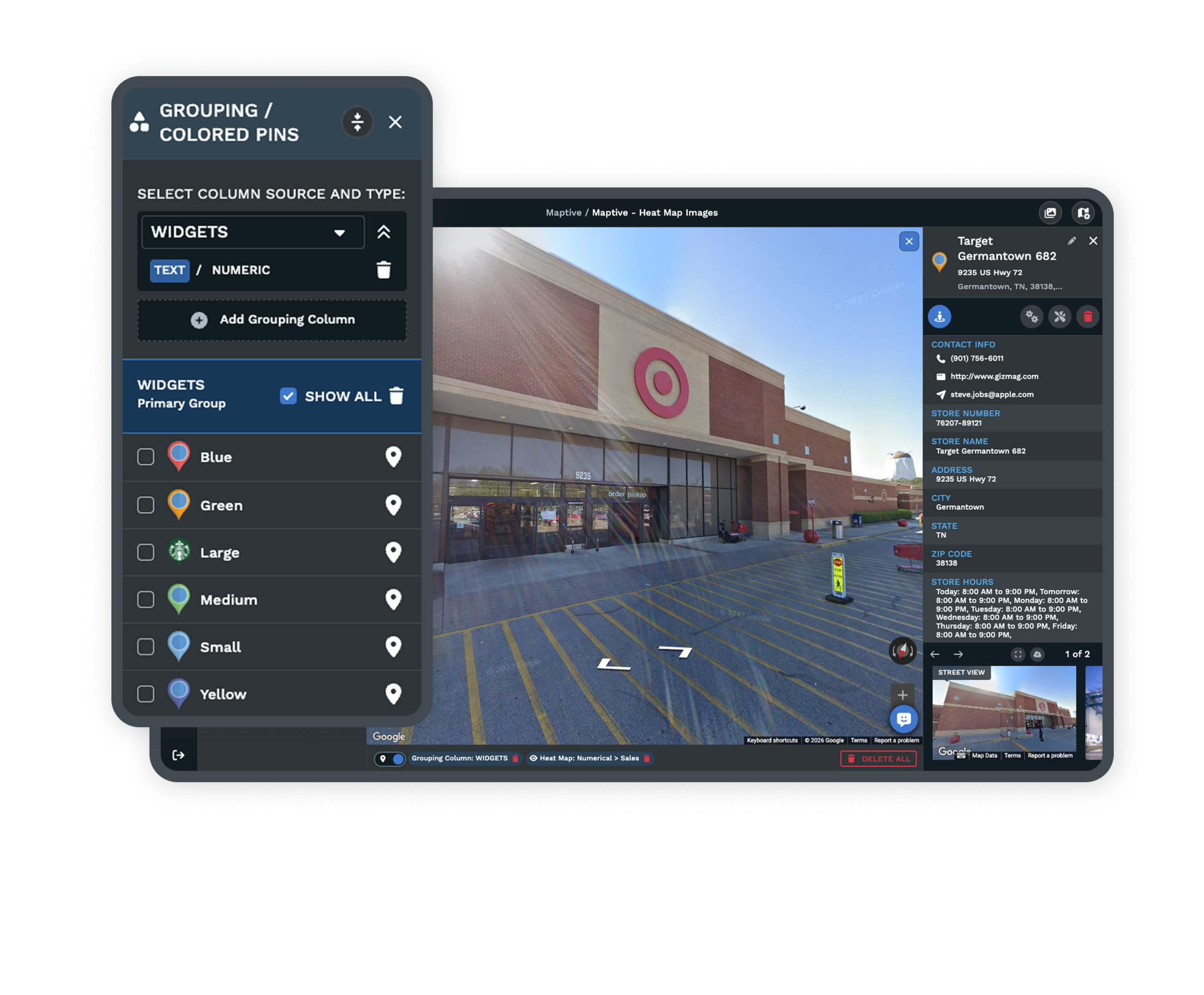
A Restricted Per-Territory ViewSend each owner a shared map that shows their assigned area and the data around it, not the whole network. The franchisee reads only their slice, and the pipeline, prospecting, and cross-network data stay with you. |
| 02 |
View-Only Versus Editable SharesA view-only share lets an owner study their territory and nothing more, while an editable share lets them do the actions you allow, such as adding pins or uploading their own local data. You set which one each person receives. |
| 03 |
Permissions Tied to the Person, Not the MapBecause permission travels with the invitee, the same territory map can be read-only for most owners and editable for one. When a franchise leaves, you remove that person's access and the map they touched stays under your account. |
| 04 |
Public and Password-Protected PresentationThe presentation and shared-map settings panel governs how a map goes out, from a private per-owner link to a password-protected view for a recruiting meeting. You control the door before anyone reaches the data. Explore the territory map maker → |
The Franchisor's Central Controls
For the person at HQ, sharing a map can seem like giving something away, and the worry is losing the thread once dozens of owners can open it. The control you keep is not a gate on every edit, it is the record underneath. Each shared map traces back to your account, each edit sits with the person who made it, and access ends when you end it.
That is why the leaving-franchise case is simple here. You revoke the departed owner's permission, and the territory data they saw or edited remains yours. The map stays the single working reference, not a file reissued by hand every time a boundary moves.
The Franchisee's Own Working View
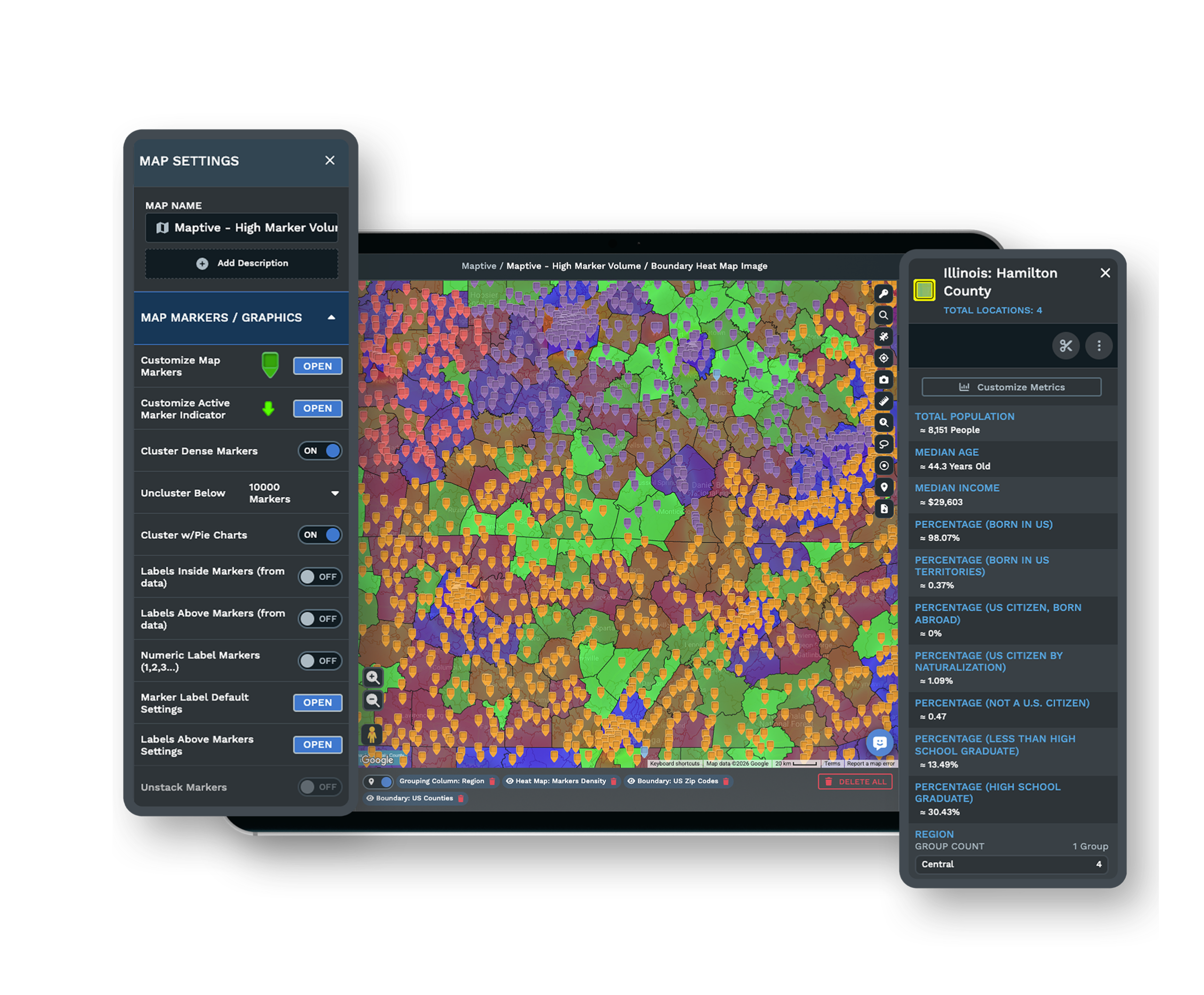
For the owner receiving the link, the question is narrower and more personal. They want to see their own area clearly, read the demand around it, and, where you allow it, mark up what they know from the ground. A restricted per-territory view answers the first part by showing their slice and hiding the rest, so no owner reads another owner's numbers by default.
An editable share answers the second part, letting them add a pin for a new competitor or upload a local list without reaching anything outside their line. The result is a map that works as theirs to shape while remaining, at every moment, one you administer.
Keeping a Shared Network Secure
Two-Factor Login on Every Account
Two-factor authentication guards each login before anyone opens a shared territory, so a leaked password alone does not reach your network. It applies to the people you invite as much as to your own team.
Access You Grant and Revoke by Person
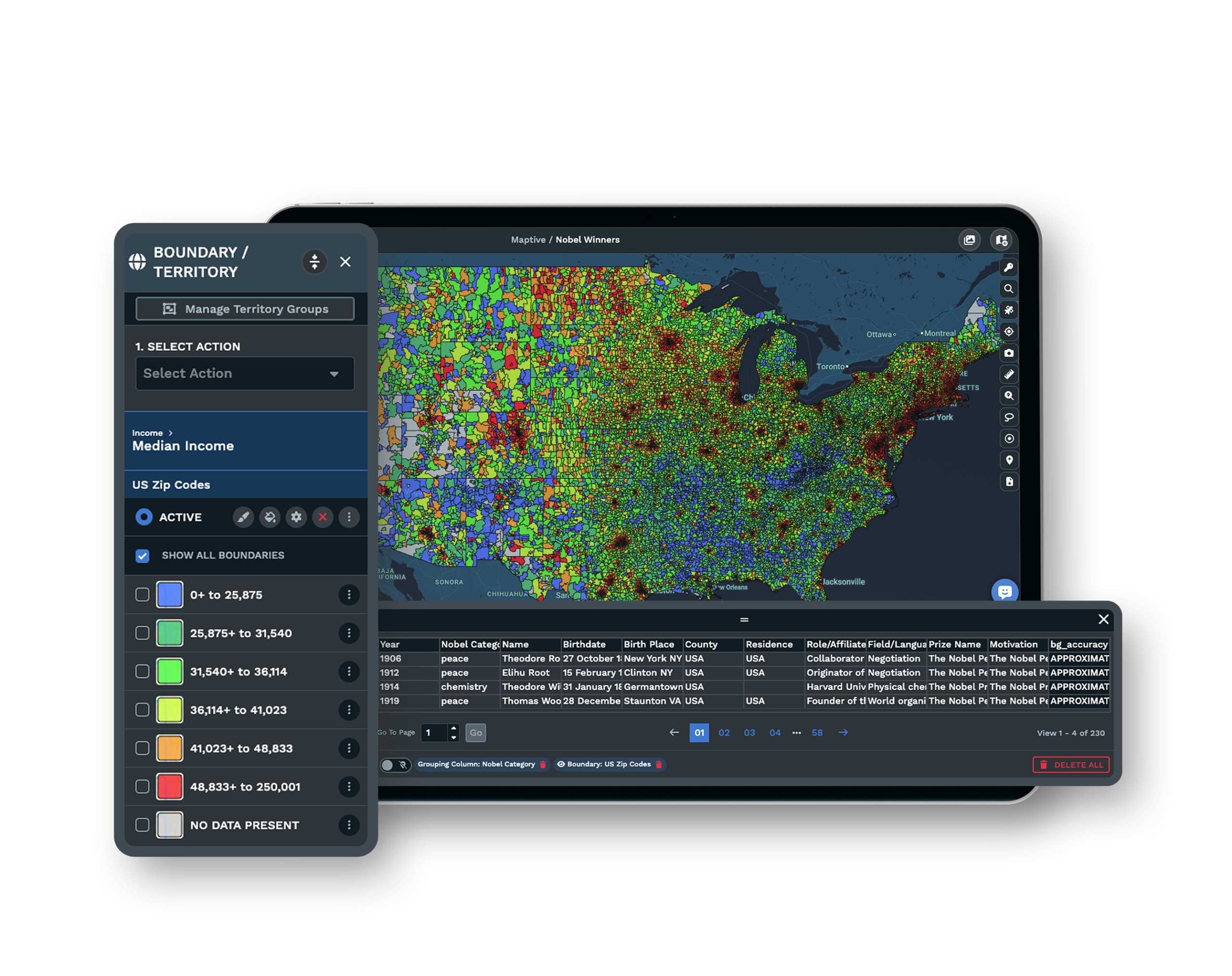
You decide who can open a territory and who can change it, down to view-only or edit rights for each individual. When an owner joins or leaves, you add or remove that one person without disturbing anyone else's share.
Every Map Kept Under One Account
Every shared and password-protected map is anchored to your account, so the territory data does not scatter across inboxes and drives. What you share is a controlled view, and the master stays in one place you own.
See enterprise security →Free trial with the full platform and no credit card
Give a Franchisee Their Map
Start a 10-day free trial with no credit card and all 60+ tools unlocked. Load your unit list, draw one owner's territory, send it as a view-only link, then switch that same person to edit access to watch the permission change on your real network.
See Role-Based Sharing Live
If your rollout has to satisfy operations, legal, and a room full of owners, a Maptive specialist will map your sharing plan with you. Bring how your network is structured, and the session sets the per-territory views, the view versus edit rights, and the leaving-franchise cutoff together.
Frequently Asked Questions
Can franchisees edit only their own territory?
Yes. Permissions are scoped per person, so an editable share can be limited to that franchisee's own area and the actions you allow there. Everything outside their territory stays read-only or hidden, which means one owner's edit rights never reach another owner's map or data.
How does HQ keep control while sharing maps?
HQ keeps control by moving from approving every change to holding the record underneath. Each shared map ties back to your account, each edit sits with the person who made it, and any access can be removed when a franchise leaves. That governance layer is what lets sharing scale without losing the master.
Can franchisees see only their own territory?
Yes. Franchise access is hierarchical, so a shared map can show a franchisee only their own units and the data around them while HQ sees the whole network. You set the restricted per-territory view per person, and no owner's view expands without your approval.
How do I share a territory map without giving full platform access?
Use a shared or password-protected map link. It shows a specific territory to a franchisee or a prospect during the sales process without granting a seat in the platform. They see the area, you keep the system, and you can add a password when the link goes to someone outside your team.
What is the difference between a view-only and an editable franchise map?
A view-only share lets a franchisee pan, zoom, and read their territory and its data without changing anything. An editable share lets them do defined actions such as adding pins or uploading their own local data. You choose which one each person receives, and you can move someone from viewing to editing at any point.
Can franchisees see each other's sales numbers or data?
Not by default. A baseline of franchise data management is that one owner may not reach another owner's data, so each territory's numbers stay isolated. A restricted per-territory view shows each franchisee only their slice unless you deliberately choose to share more across the network.
What does HQ keep private when it shares a territory map?
HQ usually keeps its pipeline, prospecting, and network-wide strategic data hidden and shares back only the slice each franchisee needs to run their area. Because the data is collected through tools you control and the master map stays under your account, you decide what is exposed in every shared view.
Can I show a prospect their territory before they sign?
Yes. A shared or password-protected map link shows the prospect their area, the demand around it, and the boundary without handing over platform access. When the process ends, you let the link expire or reset the password.
How do franchisors usually share territory maps with franchisees?
The legacy method is static, meaning spreadsheets, PDF maps, and coordinates sent over email, which creates version and overlap problems. A shared, permissioned map replaces that by showing each owner a current view of their own area, with view or edit rights set per person and access you can revoke when a franchise leaves.








