


Embed a Public Franchise Locator on Your Website
Put a live map on your website so prospects and customers can search by city and find your nearest units. Maptive builds the locator and hands you the embed code.
No credit card required
- Show every open unit and available market on one public map
- Give visitors a search box for address, city, or ZIP code
- Rank the nearest units by distance for each searcher
- Publish the map with an embed code, no developer required
- Read live data so a new unit refreshes every page at once
- Send a password-protected territory view to one serious prospect
Trusted by teams at









A Public Locator for Your Audience
One embedded map shows your whole network, built on the same platform you use to plan it, ready to test on your own site before you commit.
Embedding a live locator lifts nearby-unit searches on the website by about 27%.
Sending each search to the closest unit raises the share of leads matched to the right store by 18%.
A self-serve map cuts nearest-location support tickets by roughly 35%.
The Location Finder on Your Page
A search box, mapped coverage, and an embed code that lets marketing own the page and keep it live from your latest data.
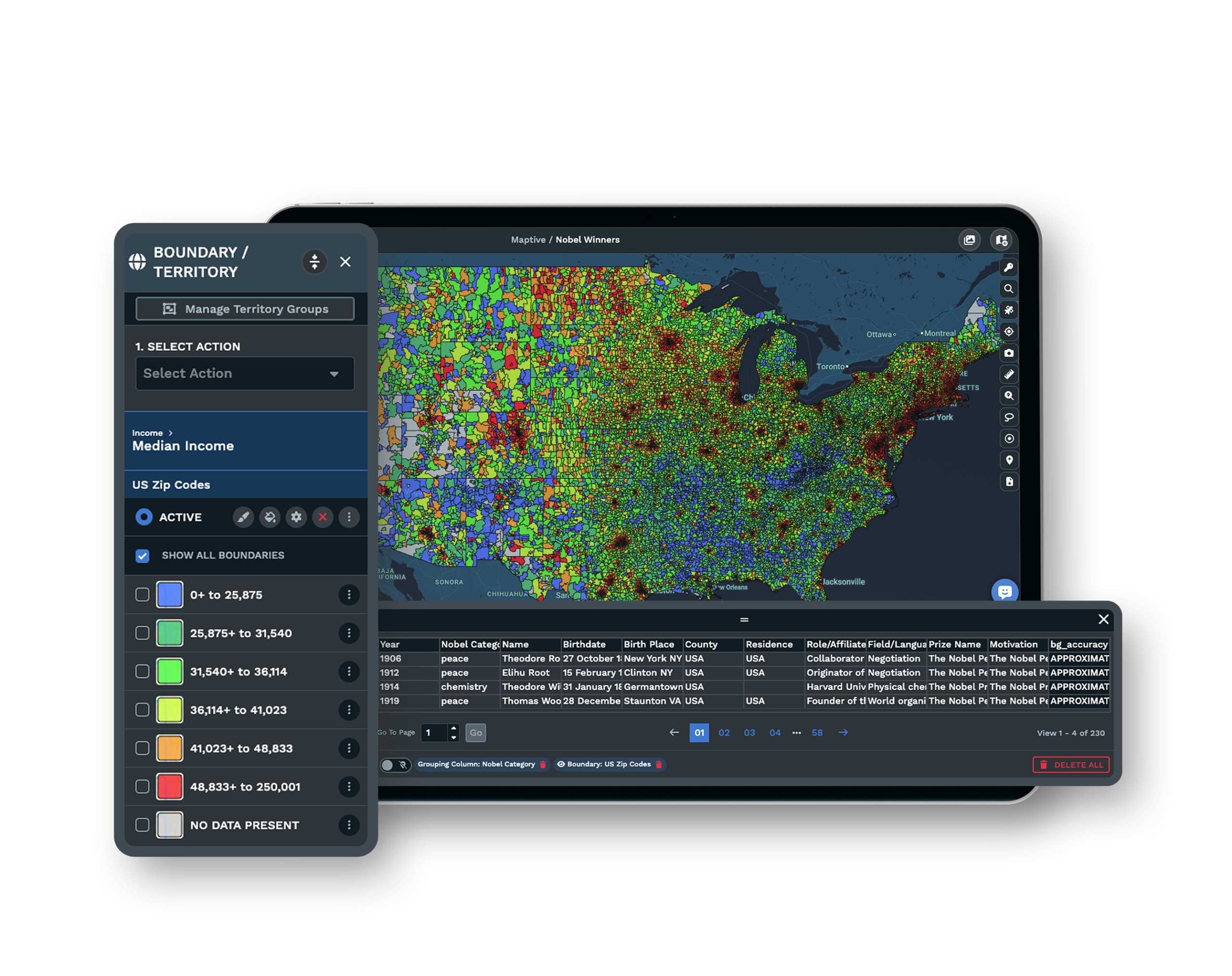
| 01 |
A Search Field Built for Real VisitorsThe Location Finder Tool gives visitors a search box where they type an address, city, or ZIP code and see the nearest units ranked by distance. A prospect checking coverage and a customer looking for the closest store both get an answer without calling. Explore the Location Finder → |
| 02 |
Coverage Every Prospect Can ReadPlot open units and available markets so a franchise prospect sees at a glance where the brand already operates and where room remains. The public map turns a coverage question into something they answer themselves. |
| 03 |
An Embed Code, Not a Developer TicketPublish the locator with an embed code you copy from the platform and paste into your page. The map renders inside your site with no engineer wiring it up, so marketing owns the page. See embed and share options → |
| 04 |
A Live Map From Your Latest DataThe embedded map reads your live data, so a new unit or a market that closes shows up the next time someone loads the page. You update the map in the platform, and every page carrying the embed refreshes at once. |
Designing the Search So a Prospect Self-Qualifies
The value of a public franchise map is what happens before anyone fills in a form. A prospect who can type their city and see if a market is open answers their own first question, and the ones who reach out are the ones standing in genuinely available territory. That is why the search field matters more than the map styling.
Set the Location Finder Tool to accept a city or ZIP code, rank the results by distance, and show what the visitor came for, an open unit nearby or an available market with room. When the map does that job well, the inquiries that land in your inbox are already pre-filtered down to people you can sign.
Sharing a Territory Privately When the Talk Gets Serious
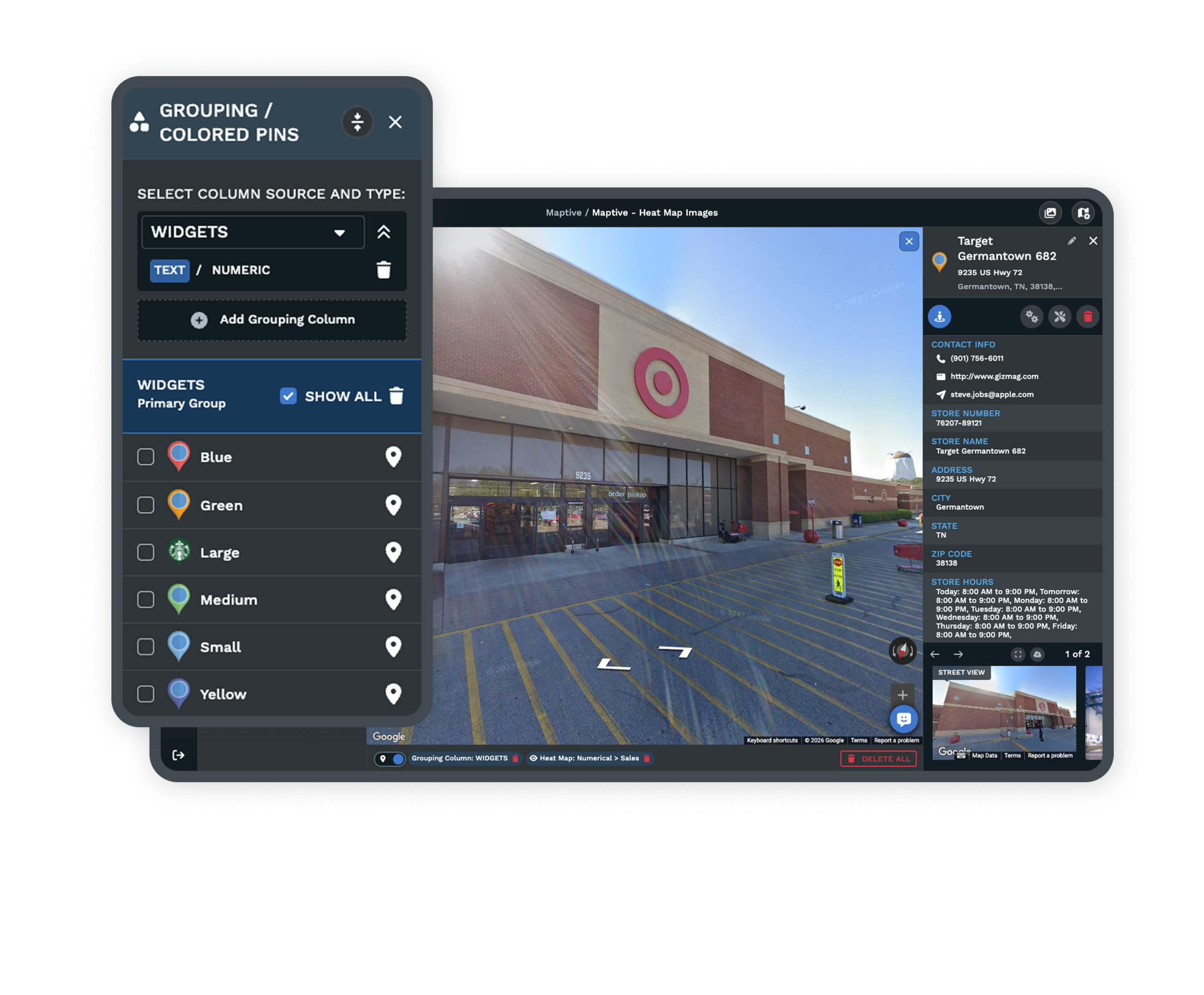
A public locator opens the conversation, but a serious prospect eventually wants to see one specific area in detail, and that view does not belong on the open web. For that moment you can send a password-protected shared map link that shows a single territory to one prospect during the sales process, with the presentation and shared-map settings controlling exactly what they see. They open the map without any access to the underlying platform, and you keep the public embed focused on network-wide coverage.
Keeping the Embedded Map Accurate and Yours
One Source of Truth Behind Every Page
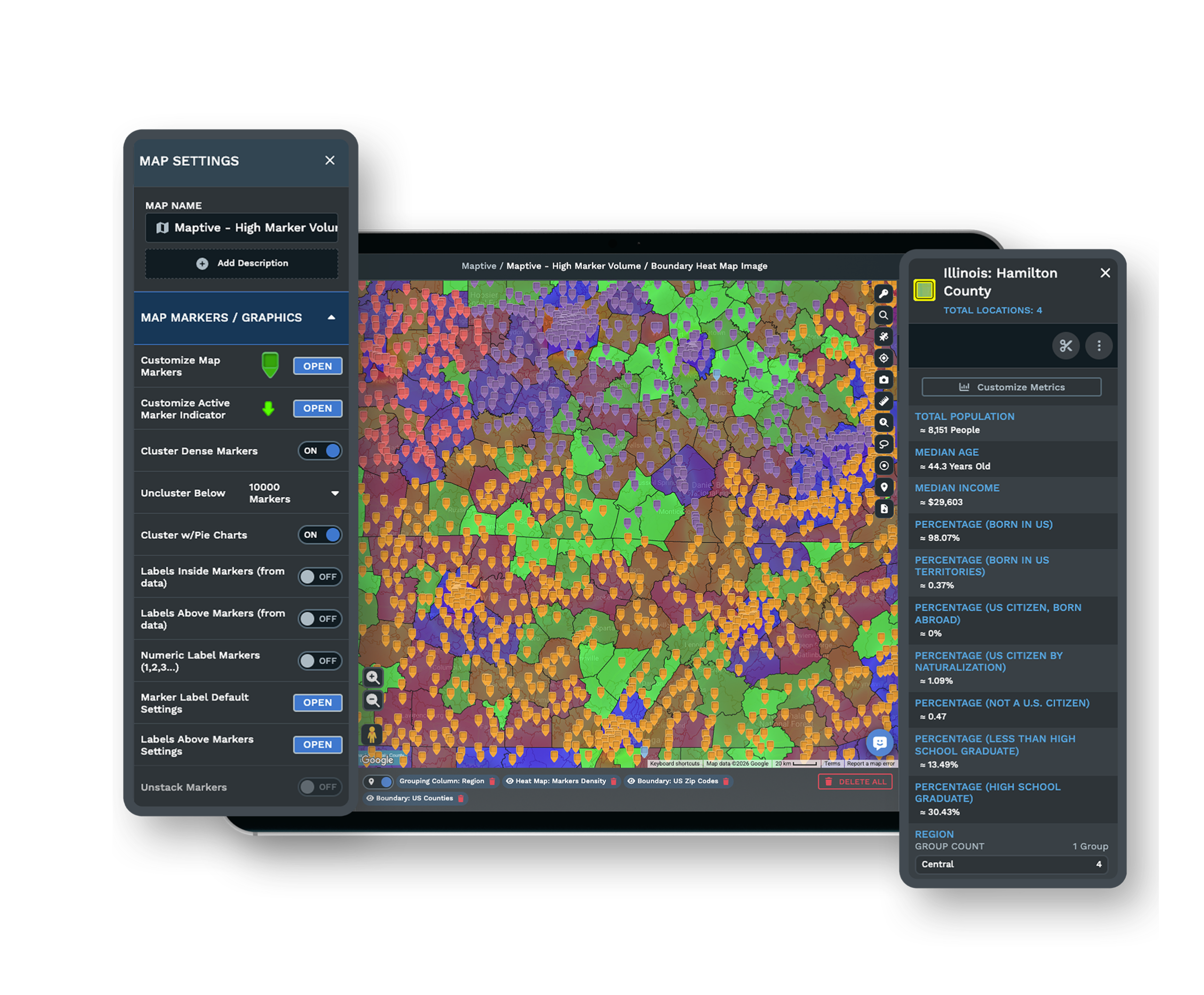
Maintain your unit and market list inside the platform, and the embed on your site reads from it, so you edit locations in one place rather than re-pasting code each time the network changes. A stale locator that sends someone to a closed unit is the failure mode this design removes.
Public and Private Views Side by Side
Publish an open locator for customers and prospects while keeping password-protected shared maps for the private territory conversations. The presentation and shared-map settings decide who sees which map, so one platform covers both the public page and the sales call.
See map customization →Enterprise Security for a Public Asset
The platform protects your account with 256-bit SSL encryption, two-factor authentication, single sign-on, role-based access, and audit logging, and it has passed the Salesforce AppExchange security review. The map is public by design, but the data behind it stays controlled.
Free trial with the full platform and no credit card
Put a Locator on Your Site
Start a 10-day free trial with no credit card and all 60+ tools unlocked. Upload your unit and market list, style the Location Finder Tool with a search box for city and ZIP, then copy the embed code and drop it into a test page to see the live locator on your own site.
Have Us Build the Embed
If your locator has to match a specific page layout or feed a franchise-development team, a Maptive specialist will set it up with you. Bring your unit list and the page it lands on, and the session covers the search settings, the public and private views, and the embed code your web team pastes in.
Frequently Asked Questions
How do I embed a franchise map on my site?
Build the locator on your unit list with the Location Finder Tool, style the search box and markers, then copy the embed code the platform gives you and paste it into your page. The map renders inside your site with no developer required, and it works the same in WordPress, Wix, Squarespace, or plain HTML.
Can prospects type their city and find coverage?
Yes. The Location Finder Tool gives visitors a search field where they enter a city, address, or ZIP code and see the nearest units ranked by distance, so a franchise prospect can check if their area is already covered or still open before they ever contact you.
How do I add a store locator to my website?
Style the store locator in the platform, then retrieve the embed code and paste it into your page in a content management system or plain HTML, and it renders without an engineer. A visitor searches by address, city, or ZIP code and sees the nearest locations sorted by distance.
Do I have to update the embed code when I add a new unit?
No. The embedded map reads your live data, so updating your unit list in the platform refreshes every page the embed sits on at once. A new location appears without re-pasting any code, which is why the design points at a single source of truth rather than a copy you edit by hand.
How do I show prospective franchisees which territories are available?
Plot your open units and your available markets as separate layers on one public map, so a prospect can see where the brand already operates and where room remains. Give them a search box to check a specific city, and the coverage question turns into something they answer for themselves before they inquire.
Why does my business need a public locator?
A public locator captures high-intent local searchers, drives foot traffic to the nearest open unit, and deflects routine location and hours questions off your staff. For a franchise system it also pre-qualifies development inquiries, since prospects check open markets on the map before they reach out.
What makes a good store locator?
A good locator is easy to find on every page, returns results ranked by distance with name, address, and hours attached, works on a phone, and lets a visitor use their current location. The search step is where most locators fail, so keeping it simple and fast matters more than the styling around it.
Can I share a franchise territory map privately with one prospect?
Yes. Separate from the public embed, you can send one prospect a password-protected shared map link that shows a single territory during the sales process. They open it through the presentation and shared-map settings with no access to the underlying platform, so a private view never lands on the open web.
Is a public coverage map the same as a franchisee's legal territory?
No. A public map is a marketing view of where the brand operates and where markets are open. The legally protected or exclusive territory is defined in the franchise agreement and Item 12 of the disclosure document, so the map shows availability while the binding boundary lives in the paperwork.








