


CRM Mapping Software
Put your CRM data on a map. See where your customers and accounts are, filter them by any field, and plan territories, routes, and outreach around them.
No credit card required
- Map data from any CRM
- Plot customers by address
- Group and filter by any field
- Add demographics around accounts
- Sales and revenue heat maps
- Territories, routes, and coverage
- Map data from any CRM
- Plot customers by address
- Group and filter by any field
- Add demographics around accounts
- Sales and revenue heat maps
- Territories, routes, and coverage

Trusted by teams at
















See Your Customers on a Map
Import your CRM accounts and plot every customer and lead by address.
| 01 |
Plot Every Account by AddressImport accounts from Salesforce, HubSpot, Zoho, Pipedrive, or Keap. Maptive maps each customer and lead by address and fixes messy or missing entries. |
| 02 |
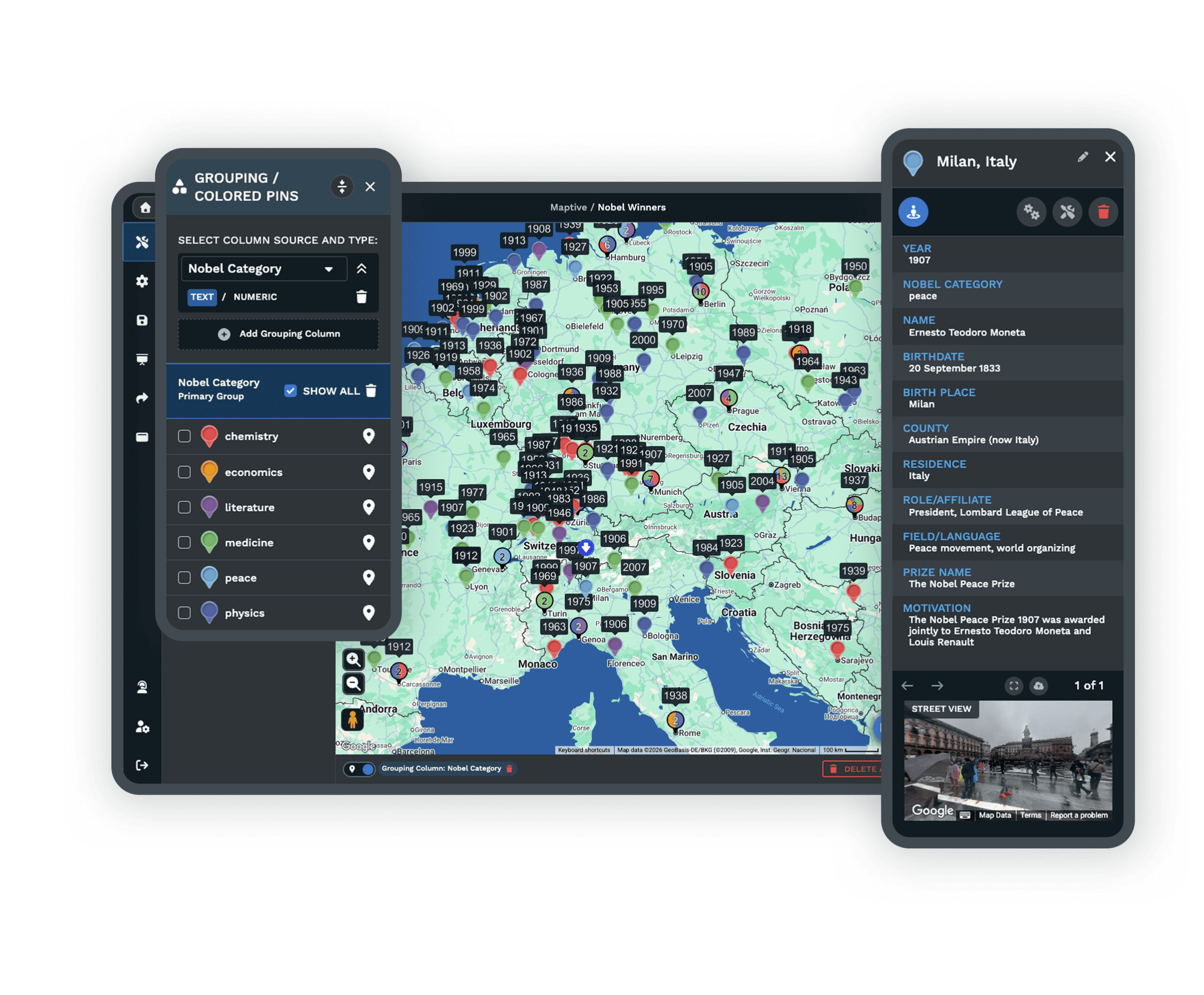
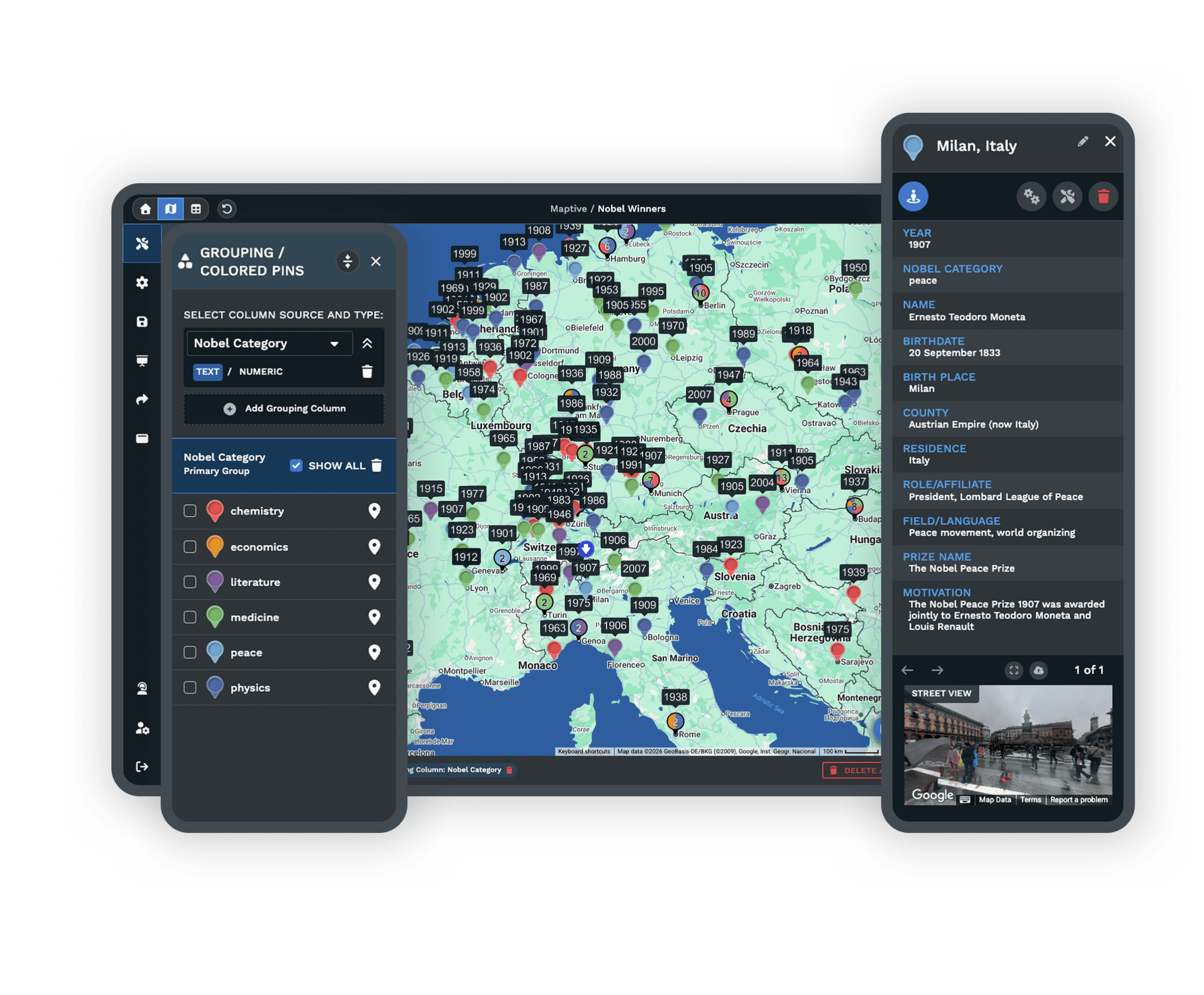
Group and Color by Any FieldColor pins by owner, status, revenue, or industry to see your accounts grouped the way your team works. See grouping → |
| 03 |
Filter to the Records You NeedShow only what matters now. Filter by any CRM field, like customers in one region or accounts at one stage. See filtering → |
| 04 |
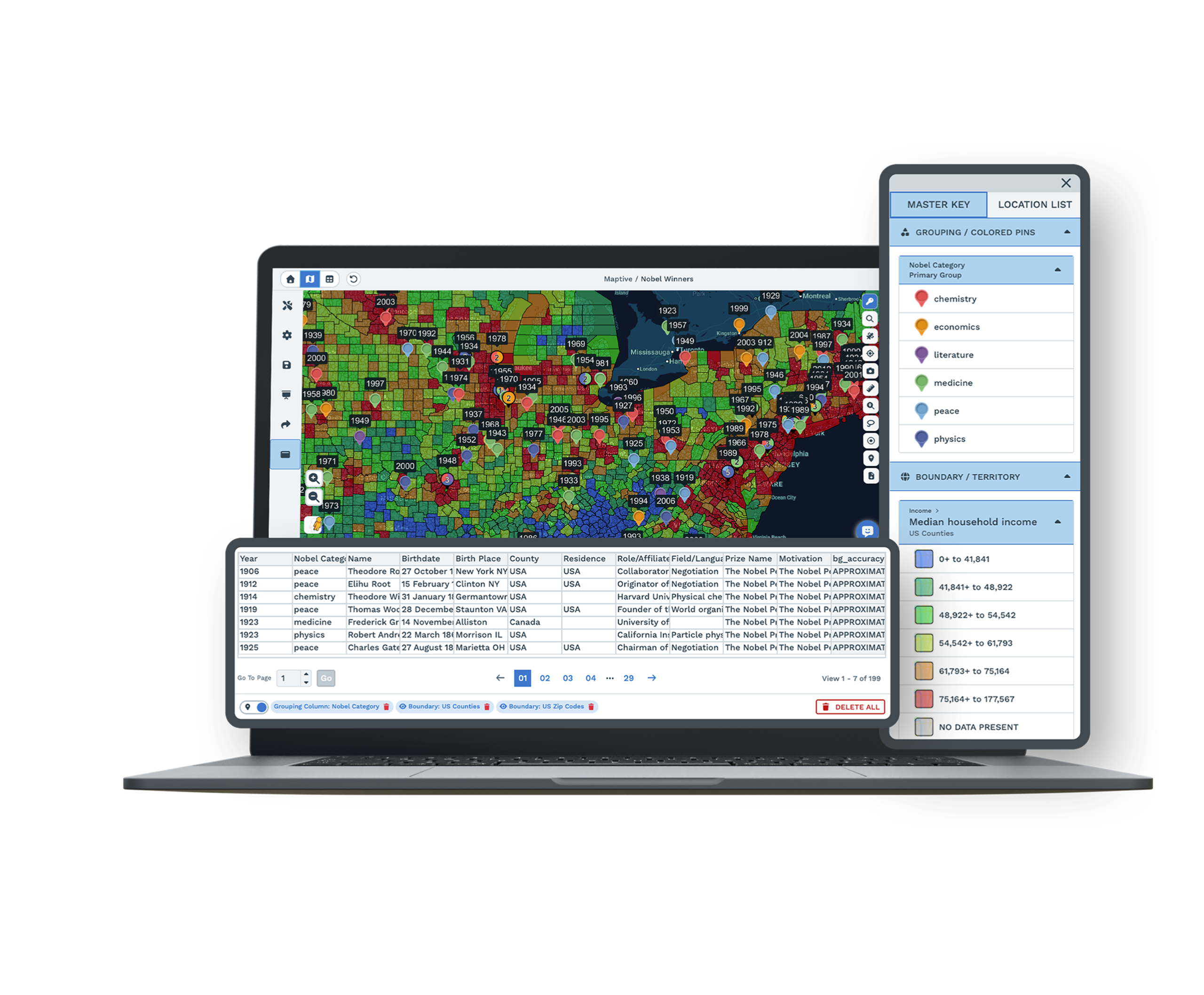
Add Demographics Around Your AccountsOverlay census income, age, and population near your customers to see the markets they sit in. See demographics → |
Put Customer Locations to Work
Once your accounts are on the map, plan territories and routes, set coverage areas, and read the markets your customers sit in.
Plan the Fastest Route Between Visits
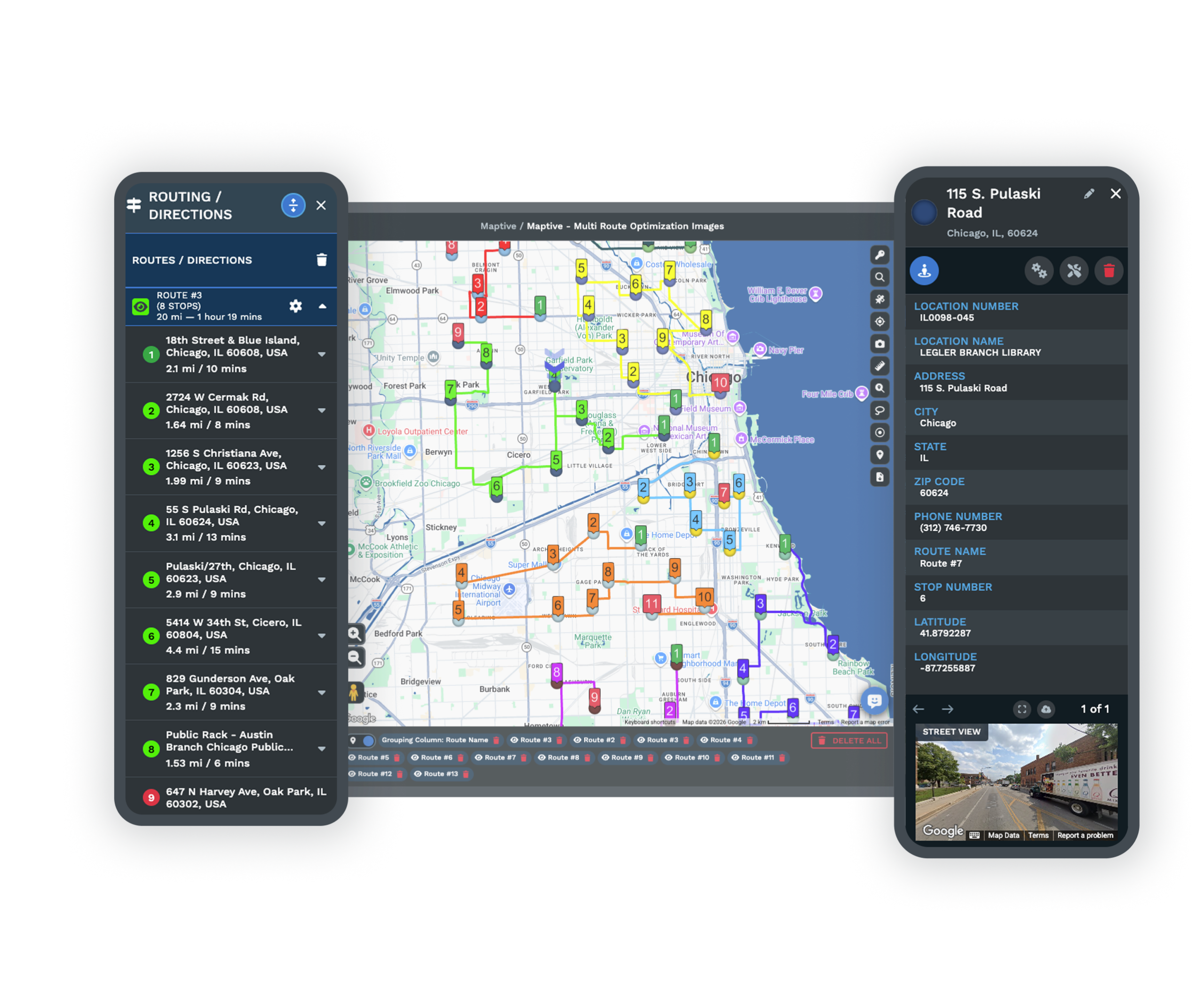
Pick the accounts to visit and Maptive orders them into the shortest multi-stop route, so a field team covers more in a day.
Add or move a stop and the route updates. Send it to a phone for turn-by-turn directions.
Set Coverage Areas by Drive Time
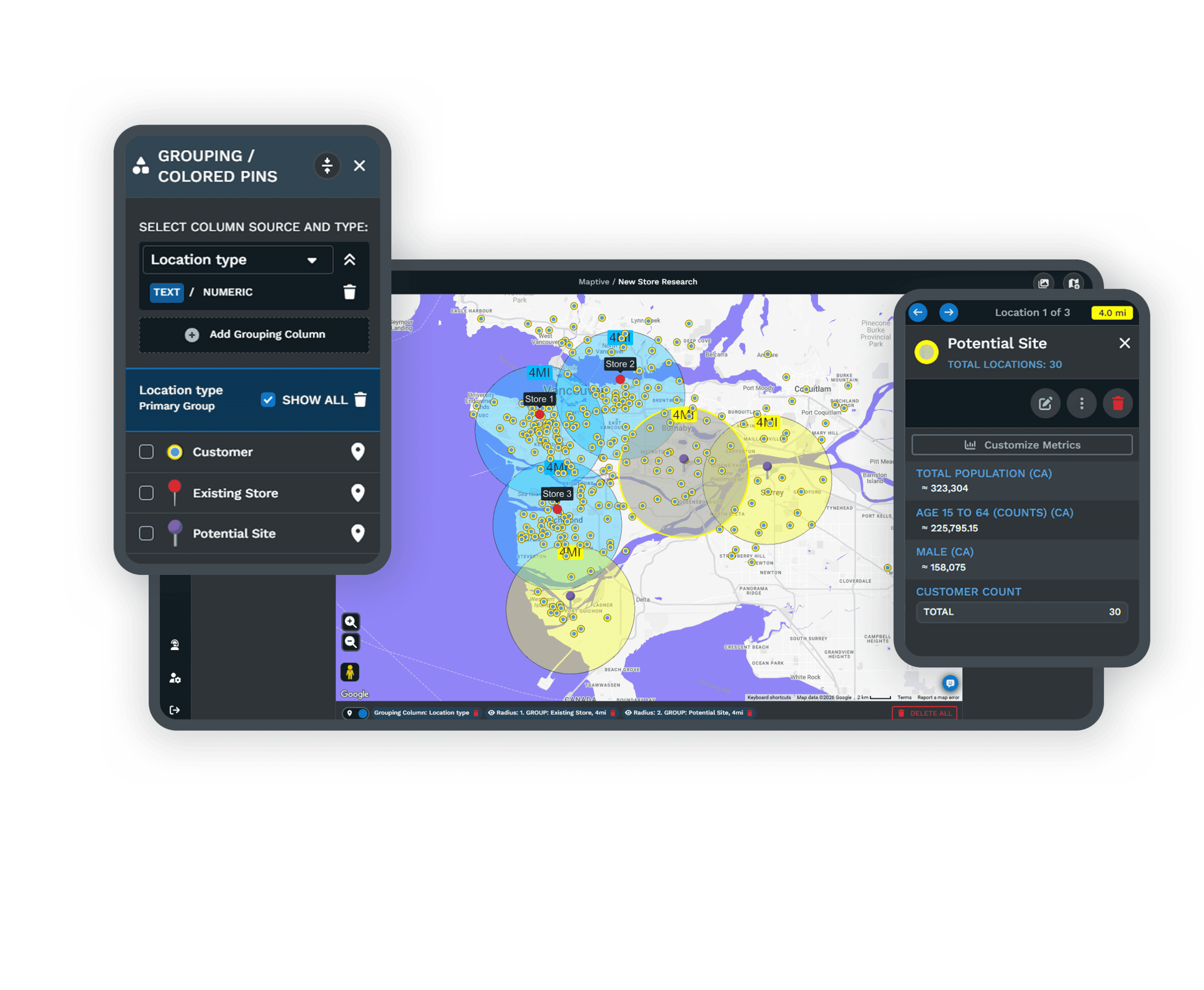
Draw a drive-time or radius area around any location, branch, or customer to see which accounts fall inside.
Set it in miles or minutes. The area follows real roads, not a plain circle.
See Where Customers and Revenue Concentrate
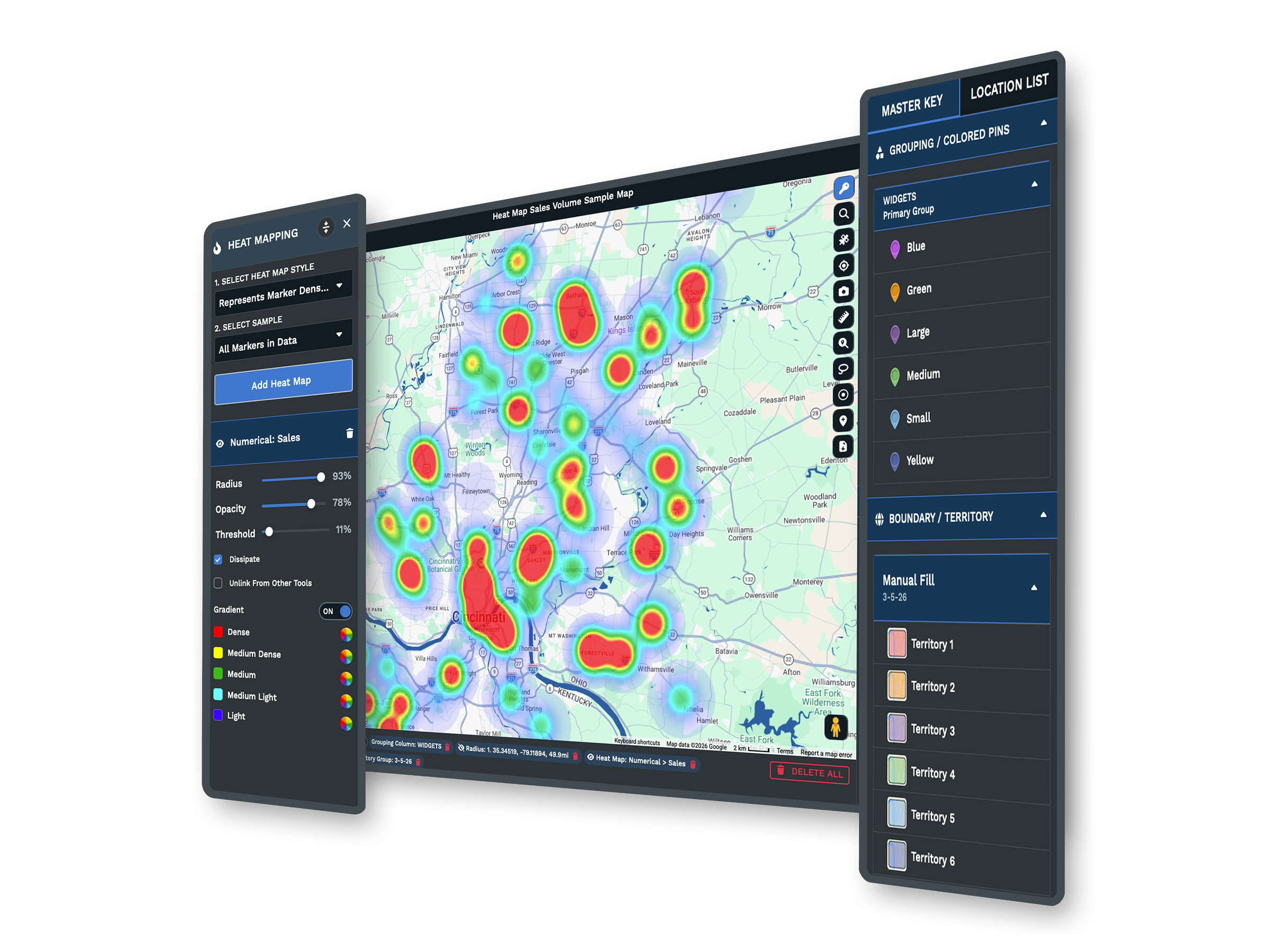
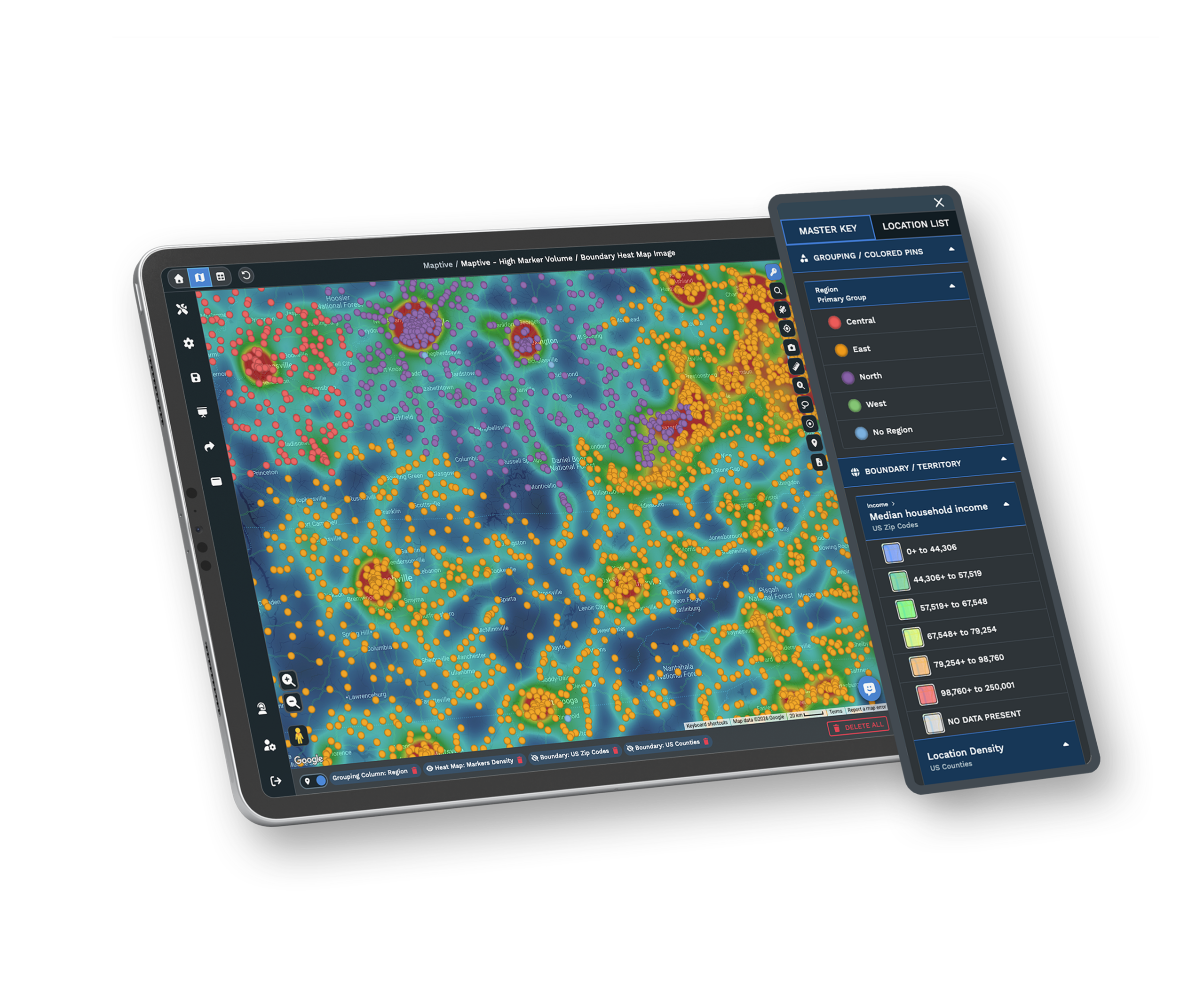
Turn accounts into a heat map to find your busiest areas. Weight it by revenue to show where the money is.
Shade ZIP codes or counties by your own numbers for a wider view next to your accounts.
Map Data From Your CRM
Pick your CRM to see how to bring that data in and what you can do with it.
Salesforce
Map Salesforce accounts and opportunities to see customers by location and plan coverage.
Learn more →HubSpot
Plot HubSpot contacts and deals to see your customers and pipeline by location.
Learn more →Zoho CRM
Bring Zoho CRM records onto the map for customers, territories, and routes.
Learn more →Pipedrive
Map Pipedrive deals and contacts to see where your customers and pipeline sit.
Learn more →Keap
Put Keap contacts on the map for customer mapping, territories, and routing.
Learn more →Use another CRM? Export to Excel or Google Sheets, or connect through the Maptive API.
How to Get Your CRM Data In
Import It Your Way
Export your accounts to Excel or CSV, paste from a Google Sheet, or connect through the Maptive API. Maptive maps your list in the first session.
Share One Map With the Team
Send a live map by link, add a password, or embed it on an internal page. Your team opens it on any device, in the office or the field, with no CRM seat needed.
See sharing and export →Keep Your Data Secure
Maptive uses 256-bit SSL encryption, single sign-on, two-factor login, and role-based access. It has passed the Salesforce AppExchange security review.
10-day free trial. No credit card.
Put Your CRM on the Map
Export your accounts, upload the file or paste a Google Sheet, and start mapping. Every tool is unlocked during the trial.
See It on Your Own Data
Prefer a walkthrough? A Maptive specialist will map a sample of your accounts and show territories, routes, demographics, and heat maps on your data. Bring the questions your team and IT have.
Frequently Asked Questions
Can Maptive map data from my CRM?
Yes. Bring accounts and leads from Salesforce, HubSpot, Zoho, Pipedrive, Keap, or any other CRM. Export to Excel or CSV, paste from a Google Sheet, or connect through the Maptive API. Maptive maps each account by address, and you can route, group, filter, and build territories from there.
How do I connect my CRM to Maptive?
Export your accounts as an Excel or CSV file and upload it, or paste them from a Google Sheet. For a live feed, use the Maptive API. Your list is mapped in the first session, with nothing to install.
Which CRMs does Maptive work with?
Most teams map data from Salesforce, HubSpot, Zoho, Pipedrive, and Keap, but any CRM that exports a spreadsheet works. Maptive reads addresses, account names, owners, revenue, deal stage, and any other column you include.
Do I need technical skills to map my CRM data?
No. Upload a spreadsheet or paste a Google Sheet and Maptive maps it for you. The tools work through menus, not code, and support can set up your first map.
Can I plan routes from my CRM data?
Yes. Pick the accounts to visit and Maptive builds the shortest multi-stop route between them. Add or move a stop and it updates, then send the route to a phone for turn-by-turn directions.
Can I build territories from my accounts?
Yes. Group ZIP codes, counties, or states into territories, or draw your own. See the accounts and revenue in each one, and balance them by workload or value.
Is my CRM data secure?
Yes. Maptive uses 256-bit SSL encryption, single sign-on, two-factor login, role-based access, and audit logging, and it has passed the Salesforce AppExchange security review. You can set permissions per user.
How do I keep the map up to date when my CRM changes?
Upload a fresh export whenever your accounts change. For data that updates often, the Maptive API can feed it in on a schedule, so you skip the manual export each time.








