


Industrial Site Drive Time to Highways, Ports, Labor and Customers
Maptive measures drive time from each site to interchanges, ports, rail ramps and airports, then reads the population and workforce inside each site’s reach.
No credit card required
- Measure drive time and road miles from every candidate site to the nearest interstate interchanges in one table.
- Add ports, intermodal ramps and cargo airports as markers and list the closest ones to each building.
- Draw 30- and 45-minute drive times around a site to size the labor shed workers can reach.
- Compare hiring depth between sites using the residents and the industry employment inside each commute area.
- Ring each site at 250 and 500 miles to count the people within regional and one-day trucking distance.
- Find truck stops and diesel near the site with a Google Places search inside its drive time.
Trusted by teams at









Measure Access the Way Carriers and Workers Travel
If you’re looking to do a geographic analysis of how well you’re serving your market, that’s where I always start.
Setting Up the Comparison in Maptive
- 1
Plot Sites and Freight Points
Start a map from the availability list for the requirement, keeping columns for size, dock doors and asking rent. Add a second list with the interchanges and intermodal ramps this user needs, plus the port gate or cargo airport if they use them. The Grouping Tool gives each type its own color so buildings and freight points read apart.
- 2
Build the Access Table
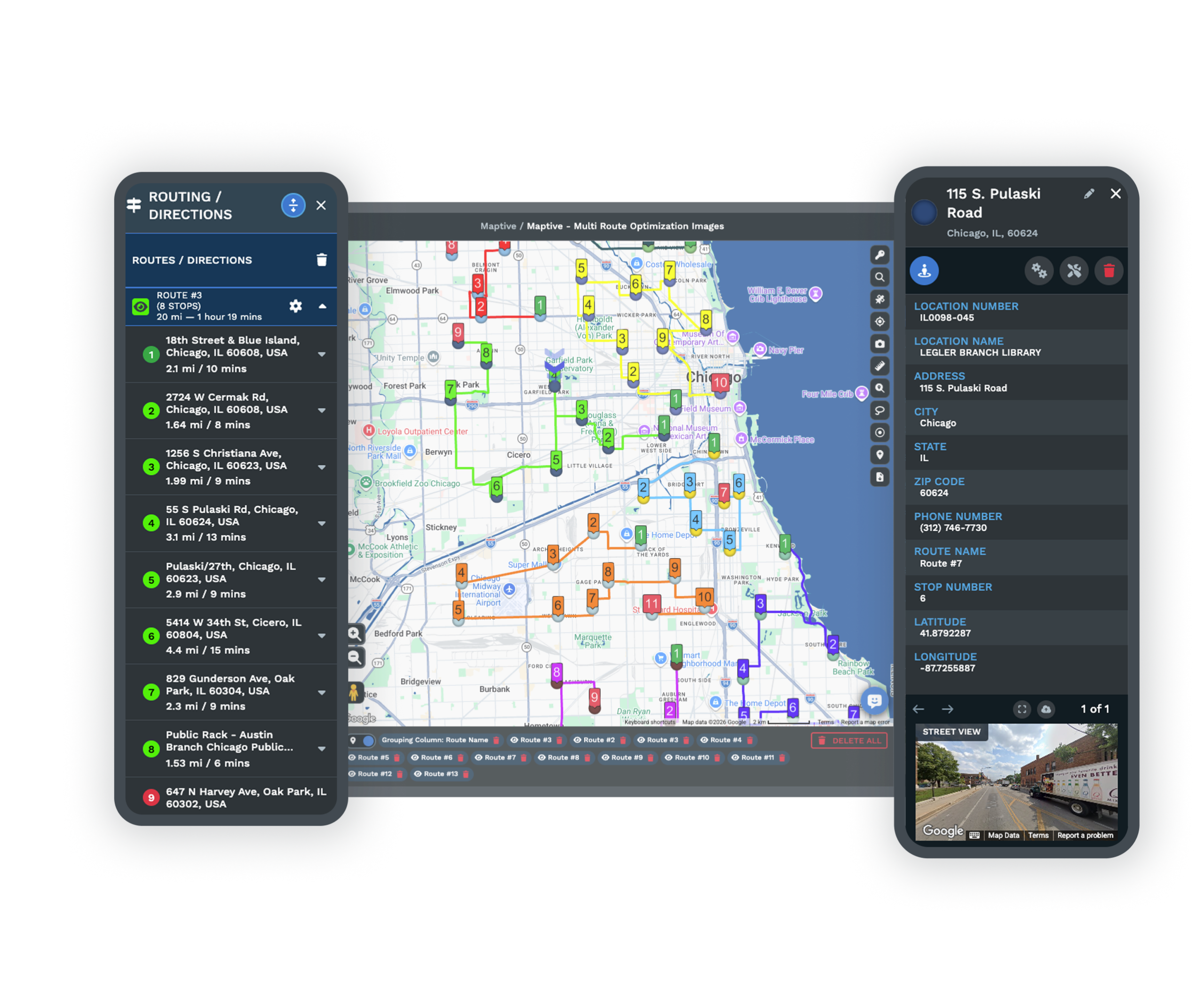
Open the Distance Matrix Calculator and flag the buildings as origins and the freight points as destinations. The results table lists miles and minutes for every pairing of site and freight point. Export it and keep the closest interchange and ramp for each site. For a quick check from one building, the Location Finder lists the nearest freight markers on the map.
- 3
Size the Labor Shed
Open Drive Time Polygon and enter the site address with 30 minutes as the time. Add it, then add a second polygon at 45 minutes for roles that draw from farther out. Click each area and use Add to Proximity Details in Customize Metrics for population and employee counts by industry. Repeat for each site so hiring depth compares on the same terms.
- 4
Check Reach and Amenities
Open Distance Radius Circles and use Apply To Group to ring every site at 250 miles and again at 500 miles, then read the population inside each ring through Customize Metrics. Run a Google Places search for truck stops inside a site’s drive time and save the useful results as markers. Export a map image for the proposal or the flyer.
Try It on the Buildings You’re Weighing
Add your candidate buildings and the freight points that matter on a free 10-day trial, with nothing to pay up front. For a requirement with many sites, book a demo and a Maptive specialist will help with setup.
No credit card required
Frequently Asked Questions
How far is this industrial site from the nearest highway by drive time?
Measure it with the Distance Matrix Calculator, which returns road miles and drive minutes from the site to each interchange you add. Most flyers quote straight-line miles to the interstate. Drive minutes count the actual road route, so they compare sites more fairly. Add the nearest full interchanges as markers, run the site against them, and quote the shortest drive time in the access table. The Location Finder gives a fast first look at which interchanges are closest before you run the full matrix.
Which warehouse location has the best highway access?
The best one has a short, simple truck route to a full interchange that lets trucks enter and exit in both directions. Distance is only part of it. A site next to a congested interchange can lose that advantage at peak hours, and a partial interchange may force trucks to double back. Compare candidates with the same drive time measure, then drive the finalists’ routes and look for low bridges and tight turns into the truck court. Most distribution users ask to be within a mile or two of an on-ramp.
How big should a labor shed drive time be for a warehouse?
Start with 30 minutes for hourly warehouse roles and go to 45 for supervisors and other better-paid jobs, since people drive farther for more pay. A drive time is more accurate than a metro total because rivers and thin road networks limit how far workers can come from. Then check who else hires the same roles inside that drive time, since other distribution centers compete for the same workers and raise wages. Hourly staff without cars also need transit service that reaches the site.
Why does distance to the port or rail ramp matter?
Drayage is paid by the trip, so every extra mile between the terminal and the dock is paid again on every container for the life of the lease. Import-heavy users and anyone moving freight by intermodal rail notice it most in the budget, and many will pay higher rent to be closer to the gate. Add the port terminals and rail ramps your client uses as markers, then run each candidate against them in the Distance Matrix Calculator. The road miles and minutes go straight into the client’s logistics cost model.
What is a one-day truck drive and how do I map it?
It is how far a truck can travel in one driving day, which federal hours-of-service rules cap at 11 hours behind the wheel. Most planners use 450 to 500 miles as the working figure, and less in congested regions where lower truck speed limits slow the day down. A straight ring overstates road distance a little, so many analysts add about 15 percent for route winding or shrink the ring to match. Ask how the client moves freight before you pick the number, and state it in the deliverable.
How close should a last-mile facility be to customers?
Roughly 10 to 30 miles from dense population for same-day or next-day delivery, and closer in big metros where traffic slows each route. Infill buildings near large populations lease at higher rents for this reason. To compare sites, draw a Drive Time Polygon at the delivery window the client promises and read the households and income inside through Customize Metrics. If the client shares its order or customer list, plot it. A Group Count then gives the number of customers inside each polygon.
Can I map the client’s customers or stores against each site?
Yes. Add the client’s store or customer list as its own layer, with a volume column such as weekly shipments if they track one. Set the stores as destinations in the matrix and every candidate gets minutes and miles to each store, which you can average by volume in the export. A heat map set to Represents Numerical Data on that column shows where freight demand is heaviest. Sorting the export by drive time also shows which stores fall outside a one-day delivery window from each site.
Does Maptive include highway interchanges, ports or rail data?
No. Maptive does not supply interchange, port, rail or traffic count data, so you bring those points in. Most brokers keep a short list of the exits and rail yards in their market, and a sheet with names and addresses or coordinates is all the map needs. You can also look many of them up by name in the Places search and save each result as a marker. Once mapped, they work in the matrix and the Location Finder like any other location.
Do the drive times account for truck routes or traffic?
No. Drive Time Polygons assume free-flowing roads and ignore congestion, so treat the minutes as an even baseline for ranking sites against each other. Maptive does not check truck restrictions either. Before you quote times to a client, check the route on the ground or in a truck routing tool for low clearances and weight-limited bridges. For a site near a known bottleneck, drive the route at the hour trucks would leave and note the difference in the access table.
Can I show the access analysis on a flyer or in a proposal?
Yes. Export Map Image saves a PNG or PDF with the site, the freight points, the drive time polygons and the legend in place, and a poster size is available for a full-page flyer. Pair it with the access table from the matrix export. It lists minutes and miles from the building to each freight point. When the occupier wants to check the reach on their own, send the map behind a password, or embed it on the property page for prospects.








