


Territory Assignments Built for Salesforce & HubSpot
Live in Salesforce or HubSpot but wish you had a map? Build the assignments here, then send the file into your CRM.
No credit card required
- Send your rep and ZIP assignments into Salesforce or HubSpot
- Export the finished territory file as .xlsx, .csv, or .tsv now
- Move assignments through a REST API on every single paid plan
- Send each update on your own schedule, whenever you choose to
- Keep one clean rep column that your CRM can read on the import
- A native Salesforce and HubSpot connector arrives soon
Trusted by teams at









The Assignment File Your CRM Can Read
If you're looking to do a geographic analysis of how well you're serving your market, that's where I always start.
The Handoff Into Your CRM
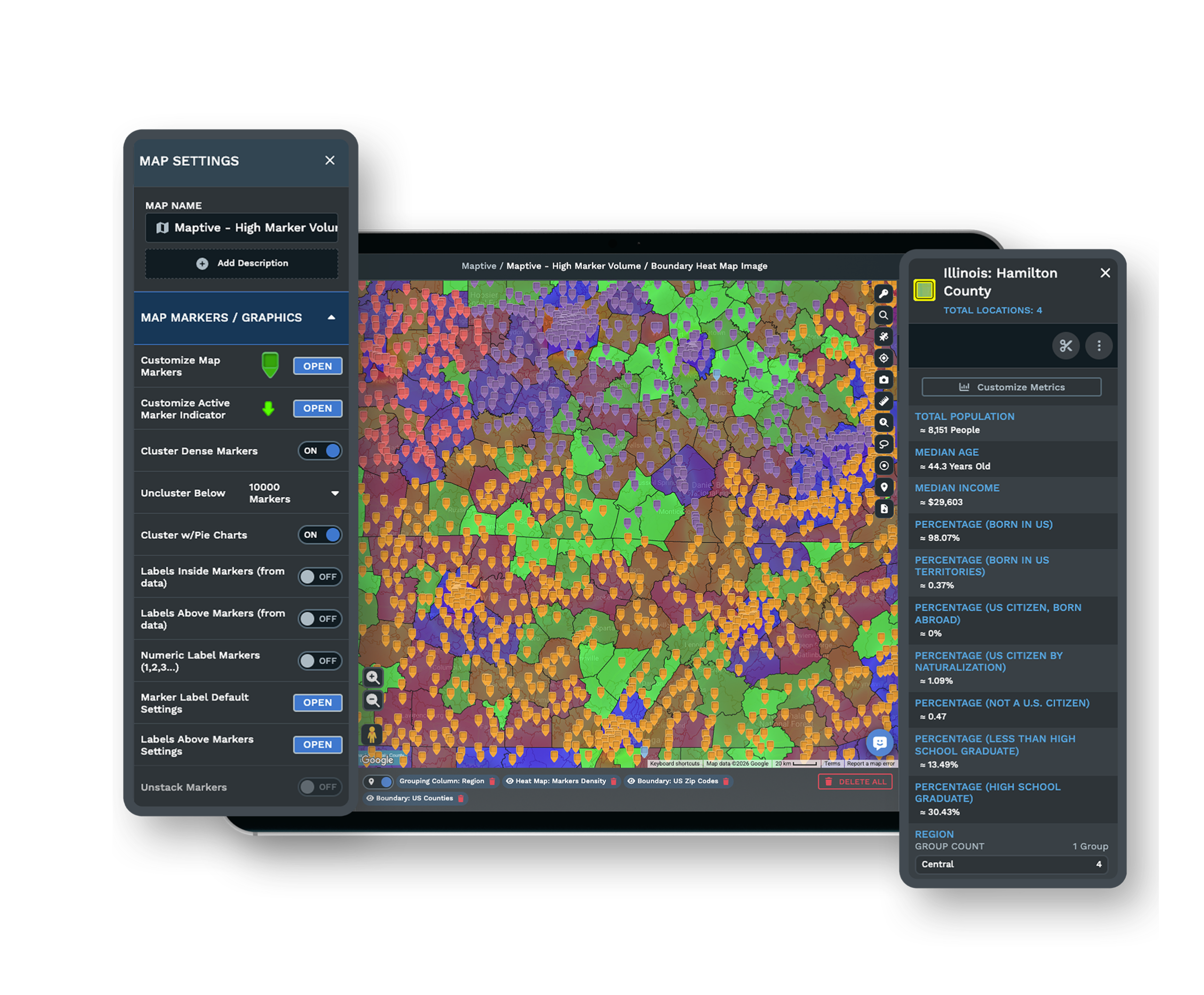
-
1
Assign Reps on the Map
Group your ZIP codes into territories and color each one by its rep.
-
2
Line Up the Columns
Keep a single rep column your CRM already recognizes on import.
-
3
Choose Export or the API
Download an .xlsx, .csv, or .tsv file, or call the REST API instead.
-
4
Load It Into the CRM
Import that file into Salesforce, HubSpot, or your ERP and you are done.
Start Syncing Your Territories Free
Try Maptive free for 10 days, no credit card needed, with all 60+ tools open from the first minute. Build your territories, color them by rep, and export a file your CRM can read the same day. Want a hand mapping the export to your fields? A specialist can walk you through it and show you the REST API, so the first load into Salesforce or HubSpot goes smoothly.
No credit card required
Frequently Asked Questions
Can I sync territory assignments to Salesforce?
You can get them there today, and it takes a few minutes. Build your territories in Maptive, color each ZIP by its rep, and export the assignments as an .xlsx or .csv file. Import that file into Salesforce and every account carries its rep. If you would rather not touch files, the REST API on every paid plan lets you move the same assignments straight into Salesforce. A native Salesforce connector is coming soon, which will make this even simpler.
Does it send zip-to-rep back to my CRM?
It does, on your own trigger. Maptive holds the ZIP-to-rep assignment on the map, and you move that data out whenever you choose. Export the rep column with your ZIP data as a file, or call the REST API to bring it into your CRM. There is no background job watching for changes, so nothing moves until you decide to send it. That keeps you in control of exactly what lands in Salesforce or HubSpot and precisely when it gets there.
Is there live two-way sync between Maptive and my CRM?
Not today, and it helps to know that up front. Maptive does not watch your CRM and update the map on its own, and it does not send changes automatically the moment you edit a territory. You move assignments out when you are ready, through an export file or the REST API. A native Salesforce and HubSpot connector is coming soon, which will tighten the loop. For now, the flow runs in one direction, on your schedule, so you always know what changed and when.
How do I export rep and ZIP assignments?
Once your territories are built and colored by rep, the export takes a couple of clicks. Choose the format your CRM likes best, .xlsx, .csv, or .tsv, and Maptive writes out every ZIP with its rep in a clean column. Open the file and you will see one row per location, ready to import. Nothing is locked away in a proprietary shape, so the same file drops into Salesforce, HubSpot, or an ERP without any extra reformatting on your side.
Can Maptive talk to HubSpot or an ERP?
Yes, through the same two paths you would use for Salesforce. Export your assignments as a file and import them into HubSpot or your ERP, since the columns are plain and standard. Or use the REST API on any paid plan to move the data across on your own schedule. Maptive does not care which system sits on the other end, so a HubSpot pipeline and an ERP region field both load from the very same territory file you build once on the map.
Will the map update automatically from my CRM?
The map reflects what you build and import into Maptive, not what changes inside your CRM later. If a record moves in Salesforce, the map will not change on its own. You refresh things when it suits you by re-importing or re-calling the API. This keeps every version deliberate, so a mid-week edit in your CRM never rewrites the territories your team is working from until you choose to bring it over yourself.
Does the REST API cost extra?
No, the REST API comes with every paid plan at no added charge. You can use it to move your territory assignments out of Maptive and into another system on your own timing. It fits teams who want the handoff scripted rather than clicked, so the same export can run on a schedule you set. If you would like a walkthrough of the endpoints before you wire anything up, a specialist can show you how it works during your free trial.
How often can I refresh my CRM data?
As often as you like, because you control every send. There is no limit tied to a background sync, since Maptive is not running one. Each time your territories change, you re-export the file or call the REST API and move the fresh assignments across. Some teams do it once a quarter after a redraw, others after every reassignment. The rhythm is yours to set, and the file or API call takes only a moment, so keeping your CRM current never becomes a chore.
What formats can I export for my CRM?
Maptive writes out .xlsx, .csv, and .tsv, which covers what Salesforce, HubSpot, and most ERPs accept on import. Each file lists your locations with their rep and any other columns you brought in, laid out one row at a time. Pick the format your system prefers and load it in. Because these are standard, plain files, you never have to convert anything or clean up an odd export, and the same data can feed more than one tool if you need it to.
Can I assign ERP regions from the map?
Yes, and it works the same way as a rep column. Build your regions on the map by grouping ZIP codes, then label each one the way your ERP expects. Export that region column with your location data, or move it through the REST API. Import it into the ERP and each account lines up with its region. You do the geographic work once in Maptive, where you can see the coverage clearly, then hand the finished regions off to the system that runs your operations.








