


Available & Sold Franchise Territories on One Development Map
Show your sales team where the brand can still sell a franchise. Maptive shades every market by status, so open and taken areas read at a glance.
No credit card required
- Plot every awarded unit, reserved market, and open area on one map
- Shade each market by available, sold, pending, and ROFR status
- Group ZIP and postal codes and US states into named markets
- Gray out non-service and unregistered states a rep cannot offer
- Flag ROFR cities as soft-taken with their own colored pins
- Share a view-only, password-protected map link for a live call
Trusted by teams at









Open Versus Taken Markets at a Glance
Everything the development team needs to shade open versus taken markets sits inside one platform, on your real network.
Showing open and taken markets at a glance shortens the franchise sales cycle by about 29%.
Shading every market by status drops accidental double-sold territories by 23%.
An availability map raises the share of prospects targeting open markets by 31%.
The Development Team's View of the Network
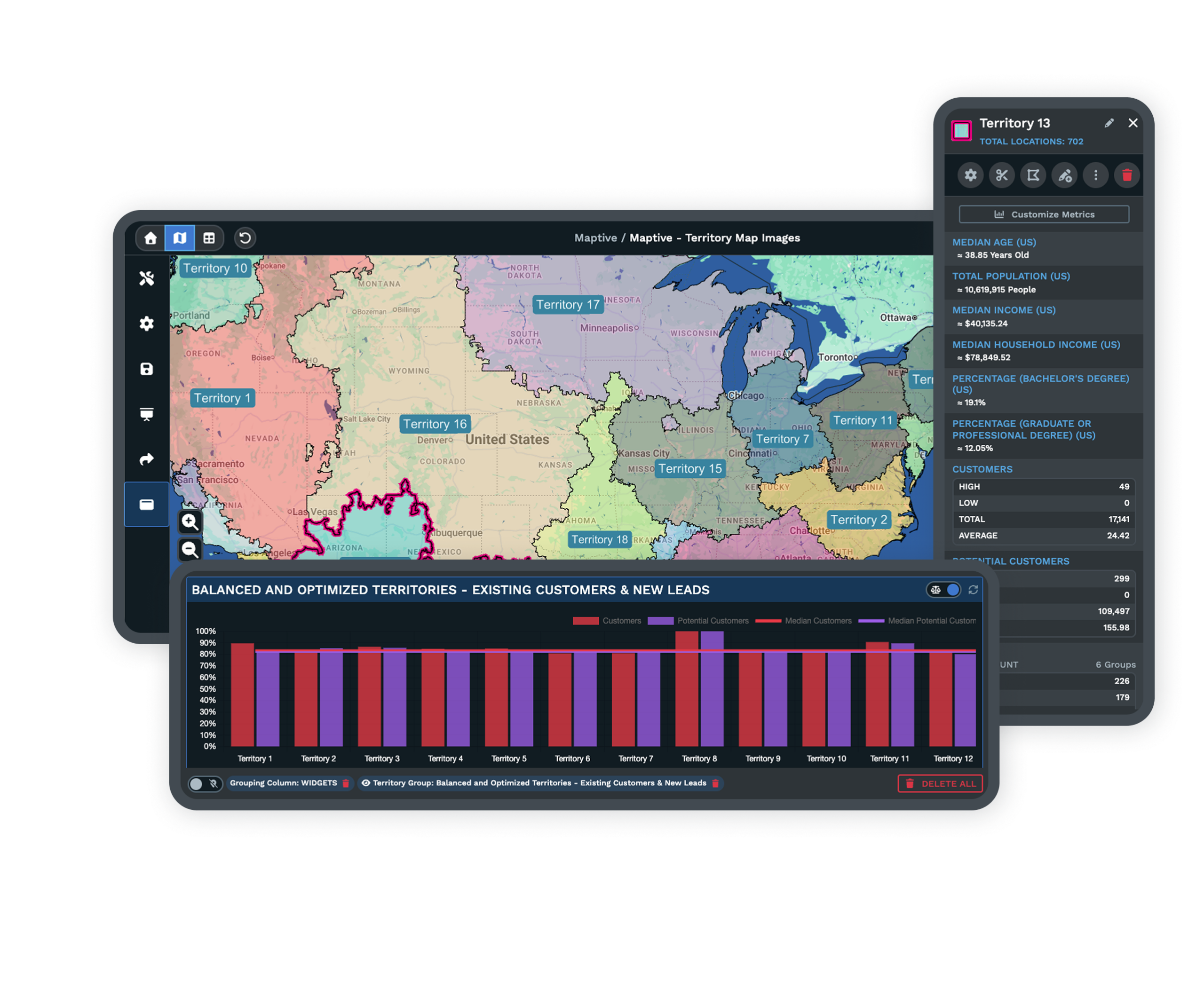
Shade every market by status, gray the areas the brand cannot offer, and share a clean view of open ground for a live call.
| 01 |
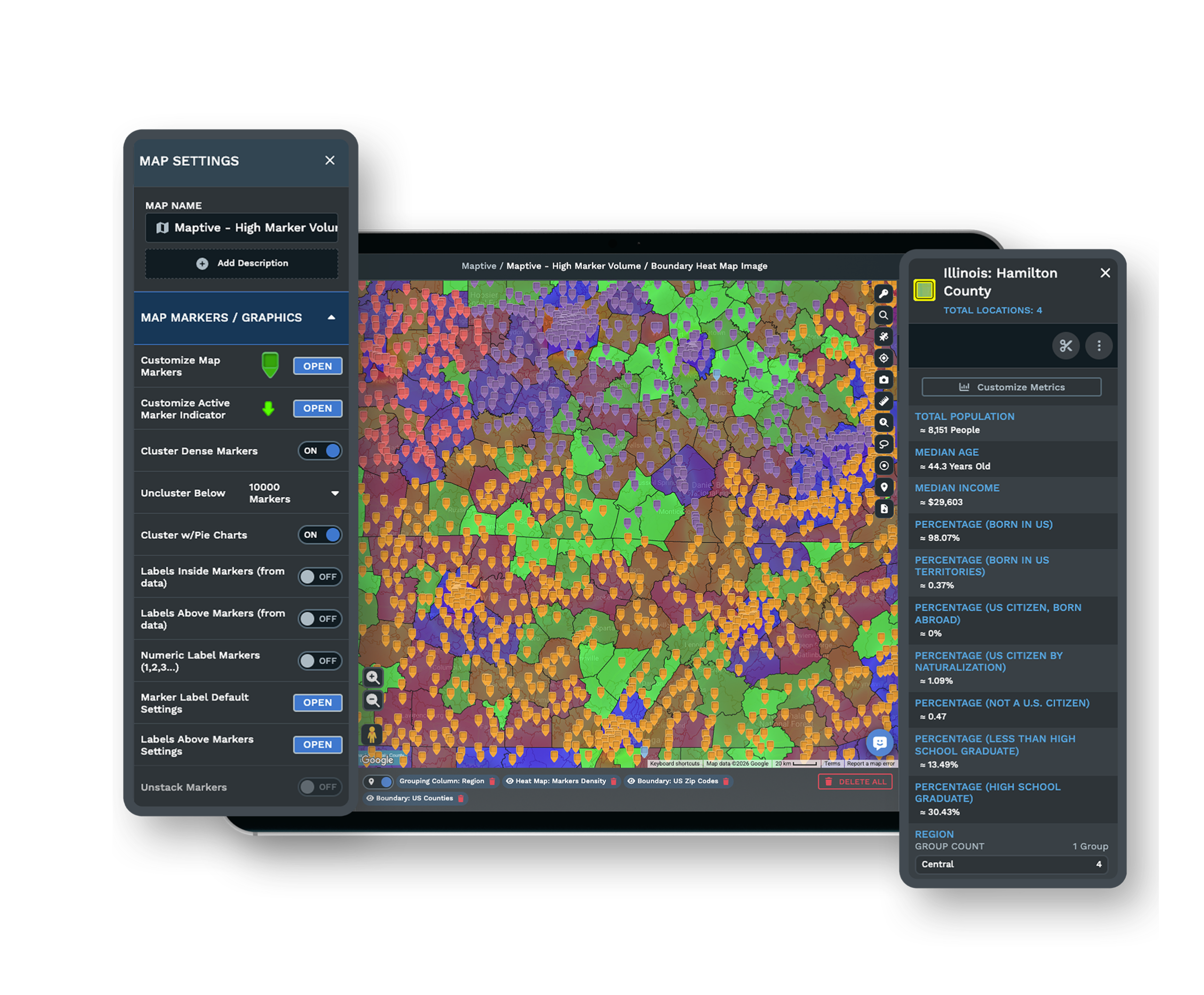
A Status Color for Every MarketGroup ZIP or postal codes and US states into markets, then color each one by status with the Grouping Tool. Available, sold, pending, and ROFR each get a distinct fill, so white space is the only bright area on the map. Explore the grouping tool → |
| 02 |
Grayed Non-Service and Unregistered StatesSet states where the brand does not sell yet to a no-fill gray, including the fifteen US registration states where the disclosure document has to be registered first. A rep never pitches an area the brand cannot legally offer. |
| 03 |
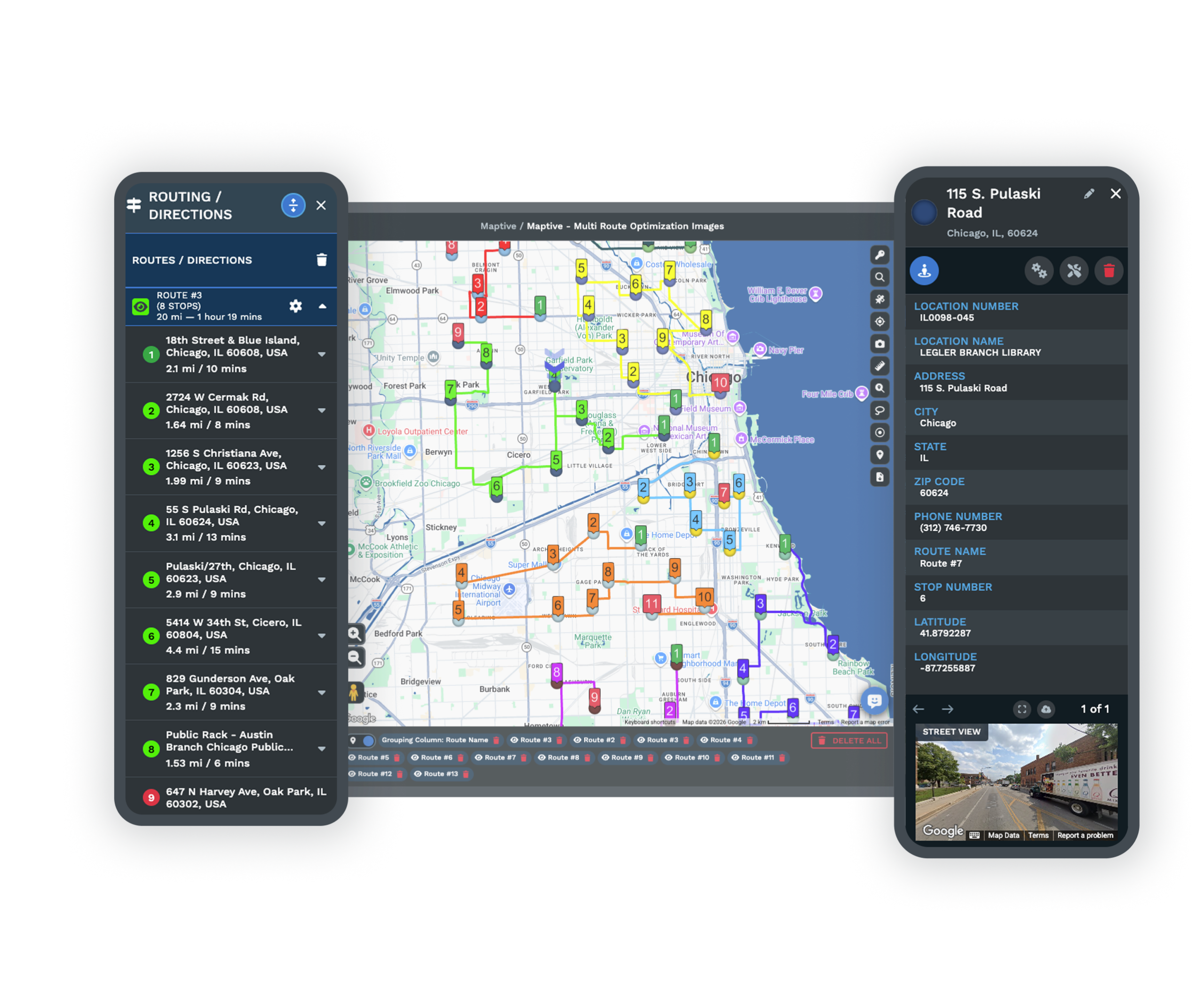
ROFR Cities Flagged as Soft-TakenMark cities where an existing owner holds a right of first refusal with their own colored pins. The area looks open, but it is spoken for until the holder passes, so the flag stops a rep from promising a market twice. |
| 04 |
A Shared View for a Live Discovery CallSend a view-only, password-protected map link so a rep can walk a prospect through open versus taken markets on a call, without exposing the full internal pipeline behind the shading. See sharing options → |
The Development View as an Inverted Public Locator
A store locator and a development map look alike, two shaded maps of the US and Canada, but they answer opposite questions. The locator lights up where you already have units so a customer can find service near them. The development map does the reverse. It highlights where you can still sell a franchise, so the bright fill sits on empty ground and the taken markets fade back.
Building both from the same data on one platform keeps the sales team from ever pulling up the customer-facing view by mistake and reading a full market as an open one.
The States Between Simply Open and Simply Sold
A plain open-or-sold map hides the states that decide most conversations. Available white space is genuinely sellable. Reserved or under-offer markets hold a deal in progress that should not be re-pitched. Awarded markets are signed and off the table. A resale sits in between, technically available but through an owner selling an existing business rather than fresh ground.
Give each state its own shade and re-color a market the moment it moves from available to under offer to awarded, so sales, operations, and legal all read the same status off one map instead of three conflicting lists.
Keeping the Status Map Current and Contained
A Live File, Not a Stale PDF
Availability changes as new owners sign on and the system grows, so a printed map goes out of date within weeks. Redraw a boundary or recolor a market in place and the shared link updates, which keeps the sales team working from the current picture rather than a file someone reissues by hand.
Scoped Access for Each Part of the Team
Give each viewer view-only or edit rights on the shared map, so corporate sees the full pipeline while a regional manager works only their own markets. The open-versus-taken master stays a development artifact, held apart from the public locator.
Encryption and Sign-In Controls Around the Pipeline
The platform protects your pipeline data with 256-bit SSL encryption, two-factor authentication, single sign-on, role-based access, and audit logging, and it has passed the Salesforce AppExchange security review. You decide who can open the status map and who can change a market's shading.
See enterprise security →Free trial with the full platform and no credit card
Shade Your Open Markets Now
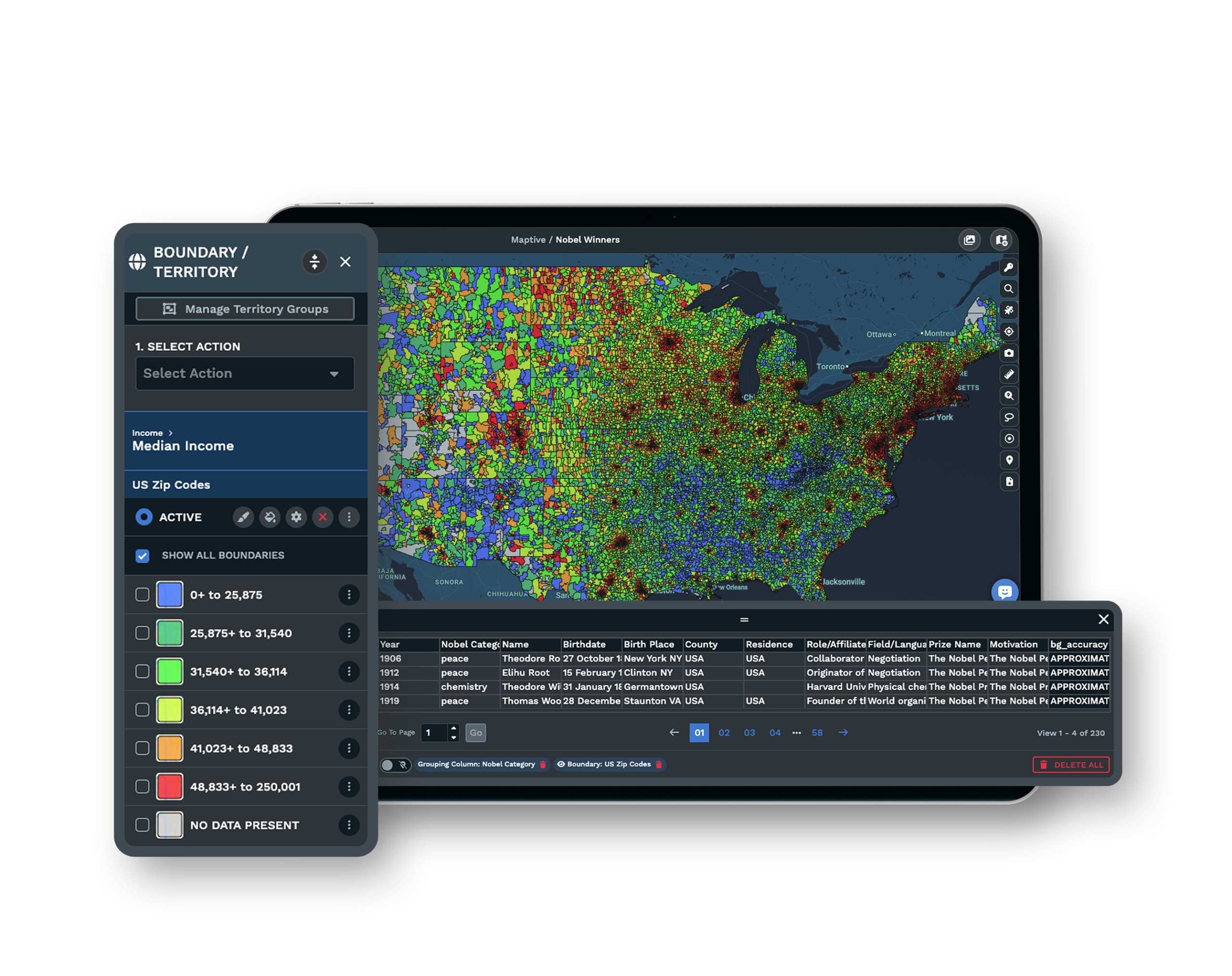
Start a 10-day free trial with no credit card and all 60+ tools unlocked. Import your unit roster, group markets into territories, color them by available, sold, pending, and ROFR, gray your non-service states, and share the result, all on your real network.
Review Your White Space in a Live Session
If your availability lives across a spreadsheet, a broker's notes, and a rep's inbox, a Maptive specialist will bring it onto one map with you. Bring the markets you are unsure about, and the session shades open versus taken and flags the ROFR cities in front of the people who work the pipeline.
Frequently Asked Questions
How do I show which franchise territories are still available?
Build one map that shades every market by status and keep it current. Leave open, sellable territories in a bright fill and shade sold, reserved, and non-service areas so the white space is the only bright area on the map. Group ZIP codes and states into markets, color each by status, and re-shade a market as it moves from available to awarded.
Can I gray out states where we don't offer franchises?
Yes. Set any state where the brand does not sell to a no-fill gray, so a rep never pitches an area that is off-limits. That includes the fifteen US registration states where the disclosure document has to be registered before a franchise can be offered there, which is a common reason a state stays grayed until the filing clears.
What is the difference between available, sold, and pending franchise territories?
Available is open white space you can sell today. Sold or awarded is signed and off the table. Pending or under offer is a deal in progress that should be held, not re-pitched. The map earns its place when each of these carries its own shade and a market is recolored as it moves from one state to the next, so the whole team reads the same status.
What does right of first refusal mean for franchise territory availability?
A right of first refusal gives an existing owner the first chance to take an adjacent territory or another unit before the franchisor offers it to a new prospect. On a status map that market is effectively spoken for and should be flagged as its own state, not shown as freely open, until the holder declines. Folding ROFR into available is how a rep ends up promising a city that is already committed.
How is a franchise development territory map different from a store locator?
A store locator is customer-facing and lights up where you already have units so a buyer can find service. A development map is sales-facing and highlights where you can still sell a franchise, so open white space stands forward and taken or non-service areas fade back. Same kind of shaded map, opposite shading logic and opposite audience.
How often does a franchise availability map need to be updated?
As often as the pipeline moves. Availability changes as new owners sign on and the network grows, so a static PDF goes stale fast. Keep the map live and recolor markets as they are reserved or awarded, so the sales team is never working from a picture that was accurate last quarter but not today.
What is an available-established (resale) franchise territory?
A resale, or available-established territory, is one where the current owner is selling an existing business rather than a brand-new market opening up. It is technically available, but through a resale instead of fresh white space, so the development map marks it as its own state to keep it separate from genuinely open ground.
Can a franchise availability map be shared with prospects on a call?
Yes. A view-only, password-protected map link lets a rep walk a prospect through open versus taken markets live during a discovery call, without handing over the full internal pipeline behind the shading. Shared links with view-only permissions are the standard way to do this so the prospect sees availability and nothing more.
Does a franchise availability map count as an offer to sell a franchise?
No. Franchisors attach a disclaimer that the map does not constitute an offer to sell, that an offer can be made only through delivery of the disclosure document, and that future locations are set by the franchisor at the time of sale. Any public availability view built from the internal map should carry the same language.








