 Call Us:
 Territory Mapping Software for Sales Representatives
Are your sales reps wasting hours in spreadsheets while qualified leads slip through the cracks and competitors take your territories? We turn location data into revenue
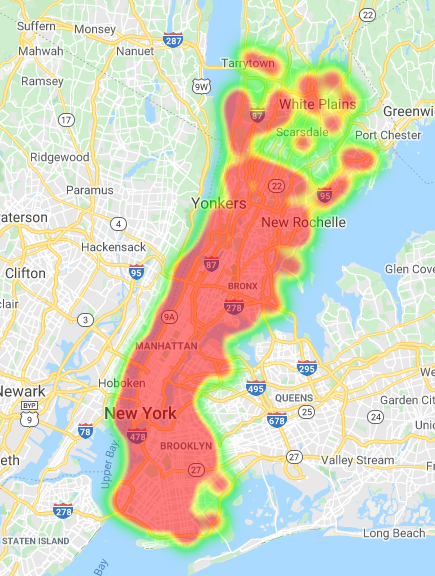
Plot Every Account and Opportunity in Seconds
Upload your spreadsheet and watch your sales data transform into an interactive map. Each customer, prospect, and territory appears as a marker you can click, filter, and analyze.
Your team sees patterns in minutes that took days to find before. We handle 30,000 locations per map and give you 70,000 geocodes monthly, so you can map your entire customer base without hitting limits.
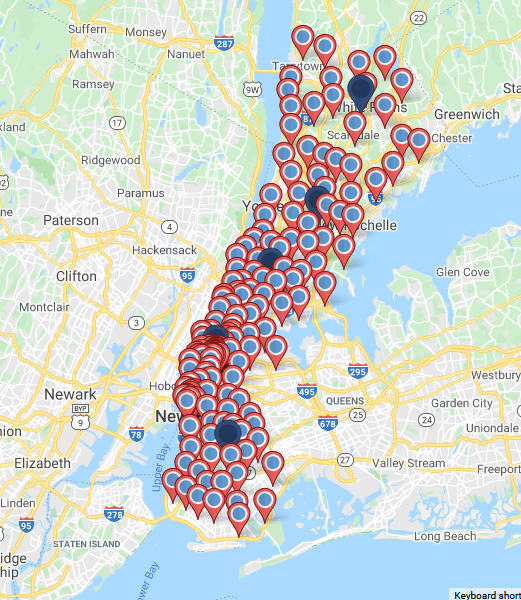
Filter Down to What Matters Right Now
Sales reps deal with thousands of data points. Account names, deal sizes, pipeline stages, product types, and more. Our filter tool cuts through that noise so your team sees only the accounts they need.
A rep can pull up all enterprise deals in negotiation stage within their territory in three clicks. Another can isolate every account that bought Product A in the last quarter.
The Maptive Effect
Layer in Demographics to Find Your Best Prospects
Once you set boundaries, pull census data directly onto your territories. Age, income, education, employment, and transportation data appear with one click.
A medical device rep sees household income and age distribution across their territory to prioritize which neighborhoods to canvas first. A B2B software team identifies areas with high concentrations of target industries.
This data costs thousands from other providers but comes built into your subscription.
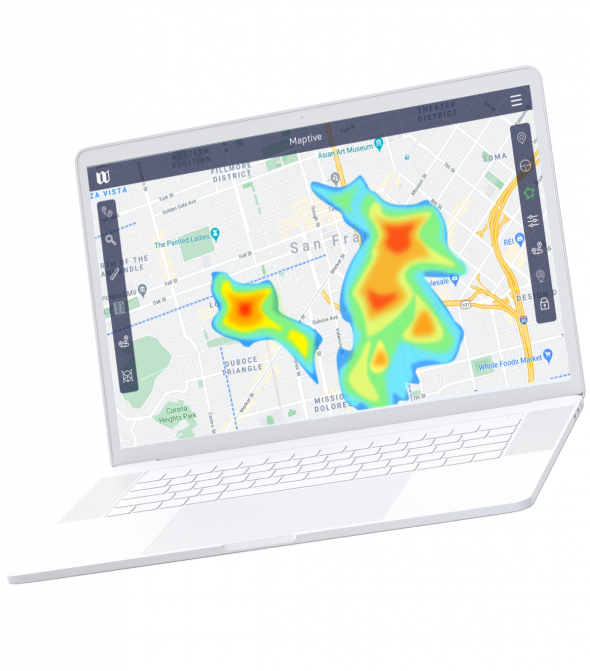
Spot Performance Gaps Before They Kill Your Quarter
Heat mapping shows you where deals close and where they die. High-density areas glow hot while cold zones reveal underserved markets or struggling reps.
Combine heat maps with your filter tool to see sales density by rep, by product, or by deal size. A national sales director spots that the Southeast region is 40% behind on Q4 targets and reallocates resources before the quarter ends.

Get White Glove Support When You Need It
Technical problems stop deals. Our support team answers questions fast and helps you set up complex workflows so you spend time selling instead of troubleshooting.
Account managers work with enterprise teams to configure custom solutions that match how your business actually operates. You get help from people who understand sales operations, not just software.
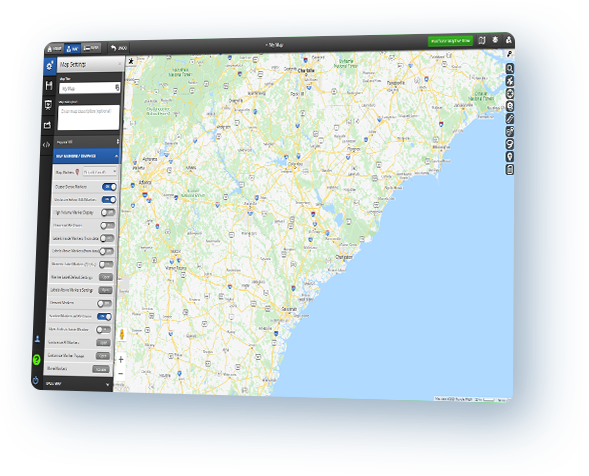
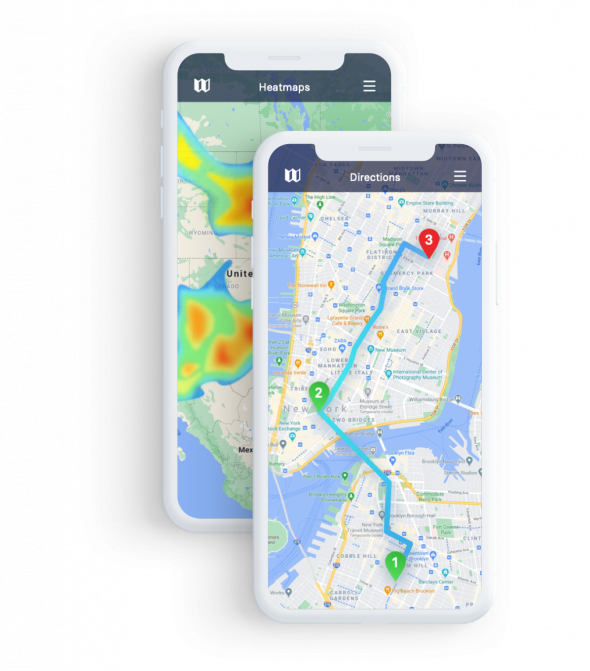
Route Your Team Through 73 Stops Without the Guesswork
Field reps lose entire days to bad routing. We partner with Google Maps to calculate the fastest path through up to 73 locations.
The system factors in real-time traffic, calculates drive time between stops, and lets you reorder visits with drag-and-drop simplicity. Export turn-by-turn directions to your phone and your reps hit the road with a plan that actually works.
One parts distributor cut travel costs by 12% in their first quarter, saving over $100,000 in fuel and time.
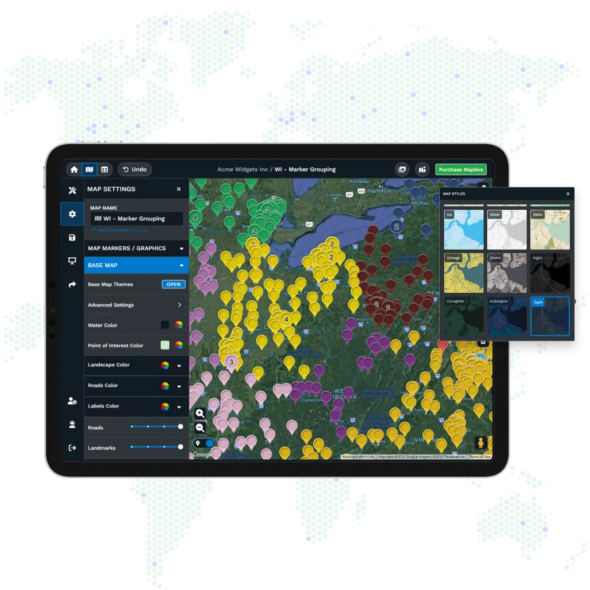
Keep Your Sales Data Locked Down
Your customer list, deal sizes, and territory assignments are worth millions to competitors. We protect everything with 256-bit SSL encryption, the same standard banks use for online transactions.
Role-based access means reps only see their territories while managers get the full picture. Audit logs track every change so you know who accessed what and when.
Financial services and healthcare companies rely on these security features to meet compliance requirements.
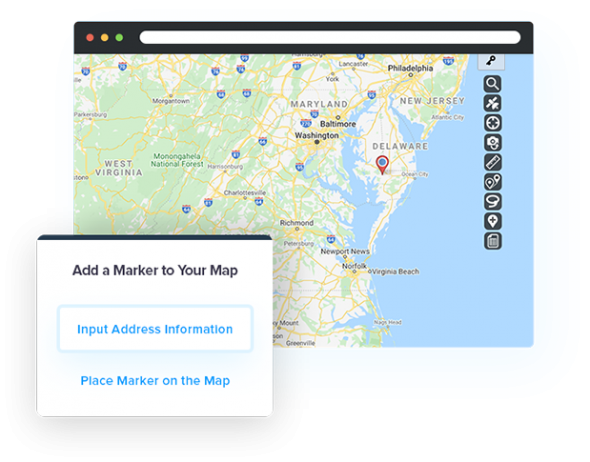
Sync Your Sales Stack Through Our API
We connect to your existing tools through API integration. Your sales data flows into maps automatically so territories update when you close deals or add accounts.
Changes sync both ways, keeping your sales stack current without manual exports and imports. Late 2025 brings direct integrations with Salesforce and HubSpot that eliminate even more busy work.
Features Built for Sales Teams Who Actually Sell

Custom Markers That Show Deal Status at a Glance
Color-code accounts by deal size, stage, or priority. Spot your biggest opportunities without opening a single spreadsheet row.

Proximity Search to Find Accounts Near Existing Meetings
Pull up every prospect within 10 miles of your next appointment. Fill gaps in your schedule and double your meetings per day.

Group Data by Rep, Region, or Product Line
Aggregate sales metrics across any dimension you track. See which rep owns the Northeast or which product sells best in Texas.

Drawing Tools to Annotate Maps for Team Presentations
Add text, shapes, arrows, and notes directly on your maps. Build presentations that explain territory strategy without switching to slides.

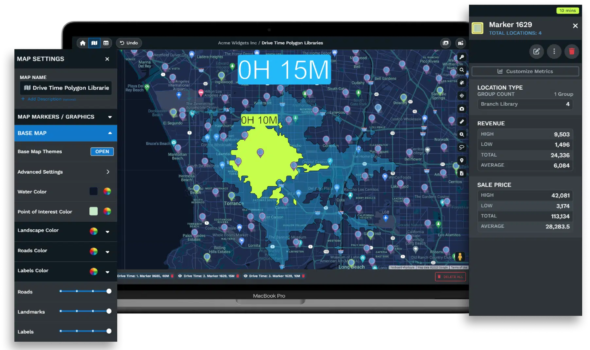
Radius Tool to Visualize Drive Time Coverage
Draw circles showing 30-minute or one-hour drive times from any location. Find service gaps and plan where to hire your next rep.
One-Click Export for Reports and Offline Planning
Download maps as images or export underlying data back to Excel. Share territory plans with executives who prefer spreadsheets over software.
Ready to Try Maptive?
Start using Maptive and see how business mapping can be fast and reliable. Get started with a simple sign-up, quick data import, and responsive support from day one. Focus on your goals with a low risk and real help at every stage.
Territory Mapping Software for Sales Representatives FAQs
How quickly can my team start using Maptive?
Most teams start mapping within 15 minutes of signing up. Upload your spreadsheet, and we automatically geocode your addresses and plot them on the map. No training sessions or setup calls required to get your first map live.
Can I map locations outside the United States?
Yes. We provide mapping coverage for every country. Our Google Maps integration gives you accurate geocoding and routing anywhere your business operates, from rural Canada to downtown Tokyo.
What file formats does Maptive accept?
We accept Excel, CSV, Google Sheets, and most standard spreadsheet formats. Copy and paste directly from your files or connect through our API for automatic updates.
How many maps can I create?
Our plans include between 15 and 40 recyclable maps depending on your tier. Recyclable means you can update and reuse maps rather than creating new ones each time your data changes.
Does route optimization work on mobile devices?
Yes. Export routes to your phone and access turn-by-turn navigation through Google Maps. Your reps can follow optimized routes without switching between apps or losing their place.
Can multiple team members edit the same map?
Yes. We built Maptive for teams. Set permission levels so managers can edit everything while reps access only their assigned territories. Changes appear in real-time for everyone with access.
What happens to my data if I cancel?
You keep ownership of all your data. Export your maps and underlying data before canceling. We delete your information from our servers within 30 days of account closure per our data retention policy.
Do you offer training for new users?
Our white glove support includes personalized onboarding for enterprise accounts. Smaller teams get access to video tutorials, documentation, and our support team for questions. Most users never need formal training because the interface is self-explanatory.