


Site Selection Software to Vet a Franchise Location Before You Sign
Vet a candidate franchise address before you sign the lease. Maptive drops a radius and drive time, reads the census income and competitors inside, and returns a go or no-go.
No credit card required
- Drop a 3- or 5-mile radius around any candidate address
- Trace 5-, 10-, and 15-minute drive-time catchments on real roads
- Read 50+ census variables for income, age, and density inside the area
- Plot your existing and committed units to check overlap and cannibalization
- Color-code each site approve, deny, or review with the Grouping Tool
- Share a view-only or password-protected map with the review committee
Trusted by teams at









Candidate Site Vetting by the Numbers
Everything you need to vet a candidate address sits inside one platform, on your real footprint.
Vetting the address before the lease cuts underperforming openings by about 30%.
Reading radius, drive time, and census on one map speeds the site call by 25%.
Checking demand and competitors first raises on-target site selection by 34%.
The Thresholds a Candidate Address Must Meet
Frame the trade area, read who lives inside it, check overlap against your units, and set a status on every site.
| 01 |
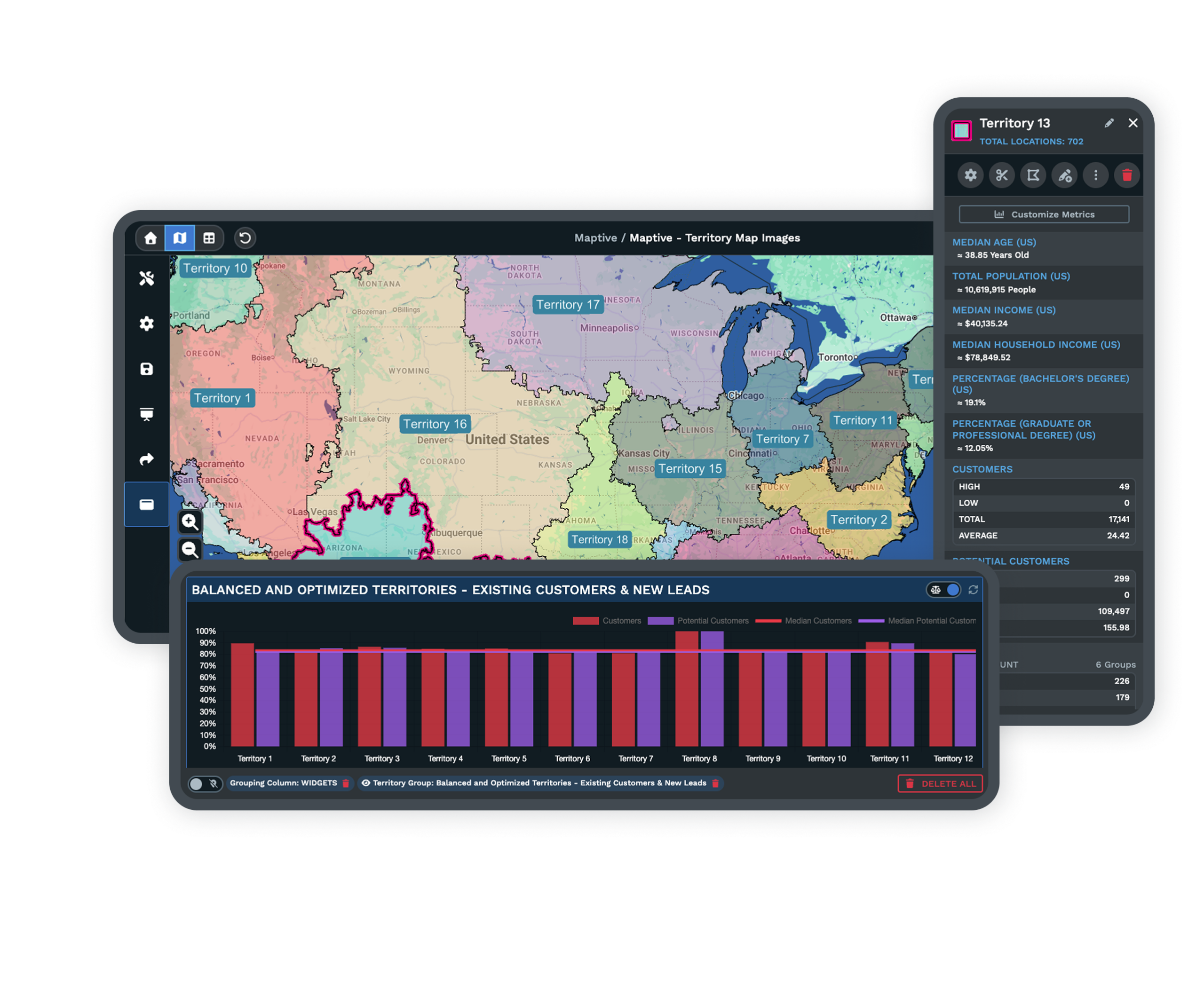
A Radius and Drive Time Around the PointType or import the candidate address, drop a 3- or 5-mile Distance Radius band, then trace a Drive Time Polygon for the road-based catchment. The two together frame the trade area you measure everything else against. Explore the radius tool → |
| 02 |
The Income and Age Living in the CatchmentTurn on Demographic Overlays inside that boundary to read median household income, the age mix, and population density from the US Census. A busy road with the wrong demographics fails the same test a calmer one passes. Explore demographic overlays → |
| 03 |
A Competitor and Cannibalization ReadPlot your own units and nearby competing sites in the catchment, then look at how far their trade areas reach into the candidate's. Overlap on the map is the cannibalization risk you would otherwise find after same-store sales drop. |
| 04 |
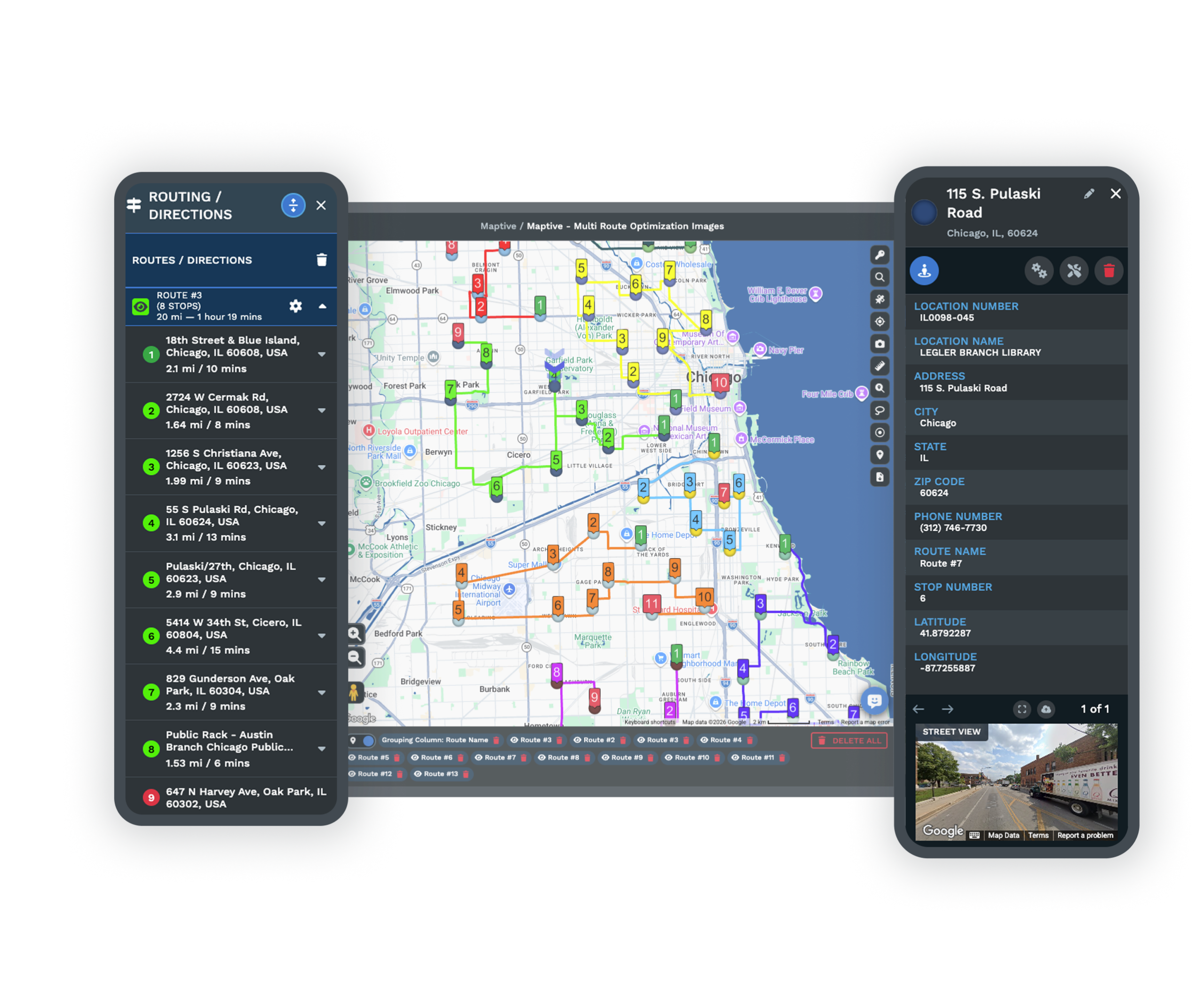
An Approve, Deny, or Review StatusColor-code each candidate with the Grouping Tool so approved, denied, and review-again sites read at a glance. Click a marker to open its pop-up and check the data fields behind the decision. See the grouping tool → |
Reading the Catchment Before You Trust the Foot Traffic
The mistake that costs new franchisees the most is signing on foot traffic alone. A high-count street with the wrong customer mix loses money, and failed sites often sit on busy roads with no parking or the wrong age profile. So the vet starts with the catchment, not the count.
Drop a drive-time area around the address, since five minutes covers very different ground in a dense grid than on a suburban highway, then read the income, age, and density living inside it. The real question is simple, does the brand's core customer live in the catchment at enough density, and the census answer settles it before you ever schedule a site visit.
Turning the Map Into an Approve, Deny, or Review Call
Larger systems run a real-estate committee that scores a shortlist and returns pass, pass-with-conditions, or fail within about 5 to 15 business days. You can feed that same call from one map. Plot the candidate, draw its catchment, overlay the demographics, and add your existing and committed units to test overlap, then set the marker to approve, deny, or review.
Share the map with the committee through a view-only or password-protected link so the people who sign off read the same picture you did. The decision that reaches the LOI rests on the numbers inside the boundary, not a hunch about the corner.
Support and Security Behind Your Site Data
Census Data From the US Census Bureau
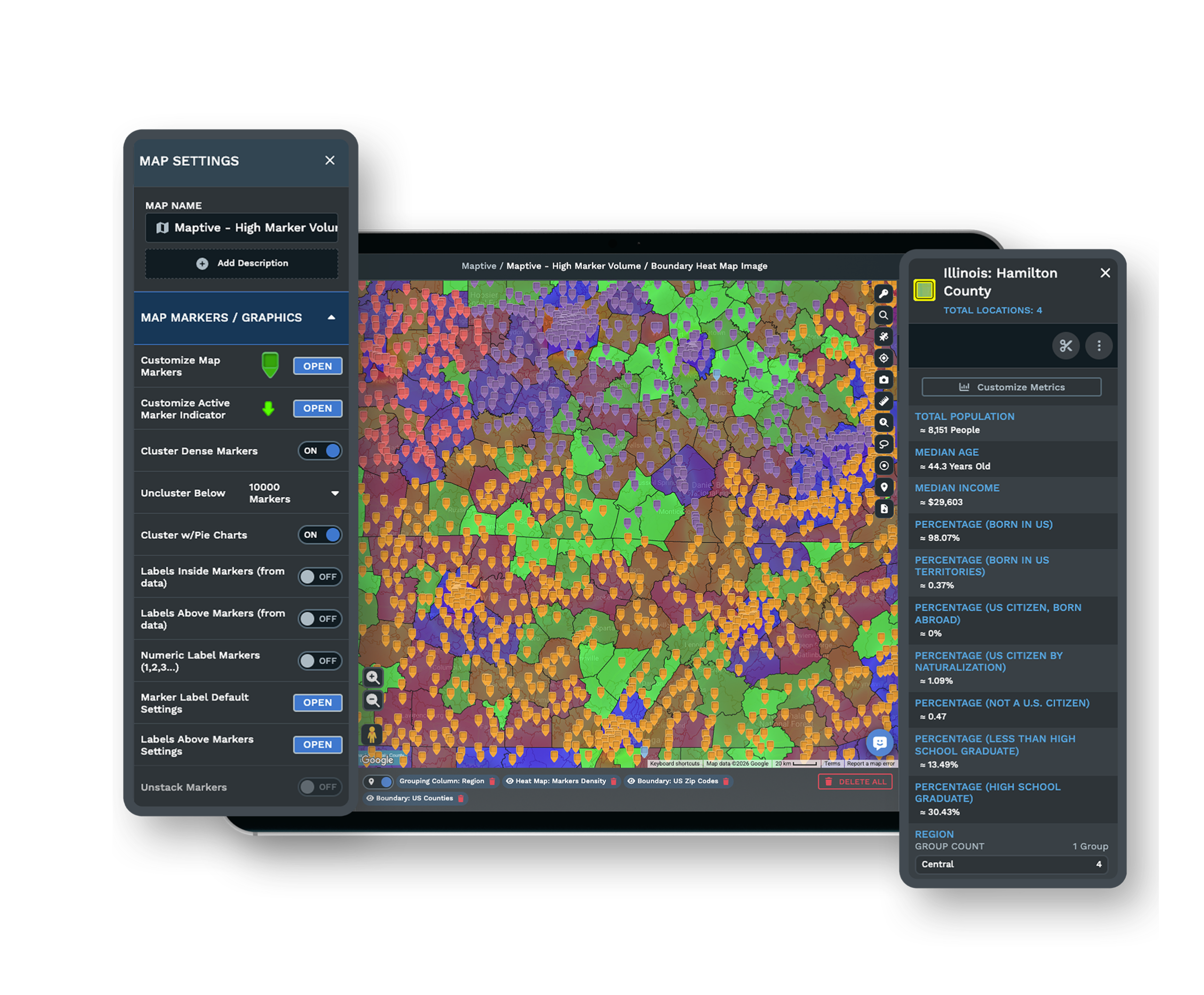
Demographic Overlays draw on US Census Bureau data across the US and Canada, so the income, age, and density behind a go or no-go come from the source real-estate teams already trust rather than a rough estimate you cannot defend when the committee asks where a number came from.
A Shared Review Link for the Committee
Send a candidate map as a view-only or password-protected link, and set each committee member to view-only or edit permission. The people approving the site read the exact catchment and demographics you used, without a seat or a login into the full platform, so the review runs on one shared picture.
See sharing options →A Support Team While You Vet
A US and Canada support team answers in under 15 minutes at a 9.7 out of 10 rating, and white-glove onboarding cleans and plots your first candidate list for you. When a lease clock is running and the site call cannot wait, someone helps you finish the read on time.
Free trial with the full platform and no credit card
Vet Your First Candidate Address Free
Start a 10-day free trial with no credit card and all 60+ tools open. Drop a radius and a drive-time area on a real candidate address, read the census income and density inside it, plot your existing units for overlap, and reach an approve-or-deny call on the site you are weighing.
Walk a Candidate Site Through a Guided Session
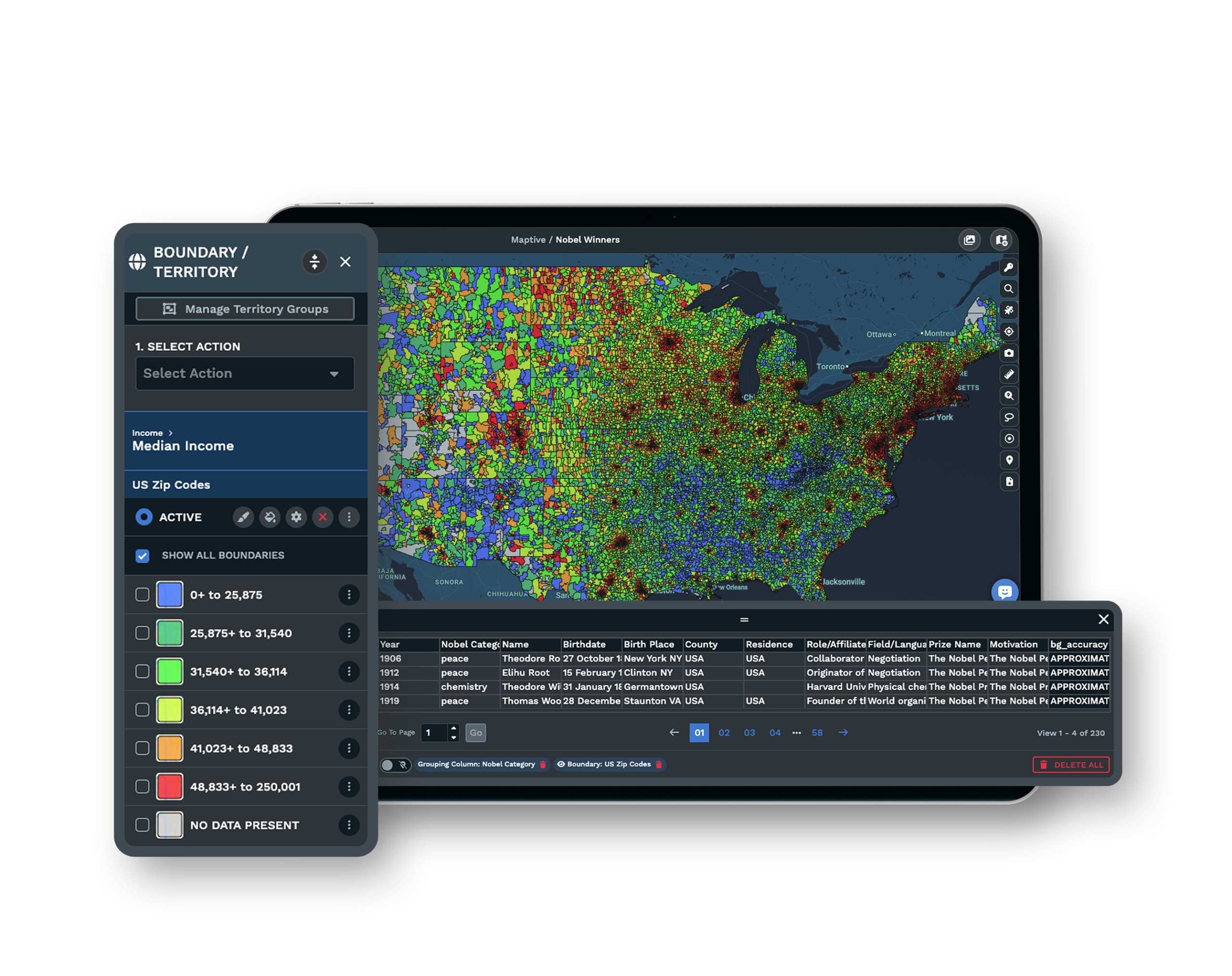
If the decision runs through a development committee or a lease deadline, a Maptive specialist will vet a live address with you. Bring the location you are considering, and the session traces the catchment, reads the demographics, and checks the overlap in front of the people who approve the deal.
Frequently Asked Questions
How do I check if a new franchise location qualifies before signing?
Measure the candidate address against your brand's criteria before you commit. Define the trade area with a drive-time or radius boundary, confirm the core customer lives inside it at enough density, check competing sites for overlap, and review parking, visibility, and zoning. Most systems then require formal franchisor site approval before the lease is signed.
Can I run demographics on a candidate address before signing the lease?
Yes. Drop a 3- to 5-mile radius or a drive-time area around the address, then turn on Demographic Overlays to read population density, median household income, and the age mix from the US Census inside that boundary. Census data is the standard starting point for confirming the brand's customer is present before you sign.
What is a franchise site-selection scorecard?
It is the brand's go or no-go checklist, usually a target trade-area map, a competitive-density score, a household-income floor, a daytime-population floor, a co-tenancy list, and a parking minimum. Many systems score a site from 0 to 100 across foot traffic, demographic fit, market potential, competition, and visibility, with a written note per factor.
How long does franchisor site approval take?
The franchisor's real-estate team usually reviews a shortlisted site against its scorecard and returns a decision within about 5 to 15 business days. The review classifies the address as pass, pass-with-conditions, or fail, so a strong data package on your side speeds the answer along.
How do I check if a franchise location will cannibalize my other units?
Overlay the candidate's trade area on your existing and committed sites, measure how much the areas overlap, and estimate the revenue that would transfer before you sign. If the net portfolio impact does not beat the cost of the new unit, it is a no-go, and plotting both on one map shows that overlap before the lease.
Why do high-traffic franchise locations still fail?
Because raw foot traffic is not the same as the right customer. A busy street with the wrong demographics, no parking, or a history of failed businesses in the same category loses money despite the count. Customer quality inside the catchment matters more than headcount past the door, which is why the demographic read comes first.
What demographic data should I check before opening a franchise?
Population density at the tract or block-group level, median household income against your brand's floor, age splits matched to the customer profile, daytime population near employment centers, traffic on the primary road, and competitor density inside and at the edge of the trade area. Read all of these inside the boundary you draw, not across a whole city.
Does the franchisor have to approve my location before I sign a lease?
In most systems, yes. Formal site approval usually happens before the lease is signed or design begins, and the negotiated lease itself usually goes to the franchisor for approval before construction planning. A clean site package with the demographics and overlap already mapped moves that approval faster.
What should be in the LOI before I commit to a franchise site?
Put pre-opening contingencies in the letter of intent and the lease, such as termination rights and deposit refunds if the site fails approval, permitting, or other conditions, so build-out risk stays limited. The LOI is largely non-binding on the deal, though specific clauses can bind, and it works as a real due-diligence checkpoint before you commit.








