Google Places Search (Coming Spring 2026)
Quickly and easily add business locations and points of interest to your Maptive maps with Google Places search integration.

What is Google Places?
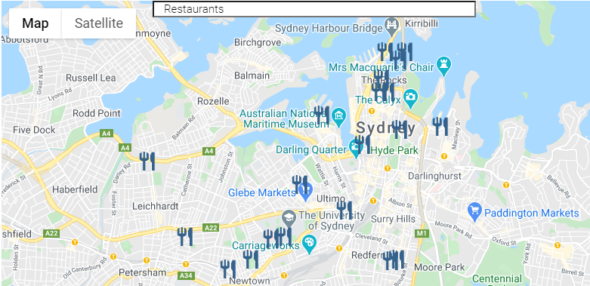
Google Places is a service from Google that helps businesses to promote their services and offerings to potential customers. It allows businesses to create an online presence via Google Search & Google Maps by creating a business profile with details such as contact information, opening hours, photos and reviews. In addition, it offers various tools for managing customer interactions.
How can you add google places location to your Maptive map?
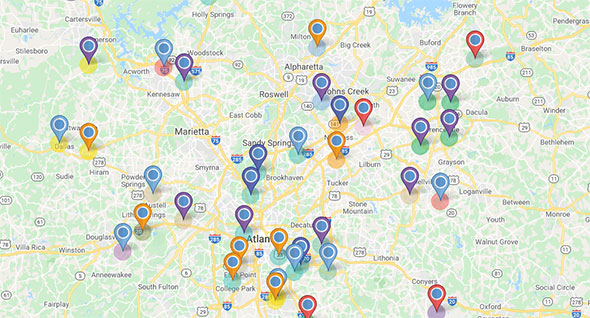
You can quickly and easily add google Places locations to your Maptive map. All you need to do is enter a search term in the Maptive search bar and select which Google Place location you want to add. Once added, it will show up as an automatically-generated point on the map with all the details available in Google Places.
What are some of the uses for Google places on a map?
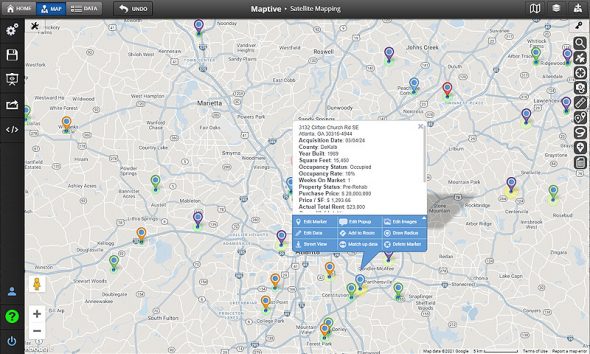
Google Places is a great tool for helping businesses to promote their locations online. For mapping, the uses are endless for this type of data. Here are a few examples of what you can do with Google Places data.
Business Owners
Google places integration can make creating an embeddable interactive map of business locations and reviews quick and easy. Increase the visibility of your business or organization by providing interactive maps of your locations for customers.
Real Estate Professionals
For real estate professionals, It can be used to show potential customers nearby services and offerings.
Real Estate Professionals
Google places locations can also be used to populate a map of competitor locations in site selection or for market researchand analysis.
Route Planning
For delivery teams and door-to-door sales teams, it can make the route planning process quicker and easier than ever before.
Note: This featuring will be added in Maptive iQ (Coming Spring 2026).
Create Your Maptive Account
Start a free 10-day trial to explore every feature. Upload spreadsheets, Google Sheets, or paste data directly, and begin mapping with powerful, customizable tools.
No Credit Card Required