
A store locator on a franchise website operates as the system’s most-trafficked conversion surface, not as a directory, and most are built like phonebook pages. The systems whose locators perform treat the page as a product surface rather than a data dump.
Look at the traffic. Roughly 80% of locator traffic arrives on mobile. U.S. monthly “near me” search volume sits near 800 million, with around 5.9 million distinct “near me” keywords. 76% of consumers running a local search on a smartphone visit a related business within 24 hours, and 78% of location-based mobile searches end in an offline purchase. A page receiving that intent has to behave like a product page, with a default state that shows something useful, inputs that accept whatever the user types, and one-tap actions that finish the visit.
Most franchise locators do none of those things. They sit inside an iframe. They start with an empty search box. They return a wall of pins with no filter for drive-time, services, or hours. They link out to a Google Maps page rather than to an indexable per-store URL. The rest of this article is about what the page has to do, what the data behind it has to do, and where the discipline breaks at scale.
The Directory Mistake
The locator is treated as a utility because of its lineage. It used to be a list of phone numbers under a map of the United States. The job was to confirm a store existed somewhere reachable. That job is no longer the job.
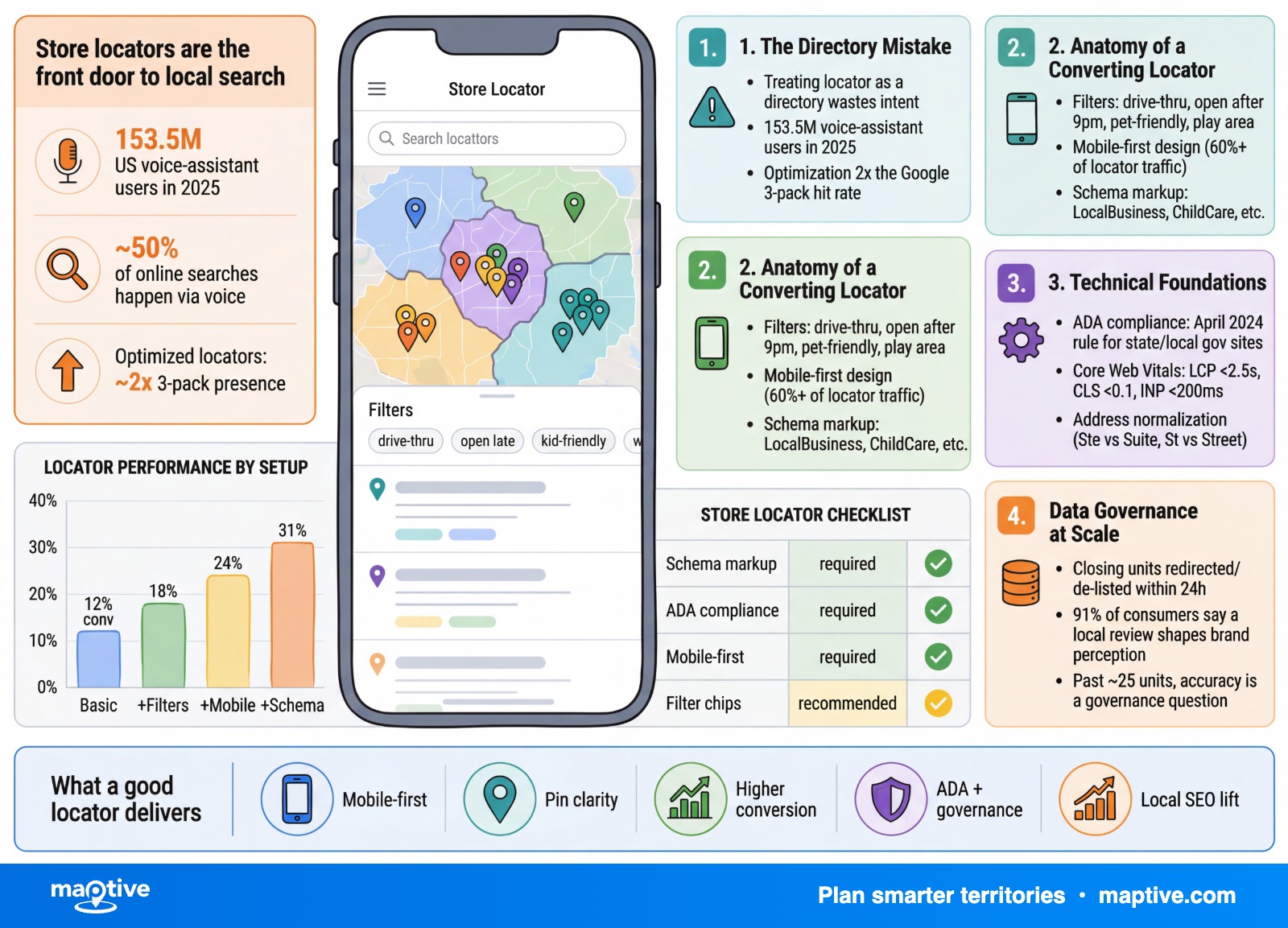
The user landing on the page already knows the brand. The query that brought them is conversational and proximity-driven, the kind a voice assistant produces (“nearest [brand] open now”) or a thumb types into Google Maps. There were 153.5 million U.S. voice-assistant users in 2025, and around half of online searches happen via voice. The user wants to know which unit is closest, the open status, the services offered, and how to call it or drive to it. Failing any of those four answers in the first screen costs the visit.
The directory framing also costs the franchisor twice. The customer abandons the visit, and Google penalizes the page that produced the abandonment. Behavioral signals (clicks, calls, direction requests, website visits) are now ranking signals in local search. A locator that buries the answer pushes its own ranking down, which reduces the inbound it would otherwise capture from local-pack and “near me” queries. Franchisors who fully optimize for local search see nearly twice the 3-pack presence of brands that do not. The page that converts is also the page that ranks. They are the same page.
Anatomy of a Locator That Converts
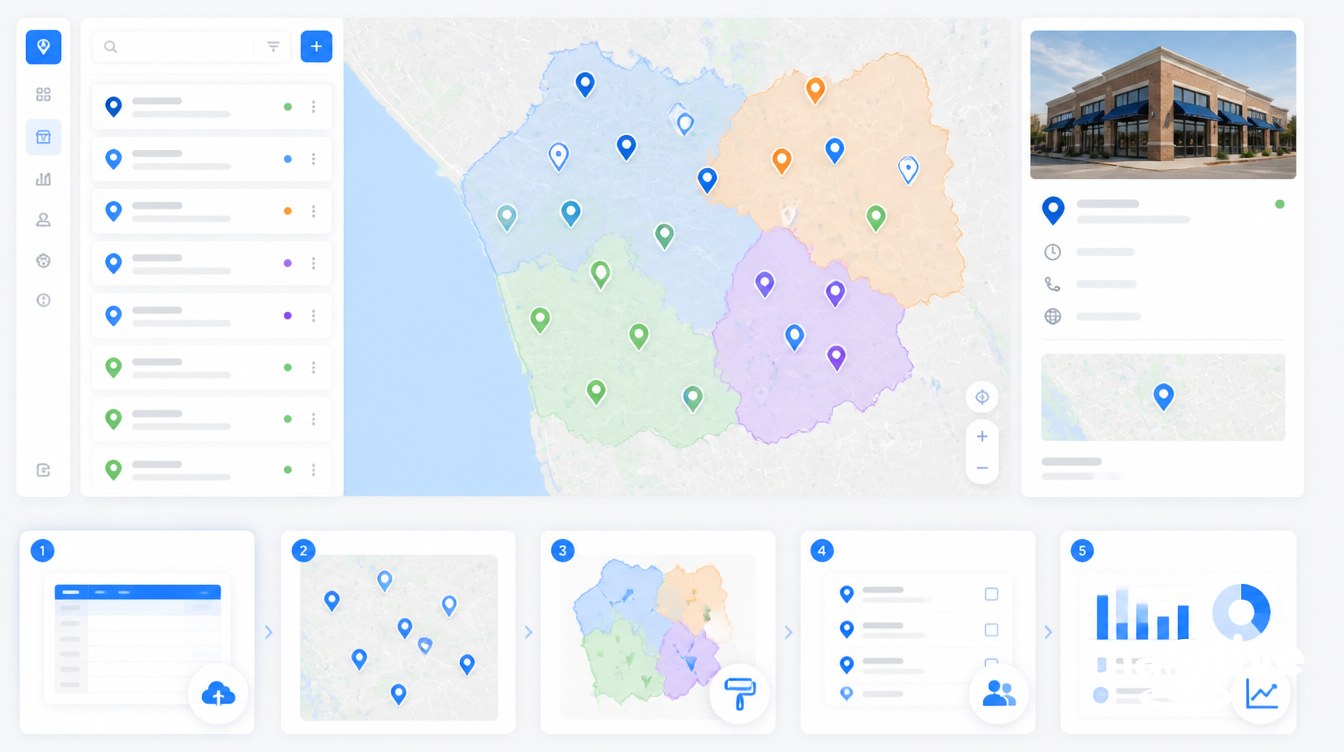
The features that move conversion are specific. A pretty map is not one of them.
Search Inputs and Default State
The locator should never open with an empty box. Default to the user’s nearest five to ten results, populated from IP-based pre-fill while the geolocation prompt resolves. An empty box loses the visitor who does not know which input the field accepts, since ZIP, city, full address, and intersection are all valid in plain language and the form has to recognize all of them.
The field should accept ZIP, city and state, full street address, and intersections without forcing the user to pick a format. The autocomplete should suggest as the user types and handle the typos mobile keyboards produce. A “use my current location” button belongs in reach of the thumb, not buried in a menu. None of this is novel, and yet it remains the floor below which the locator stops functioning on mobile.
Drive-Time and Service Filters
Straight-line radius is a misleading default for any franchise with urban density. A 5-mile radius around a Manhattan address surfaces dozens of locations the user cannot reach inside an hour. A 5-mile radius in rural Oklahoma surfaces nothing useful. Drive-time radius (within 15 minutes, within 30 minutes) gives the user a relevant set in both contexts.
Service filters matter at the same level. A user looking for a drive-thru should not have to call every nearby unit to ask which has one. The same applies to walk-in versus appointment, pet-friendly, kid play area, repair versus sales, 24-hour, weekend hours. Filters should remain sticky between searches. A user who narrowed to “drive-thru, open after 9 p.m.” and then expanded their ZIP search should not have those filters reset.
Mobile Per-Location Actions
Click-to-call is the primary CTA on mobile. It belongs as a button on the result card, not buried in a location-detail page. The “get directions” action should deep-link to Google Maps, Apple Maps, and Waze rather than opening a generic web map the user will close and replace with their preferred app anyway. Tap targets need to exceed 44 pixels. The map and list both have to be reachable without horizontal scroll. Once a location is selected, a sticky bottom bar with call and directions buttons should follow the user down the page.
The result card itself should link to the dedicated per-store URL, not to the locator widget with a parameter appended. That brings us to the next part.
Indexable Per-Location Pages and Schema
The locator is the user interface. The per-location pages are the SEO surface. They are not the same artifact and they cannot be the same artifact.
Each unit needs its own crawlable URL (/locations/austin-tx, /locations/brooklyn-ny) with unique on-page content. Not templated boilerplate with the address swapped, but actual hyper-local copy, photos of that specific unit, the franchisee’s name where appropriate, neighborhood-specific keywords, and reviews from that location. The majority of off-the-shelf locator widgets render their content inside an iframe, and search engines do not reliably crawl iframe content. AI assistants (Google AI Overviews, Perplexity, ChatGPT, Gemini) build their local answers from server-rendered pages with explicit structured data. A locator that exists only as iframe content is invisible to the very engines now mediating “near me” intent.
Each page carries LocalBusiness JSON-LD schema using the most specific subtype available. Restaurant or FastFoodRestaurant for QSR. HairSalon or DaySpa for personal services. AutoRepair or HVACBusiness for home and auto services. ChildCare for daycare. Required fields, populated per location and never duplicated across pages, include name, image, address with the full PostalAddress block, geo coordinates, telephone, the page’s own URL, openingHoursSpecification in the array form (one DayOfWeek block per day), priceRange, paymentAccepted, parentOrganization linking the unit back to the franchise brand, and aggregateRating if reviews are surfaced. Hours in schema have to match Google Business Profile exactly. A mismatch creates trust conflicts that can suppress rich results brand-wide.
Technical Foundations the Locator Stands On
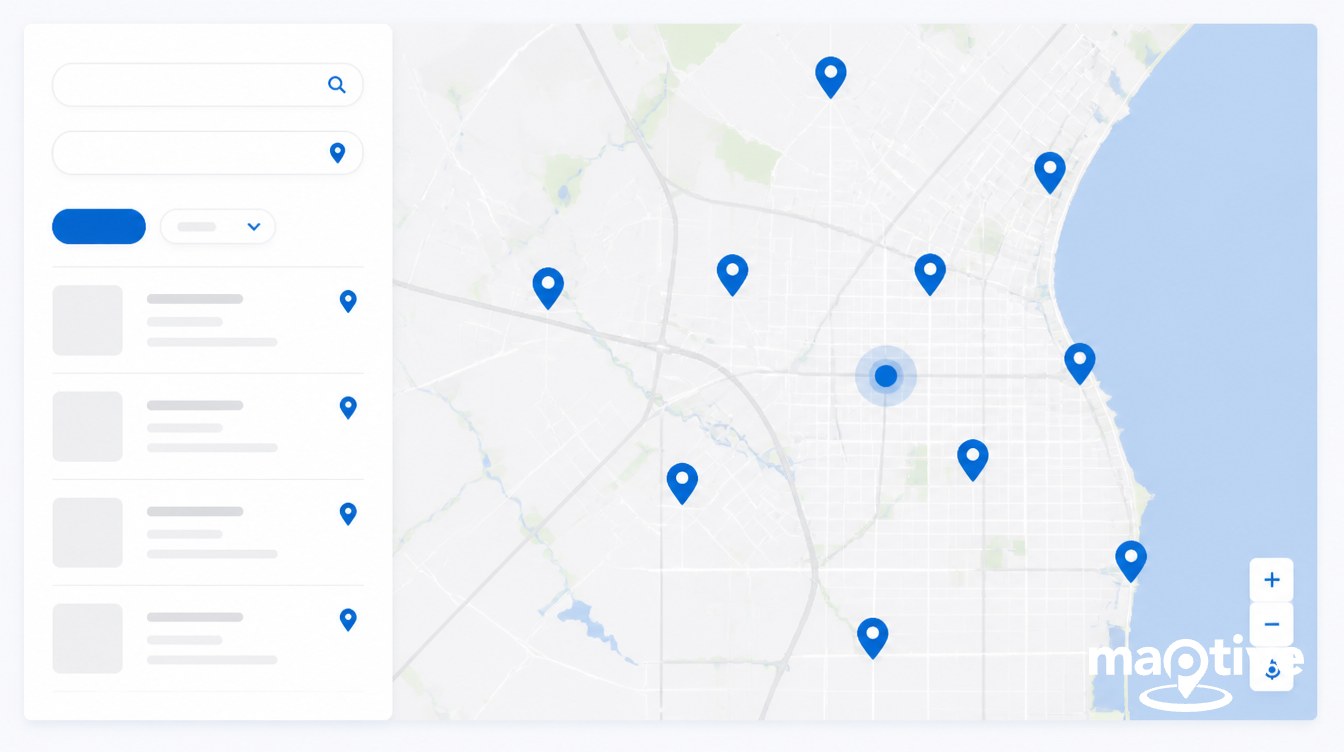
Three technical layers sit underneath everything above. They are not optional and they are not separable from the UX argument. A locator that fails any of the three underperforms in measurable ways.
The first is NAP consistency. Name, address, phone. Micro-variations (“Ste 100” vs “Suite 100,” “Main Street Cafe” vs “Main St. Cafe Downtown”) fragment Google’s local data graph and suppress rankings at the brand level, not only for the affected unit. The fix is structural, not clerical. One authoritative record per location, with downstream channels (the website locator, GBP via API, Bing, Apple Business Connect, Yelp, in-app maps) reading from it. Region managers entering data manually into each system produce exactly the inconsistencies that depress the brand’s local search performance.
The second is Core Web Vitals. The three thresholds Google evaluates are Largest Contentful Paint under 2.5 seconds, Interaction to Next Paint under 200 milliseconds, and CLS under 0.1. INP replaced First Input Delay in March 2024. Google scores these separately for mobile and desktop. As of July 2025, only 44% of WordPress sites pass all three on mobile, and locators are a common reason. Loading 500 pins on first paint blocks the main thread. Heavy marker-clustering scripts delay interaction. Map tiles loading above the fold trigger CLS regressions when the static fallback finally resolves. Lazy-load pins by viewport. Defer the map SDK until interaction. Render a static results list on first paint so the user has something to read while the map initializes.
The third is accessibility. WCAG 2.1 Level AA is the working benchmark. The ADA finalized a rule on April 24, 2024 requiring state and local government web content to meet WCAG 2.1 AA, with deadlines extending into 2027 and 2028. The rule targets public entities, but private-sector courts treat the same standard as the de facto bar in litigation. For a locator that means keyboard navigation through search, filters, list, and map; ARIA labels on markers; focus management when a location is selected; 3:1 contrast for graphic elements and 4.5:1 for text; a text-only alternative listing the same locations in the same order as the map; and alt text on store photos. A site-wide accessibility audit will catch generic violations and miss every one of these.
Data Governance at Scale
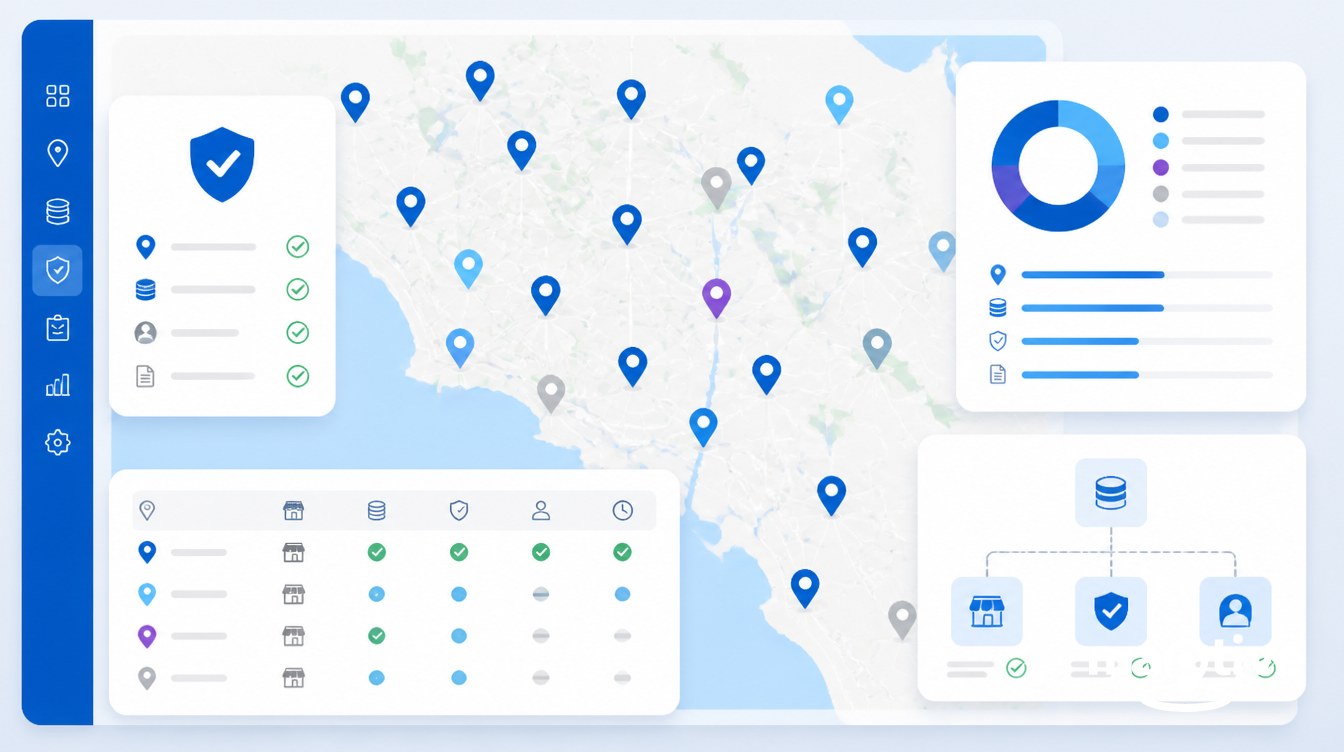
The hardest problem in a franchise locator sits behind the front end, in the data layer.
Past about 25 units, the locator’s accuracy is a governance question. Hours change. Locations open and close. A franchisee updates Google Business Profile and forgets to tell HQ. HQ updates the website and forgets to push to Bing, Apple, and Yelp. Holiday hours go out late. A unit that closed three weeks ago still appears on the map. A customer drives there, finds the lights off, and posts a one-star review tied to the brand, not to the franchisee. 91% of consumers say a local branch review shapes their perception of the entire brand, which is to say the failure scales upward.
The pattern that works is one source of truth and a one-way sync. Define one system as authoritative for canonical location data. This can be a franchise management platform, a dedicated location data hub, or a governed master spreadsheet for smaller systems. Every downstream channel becomes a reader, not a writer. Franchisees update their own record. HQ approves the change. The sync runs to the website locator, to Google Business Profile through the GBP API, to Bing Places, to Apple Business Connect, to the directories the franchise depends on. New units get a record, a landing page, schema, and a GBP listing on the same day they open. Closing units get redirected and de-listed within 24 hours. The work is in the workflow, not in any single channel.
The locator is also a market map for the franchise development team, and most franchisors throw the data away. Every zero-result search is a prospect telling the brand where it has no presence. Every unfulfilled drive-time radius is a territory the brand could sell. Capture the search query, the result count, the user’s approximate location for zero-result events, and route the aggregate to franchise development weekly. The same page that converts customers also surfaces where the next franchisee should buy. The locator that earns its budget operates on both sides of the brand.
The page functions as the most-trafficked, highest-intent surface the franchise system ships, not as a directory. Treat it that way and the rest of the local stack follows.
Frequently Asked Questions
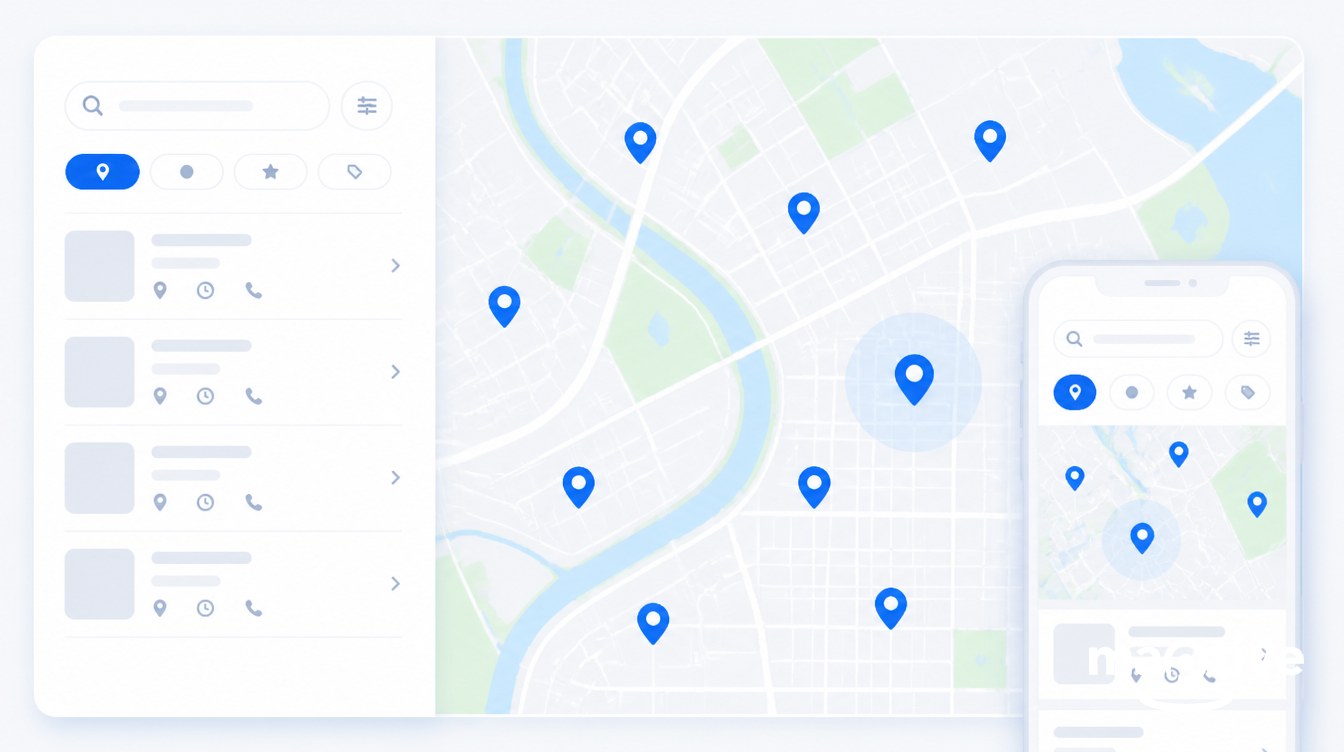
How do I build a store locator for my website?
At a minimum the build requires three layers. The first is a clean location dataset with one row per store (name, address, latitude/longitude, phone, hours, services). The second is a map UI that supports ZIP, city, and current-location search with filters. The third is a dedicated indexable URL per location rather than a single /store-locator page. The simplest builds use a CSV or live Google Sheets sync into a hosted locator. The defensible builds pair per-location pages with LocalBusiness JSON-LD schema and a one-way sync to Google Business Profile, Bing, Apple, and the major directories.
What features should a franchise store locator include?
Search by ZIP, city, address, or current location with autocomplete. A default state showing the user’s nearest five to ten locations rather than an empty box. Split-pane map and list view. Filters for services, amenities, and “open now.” Drive-time radius in addition to straight-line distance. Per-location cards with click-to-call, deep-linked directions to Google Maps, Apple Maps, and Waze, and a link to the per-location page. 44-pixel tap targets and a sticky CTA bar on mobile. Analytics on every interaction, including zero-result searches. LocalBusiness schema generated per location. WCAG 2.1 AA accessibility throughout.
How do you optimize a store locator for SEO?
Five non-negotiables. Each location gets its own crawlable URL like /locations/austin-tx, not a single /store-locator page. Avoid iframe-embedded content because search engines and AI summaries do not reliably crawl inside iframes. Add LocalBusiness JSON-LD schema to each location page using the most specific subtype available. Keep name, address, and phone identical across the website, Google Business Profile, and every directory. Write unique on-page content for each location with neighborhood detail, photos of that specific unit, and the franchisee’s name where appropriate.
What schema markup should I use for a store locator?
Use LocalBusiness JSON-LD on each individual location page with the most specific subtype available: Restaurant, FastFoodRestaurant, DaySpa, HairSalon, AutoRepair, HVACBusiness, ChildCare, and so on. Required-or-recommended fields include name, image, address as a PostalAddress block, geo coordinates, telephone, url, openingHoursSpecification in array form, priceRange, paymentAccepted, parentOrganization linking the unit to the franchise brand, and aggregateRating if reviews are surfaced. Hours in schema must match Google Business Profile exactly. The locator landing page itself can carry FAQPage schema to win “people also ask” placements.
How do I add multiple locations to my website?
Past five or six locations, manual entry becomes a maintenance trap. Use a CSV import or a live Google Sheets sync into a locator platform that watches the sheet and propagates edits within minutes. Required columns include location name, street address, city, state, postal code, country, phone, hours, services, and either pre-geocoded coordinates or an address the platform will geocode on import. Pair the data layer with a CMS template that generates an indexable per-location page from each row.
How important is NAP consistency for franchise local SEO?
It is a governance issue, not a clerical one. Google’s local algorithm penalizes micro-variations like “Ste 100” vs “Suite 100” or “Main St. Cafe” vs “Main Street Cafe Downtown,” and the suppression can extend brand-wide rather than affecting only the inconsistent unit. The fix at franchise scale is a single source of truth (a franchise CRM, a location data hub, or a governed dataset) that feeds the website locator, Google Business Profile via API, Bing, Apple Maps, and the major directories. Franchisees update their own record, HQ approves, and every other channel reads from there.
What percentage of store locator traffic is mobile?
Industry data puts it at roughly 60 to 80% on mobile for most retail, QSR, and personal-services brands. Wider context: 58.67% of all website traffic globally was mobile in 2025, 57% of local search queries are submitted from mobile or tablet, 30% of all mobile searches are location-related, and more than 80% of “near me” searches happen on mobile. Build mobile-first: 44-pixel tap targets, click-to-call as the primary CTA, deep-linked directions, and a sticky bottom bar with call and directions once a location is selected.
How much does a store locator cost?
A CMS plugin for a small franchise runs $0 to $50 per month. Mid-market hosted SaaS platforms covering 25 to 500 locations run roughly $25 to $200 per month. Enterprise location-data platforms that handle multi-channel sync, listings management, schema generation, and per-location pages typically price per location annually, often translating to $20 to $60 per location per month at scale. A custom build on Google Maps Platform avoids subscription fees but requires 6 to 12 weeks of engineering plus ongoing API usage costs.
Do I need a separate landing page for each franchise location?
Yes. Per-location pages are the highest-leverage SEO asset most franchise systems underinvest in. Each page becomes an entry point in geo-targeted search, captures proximity-driven traffic the main brand site cannot reach, and provides the structured data AI search engines need to surface your brand. Each page should have a unique URL, unique on-page content rather than templated boilerplate, photos of that specific unit, an embedded map, LocalBusiness schema, and reviews specific to that location.
How do “near me” searches affect store locators?
Heavily. As of 2024 there were around 5.9 million distinct “near me” keywords in the U.S. and about 800 million monthly searches using a “near me” variation, with “open now near me” up roughly 400% in recent years. 76% of consumers running a local smartphone search visit a related business within 24 hours, and 78% of location-based mobile searches end in an offline purchase. The locator is the primary path users follow once they arrive at your site from a “near me” query, and the structured data on each location page is what lets Google return your unit in the local pack to begin with.
How do you keep franchise store locator data accurate as locations open and close?
Define one authoritative system for canonical location data and make every downstream channel a reader. Franchisees edit their own record (hours, services, photos, phone). HQ reviews. The change syncs to the website locator, to Google Business Profile via the GBP API, to Bing Places, to Apple Business Connect, and to the major directories. Build a location lifecycle workflow where new units get a record, a landing page, schema, and a GBP listing on the day they open, and closing units get redirected and de-listed within 24 hours. Manual updates by region managers create the “Ste 100 vs Suite 100” inconsistencies that fragment local SEO.
Is a store locator ADA compliant?
Most are not out of the box. WCAG 2.1 Level AA is the working benchmark. The ADA finalized a rule on April 24, 2024 requiring state and local government web content to meet WCAG 2.1 AA, with deadlines extending into 2027 and 2028, and private-sector courts treat the same standard as the de facto bar. For a locator that means keyboard navigation through search, filters, list, and map, ARIA labels on map markers, focus management when a location is selected, 3:1 contrast on graphic elements and 4.5:1 on text, a text-only alternative listing the same locations in the same order as the map, and alt text on photos.