
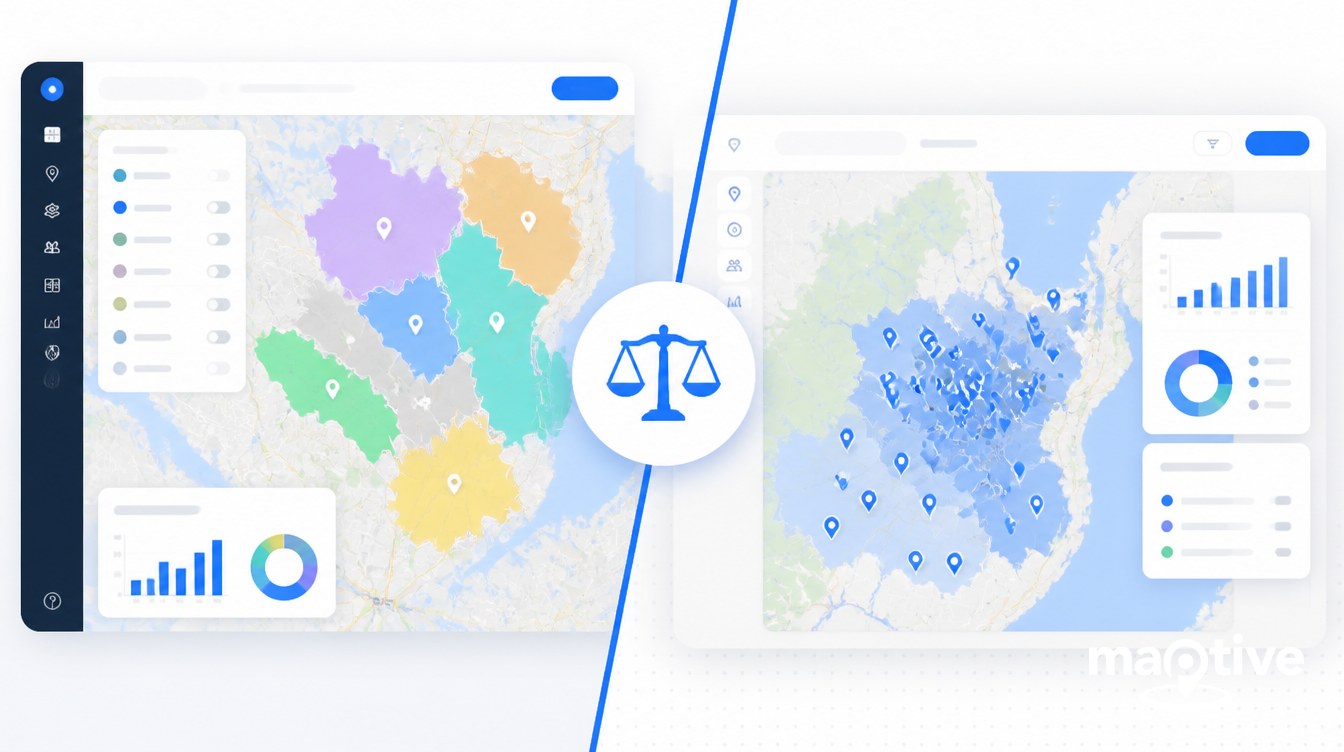
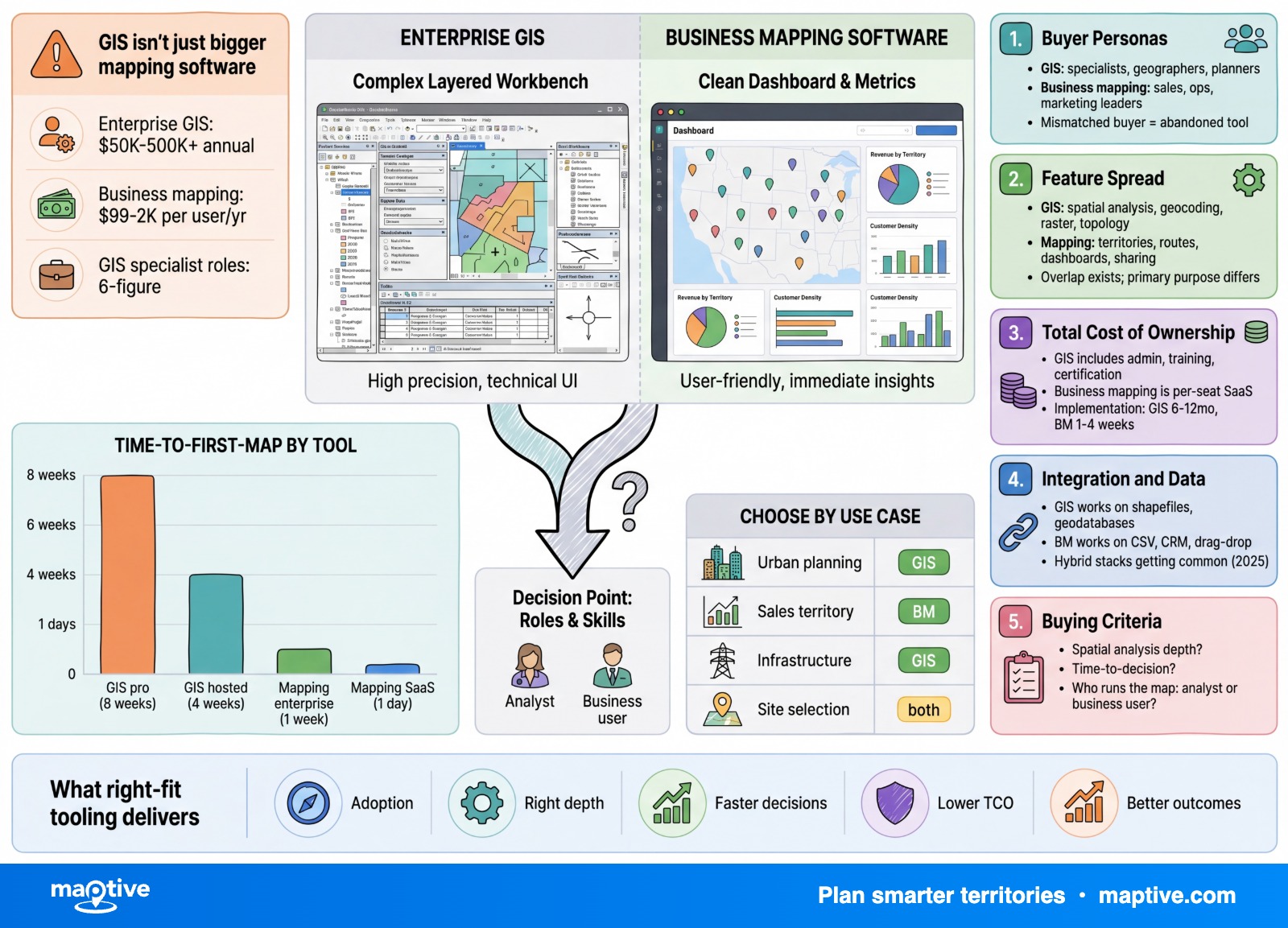
The choice between enterprise GIS and business mapping software comes down to who will use the tool and what they need it to do. Enterprise GIS fits organizations with trained GIS staff doing land-records, utility-network, environmental, or planning analysis. Business mapping software fits sales, marketing, operations, and field teams working from a CRM or spreadsheet.
Picture the enterprise GIS world in numbers. A GIS analyst in the United States earns around $73,690 a year on average, with senior analysts above $89,000. A full enterprise rollout for an electric utility runs $500,000 to $800,000 for the base install plus an Enterprise License Agreement priced by user count. Deployments take weeks to months because a geodatabase has to be designed, data migrated, security wired into Active Directory, and analysts trained on the toolset.
Picture the business mapping world in the same way. Per-user monthly pricing runs $30 to $150 for most platforms, with entry plans as low as $39 a seat and team annual rates starting around $1,495. The setup model is a browser tab, a CSV upload, and a first map in under 30 minutes. The buyer is usually a sales operations manager, a franchise development lead, or a field service director, not a GIS specialist. The two categories solve different problems, and the rest of this guide explains how to tell which one your situation calls for.
What “Enterprise GIS” Actually Means
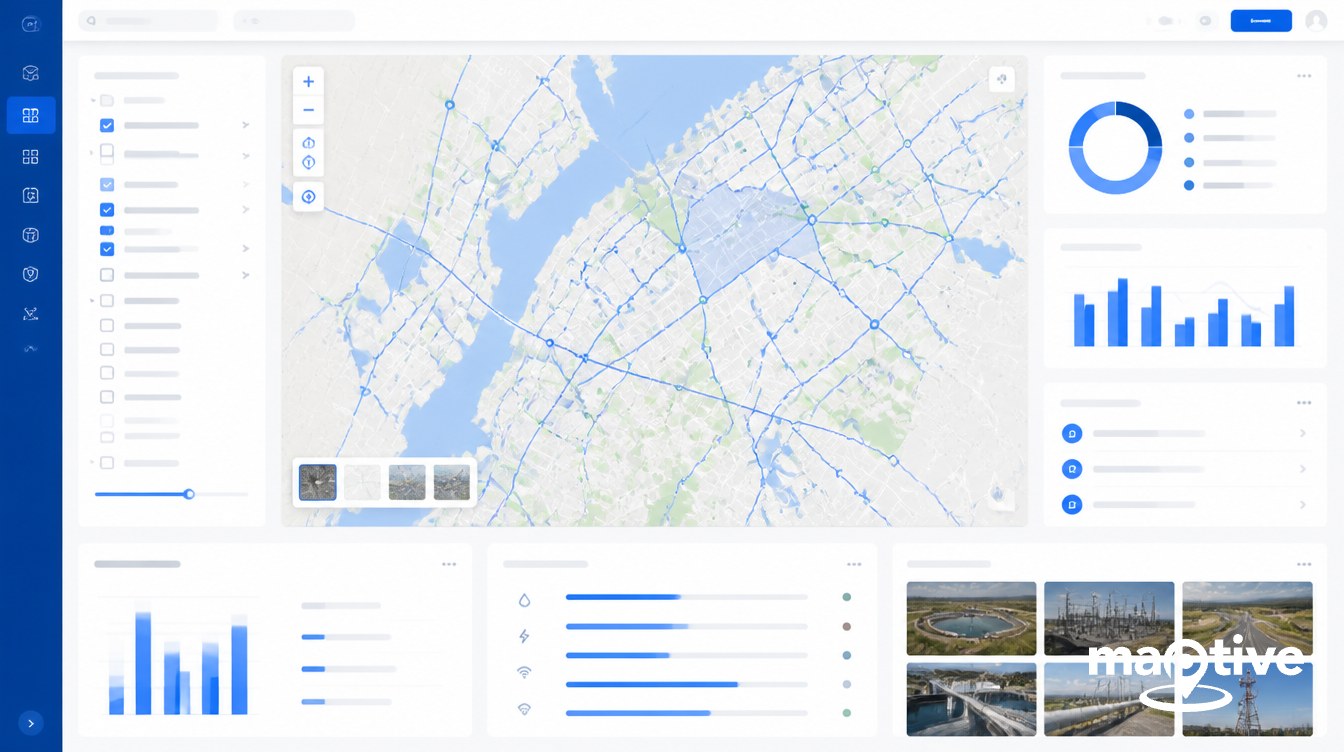
A geographic information system is a complete platform for capturing, storing, analyzing, and visualizing spatial data alongside descriptive attributes. The four core functions are data management, editing and digitizing, 2D and 3D visualization, and spatial analysis. An enterprise GIS adds server-side processing, multi-user editing, a managed geodatabase, and an authentication layer suitable for hundreds or thousands of named users across an organization.
The typical operator is a GIS analyst, geospatial professional, urban planner, environmental scientist, utility network engineer, or defense and intelligence specialist. Most large GIS programs centralize this work in a dedicated GIS department or embed specialists into IT and operations. Becoming productive in this category requires formal training. Introductory courses on the dominant commercial platform run two weeks. Full certificate programs run four courses over twelve months. Recruiters expect 6 to 12 months of consistent hands-on project work before calling a candidate job-ready.
Deployment is the second defining feature. Enterprise GIS software is installed on infrastructure the customer controls and manages, either on-premises, in a private cloud, or in a hybrid configuration backed by a customer-managed Kubernetes cluster. The customer owns the database, the file storage, the authentication service, and the upgrade cycle. This is why regulated buyers in defense, public safety, utilities, and critical infrastructure prefer the model. It supports FedRAMP-equivalent controls, CJIS for criminal-justice data, HIPAA for health records, and classified-network deployments.
The data inputs match the scope. Enterprise GIS reads raster imagery, vector geometry, LiDAR point clouds, topology rules, multiple projections and coordinate systems, geodatabases, web feature services, and direct SQL or PostGIS connections. The tradeoff is that coordinate-system mismatches and projection errors are routine sources of analytical failure when staff are not trained.
What “Business Mapping Software” Actually Means
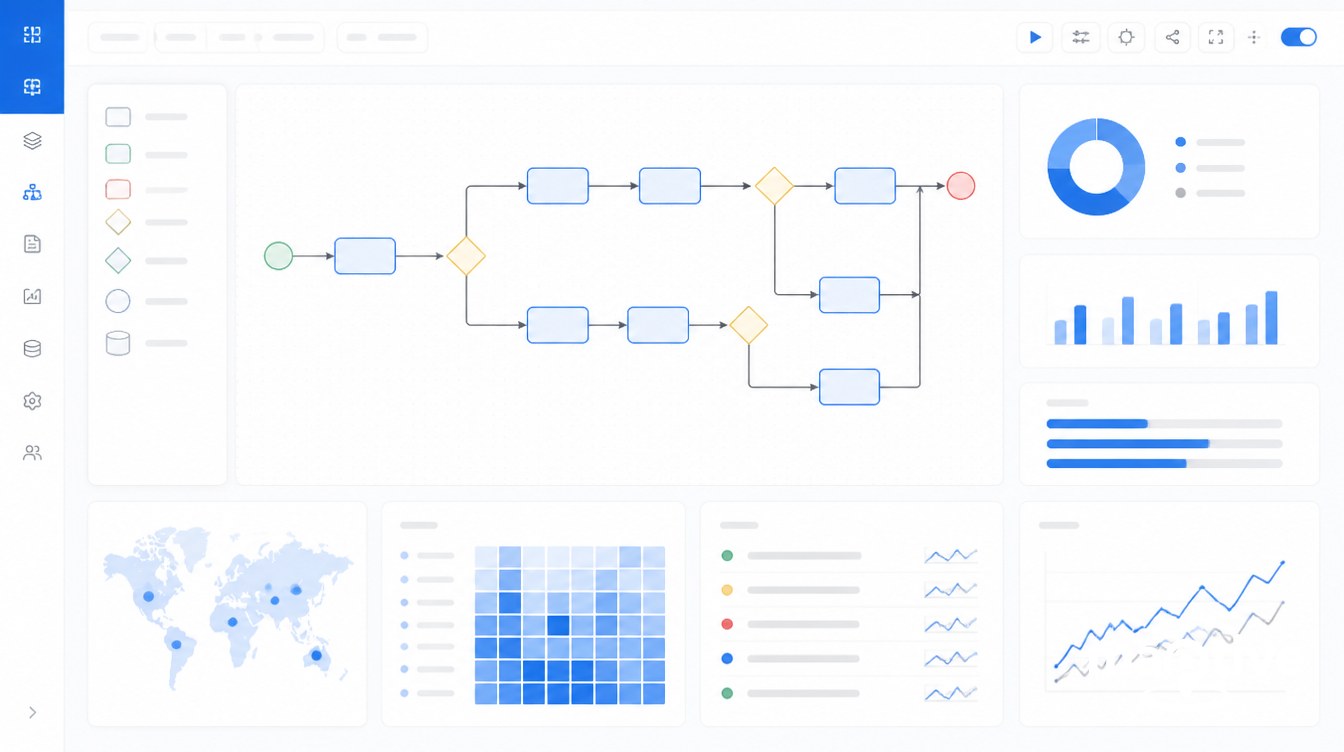
Business mapping software is a cloud, SaaS, browser-based product designed for non-GIS users. The category sits between consumer mapping like Google Maps and a full enterprise GIS. It adds analytical tooling that consumer maps lack, like territory boundaries, route optimization, heat maps, demographic overlays, and dashboard reporting, while keeping the interface accessible to a sales operations analyst or marketing manager.
The data input pattern is consistent across the category. A user uploads a CSV from a spreadsheet, syncs a list from a CRM like HubSpot, Microsoft Dynamics, or Zoho, and the platform geocodes the records and renders the map. Maptive and similar SaaS platforms are built around this CSV-to-map flow. Most teams build their first map within 30 minutes of signing up and have a functional dashboard live on day one.
The use case set is intentionally narrow. Core jobs are sales territory design and rebalancing, route optimization for outside sales and field service, lead and customer mapping from a CRM, store locator deployment, multi-location dashboards, and screening-level site evaluation. The platforms are optimized for thousands to low-millions of points per map, with a real-time ceiling around 20,000 records as a representative benchmark.
Users in this category have no assumed GIS training. The product is sold to revenue and operations leaders who want a working map in the same week they decide to buy. Adoption is measured in hours of self-guided learning, not weeks of classroom time. Security is handled through SOC 2 or equivalent SaaS attestations, suitable for typical business-confidential data like customer records, revenue figures, and territory plans.
The Decision Variables
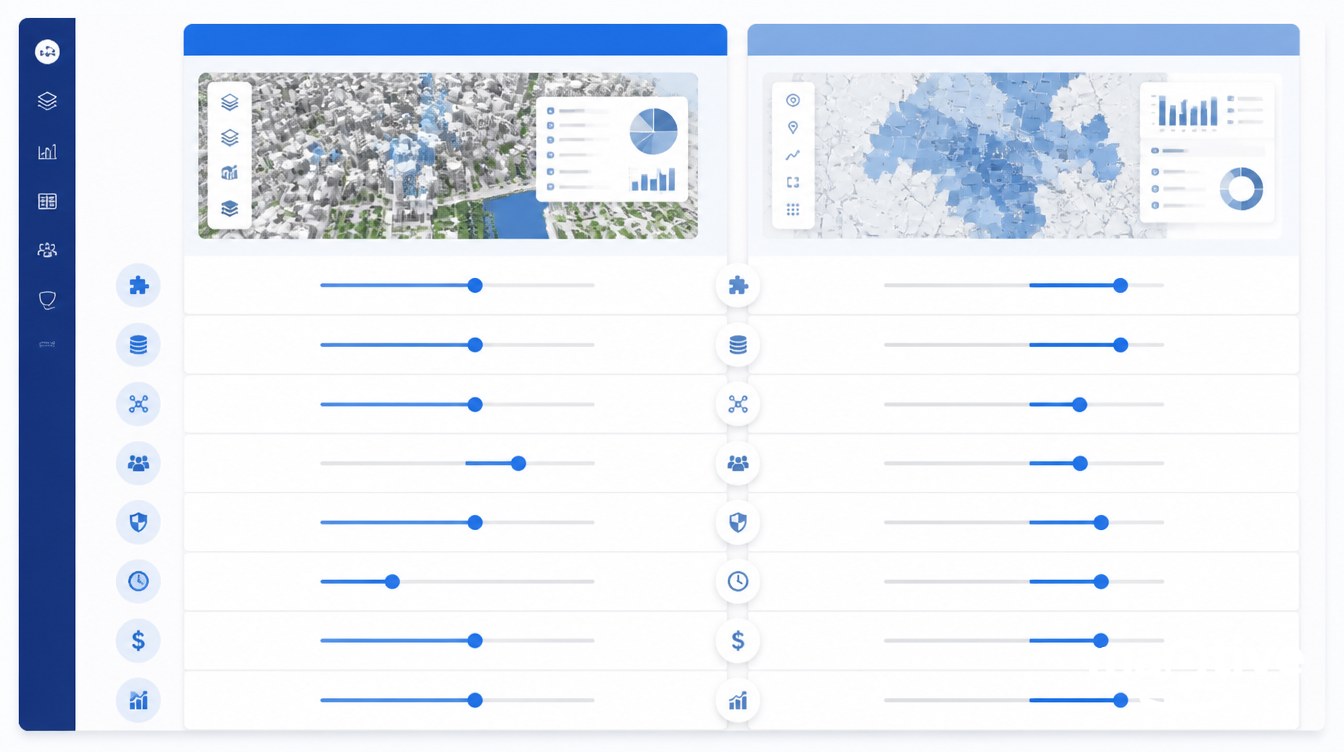
Five variables separate the two categories in practice. Each one points the decision in a single direction once the facts are on the table.
Cost
Enterprise GIS license costs scale with user type. Entry-tier annual subscriptions for the dominant commercial platform start around $460 per year, with Creator seats running roughly $845 per user per year including the desktop authoring application. Large enterprise rollouts move out of per-seat pricing into Enterprise License Agreements quoted directly by the vendor, a pattern consistent across the enterprise GIS software category. Electric utility and large-government installs land between $500,000 and $800,000 for the base install plus the ELA. Add on-prem server hardware at $3,000 to $5,000 per machine plus a Windows Server license at $500 to $1,100, plus one or two GIS analysts at $70,000 to $77,000 each, and a real enterprise GIS program often clears $100,000 per year fully loaded even at small scale.
Business mapping software inverts this. Per-user monthly subscriptions cluster at $30 to $150 across the category, with several entry plans below $50 a seat. Annual team plans commonly start between $1,000 and $5,000. There is no hardware to buy, no analyst to hire, and no separate database administrator. A 10-seat sales operations team can be fully equipped for under $15,000 a year.
Users and Skill Level
A GIS analyst job posting in 2026 expects coursework in geospatial fundamentals, a working knowledge of Python for geoprocessing automation, comfort with SQL and PostGIS, and project portfolios that demonstrate spatial analysis judgment. The job-ready path is 6 to 12 months of hands-on training on top of a 2 to 12-week structured course or certificate.
A business mapping user is a sales operations analyst, marketing manager, franchise development lead, field service director, or store-locator administrator. The product is sold on the assumption that the user has no GIS training. The first map is usually built inside 30 minutes of the first login. A team-wide rollout takes hours of self-guided learning, not weeks.
Use Cases
Enterprise GIS is the right fit for cadastral and land-records management, utility network management with SCADA integration, urban planning and zoning enforcement, transportation network analysis, environmental and hydrology modeling, remote sensing and raster analysis, defense and intelligence, public safety and emergency management, and any work that calls for advanced spatial statistics or custom Python toolboxes.
Business mapping software is the right fit for sales territory design and rebalancing, route optimization for outside sales and field service, lead and customer mapping from a CRM, screening-level site evaluation, marketing demographic overlays, trade-area analysis at a decision-making level rather than a modeling level, and multi-location dashboard reporting.
Deployment and Integration
Enterprise GIS deploys on infrastructure the customer manages, with integration points that include OGC standards like WMS, WFS, and WMTS, enterprise authentication through Active Directory, SAML, and OAuth, and deep SDKs for JavaScript, Python, .NET, and Java. Geoenablement of SAP, ERP, and asset management systems is a common project shape. The integration surface is wide and the implementation effort is correspondingly heavy.
Business mapping software deploys as multi-tenant SaaS managed by the vendor. Integration points are CRM connectors for HubSpot, Dynamics, and Zoho, CSV and Excel import and export, webhooks, and REST APIs of varying depth. Single sign-on through Google or Microsoft accounts is common. There is no installation, no database to manage, and no upgrade cycle to plan.
Performance and Scale
Enterprise GIS is built to handle millions to billions of features. Raster pyramids, mosaic datasets, and distributed processing through PostGIS plus a tiled-map server let analysts work with continental-scale rasters, parcel datasets covering entire states, and global feature collections. Open-source GIS desktops are CPU-bound and slow on very large files unless paired with a server-side database stack.
Business mapping SaaS is tuned for thousands to low-millions of points per map, with most platforms advertising a real-time ceiling around 20,000 records per map as a working benchmark. For sales territory rebalancing across a national footprint, route optimization across a few hundred stops, or store-locator deployment across a few thousand sites, that ceiling is well above what the use cases require.
When Enterprise GIS Is the Right Choice
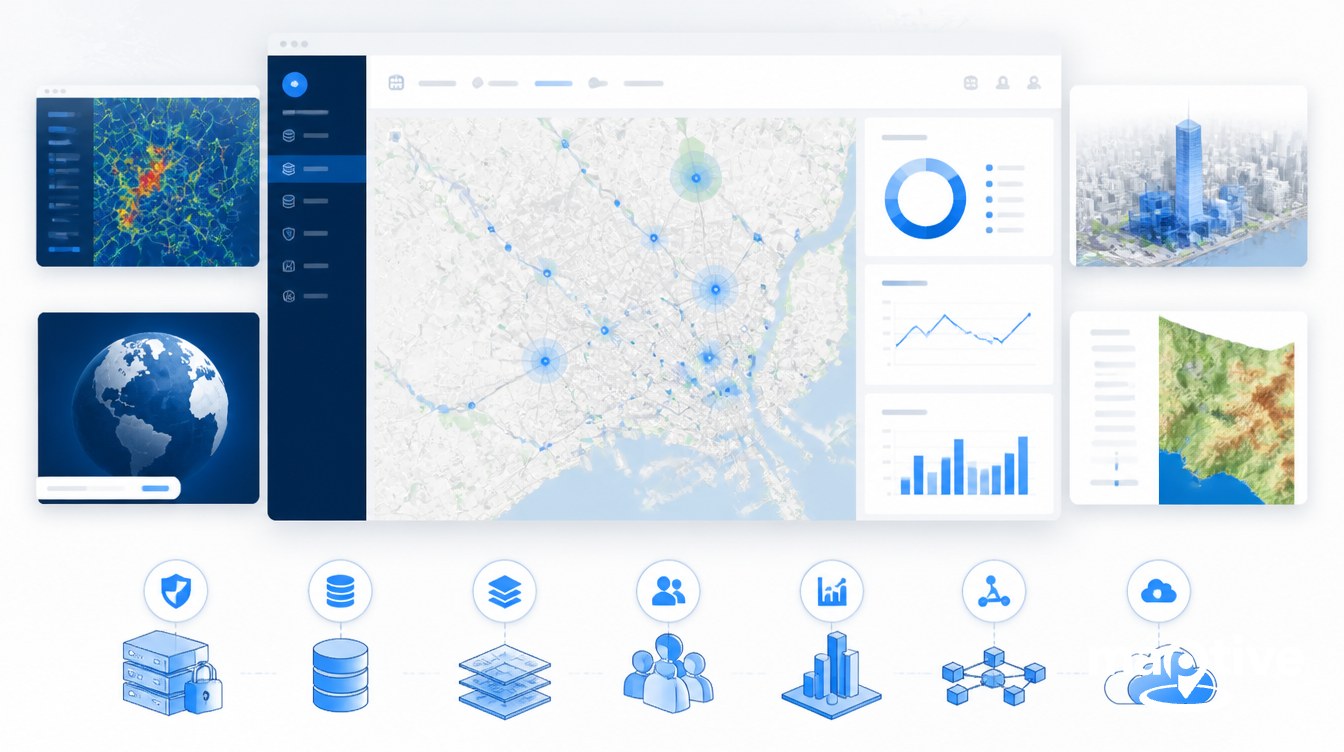
Enterprise GIS is the right choice when the work involves cadastre, parcel management, property taxation, or zoning. These are the foundational use cases the category was built around. The leading commercial GIS platform has been the standard for land records and cadastral systems worldwide for two decades, with no business mapping product positioned as a substitute.
It is also the right choice for utility network management. Electric, gas, water, and telecom utilities run their network models inside the geodatabase, link SCADA telemetry through the GIS as part of operational technology integration, and rely on the platform for outage analysis, asset management, and regulatory reporting. The $500,000 to $800,000 install benchmark cited above is the cost shape of these projects.
Urban planning, scenario modeling, zoning enforcement, and transportation network analysis sit in the same bucket. So do environmental analysis, hydrology, remote sensing, raster modeling, defense and intelligence work, and emergency management. Any task that calls for advanced spatial statistics, predictive modeling, custom Python or model-builder workflows, or print-scale production mapping falls inside the GIS category.
Security and compliance requirements push organizations toward enterprise GIS even when the immediate analysis might fit a SaaS tool. Workflows that require on-prem deployment, classified networks, CJIS for criminal-justice data, HIPAA-aligned controls, or strict data residency are difficult to handle in multi-tenant SaaS. A customer-controlled enterprise GIS install remains the standard answer for those buyers.
When Business Mapping Software Is the Right Choice
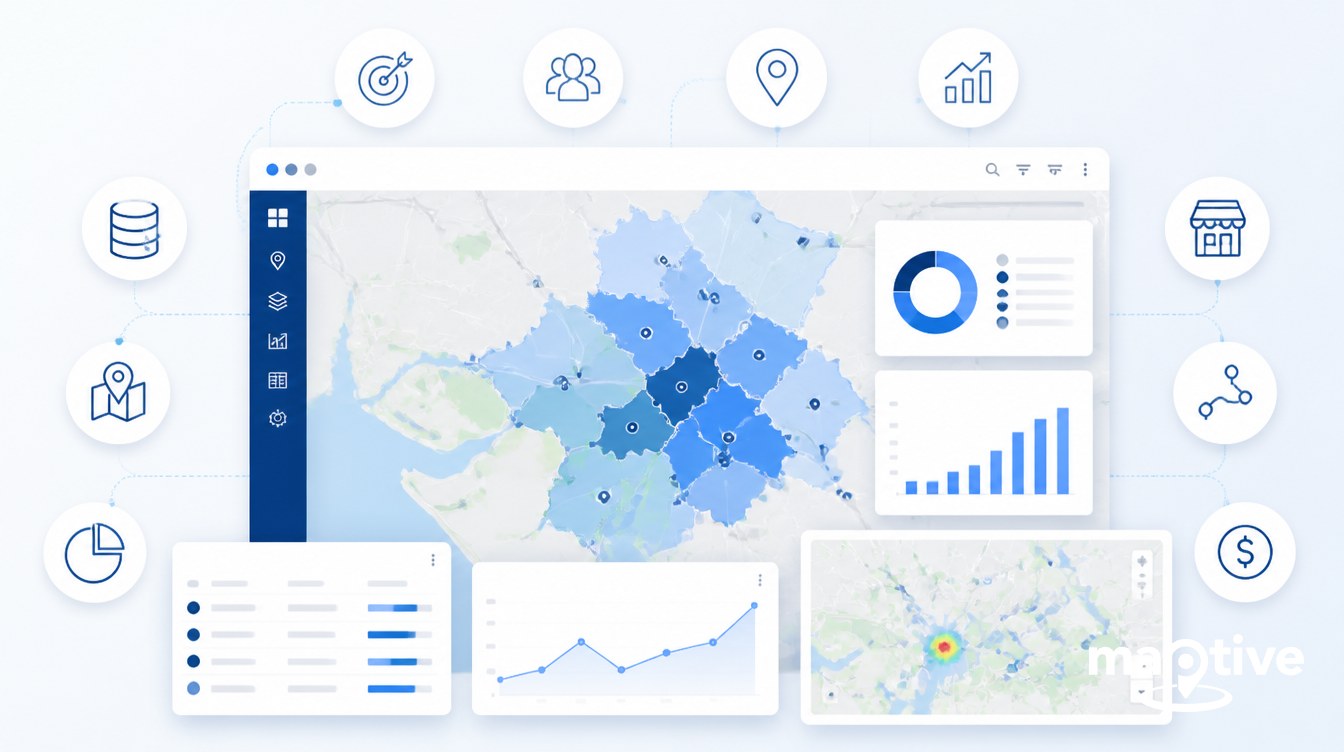
Business mapping software is the right choice for sales territory design and rebalancing. Sales operations teams using a purpose-built sales mapping software platform typically rebalance a national territory in hours, where the same job in a full GIS would take weeks of analyst time. Route optimization for outside sales reps and field service technicians fits the same profile. The platforms ingest a CRM list, optimize a multi-stop route, and push the result to a mobile app for the rep in the field.
Lead and customer mapping driven by CRM data is another core use case. A revenue operations team can pull an account list out of a CRM, overlay it on a map of existing customers, and run prospect-prioritization analysis without writing a line of code. Franchise development teams use the same workflow for screening-level site evaluation. Marketing teams use it for demographic overlays and trade-area analysis at a decision-making level. Multi-store and multi-location operators use the dashboard layer to track performance across a footprint.
Field rep day planning, mobile check-ins, and ride-along coverage tracking round out the category. None of these jobs need raster algebra, a geodatabase, or a Python toolbox. They need a fast, accessible interface, CRM integration, and a workflow the field team will actually open every day.
Many large organizations end up running both categories side by side. The enterprise GIS sits in the back office as a system of record, owned by a GIS department and integrated with ERP, CRM, and asset management. A business mapping platform sits on the front end for the revenue and operations teams, drawing curated layers from the GIS through APIs or shared databases. The split keeps both groups productive without forcing business users into a GIS interface or forcing analysts to work in a SaaS tool that lacks the analytical depth their work requires.
Frequently Asked Questions
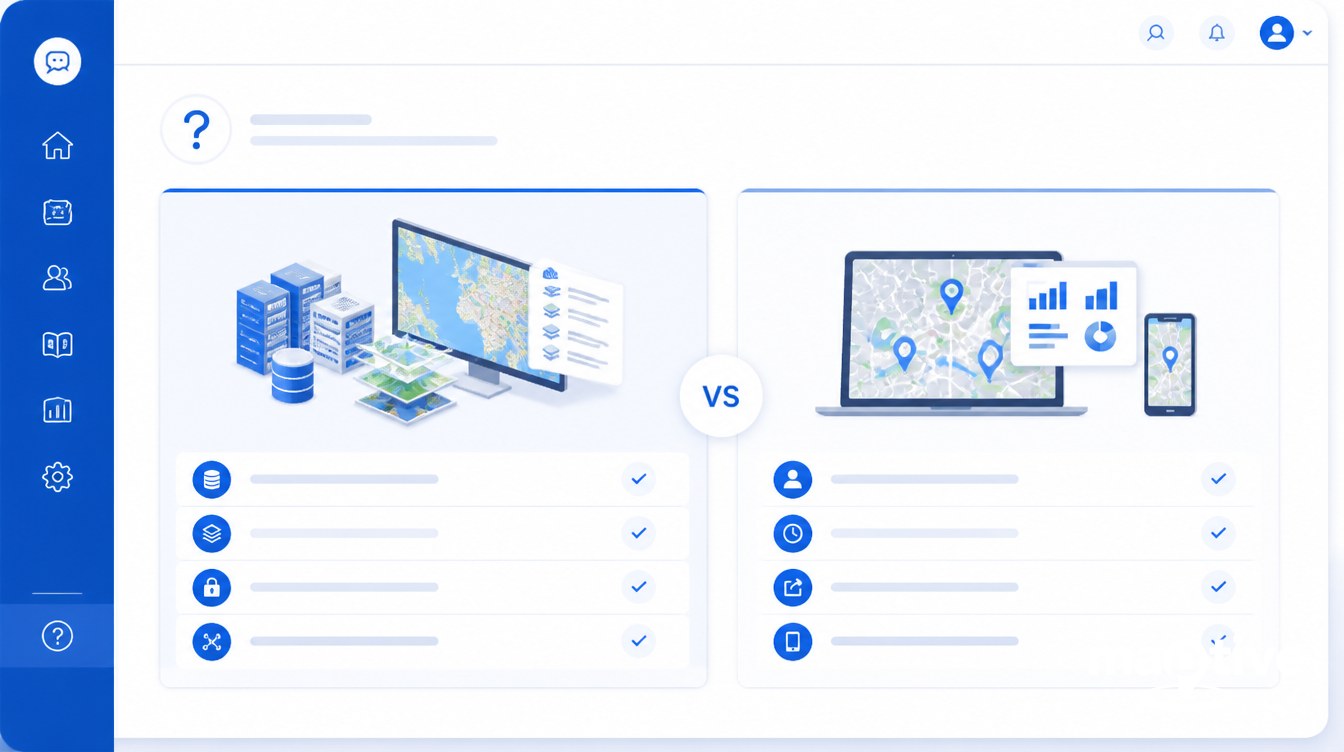
Do I need GIS or business mapping software?
An enterprise GIS fits work that involves cadastre, land records, utility networks, environmental modeling, urban planning, defense, or any analysis that requires raster, topology, multiple coordinate systems, or custom Python toolboxes. Business mapping software fits sales territory design, route planning, lead mapping, store-locator analysis, or any task where the inputs come from a CRM or spreadsheet and the users are non-GIS business staff. The fastest test is the user. If the person who will use it daily has no GIS training, business mapping is almost always the better fit.
What is the difference between GIS and mapping software?
A GIS is a complete system for capturing, storing, analyzing, and visualizing spatial data and combining it with descriptive attributes. Mapping software is primarily for display, turning a list of locations into a visual map. GIS answers spatial questions like what intersects what, where, and why. Business mapping software adds light analytics like territories, routes, heat maps, and demographic overlays to a mapping interface aimed at non-GIS users.
Is Google Maps a GIS?
Google Maps is a consumer-focused web GIS, so technically yes, but it lacks the analytical depth of a true enterprise GIS. It has no raster analysis, no spatial statistics, no model builder, no geodatabase, and limited business-data integration. For navigation, store locators, and embedded maps in consumer apps it is excellent. For territory planning, route optimization across hundreds of stops, or business spatial analysis, the right answer is either business mapping software or a full GIS.
How much does enterprise GIS cost per year?
Entry-tier subscriptions for the dominant commercial GIS start around $460 per year. Creator-level seats including the desktop authoring tool run roughly $845 per user per year. Large utility and government rollouts reach $500,000 to $800,000 for the base install plus an Enterprise License Agreement priced by user count. With one or two GIS analysts on payroll at $70,000 to $77,000 each, even a small enterprise GIS program often clears $100,000 a year fully loaded.
How much does business mapping software cost?
Most business mapping and territory tools fall in the $30 to $150 per user per month range, with entry plans as low as $39 a seat and annual team plans starting around $1,495. Representative 2025 to 2026 list prices in the category start near $39 per user per month at the low end and reach $125 per user per month for advanced tiers, with several vendors offering flat annual team plans from $1,495.
How long does it take to learn GIS software?
An introductory course on the dominant commercial GIS runs about two weeks. Longer structured paths run six weeks. Certificate programs are four courses over twelve months. Becoming job-ready as a GIS analyst takes 6 to 12 months of consistent hands-on project work. Open-source GIS basics can be picked up in a one-day workshop, but enterprise-grade use requires Python and PostGIS skills, putting that path on a similar multi-month curve.
How long does it take to learn business mapping software?
Most business mapping SaaS tools are designed for non-GIS users to build a first map in under 30 minutes and a functional dashboard on day one. Team adoption is measured in hours of self-guided learning, not weeks. The tradeoff is less analytical depth than a full GIS in return for a much faster time to value for business users.
Can business mapping software replace enterprise GIS?
No, and the category is not trying to. Business mapping software handles a deliberately narrower scope of address-based data, territory and route work, heat maps, and dashboards. It does not replace raster analysis, network modeling, geodatabase management, or custom geoprocessing. Organizations that need both commonly keep enterprise GIS as the backend system of record and use business mapping software as the front door for revenue and operations teams.
Can you use enterprise GIS for sales territory planning?
You can, and large enterprises sometimes do, but the result is usually overkill. Sales territory rebalancing is a structured task that does not require raster algebra, projections, or a geodatabase. Doing it in a full GIS requires a trained analyst, which slows every iteration. Sales operations teams using a purpose-built business mapping platform typically rebalance territories in hours instead of weeks.
What are the most common mistakes when choosing GIS or mapping software?
The five recurring mistakes are jumping into vendor demos without a written needs assessment, buying enterprise GIS for a sales-operations job, buying SaaS mapping when the use case is actually true GIS analysis, assuming free open-source GIS is cheaper after factoring in training and integration time, and ignoring who will actually use the tool daily. If only analysts can run the interface, business adoption stalls and the program fails to return on its investment.
When should I use a hybrid GIS plus business mapping setup?
A hybrid setup is right when an organization has a real GIS department, such as a utility, public-sector agency, or large retailer, and also has non-GIS business teams who need to act on location data. The pattern is to keep an enterprise GIS or PostGIS database as the authoritative spatial store, then expose curated layers and dashboards to sales, marketing, or operations through a business mapping tool or embedded web map. The result avoids duplicating data and avoids forcing business users into a GIS interface.
How many data points can business mapping software handle versus enterprise GIS?
Business mapping SaaS is generally tuned for thousands to low-millions of points per map, with a real-time ceiling around 20,000 records per map as a working benchmark across the category. Enterprise GIS handles millions to billions of features when backed by a proper geodatabase or PostGIS plus tiled services. If the dataset is bigger than what a CSV can comfortably hold, the work is most likely in GIS territory.